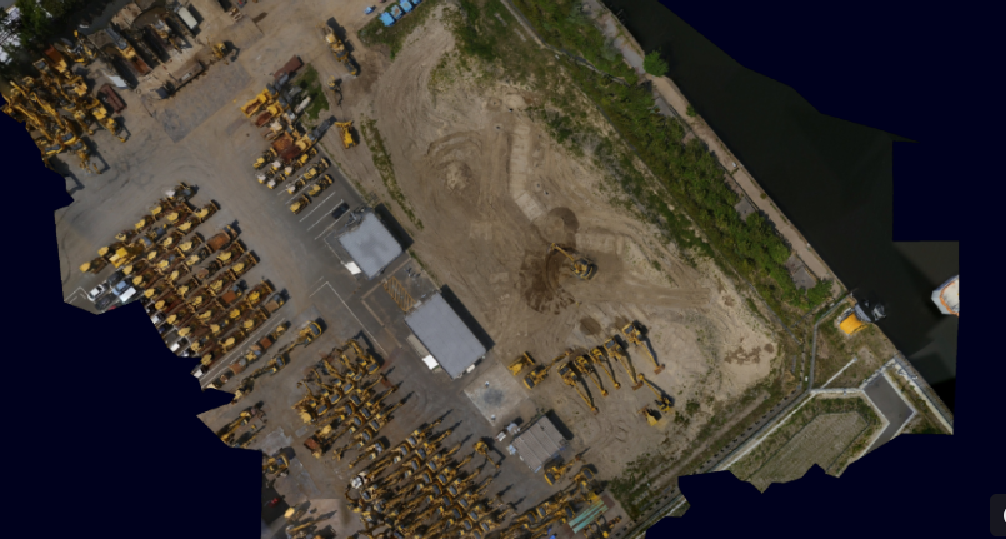
This article provides a detailed explanation on how to register and set up ortho data.
Ortho are aerial images of the terrain obtained from drone surveys.
In addition to TIN (design data) and point clouds (pre-construction topography), viewing the ortho data makes it easier to visualize the site.
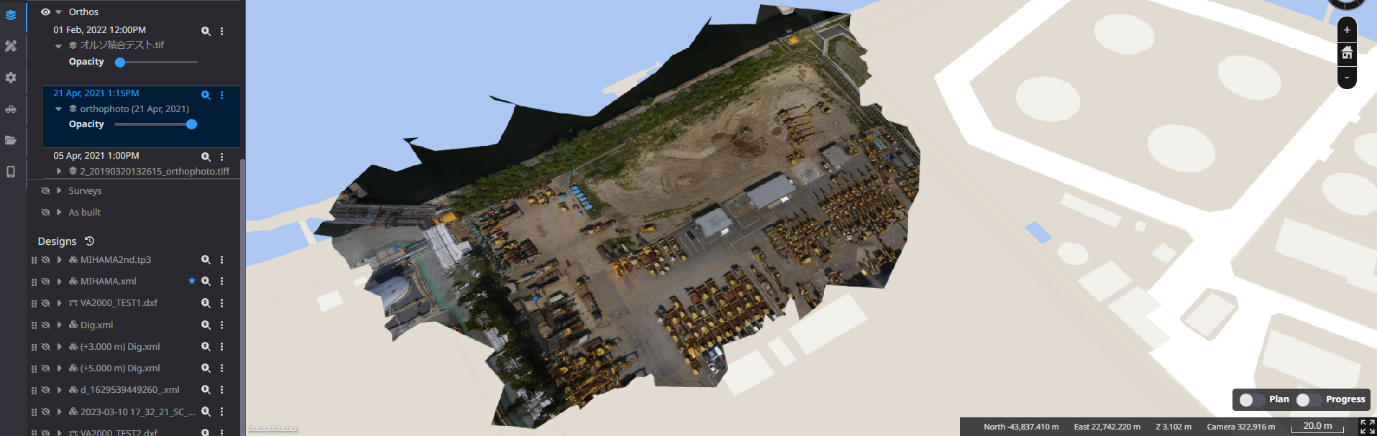
-
Click "Add data layer".

-
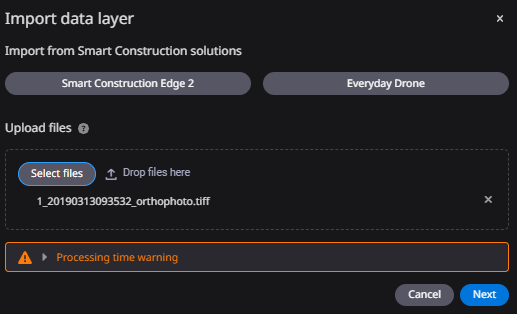
Upload ortho data files by drag & drop or from a local folder.
If two or more ortho data files is registered, they can be automatically merged.
When uploading DTM or DSM files, they can be uploaded in GeoTIFF format.
-
Set a time stamp (date and time of data registration) as the time of registration and click "Import".
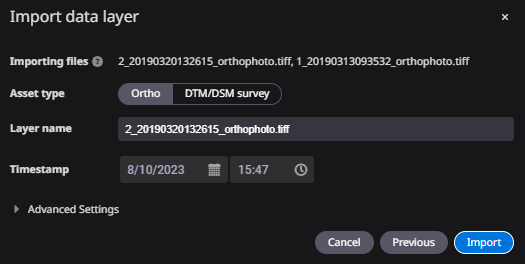
Display Ortho Image