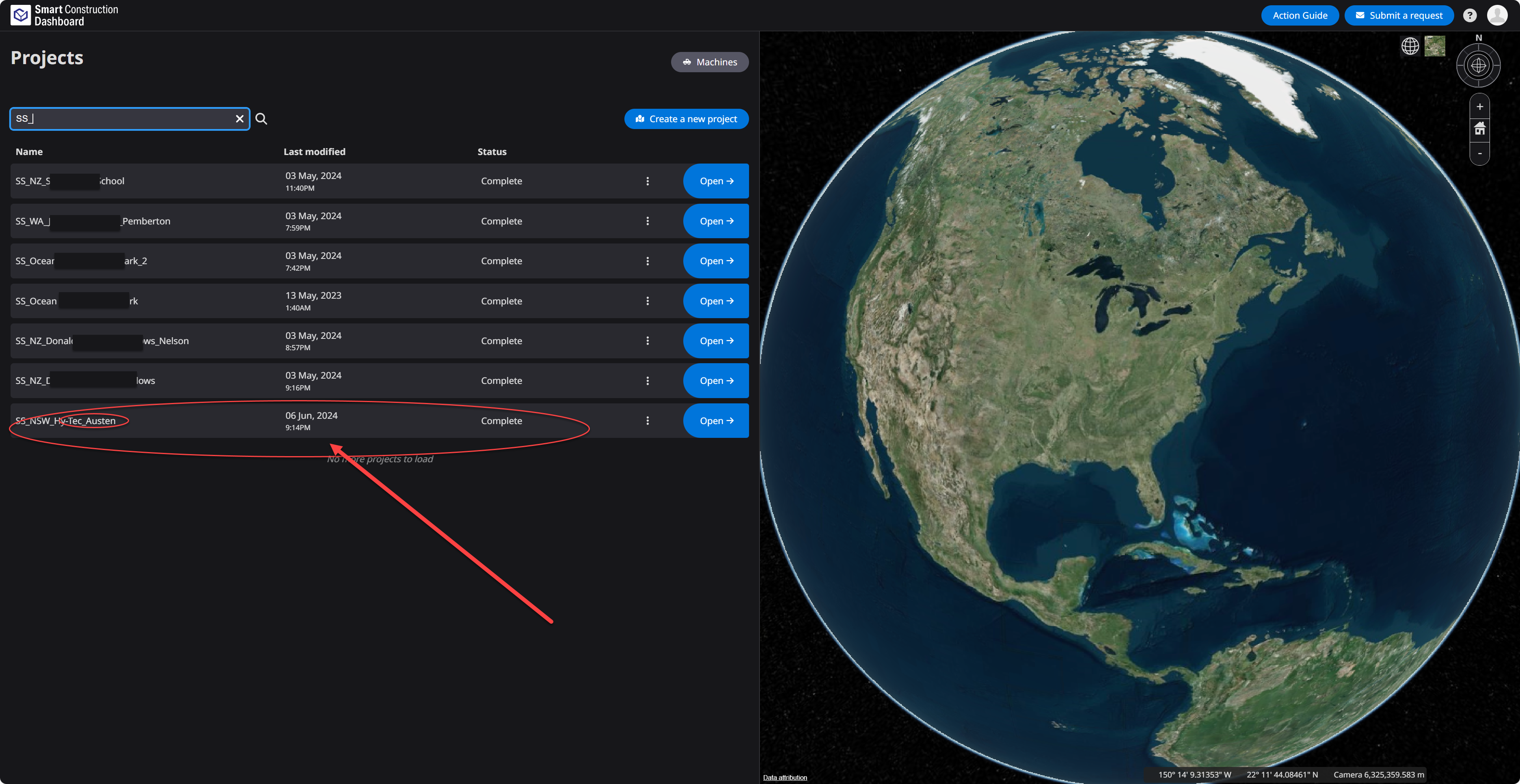
This article offers a comprehensive guide on archiving and unarchiving a site. Archiving proves beneficial when you wish to declutter your list of created sites, making it simpler to manage current ones. Furthermore, the option to unarchive sites remains available, allowing you to access all the stored information whenever needed.
Archive
-
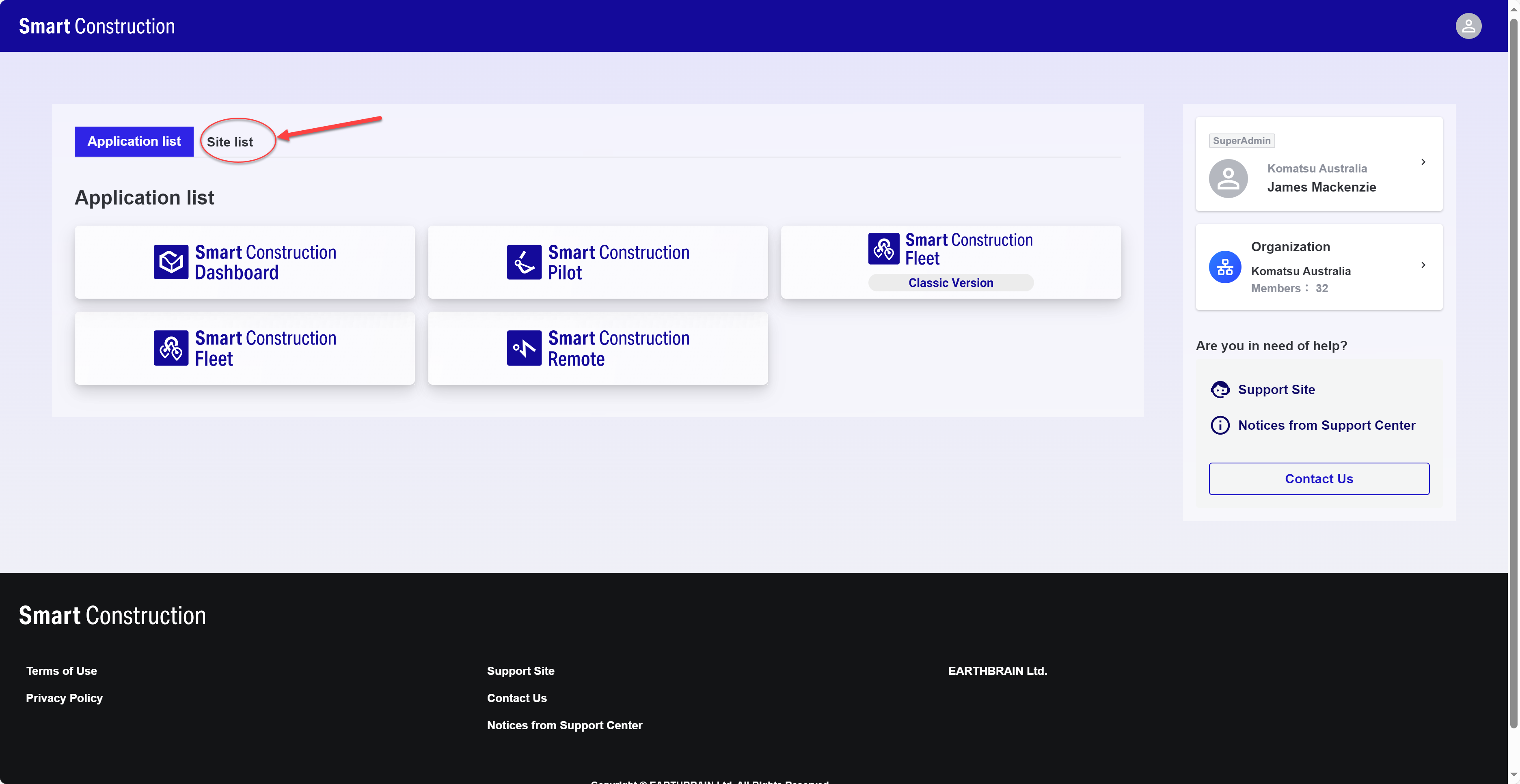
From SC Portal access “Site List”
-
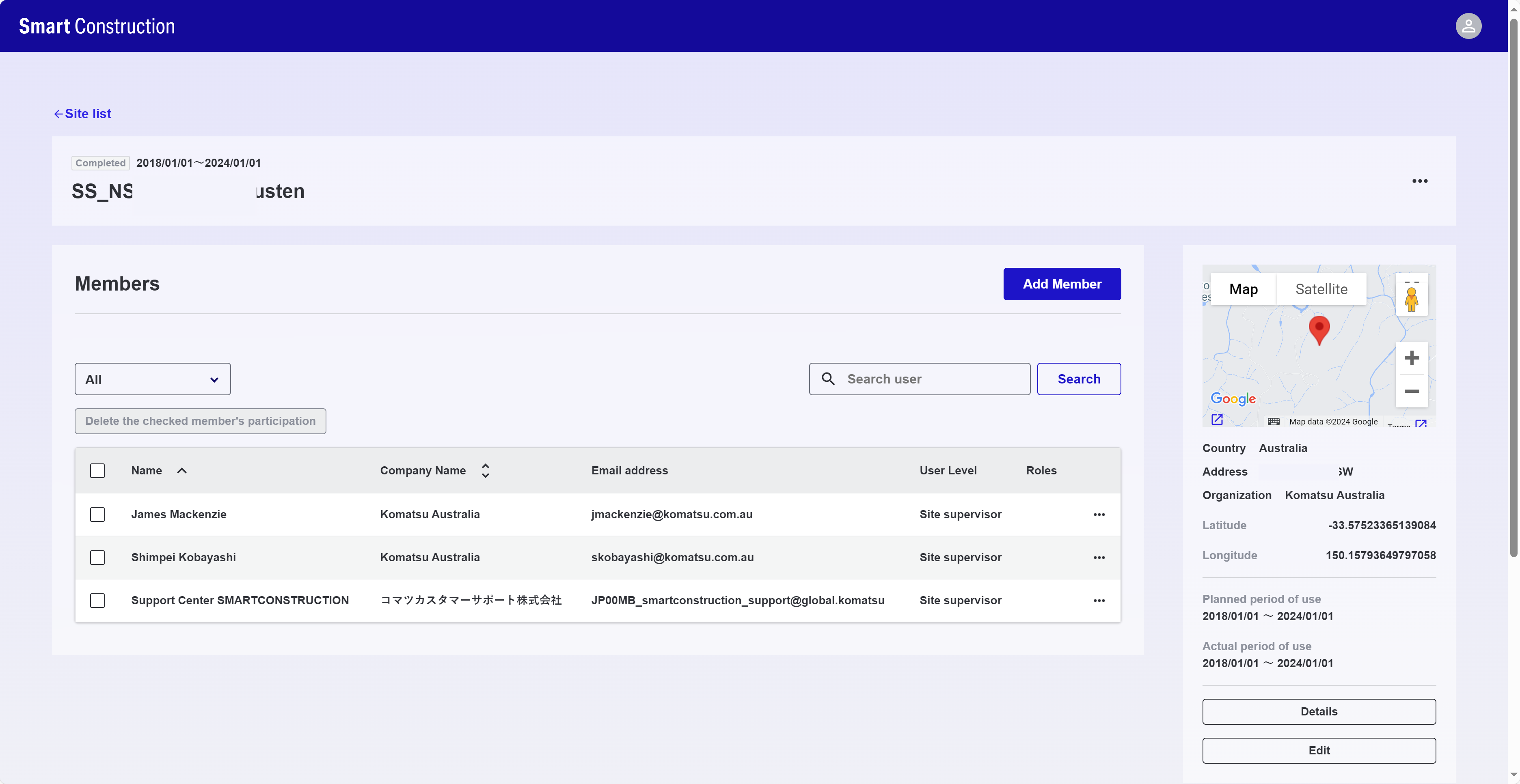
Find and select the site you want to archive from the list
-
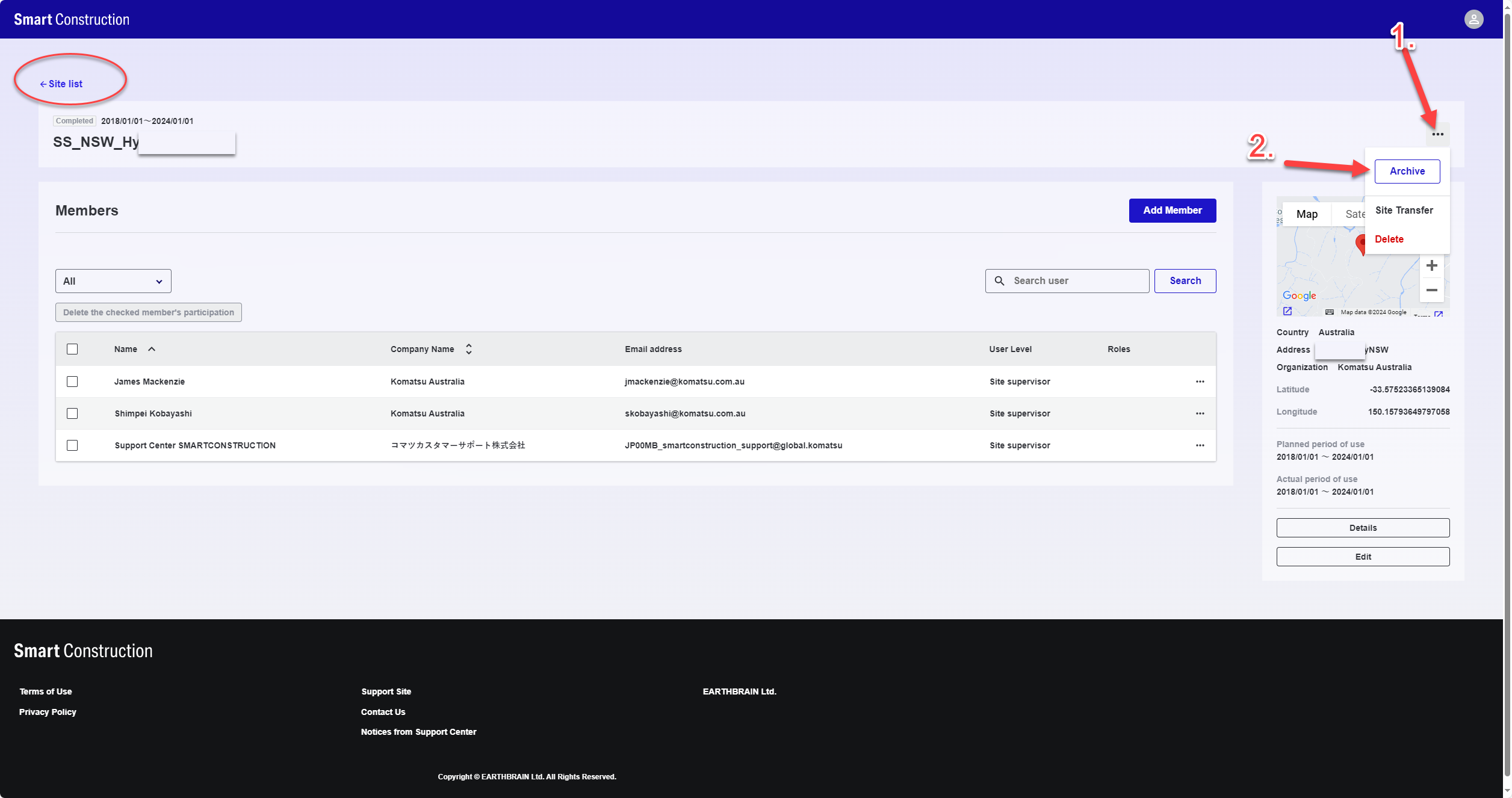
Click the three dots 1, the select “Archive” 2
-
Confirm by selecting “Archive”
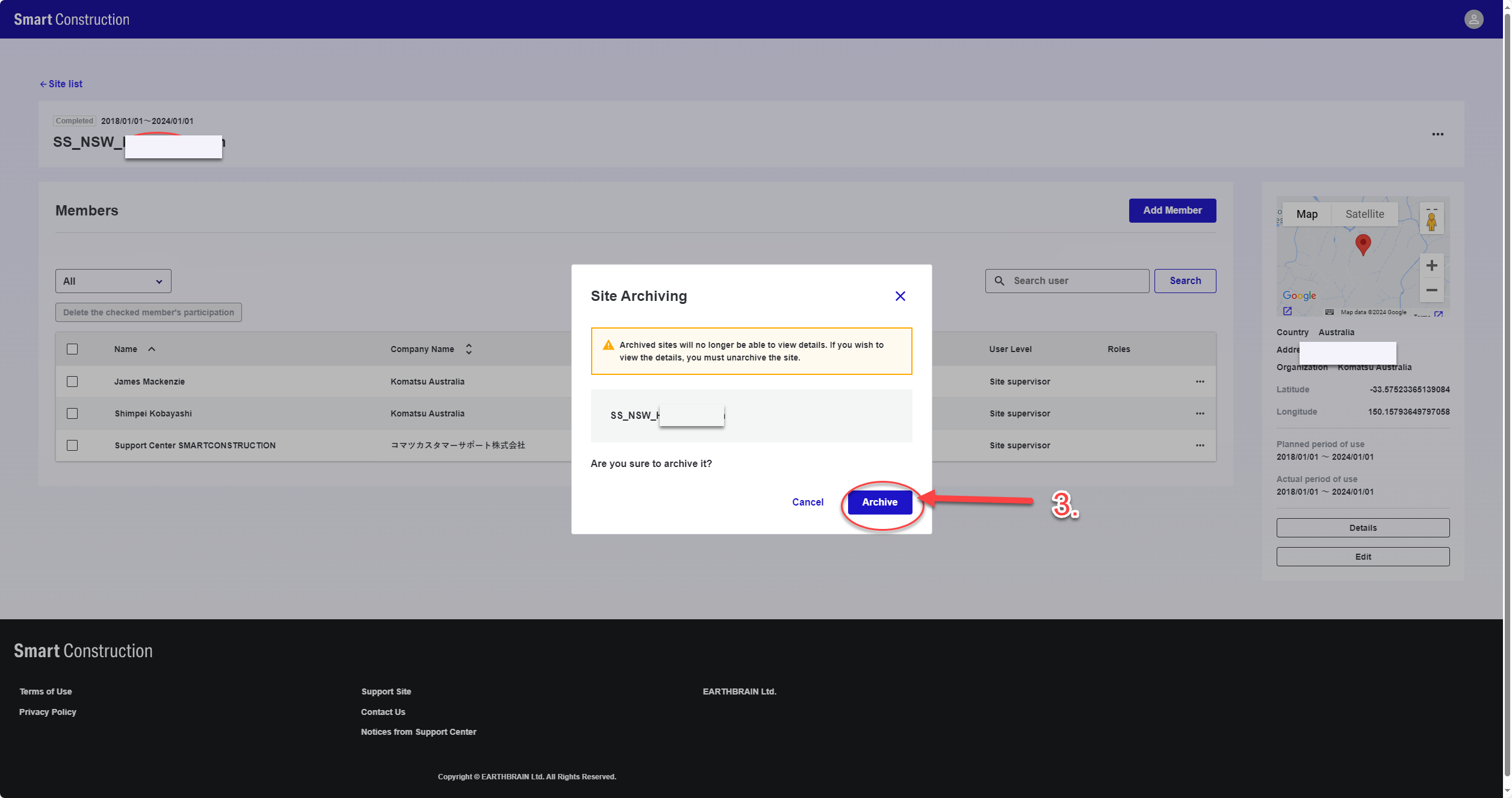
-
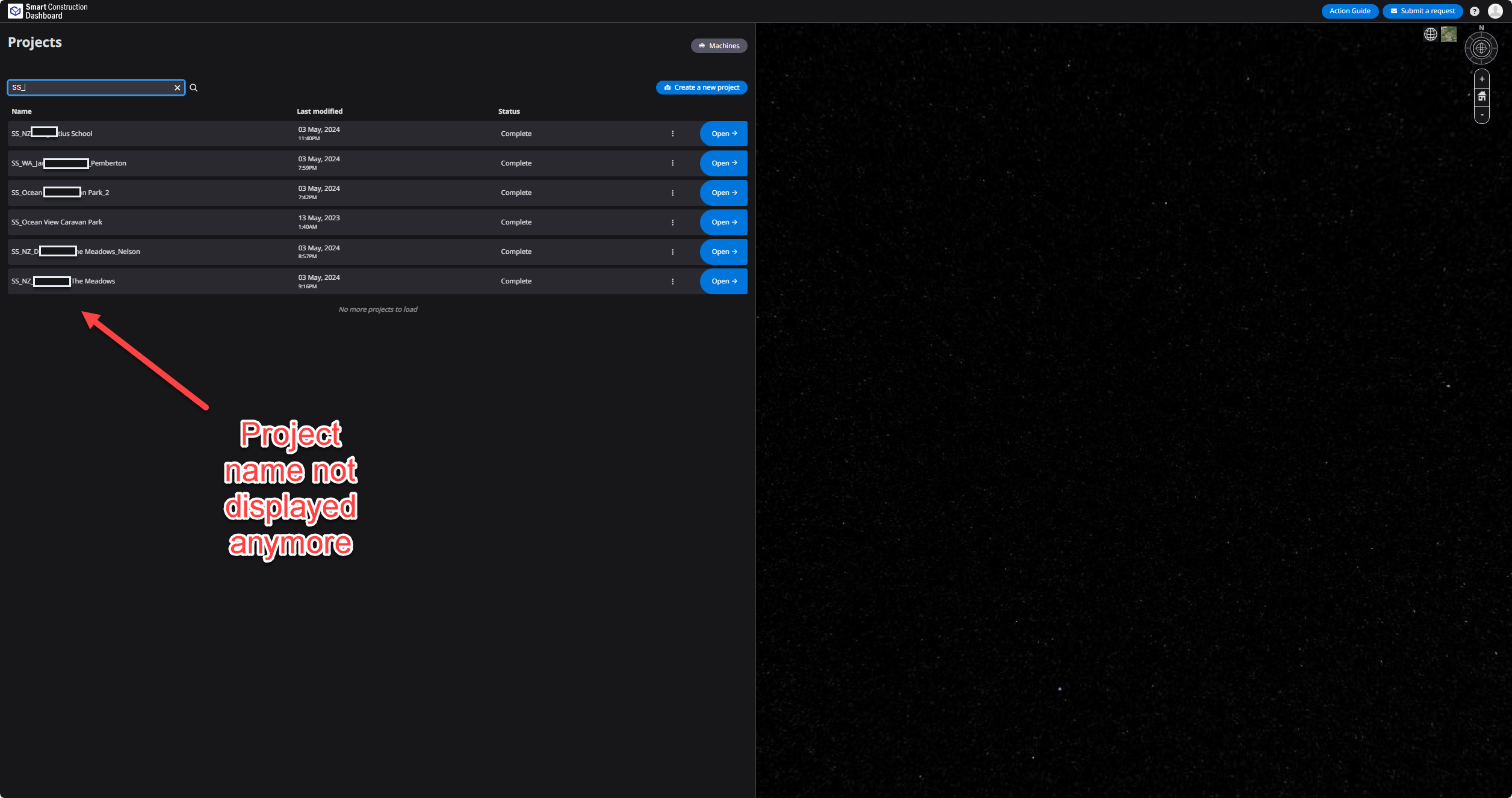
The site will now be archived fomr all SC Applicaiton and not display on the list name
Unarchive
-
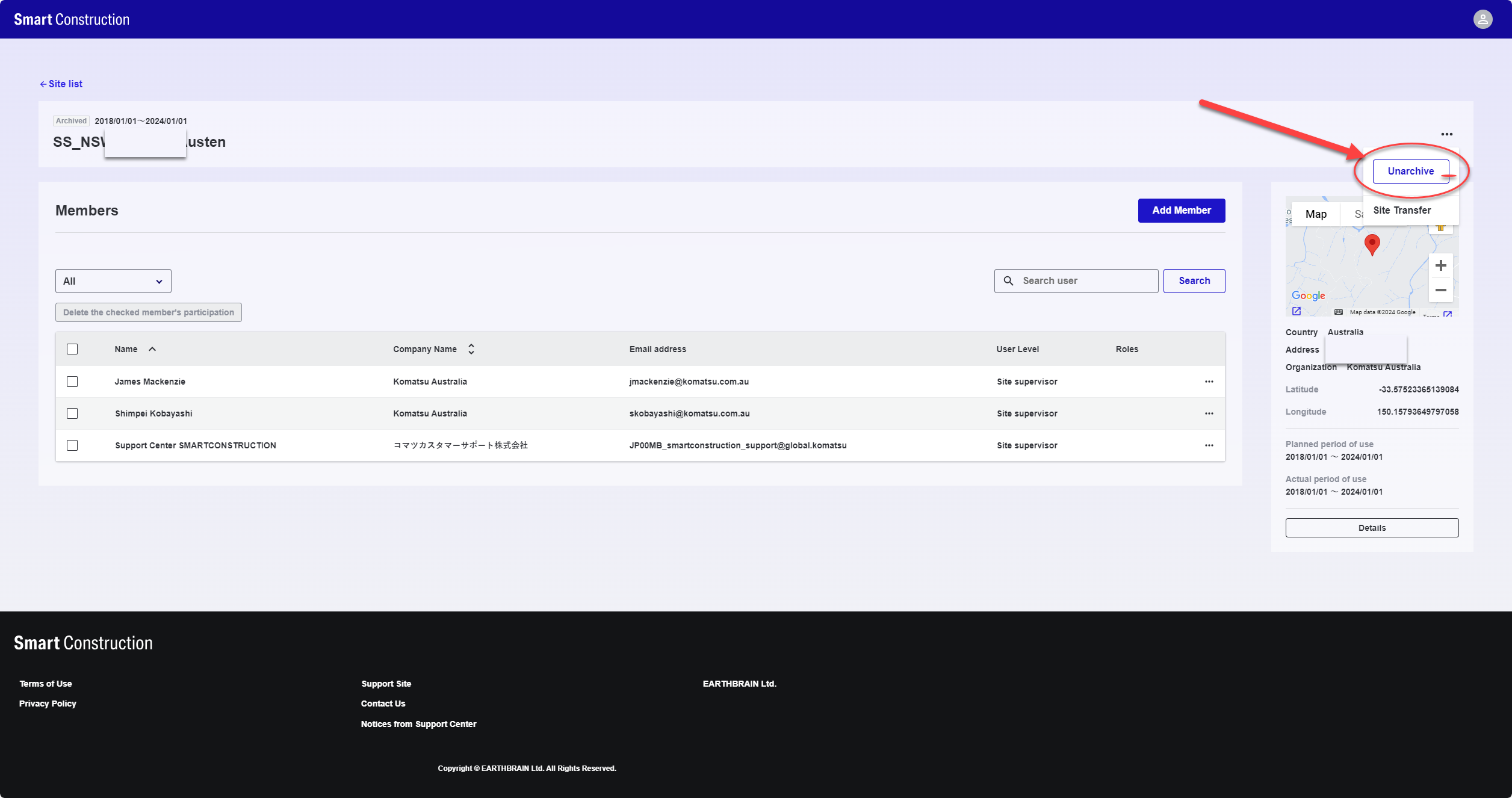
Repeat step 1 & 2 by accessing the site from “Site list” and selecting the project again.
-
Select Unarchive
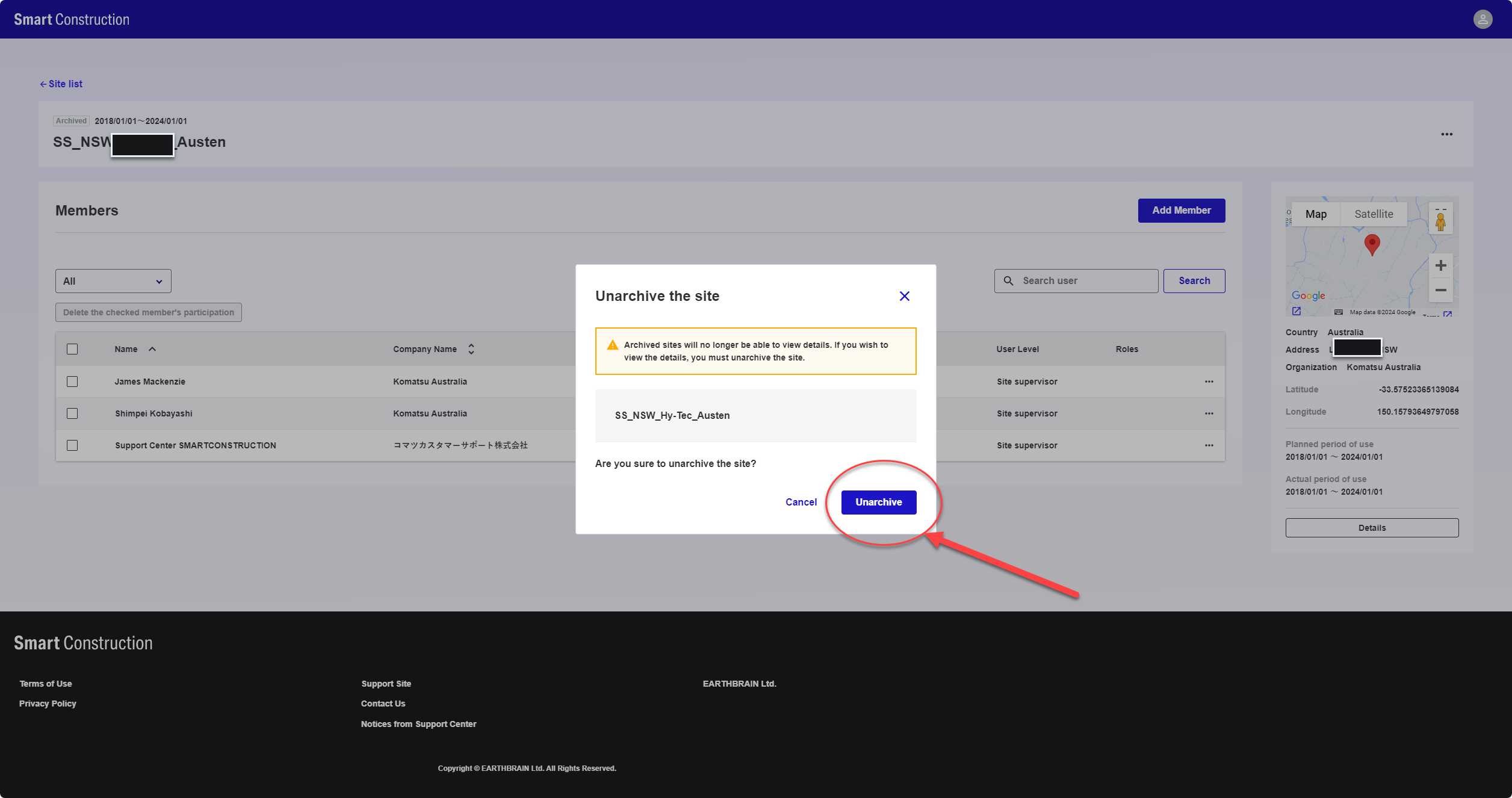
-
The project can now be accessed again