Introduction
This article provides a detailed explanation on how to group and manage the annotations you've created.
As construction management progresses, there will be many management annotations, including past annotations. Grouping
the annotations makes them easier to view and manage."
Procedures and Explanation
1. Click on the measurement icon in the side panel.

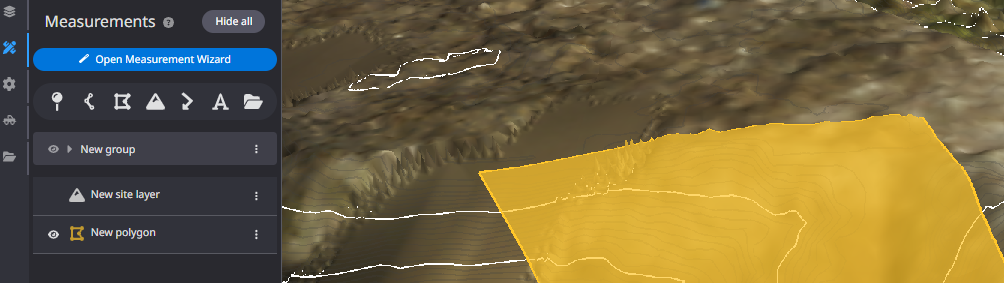
2. Click on "Group" and create a folder for the group.

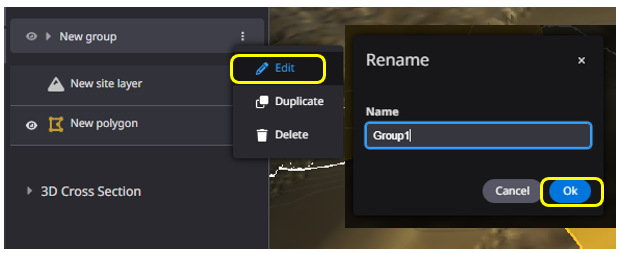
3. Change the name of the group as desired.

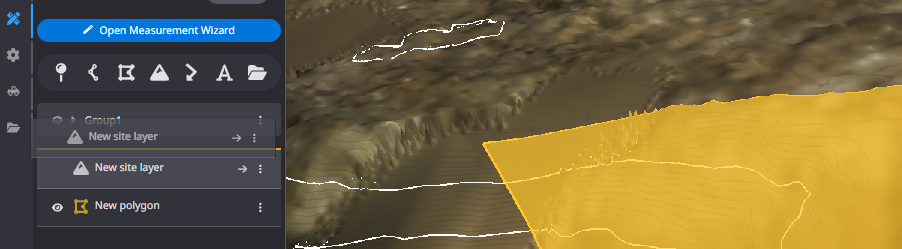
4. Drag and drop the annotations you want to manage into the created group.
The annotations are stored in the file and can be managed in each group.
5. You can check the management status of each group
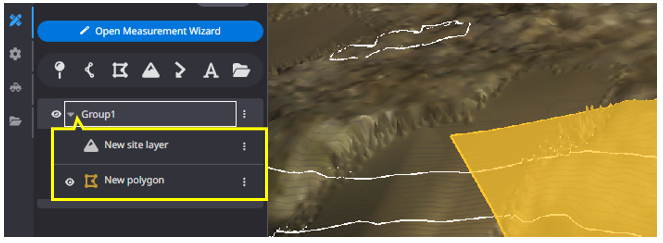
Click the "▶" mark"next to the group name to see the breakdown of the group.