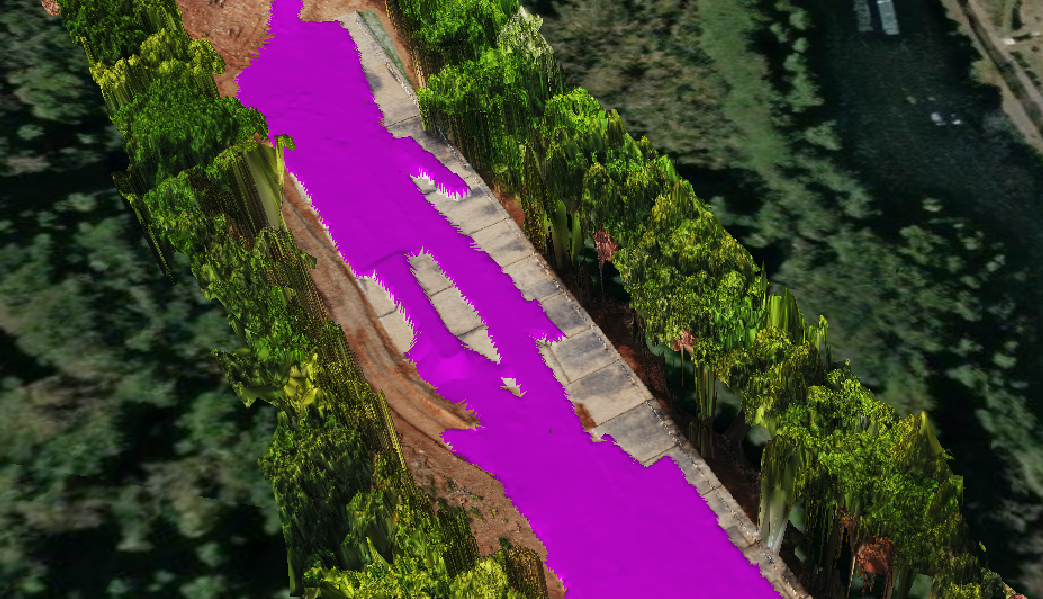
This article provides a detailed explanation on how to manually register as-built data.
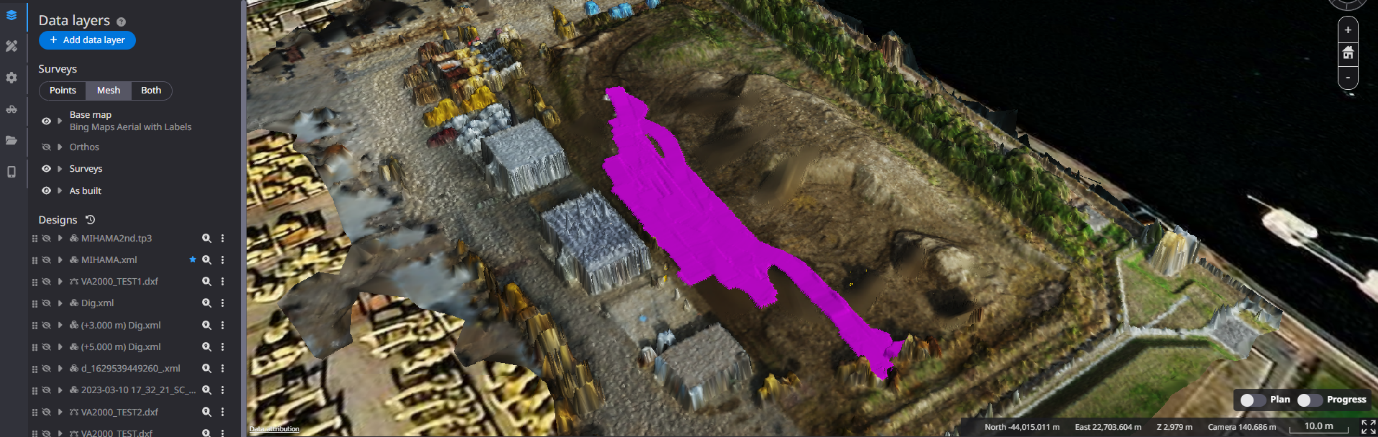
By registering the as-built data, you can visualize the progress of the construction.
Komatsu's ICT machine and EARTHBRAIN's 3DMG machine have the capability to automatically sync when connected to the internet. However, even for as-built data from other manufacturers or in environments without internet access, you can manually register the construction history by following the steps in this article.
Procedures and Explanation
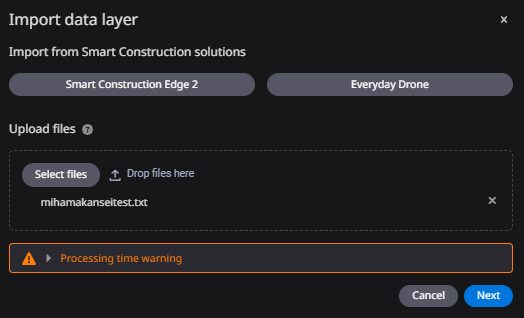
1. Click on "Add data layer".

2. Drag and drop the construction history data (as-built data) file or upload it from a local folder and click "Next".
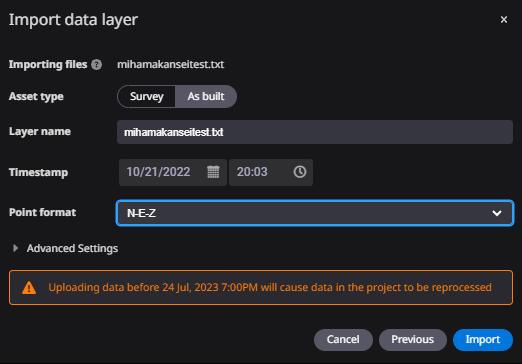
3. Select "As built" for the asset type.
Set the time stamp (date and time of construction completion) as the registered time, and click "Import".
Advanced settings are not used.
Registered data will be displayed in purple.