
|
# |
Content |
Target Function |
Overview |
|---|---|---|---|
|
1 |
Enhancement |
Projects |
Dashboard provides the feature for non-licensed users to view reference-only projects. Reference-only project URLs can now be supported
<Description> This is a function that allows non-licensed users to check the status of a project by issuing a URL for project reference on the Dashboard from the “Generate shareable link” shown in the red frame in the figure below. You can create a shared link by clicking the “Copy” button on the “Generate shareable link” > “Set Set Expiration Date” > “Manage shareable Link” page. Only “Data Layer” and “Annotation and Measurement” can be viewed at the URL for project reference.
|
|
2 |
Enhancement |
Data layer |
Survey registered in DTM(GeoTIFF) format can now be converted to the project's coordinate system and downloaded. |
|
3 |
Enhancement |
Data layer |
The feature to automatically copy As-built registered in a project to storage is provided. *12/4 bug confirmed, scheduled for next release. |
|
4 |
Enhancement |
PDF Report |
Labels can now be displayed on the grid view of the PDF report to show the difference in elevation between the target and the current surface. Labels can now be displayed on grid diagrams in PDF reports
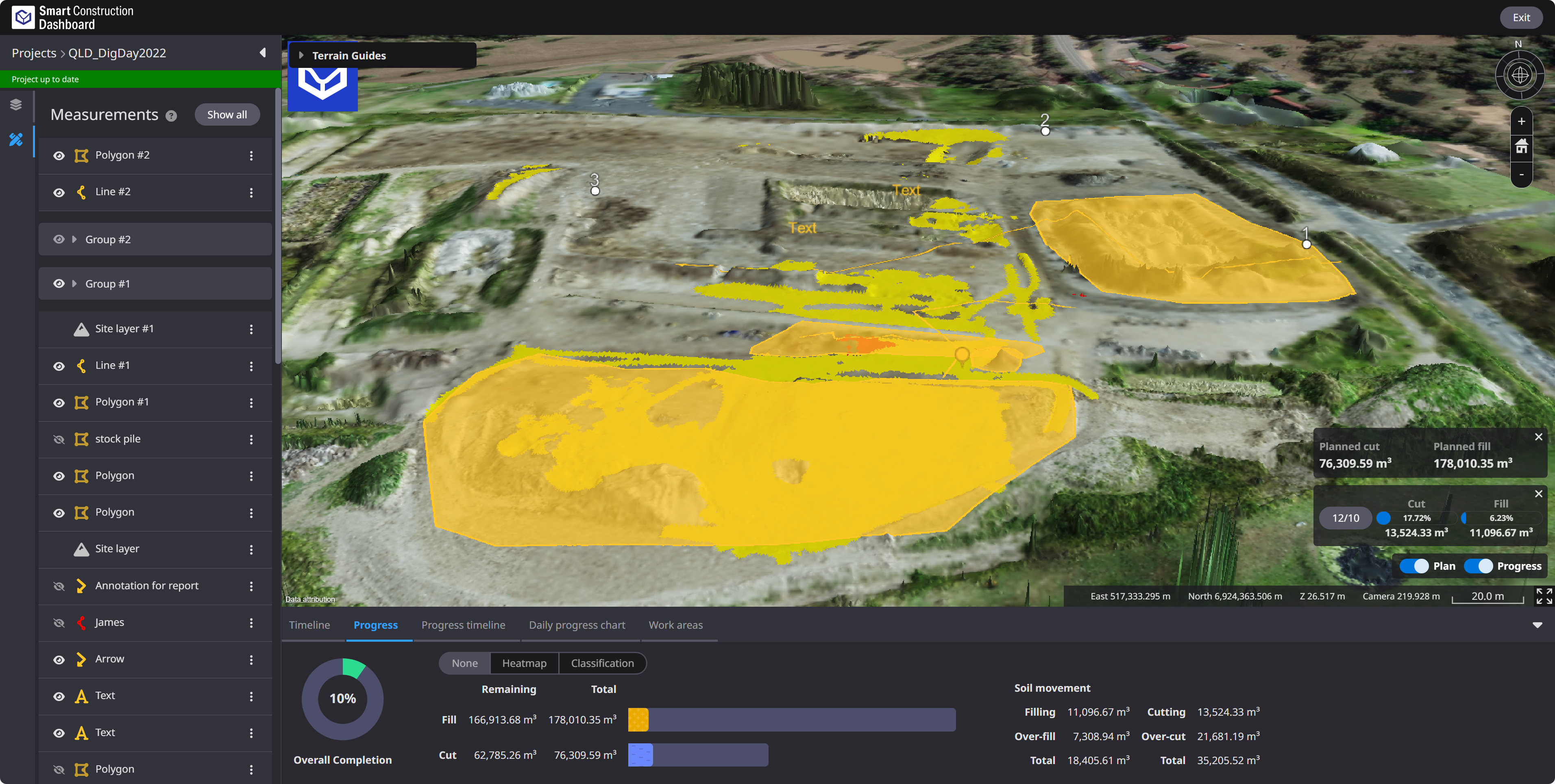
<Description> Dashboard provides the feature to show the elevation of each of the target and current terrain, as well as the difference between the two, on a grid diagram in a PDF report. Users can now use the values to more easily review the situation.
|
|
5 |
Bug fix |
Data layer |
When registering new survey data, “Embedded” coordinate system and “Ellipsoid Height” vertical reference can now be selected for custom projection settings. |
|
6 |
Bug fix |
Data layer |
Machine information in the As-built registered to a project can now be confirmed easily. |
|
7 |
Bug fix |
Measurements |
When setting up a measurement gradient, the correctly entered values could not be saved. This has been fixed so that it can be saved correctly. |
|
8 |
Bug fix |
Measurements |
When many measurements were registered, the initial display of a project sometimes took a long time. We have improved the process to improve the loading speed. |
|
9 |
Bug fix |
File transfer |
When the same file was transferred to machines multiple times, multiple files could appear in the “Machine Transmission” folder. This has been corrected so that only one file is displayed. |
|
10 |
Bug fix |
File transfer |
When manually uploading some files to Project files, it could not be registered and an error occurred. This has been corrected so that the files can be registered correctly. |