
#
|
# |
Content |
Target Function |
Overview |
|---|---|---|---|
|
1 |
New function |
Data layers |
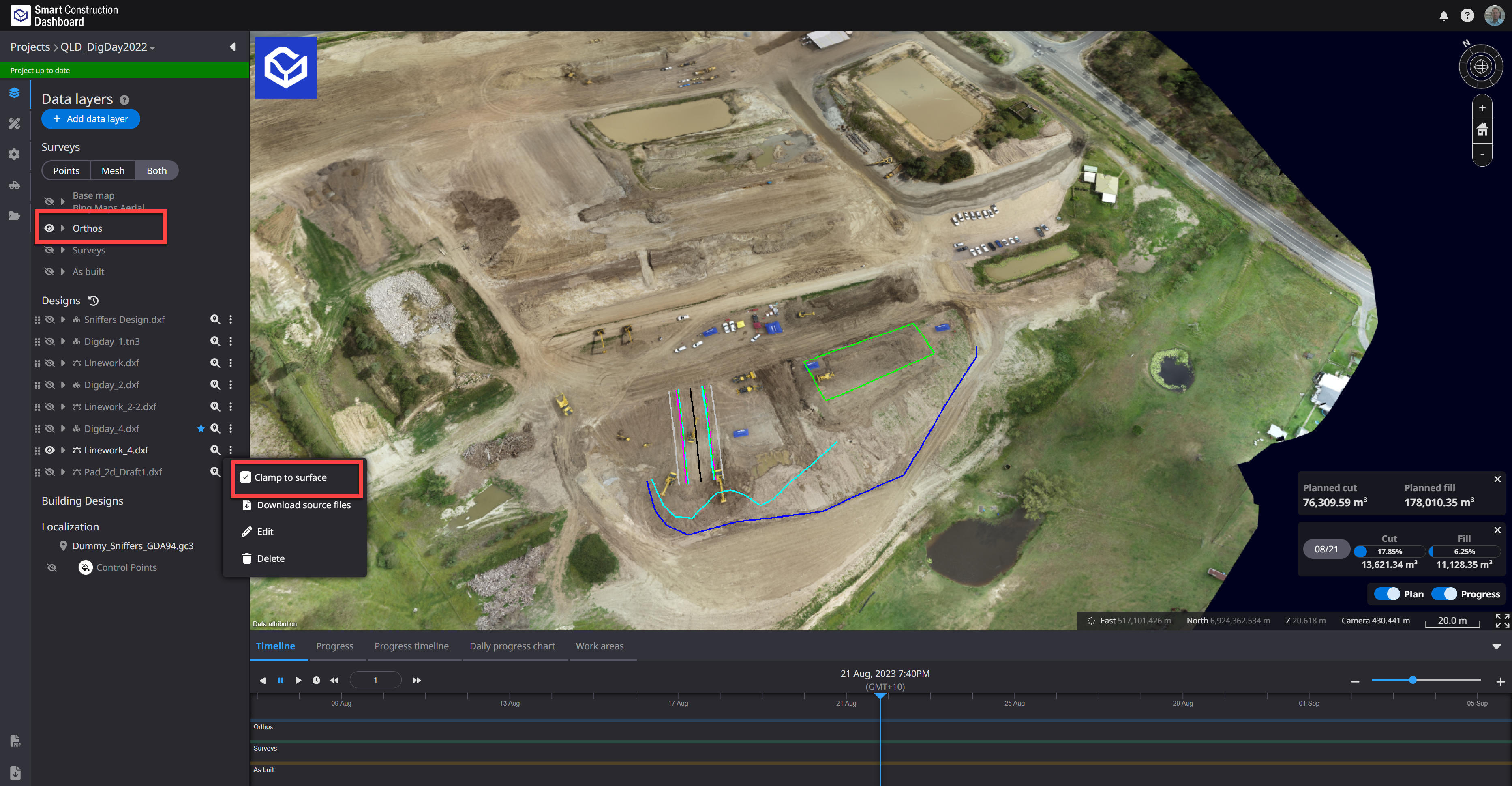
Design(linework) can now be clamped and draped onto Orthophoto data or the Base map. 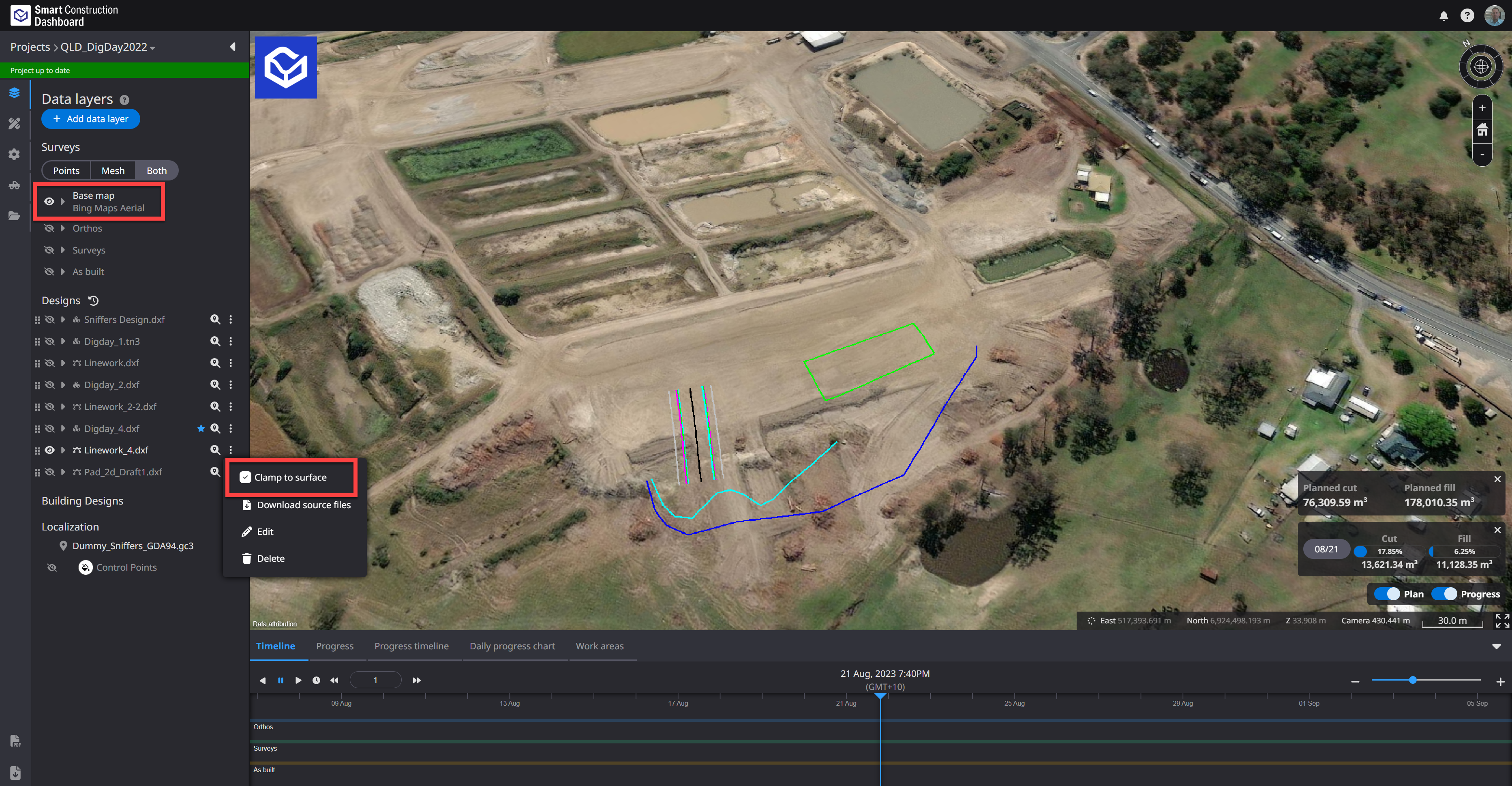
|
|
2 |
New function |
Data layers |
Fixed so that it is possible to zoom to a position lower than the Elevation of the Base map on the 3D map. It is now possible to display the excavated ground surface in detail from the Base map. |
|
3 |
New function |
Project Files |
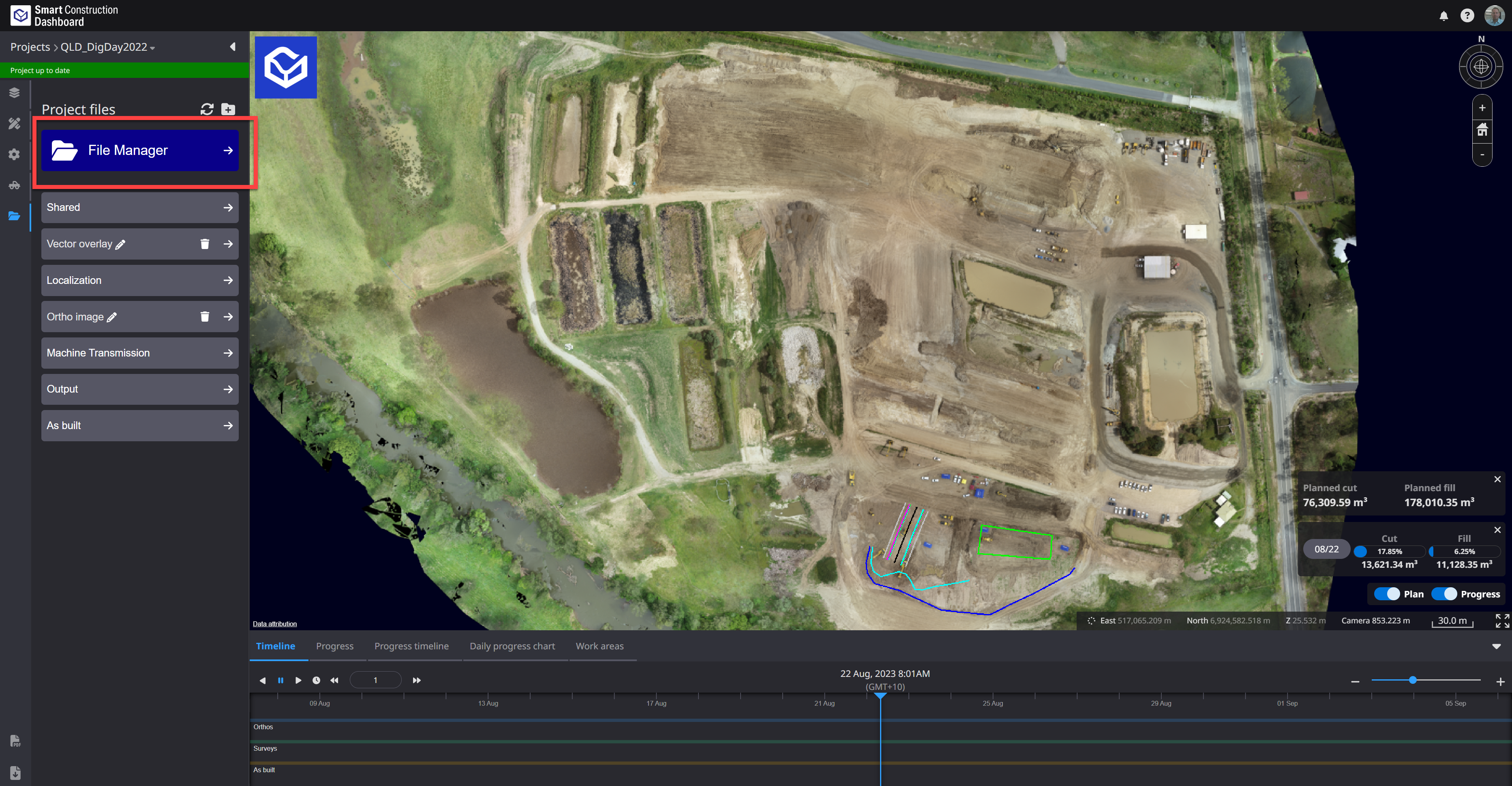
On the project file screen, we have prepared a link that allows you to transition to "File Manager". This link contains your Sites datasets to easily access Site data for Downloading or sharing. You can also create a personal folder and upload data for collaboration with other project employees.
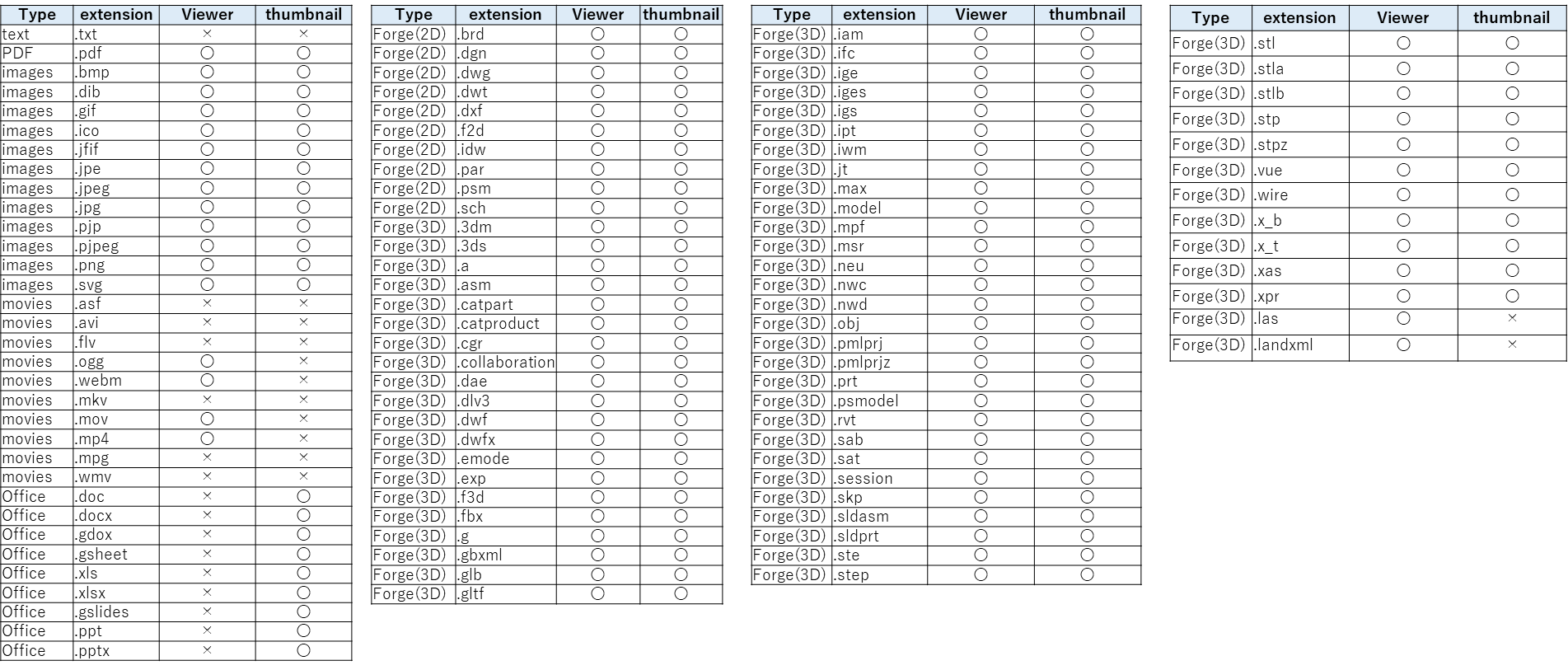
Basic Point cloud measurements can be done from here by double clicking a point cloud file. Only Local CRS Point Clouds at this stage. 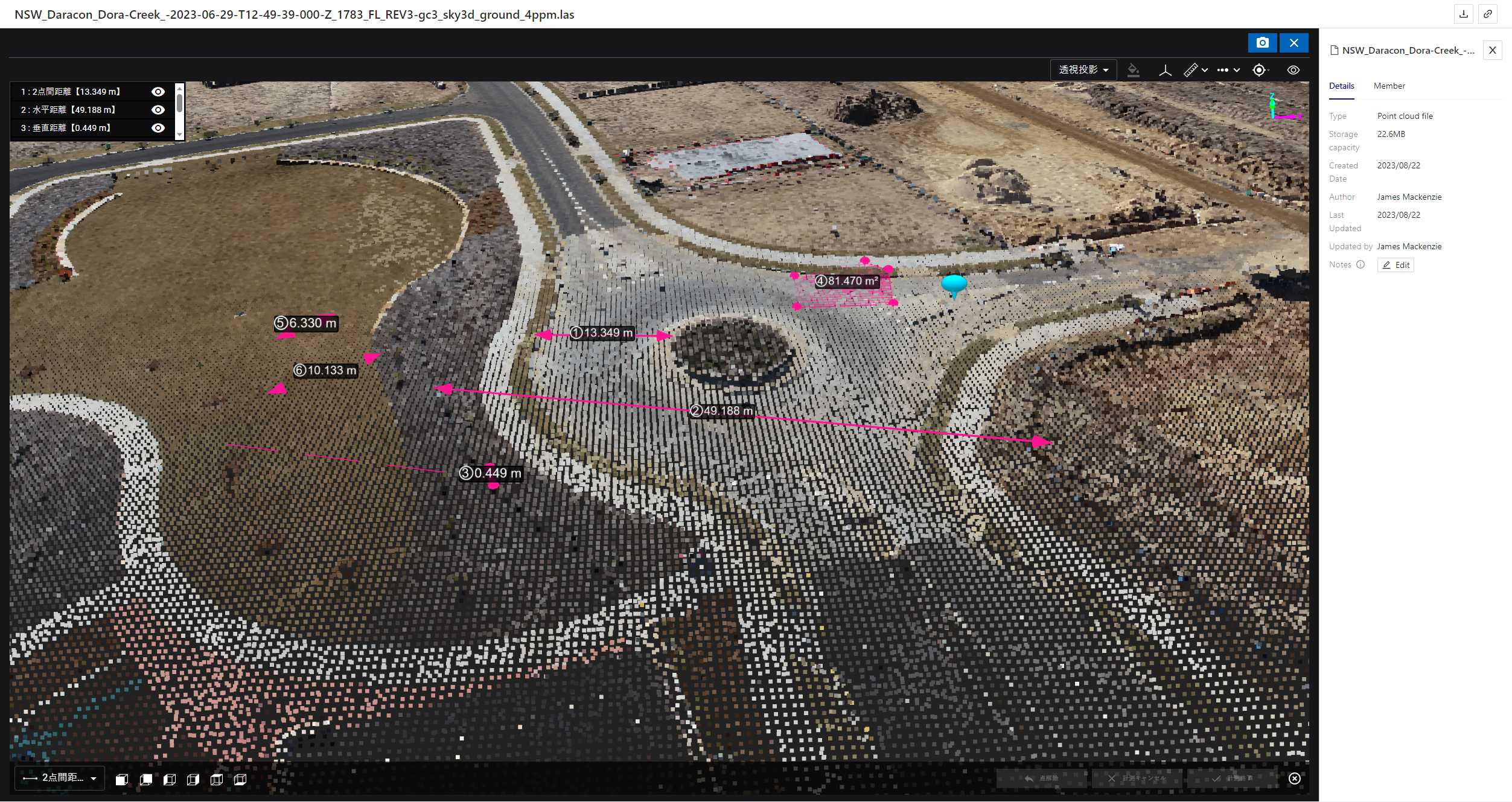
|
|
4 |
New function |
Data layers |
Fixed so that it is possible to zoom to a position lower than the Elevation of the Base map on the 3D map. It is now possible to display the excavated ground surface in detail from the Base map. |
|
5 |
New function |
Data layers |
Fixed to transition to the Project list screen when clicking the product logo on the upper left of the screen. |
|
6 |
New function |
Data layers |
Building design data created with IFC files can now be displayed on the Smart Construction Dashboard. |
|
7 |
Bug Fix |
Data layers |
When construction history was displayed in mesh view, the color of construction history was sometimes displayed.
|
|
8 |
Bug Fix |
Measure |
When viewing progress on the survey screen, some legends were not displayed correctly. Fixed to display correctly. |