17th April 2024 Release - New Functions & Bug Fixes

#

Content

Target Function

Overview

1

New Feature

Measurement

Gradient settings to be applied to the measurement heatmap now allow you to prepare presets and share them with project members.

Presets of heat map gradients can now be created for each type of measurement and shared by project members.
By creating presets, user can efficiently check the progress when they want to share settings among project members, or when they want to do multiple measurements.

How to use this function:

  1. Steps to set up presets for legends

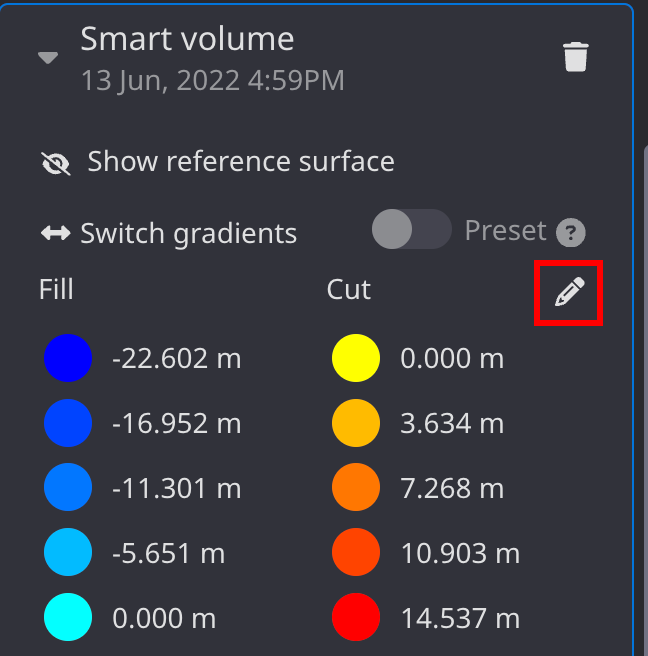
    1. From "Annotations and Measurements," select the toggle button (▼) for each measurement.2.

    2. Select the Edit button in the upper right corner of the legend (*see figure below)

      image-20240424-033616.png
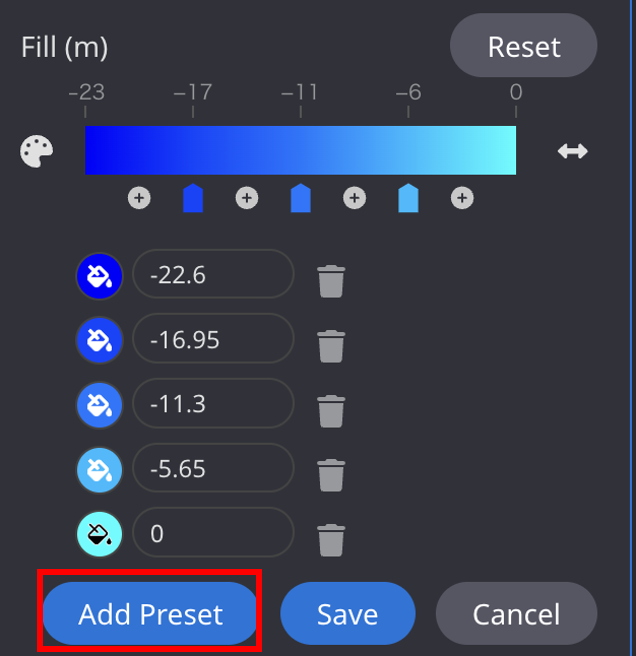
  2. Set the legend color settings and press "Add Preset" to save the preset.

    image-20240424-033739.png


    Steps to apply presets

    1. Go to each measurement from the "Measurements and annotations" tab

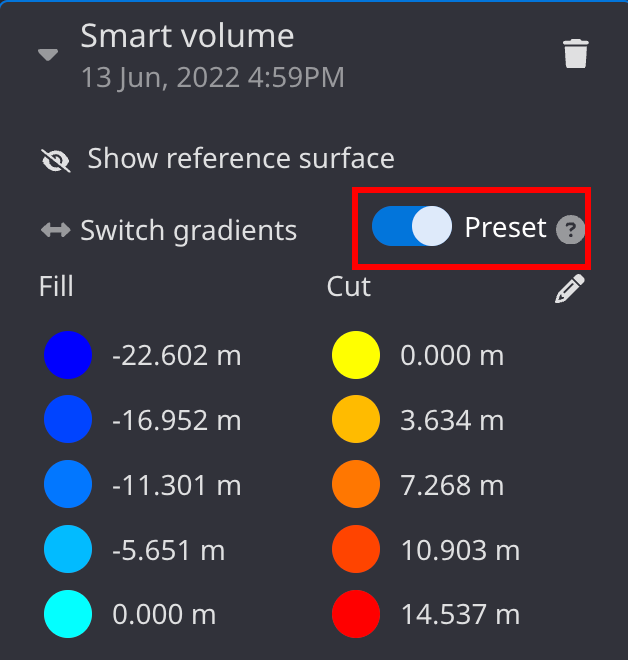
    2. Select the toggle button (▼) for each measurement and press the "Preset" button

      image-20240424-033808.png
    3. Presets will be applied.

Supported measurements:
-Cut and fill - Most recent > Design
-Cut and fill
-Reference volume
-Smart volume

2

Others

Data layer

The following changes have been made to the way design files are displayed.


When a project is displayed for the first time, only the target design data is initially displayed, and the design data can be selected at the user's discretion.
This will reduce the time required to display the topography when the application is launched.
The initial display will be hidden except for the design dataset as the target data.
The display information set arbitrarily will be displayed according to the settings from the second time onward.


The following changes have been made to the initial display of design files:

  • When users open a project for the first time, only the target design file is displayed.

  • Other files can be set to display by the user. The selected design files will be displayed according to the user's selections from the second time onward.

3

Others

Data layer

When data registration failed, users could not download the files that could not be registered. This time, we have corrected the problem so that users can download files that failed to register.

4

Bug fixes

Data layer

When creating 3D cross sections, design files under a group couldnot be selected. This has been corrected so that the files can be selected correctly.

5

Bug fixes

Measurement

When hovering the mouse cursor over an As-built with individual color settings, different colors were sometimes incorrectly displayed. Corrected to display correctly.