
Set standard Angle of Blade Edge
-
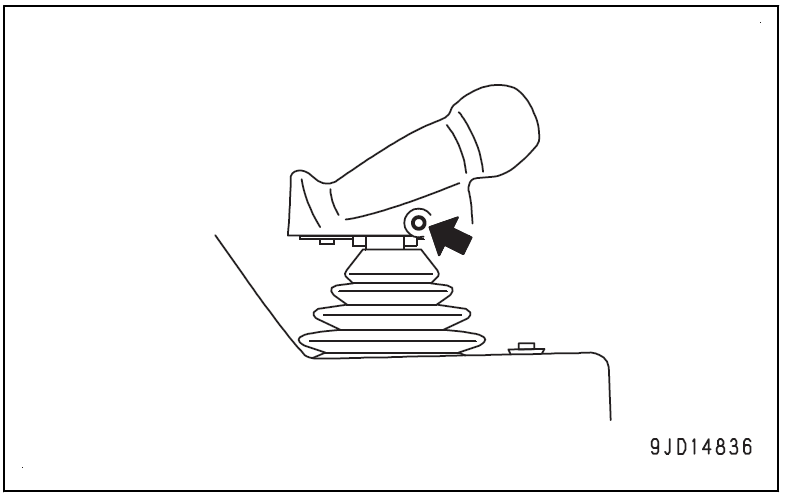
Press Auto/Manual switch once to turn on the blade automatic control
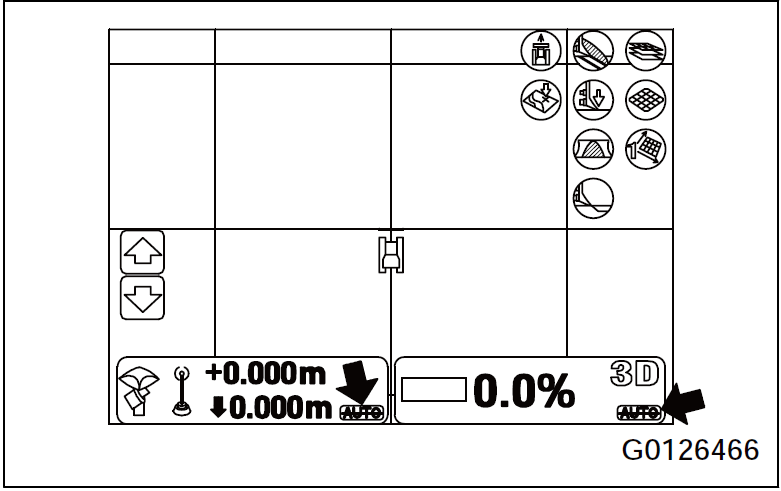
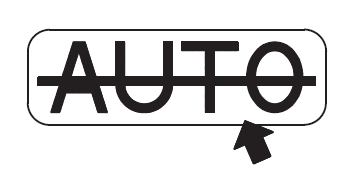
2. Make sure that “AUTO with Strikethrough” (yellow) is shown on the main screen of the control box
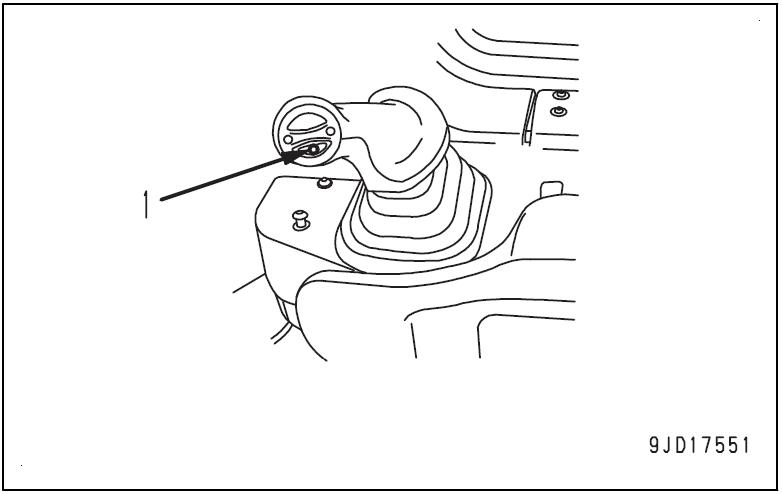
3. Press pitch Button (1) and hold for 2 seconds
Once the beep sounds twice, release
The Auto-Pitch adjustment will start
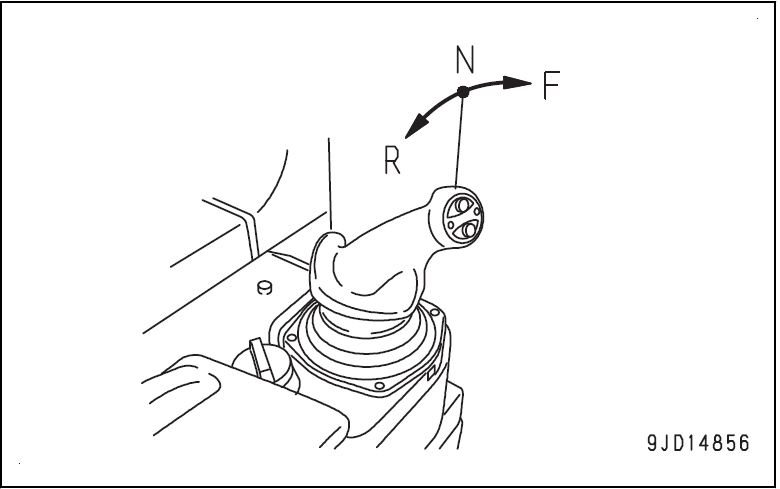
Operate the pitch button when the joystick is in NEUTRAL (N) or REVERSE (R) position. The auto-pitch adjustment operation cannot be performed when the joystick is in FORWARD (F).
4. The “slope control key” on the main window becomes green, check that the message of “Blade Pitch Not Set For Finish” is not displayed.
The auto-pitch adjustment operation is complete.