
SET STANDARD ANGLE OF BLADE EDGE
(Dual tilt specification)
NOTICE
Single tilt specification machine does not have this function.
-
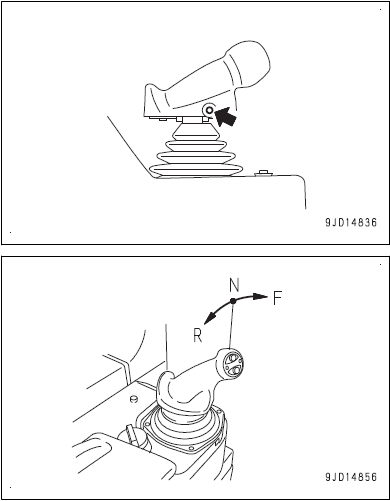
Press the Auto/Manual switch once to turn on the blade automatic control.
Operate the Auto/Manual switch when joystick either in NEUTRAL (N) or REVERSE (R). It can’t be operated when joystick is FORWARD (F).
** AUTO button location: RHS joystick at the front around where the middle/right ring fingertip would be resting **
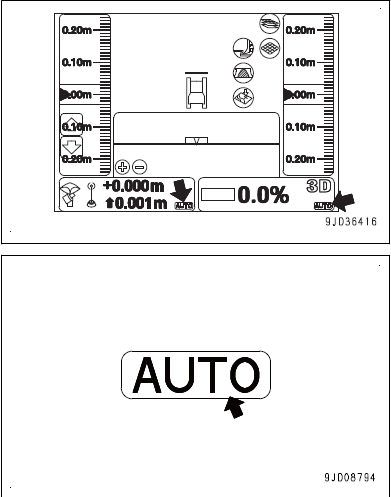
2. Check that “AUTO” is displayed on the main window of the control box.
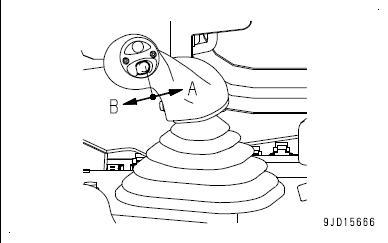
3. Ensure blade is in the air and pitch the blade BACK
i.e. Place the pitch switch to pitch BACK position (A) to move
the cylinder to the stroke end, and then keep it there for 2
second or more.
4. After the buzzer beeps twice, the auto-pitch starts and the blade will move by itself. The slope control key on the main window becomes green.
5. Check that the “Blade pitch angle is not adjusted” message is not displayed to confirm the auto-pitch operation is completed.