
Wait 3 min. to stabilize GNSS reception after starting PPK logging and then, 2 min. after turning on the drone.
-
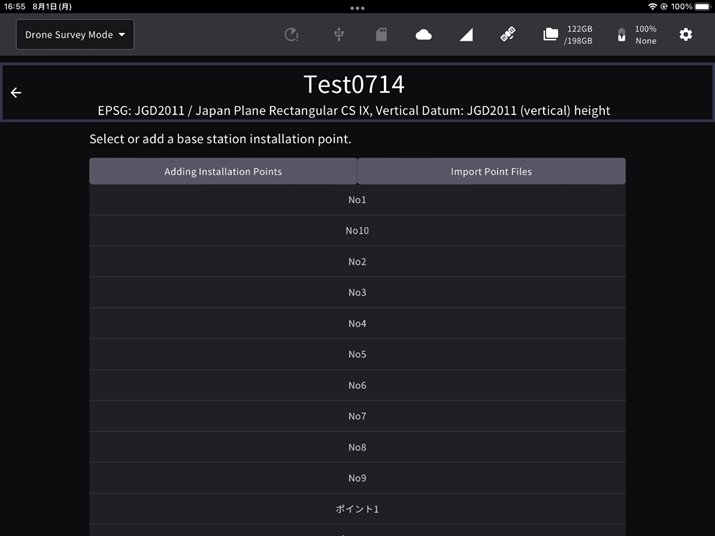
Select the point of EdgeBox from the point list.
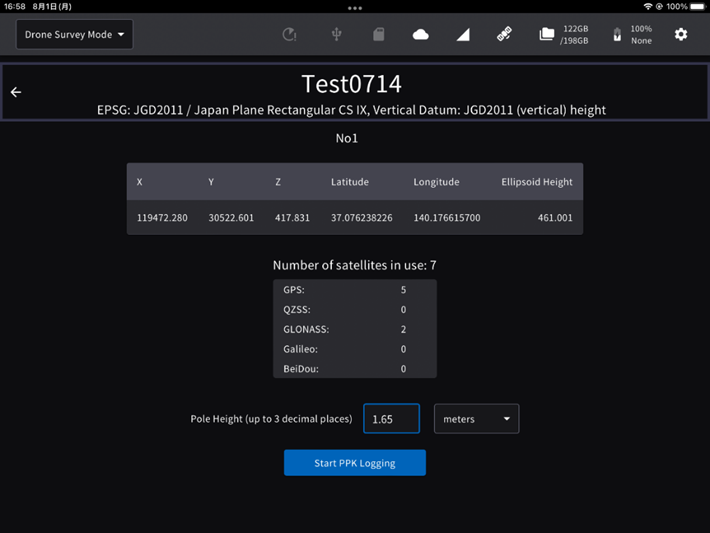
2. Check the point data and the number of satellites used and tap the "Start PPK Logging" button.
-
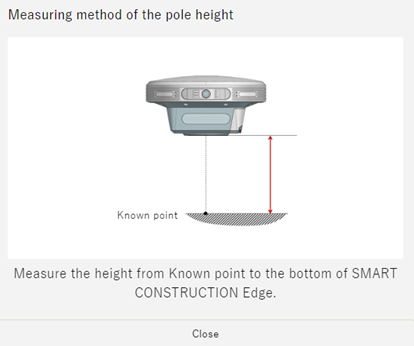
If you have set points manually or imported form a file, you need to enter a pole height.
Make sure that the PPK logging has started before Powe ON & start flying the drone, indicated by Green Pulsing LED’s on the Edge.