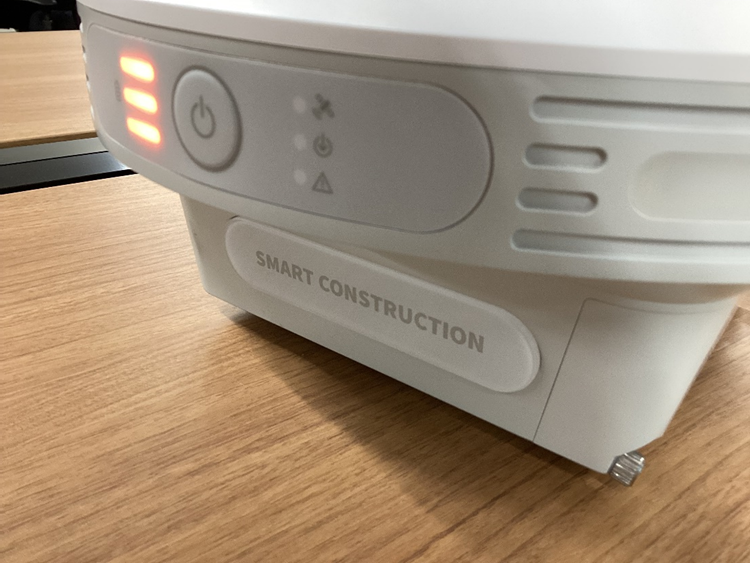
Make sure to charge the batteries fully before using SMART CONSTRUCTION Edge.
The batteries can be charged while installed in the Edge.
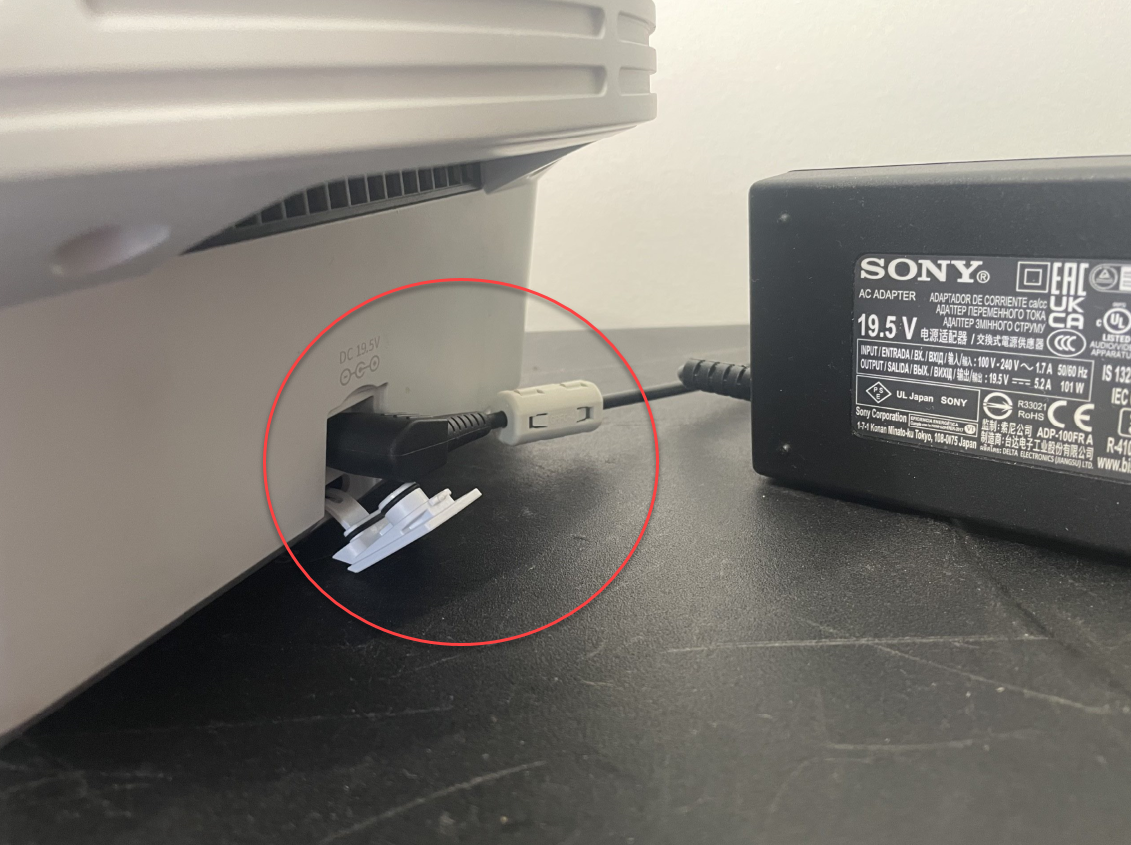
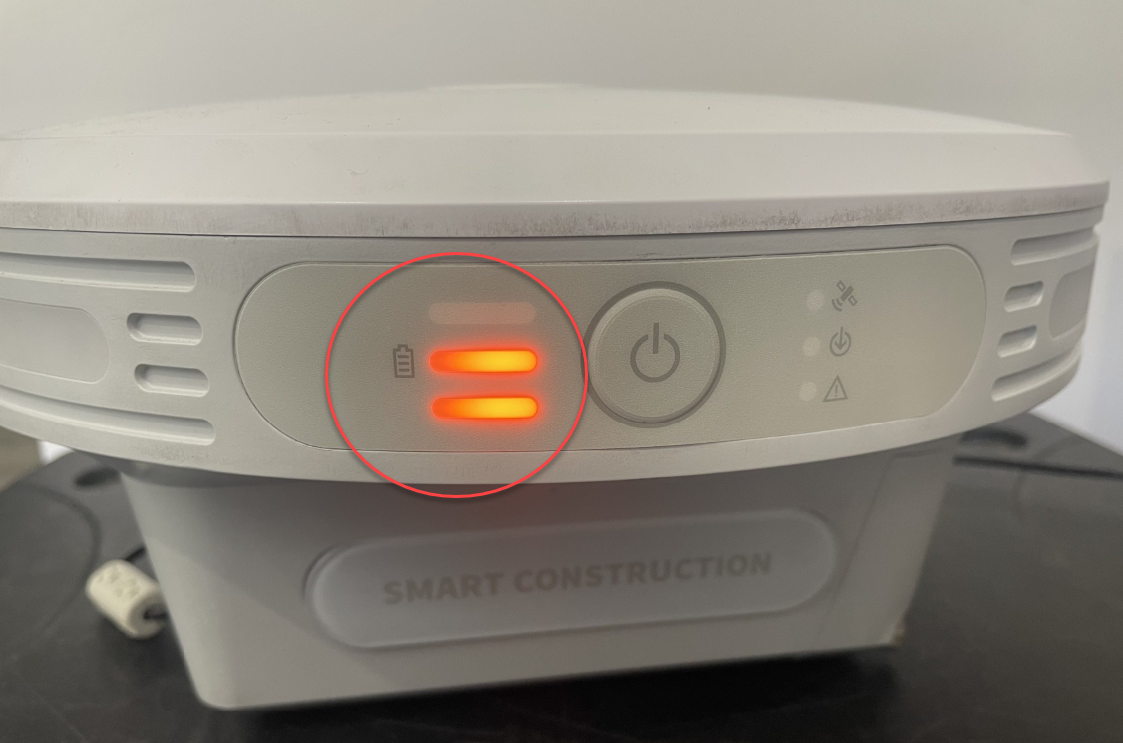
Only use the supplied AC adaptor for charging!
Removing the batteries
-
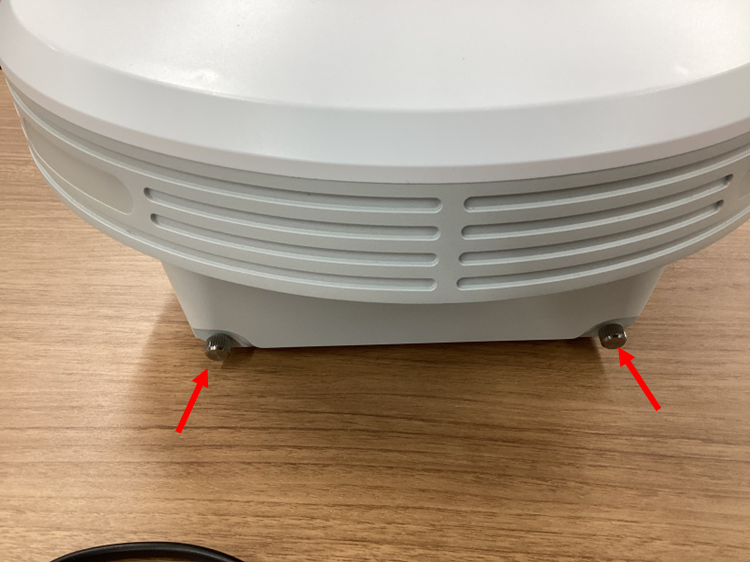
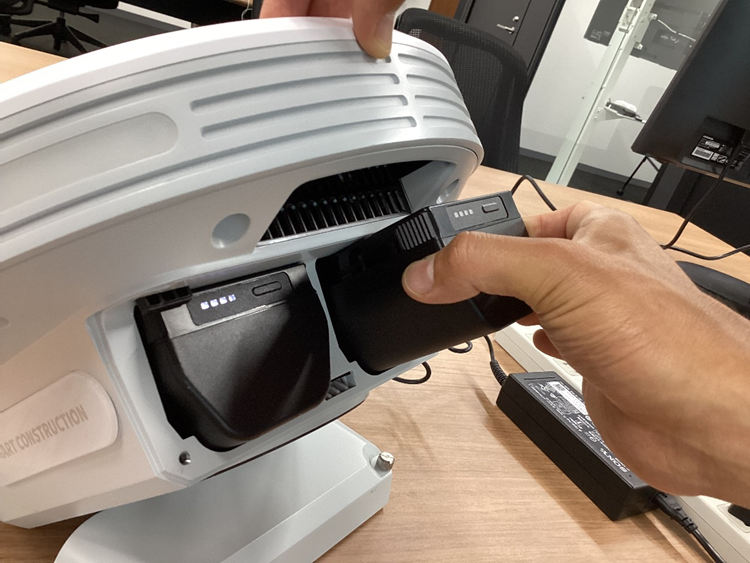
If you would like to remove the batteries first remove 2 screws and open the rid to install the batteries
-
Slide the batteries into the slot.
The device is charged until the Status LED is solid.. (Orange – Charging, Green – discharging)