
This is to connect Edge 2 to your sites network via wi-fi
From version 9 onwards, all internet communication functions can be used with a WiFi dongle without a SIM card.
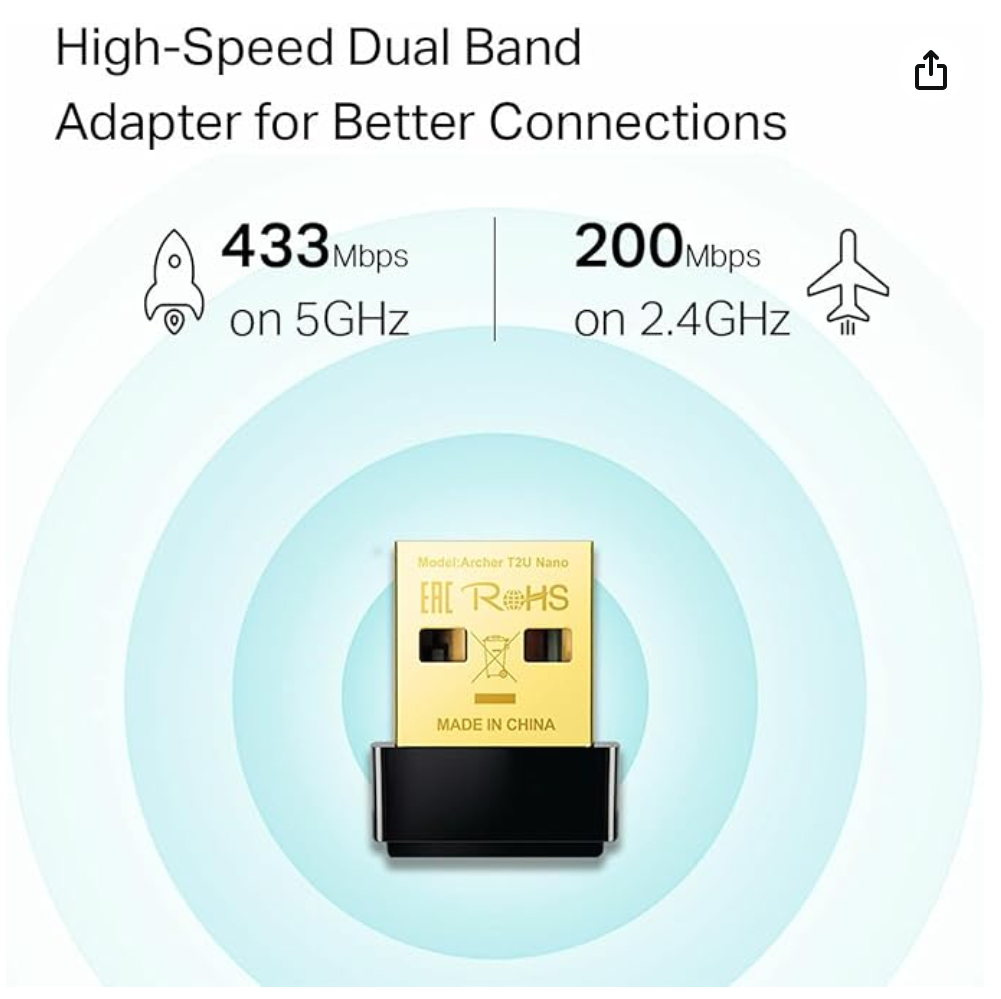
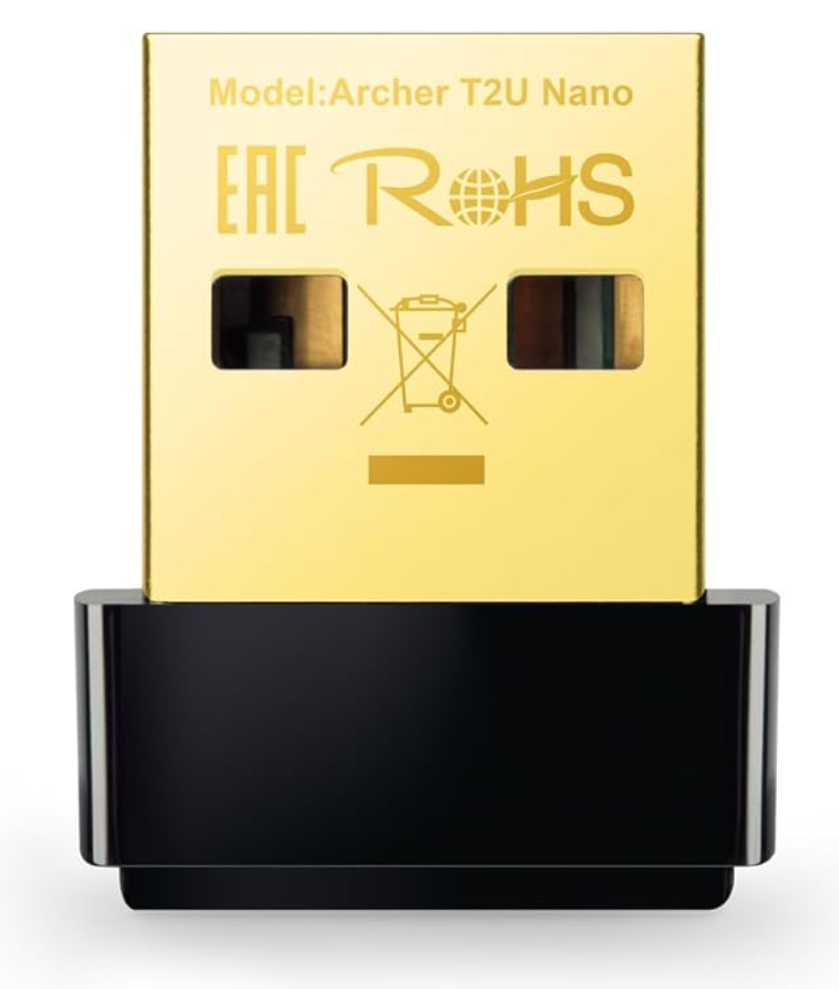
The recommended dongle model numbers as follows:
Archer T2U Nano(Highly recommended as internet communication is fast)
Available from Amazon: https://www.amazon.com.au/TP-Link-Archer-T2U-Nano-Wireless/dp/B07KRCW6LZ?th=1
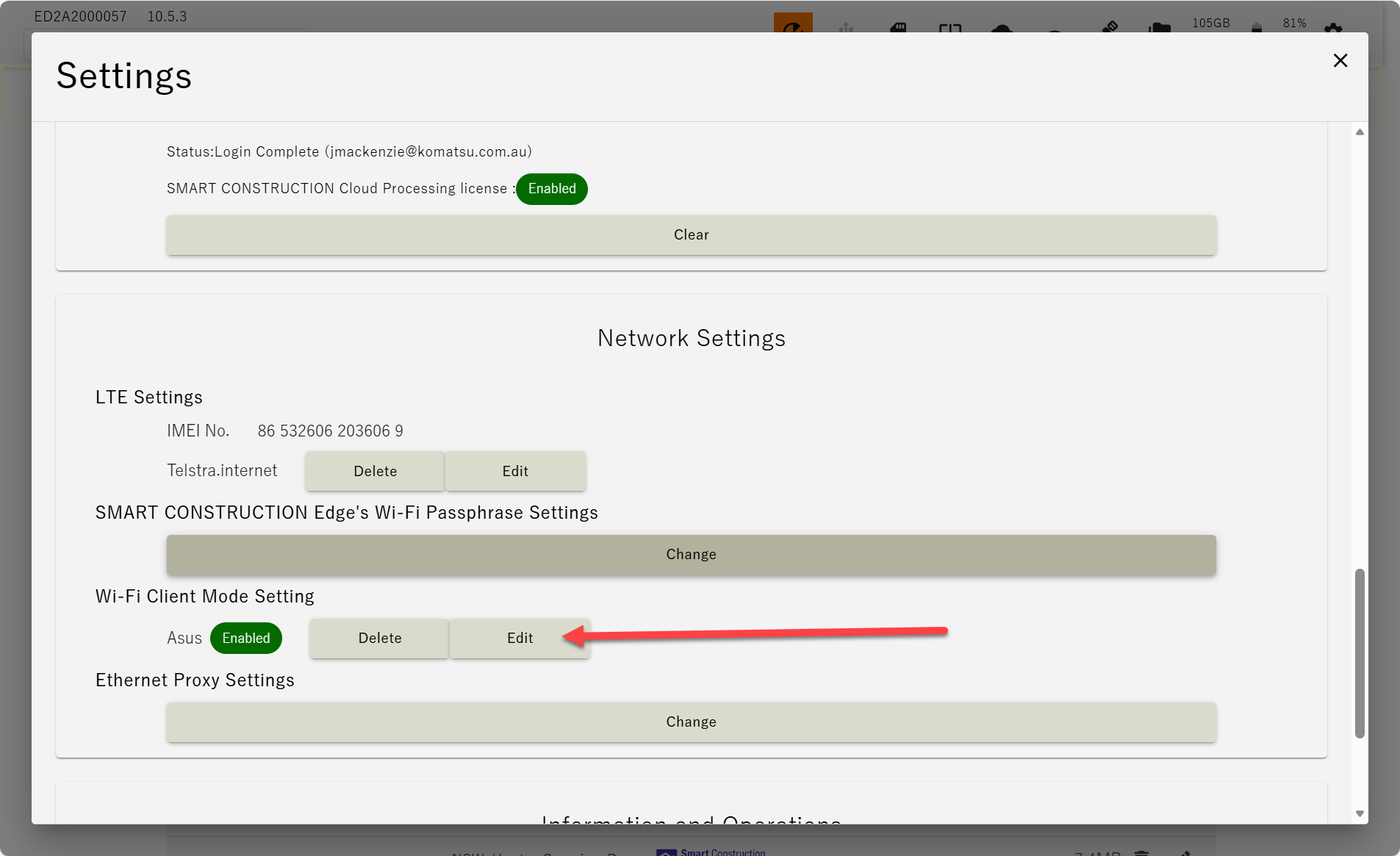
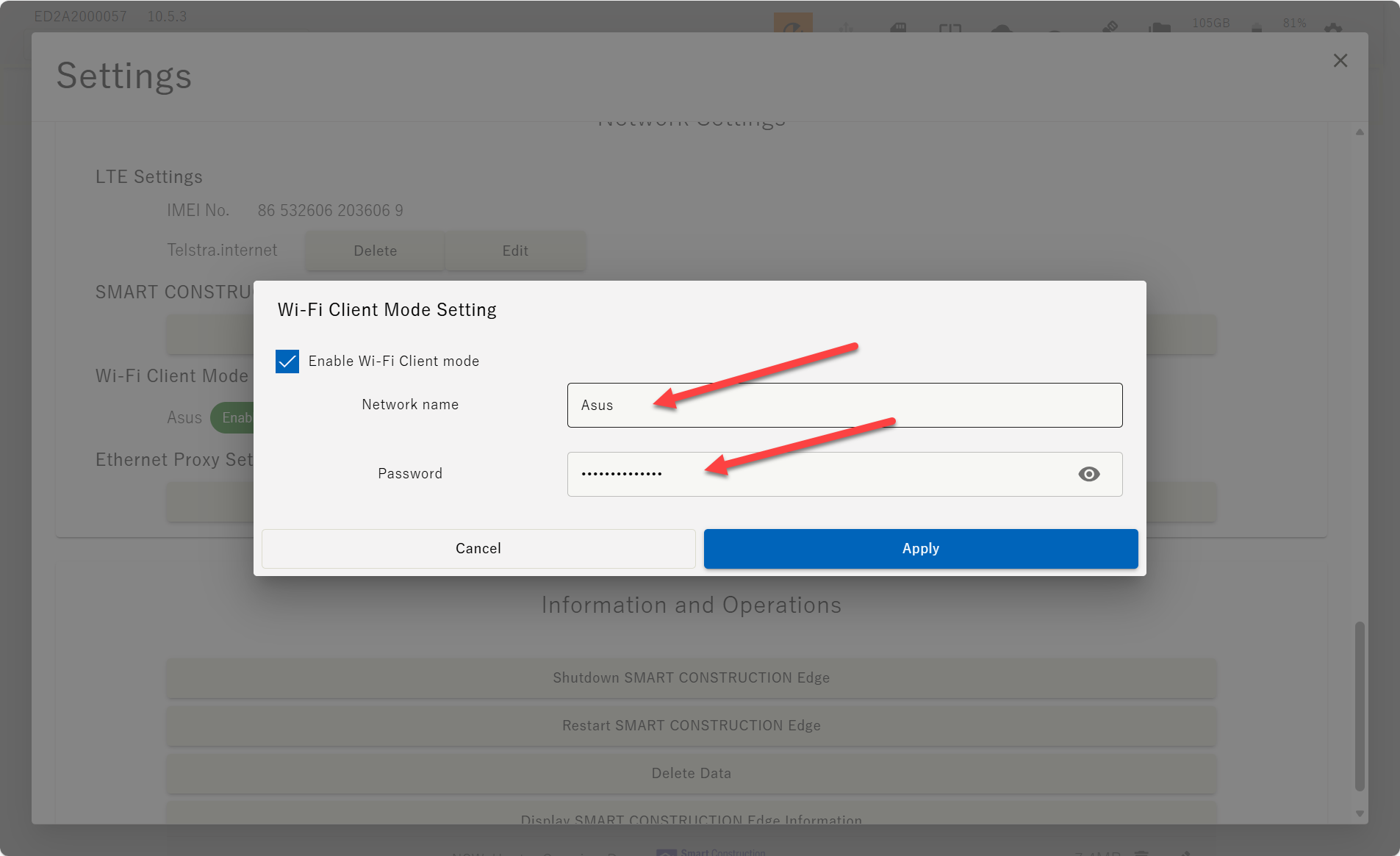
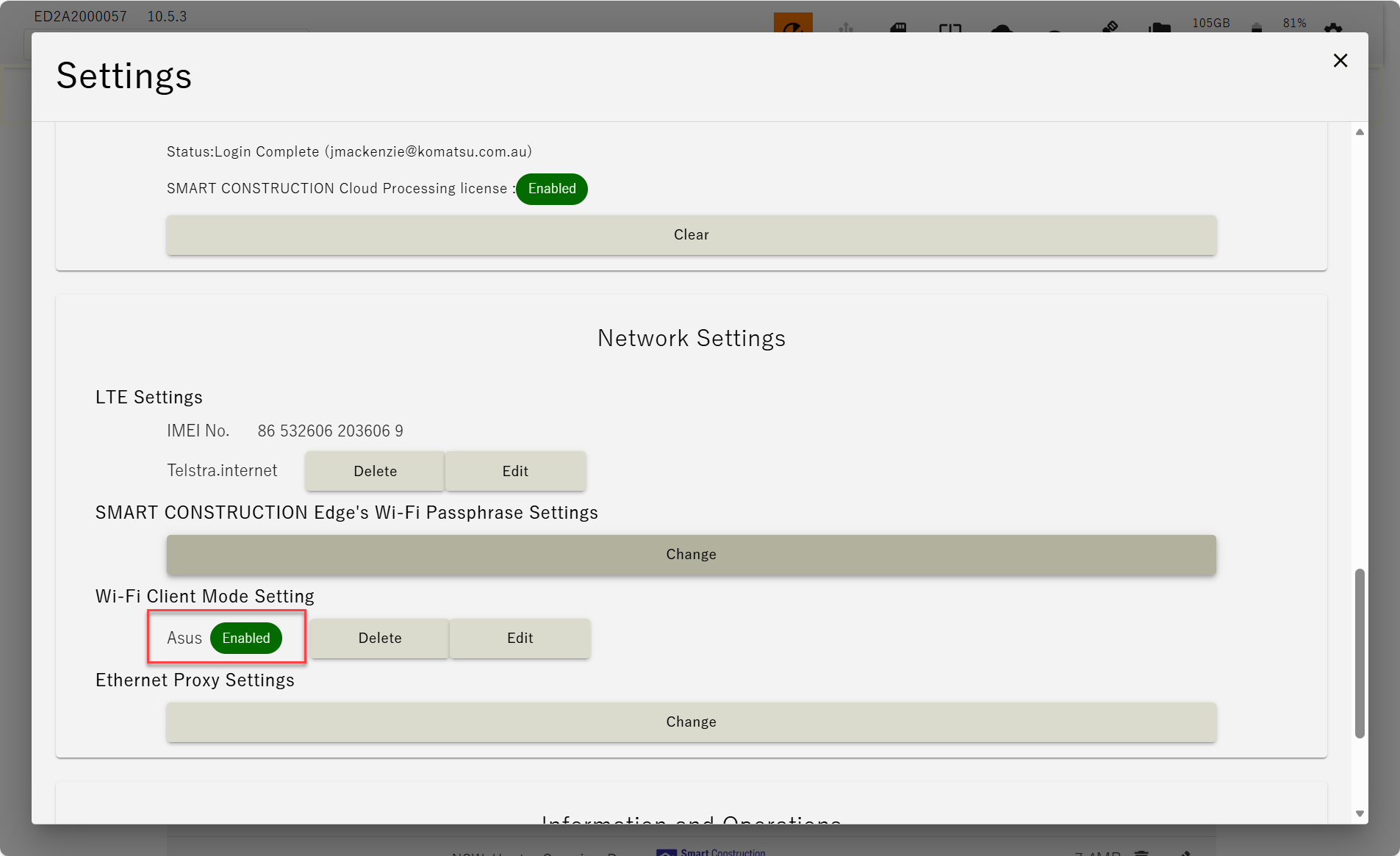
1. Tap the Add WI-FI Client Mode Settings icon in the Edge2 Settings menu and enter the SSID and password.
-
Confirm that the settings have been enabled
-
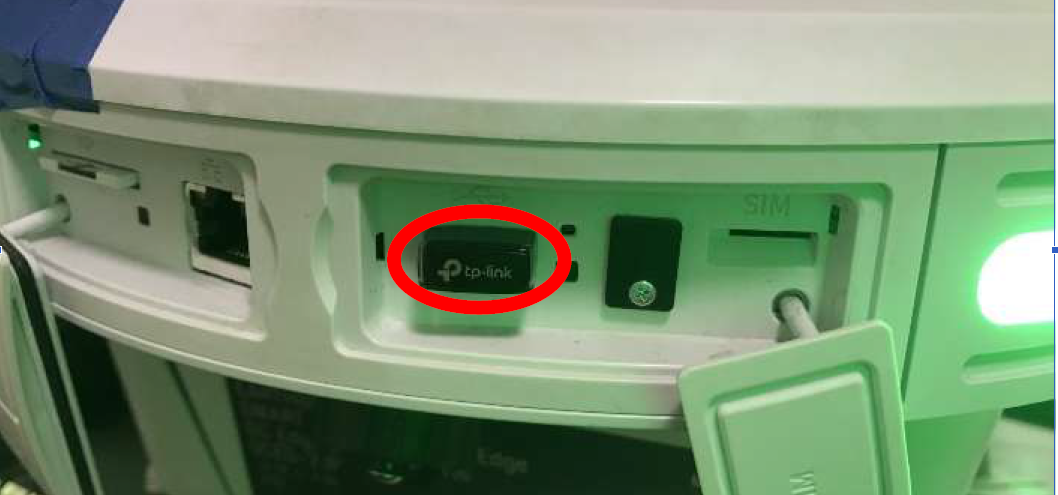
Insert the WIFI dongle into Edge 2 and wait for 30sec, after that make sure internet connection
-
Confirm Wi-Fi connection
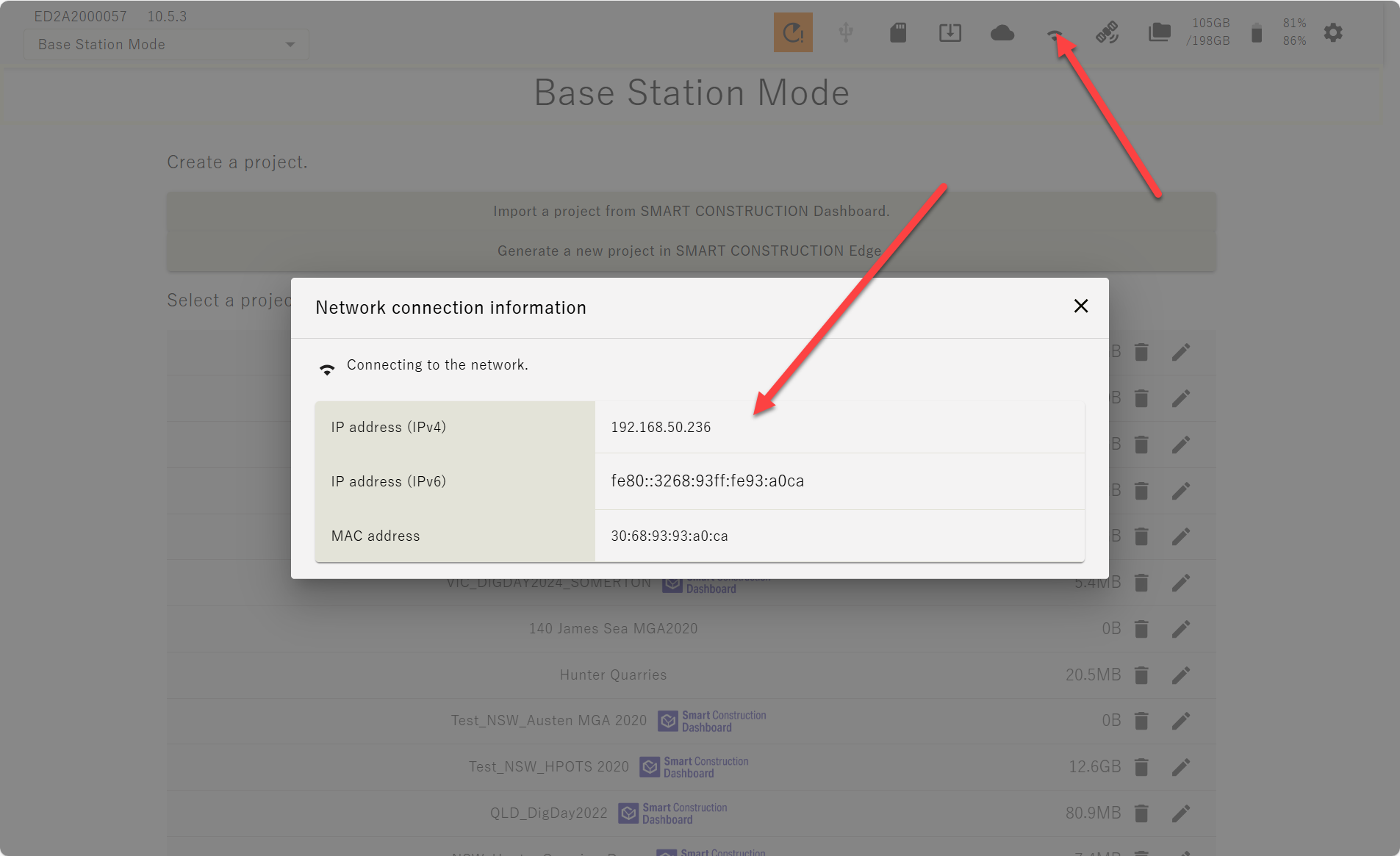
If you are having problems with your internet connection, please restart Edge 2