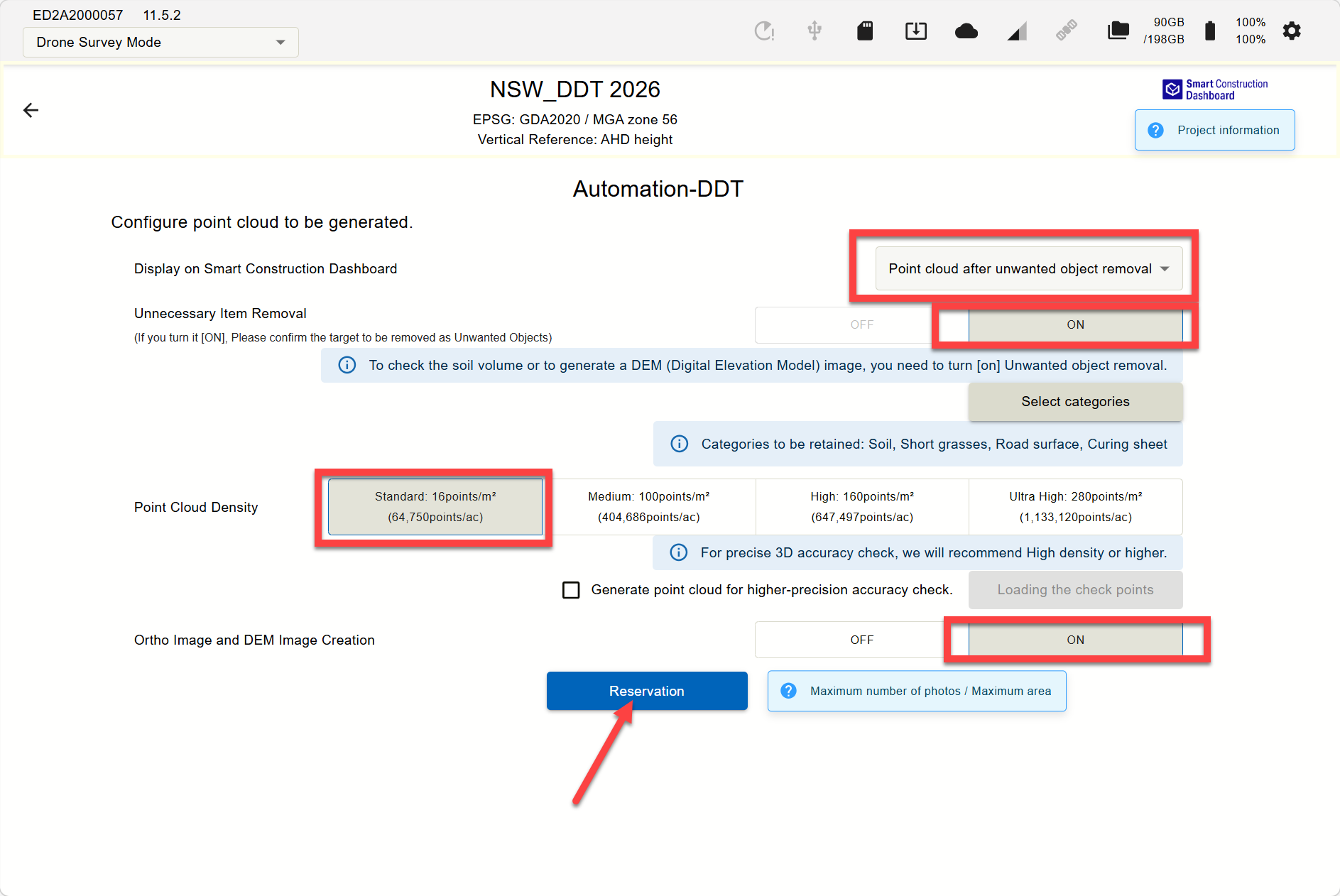
Step 1.
Select the “Reservation of the point cloud Generation”
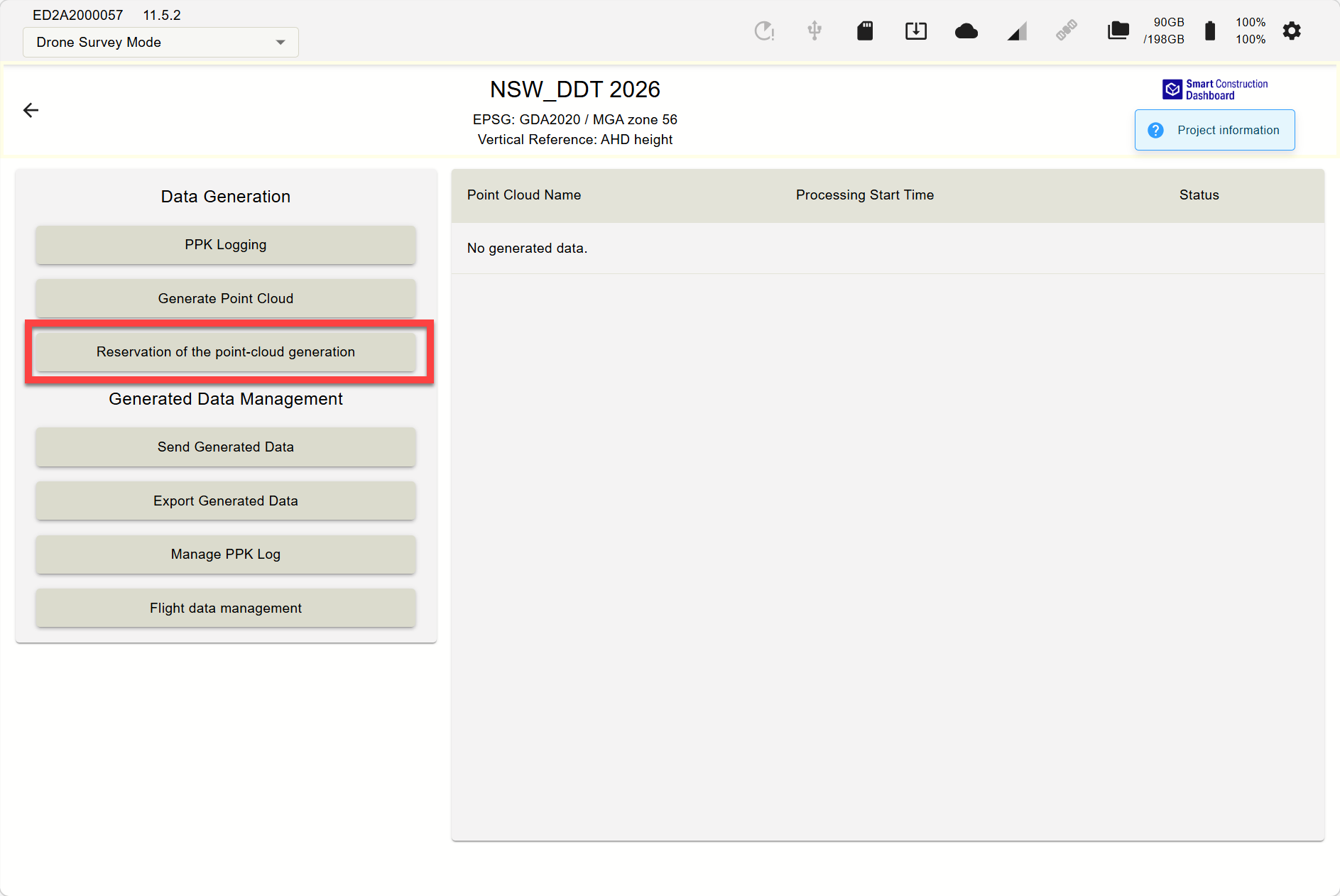
GCP tagging cannot be done with "Reservation". This workflow is recommended for experienced pilots confident in accuracy without GCPs
-
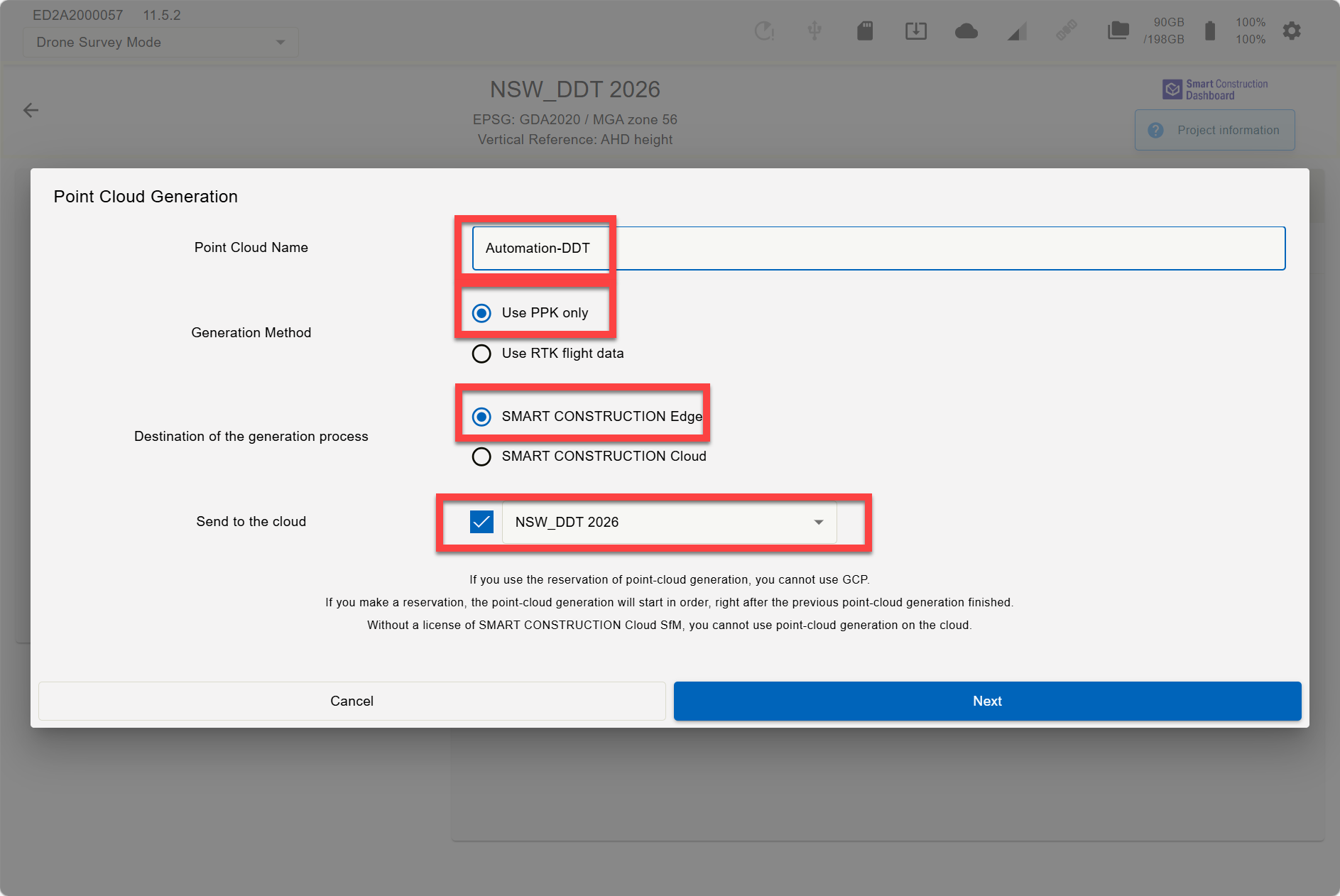
Name the dataset
-
Choose PPK or RTK
-
Select the destination “Edge”
-
Choose the Destination to send the generated data
Step2.
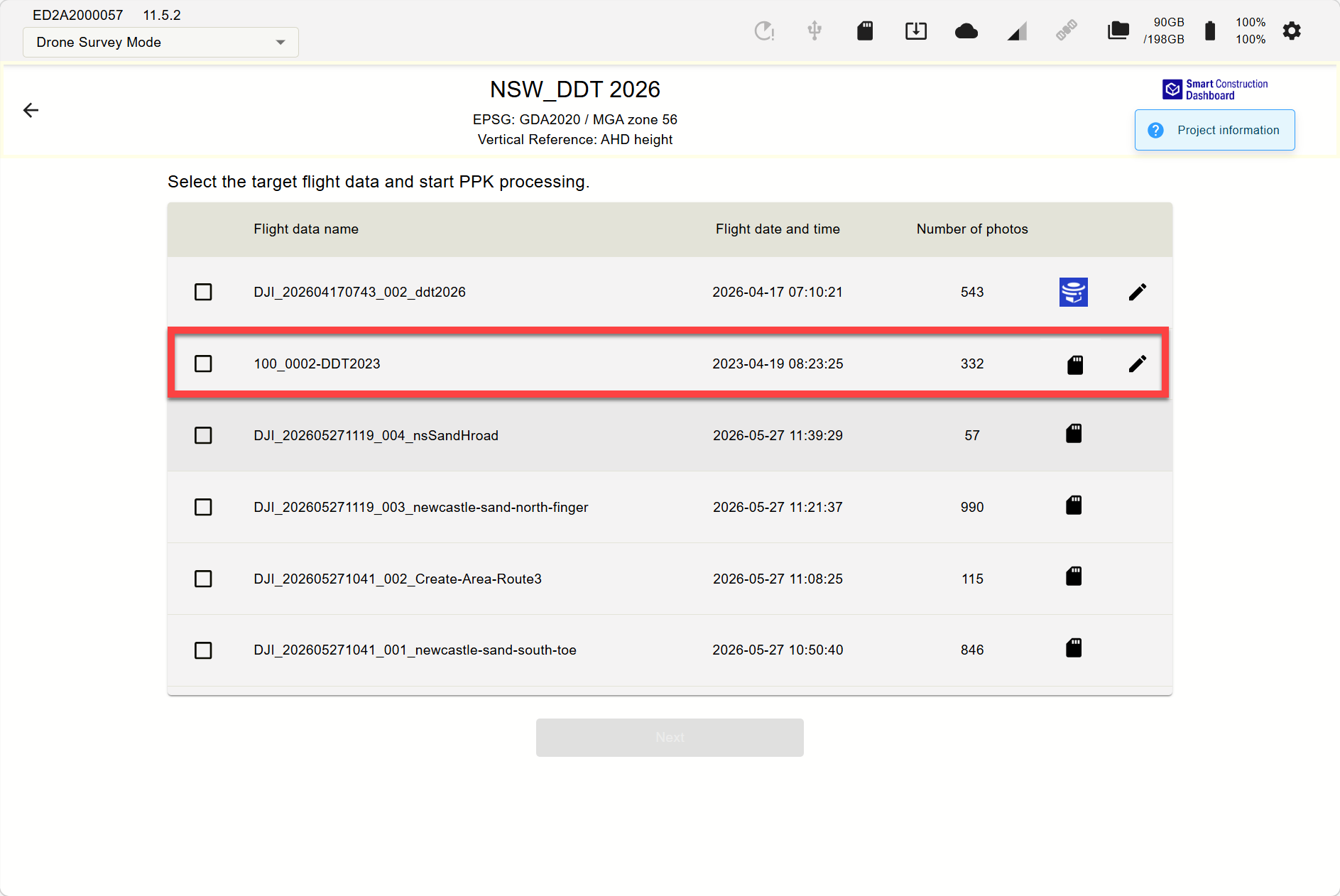
Select photos for import and processing
Step3.
Select data to process
-
Data type to auto tile on Dashboard
-
Objects remove ON/OFF “Recommend ON” for more accurate calculations
-
Point cloud density “Recommend 16ppm” for faster processing.
-
Ortho ON/OFF “Recommend off for faster processing”