
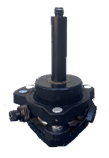
Align the Edge Box horizontally above the surveyed base point using tribrach & tripod.
-
Measure the height from the base point to the bottom of the EdgeBox. When prompt enter this height as the “pole height”

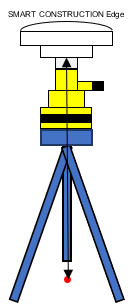
measure from the base of the rubber
-
Launch the tablet app

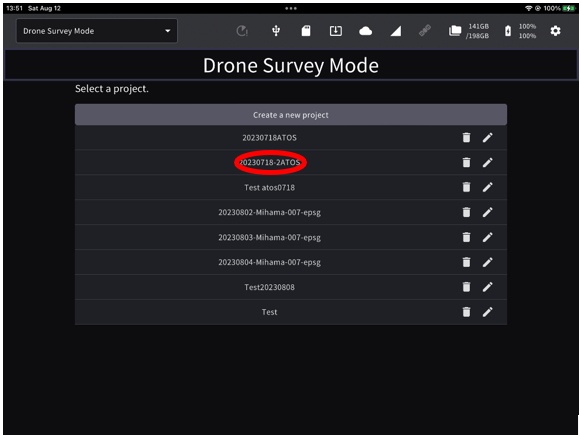
If the project is not listed, create a new project
-
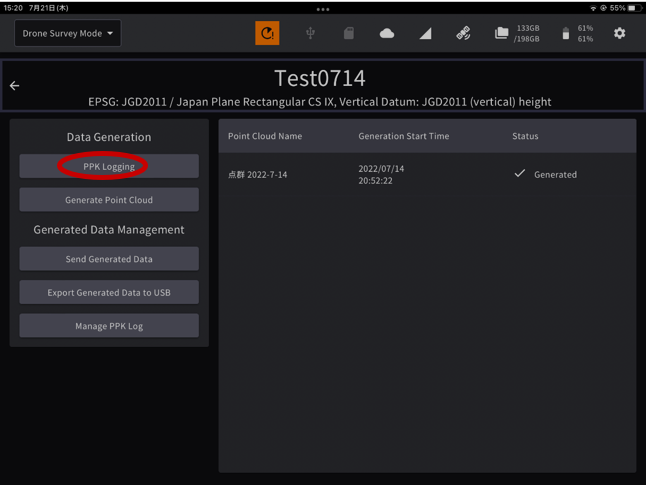
Tap “PPK Logging”
-
Tap “Add Base Station points”.
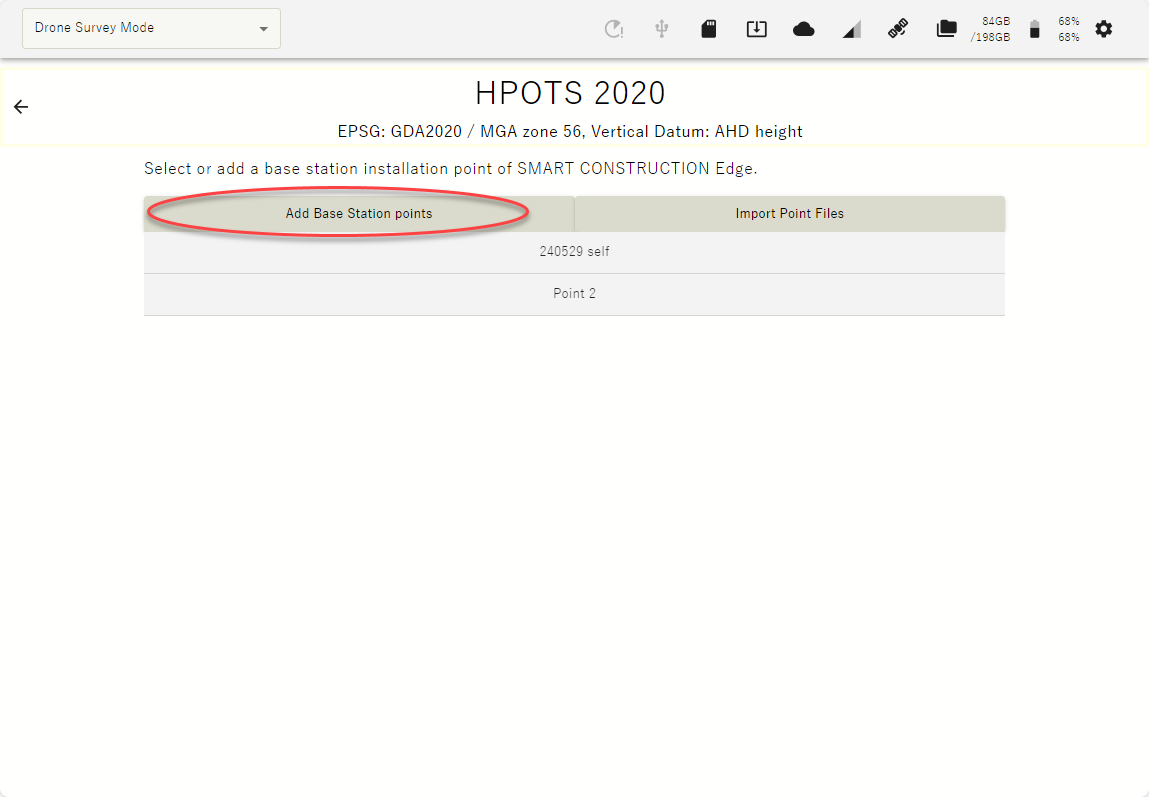
The points you have previously set up or have used for localization will appear as a point list.
If you have selected one of the points in the list, you may just select it instead of typing in the coordinates.
-
Enter the point name and coordinates of the EdgeBox location and tap “Add”.
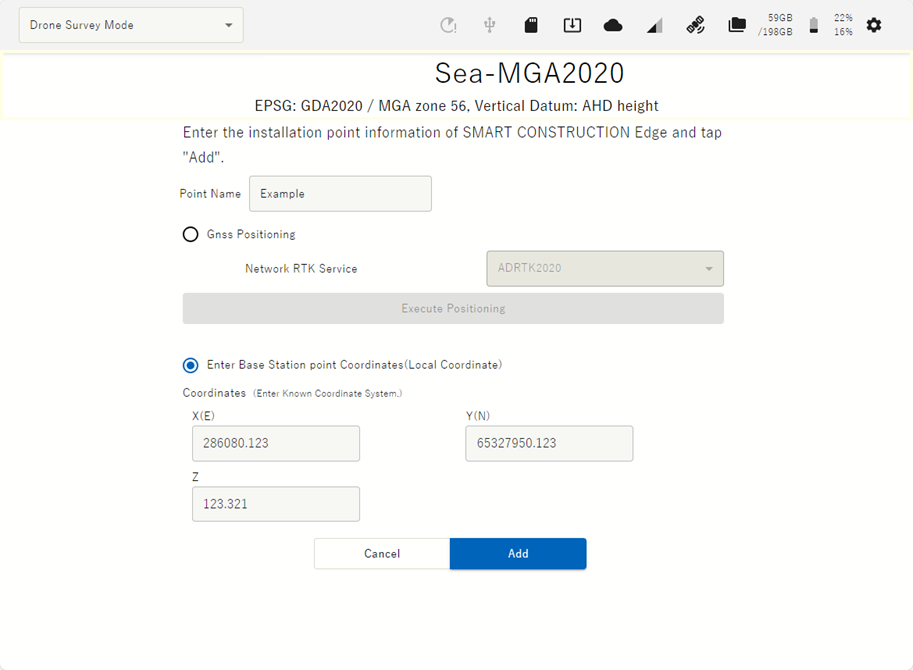
Miss matching coordinate systems will cause accuracy errors