Table of contents:
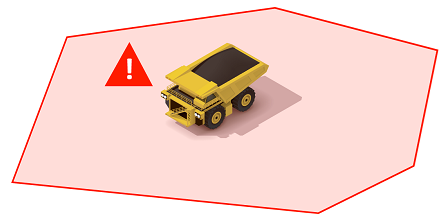
Material Mismatch Rules are configured and the warnings are displayed in iControl and alert is shown on operators display. SQS supports material mismatch rules that encompass two scenarios.
Scenario 1: Movement
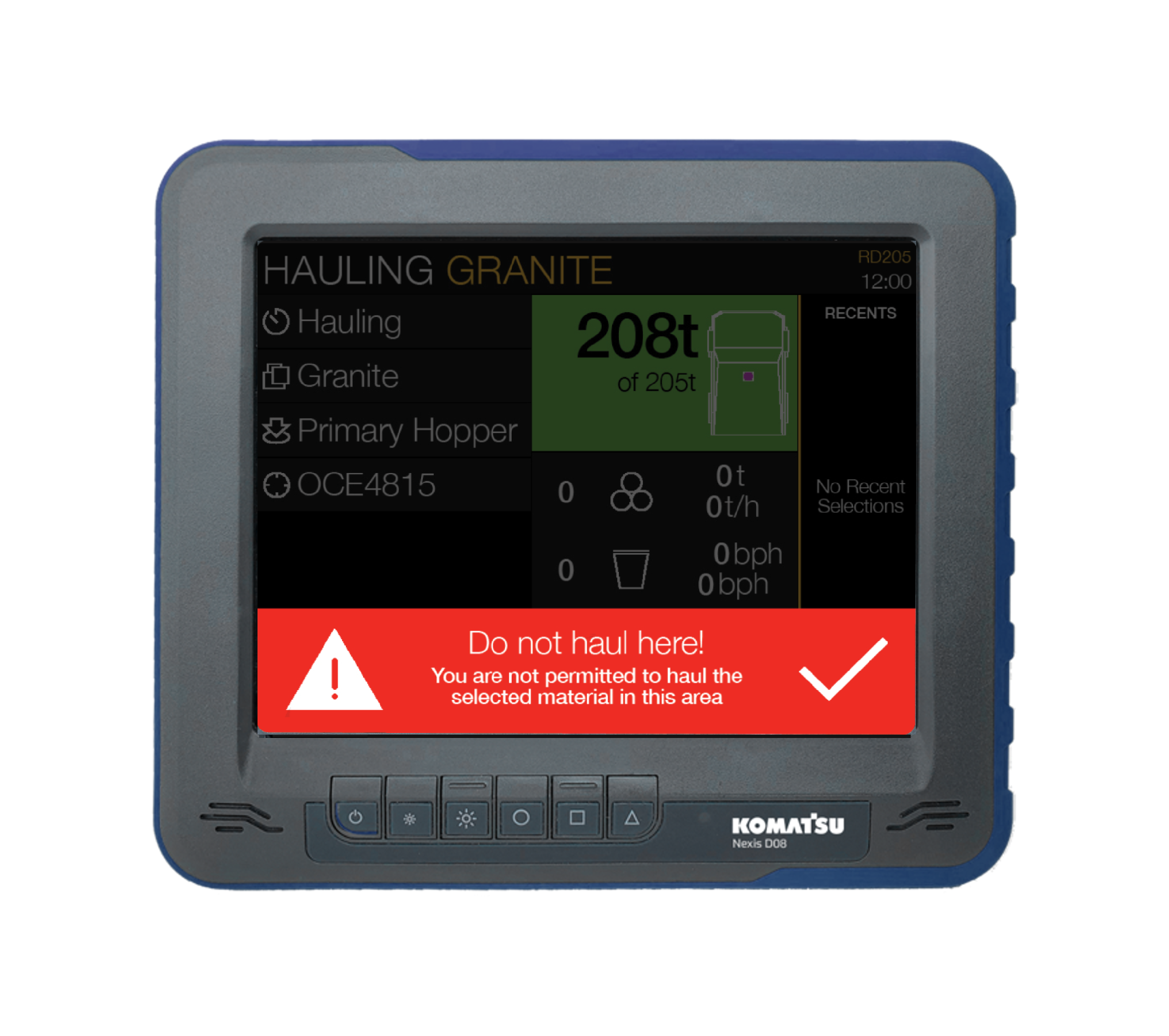
A material mismatch warning can be set up to trigger whenever a truck is hauling a specified material in a specified geofence.
These notifications are automatically dismissed when the rule that triggered them is no longer violated. Alternatively, the operator can tap the tick icon on the notification to dismiss it. The interface behind the banner remains visible, however this cannot be accessed until the notification itself is dismissed.
Scenario 2: Dump
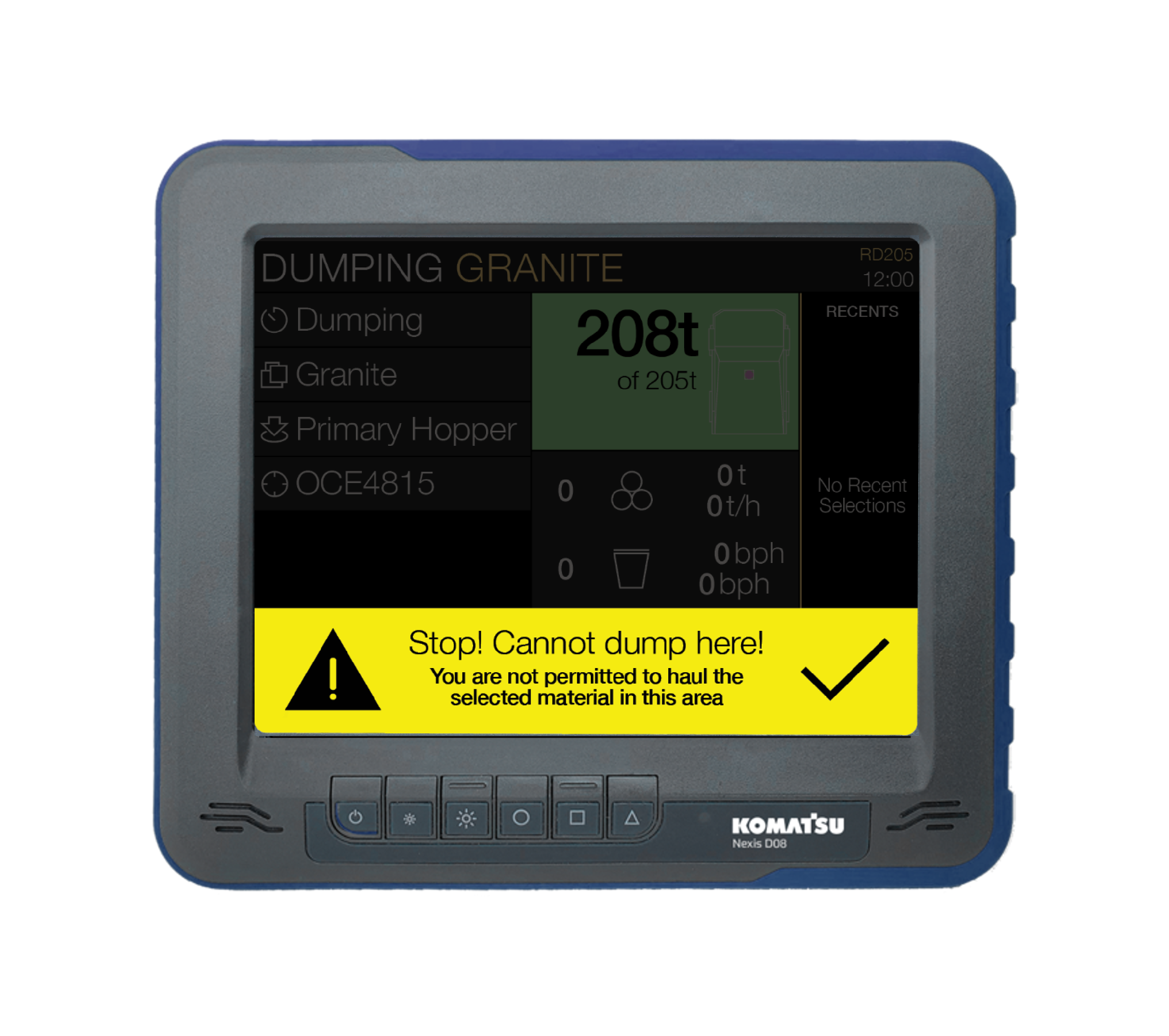
A material mismatch warning can be set up to trigger if a truck attempts dump (enters reverse) while hauling a specified material in a specified geofence.
These notifications are automatically dismissed when the rule that triggered them is no longer violated. Alternatively, the operator can tap the tick icon on the notification to dismiss it. The interface behind the banner remains visible, however this cannot be accessed until the notification itself is dismissed.