
A checklist is a list of pre-start checks that an operator must complete before operating their vehicle. You might create one checklist to haul trucks, and another to excavators, or you might create checklists based on vehicle model.
You can create multiple checklists and re‐use the same checks in each of them.
To create a pre-start checklist, complete the following steps:
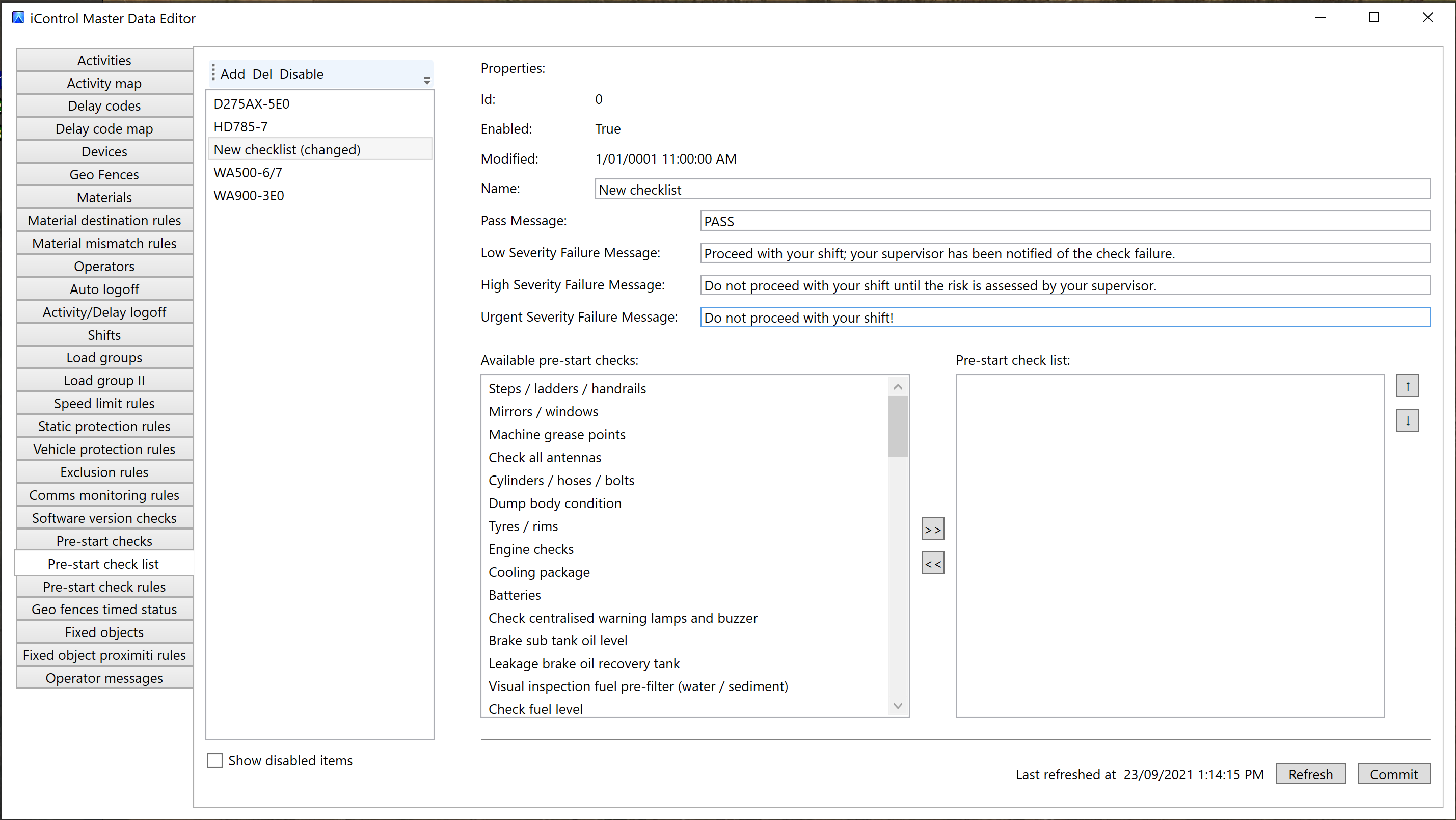
1. Open the Master Data Editor Pre-start checklists tab in iControl.If you have PreStart Advanced, you have an additional Defect policy field.
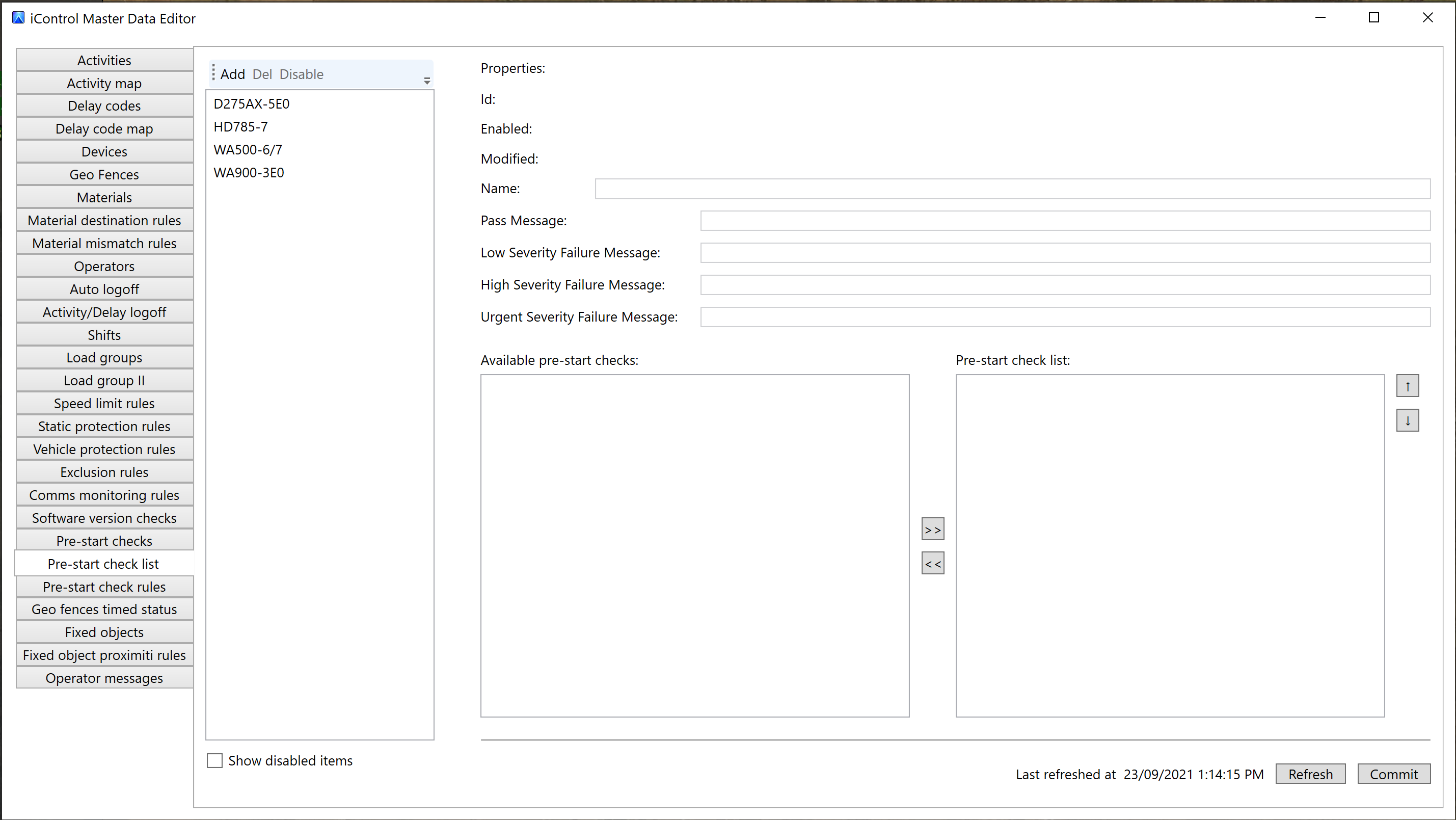
2. Click Add to create a new entry in the table.
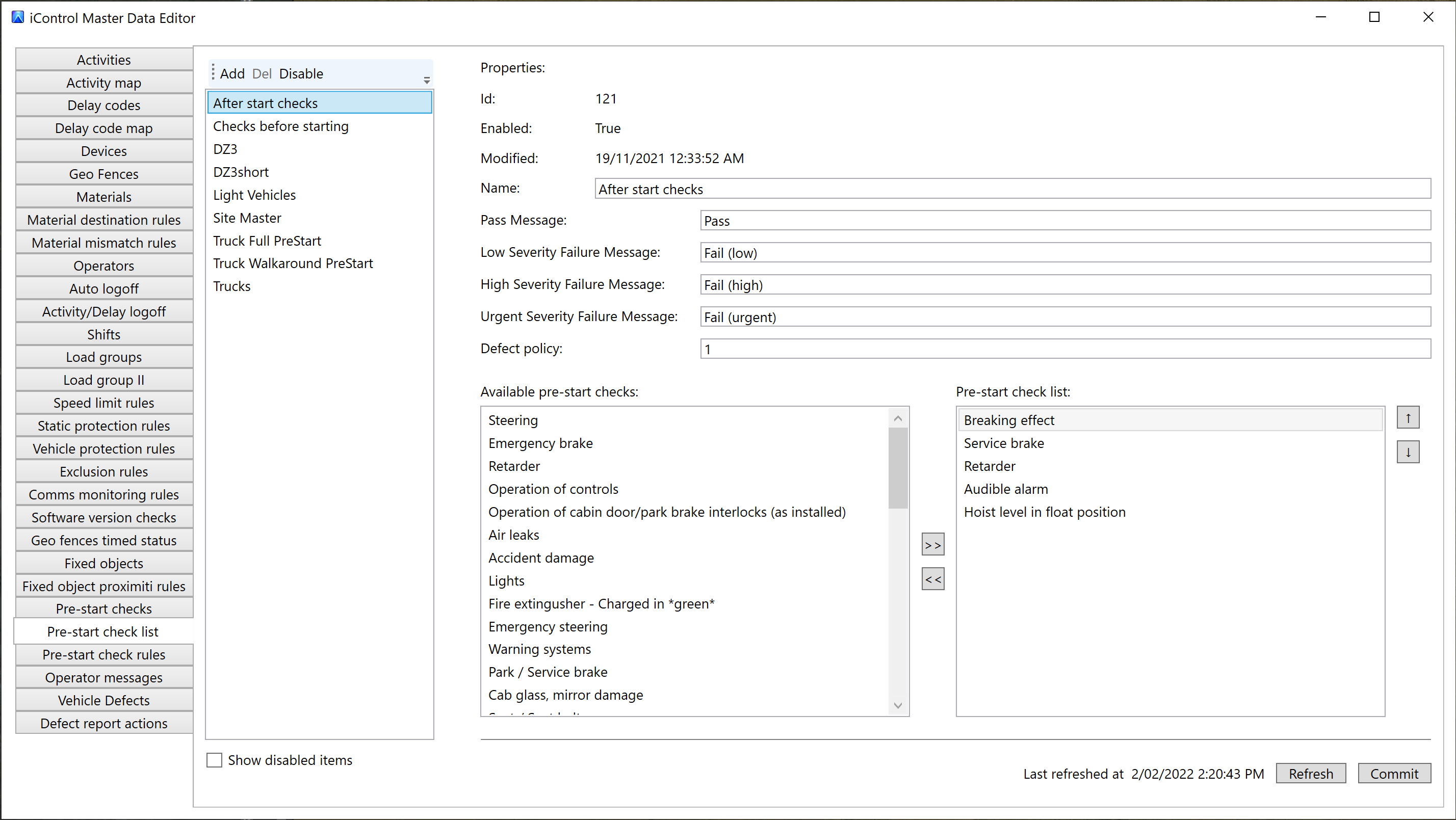
3. Enter a name for the checklist. For example, "New checklist".
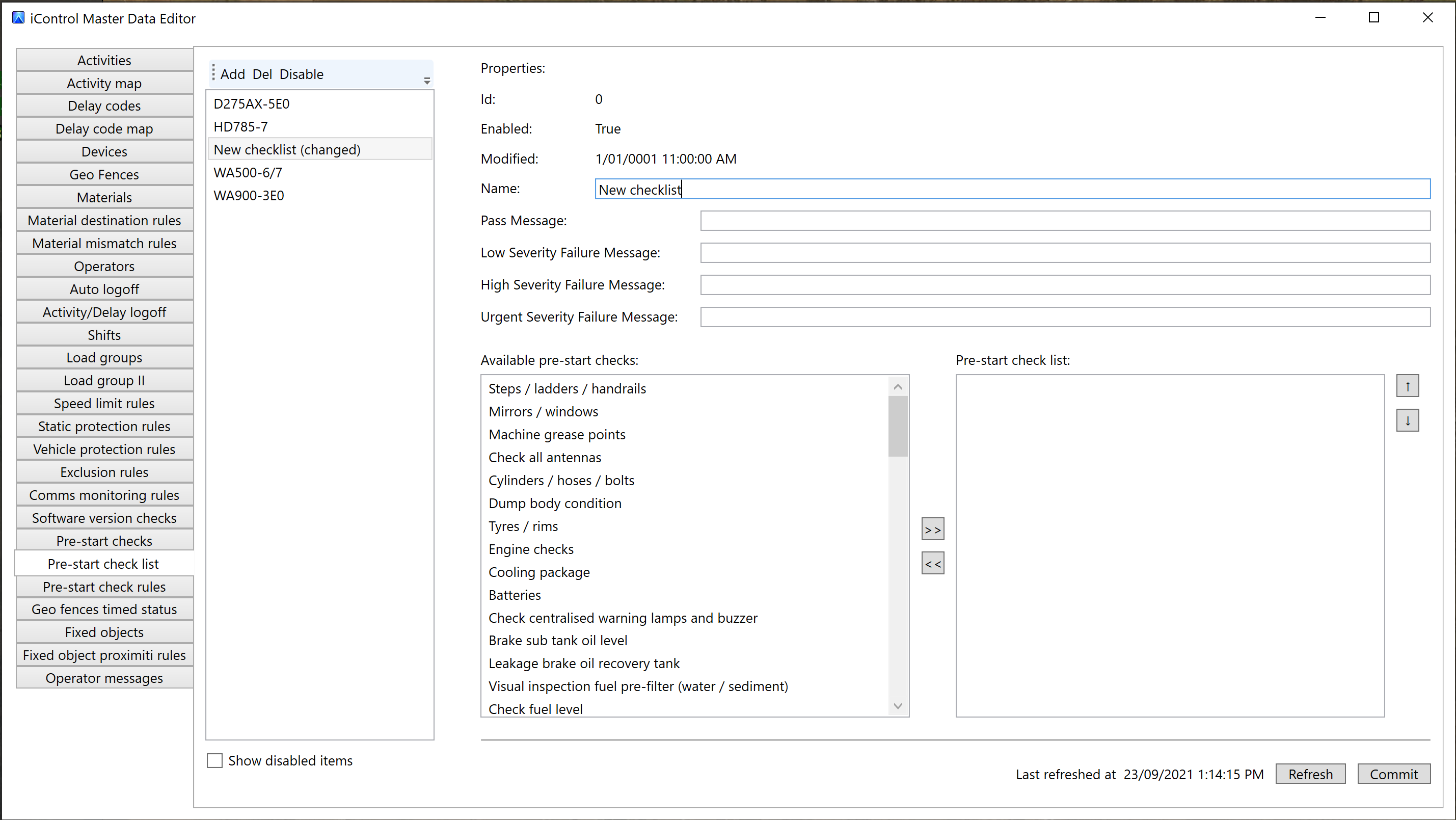
4. In the Pass Message field, enter the messages operators see when they complete and pass the checklist.
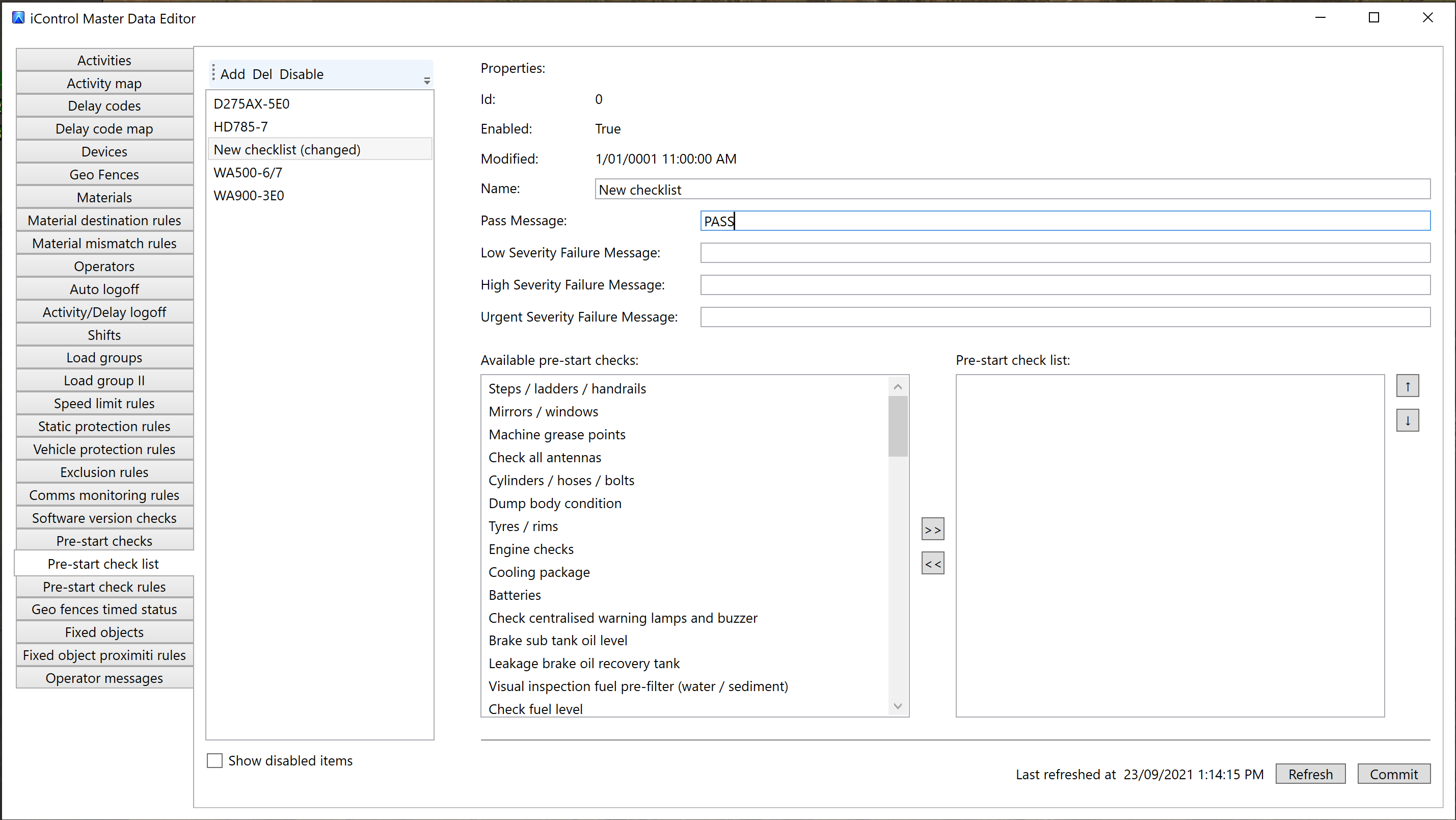
5. Enter the messages operators see when they fail low, high, and urgent severity checks. For example, you might set the Urgent Severity Failure Message to "Do not proceed with shift".
6. If you have PreStart Advanced, enter an integer for the defect policy as follows:
0 - None1 - First failure2 - Recoverable failure3 - Every failure
For more information about defect policies, see the PreStart Advanced defect policies topic.
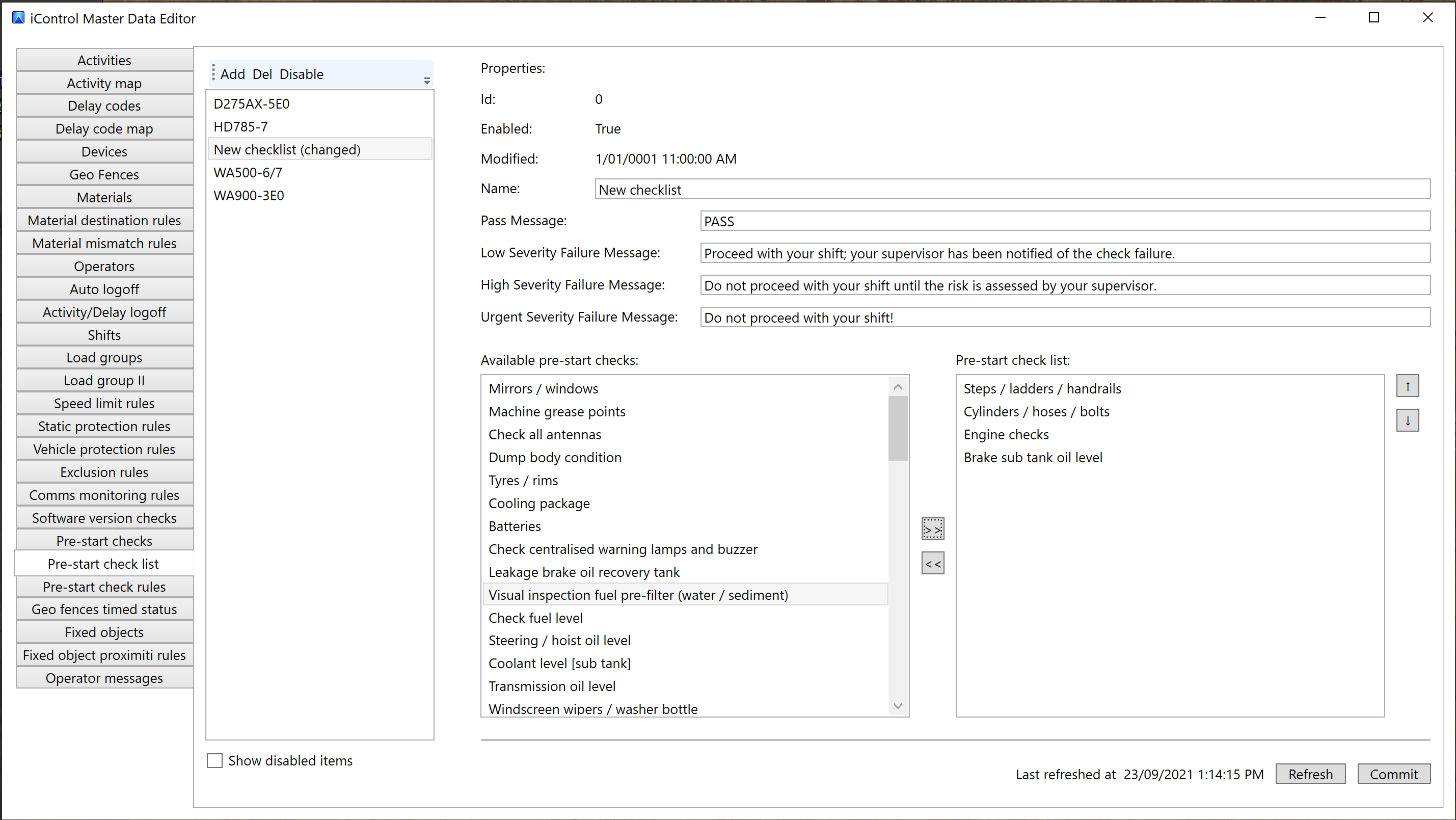
7. Below the property fields are two tables. Select checks from the list of available pre-start checks on the left and move them into your checklist using the right arrow button . Remove checks from your list using the left arrow button .
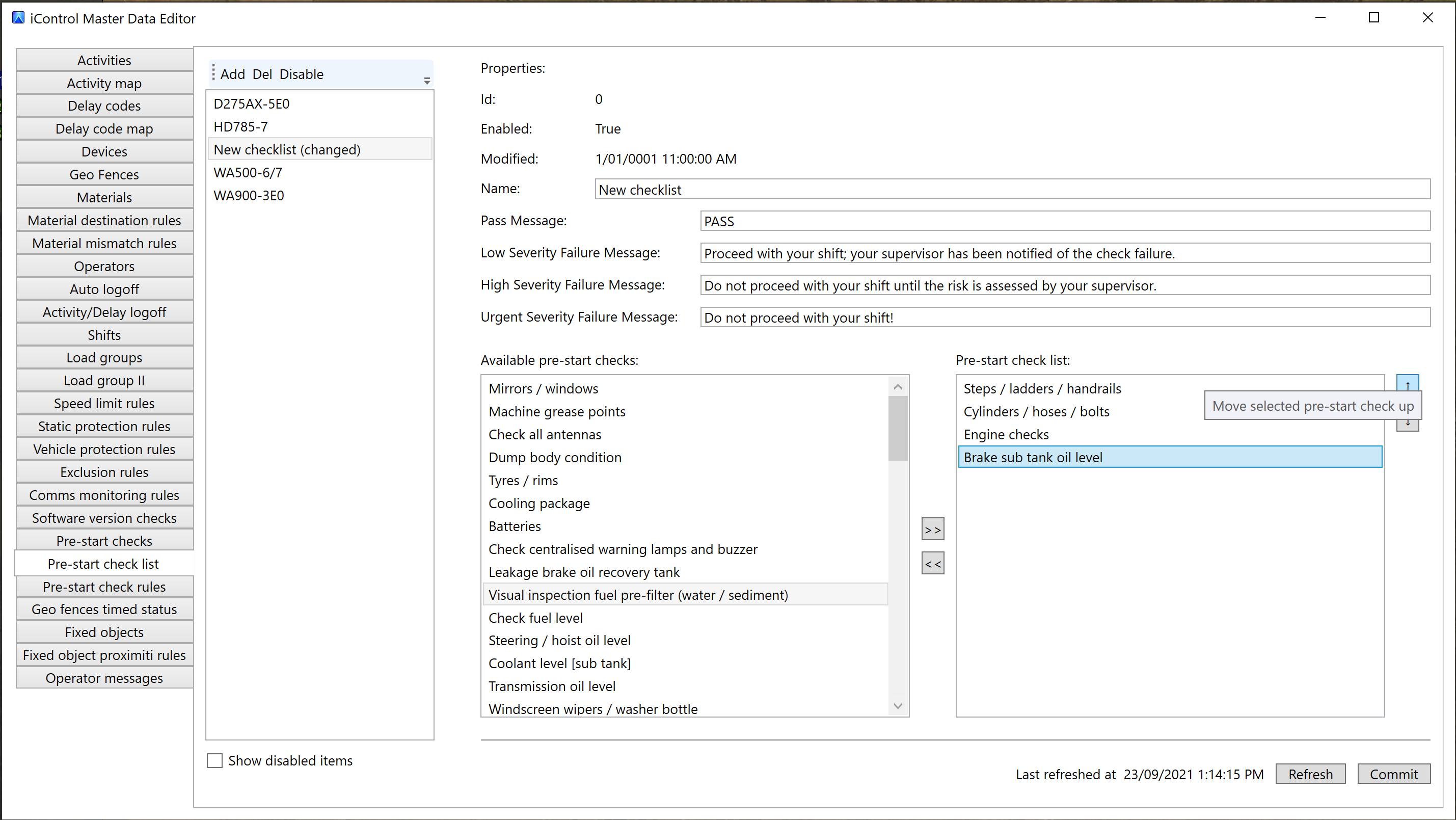
8. To reorder the checks, select one and use the up and down buttons next to the table on the right to move the check up and down as appropriate.
-
Click Commit to save the checklist, or Refresh to reload the master data from the server and discard any uncommitted changes.
You can now assign checklists to vehicles and vehicle types using pre-start check rules.
Removing pre-start checklists
To delete a checklist before you commit it, select the checklist and click Del.
To disable an existing checklist that has already been committed to the database, select the checklist, click Disable, then click Commit.
You cannot delete a pre-start checklist after it has been committed to the database.