
Download and install the iControl Software: iControl Software
-
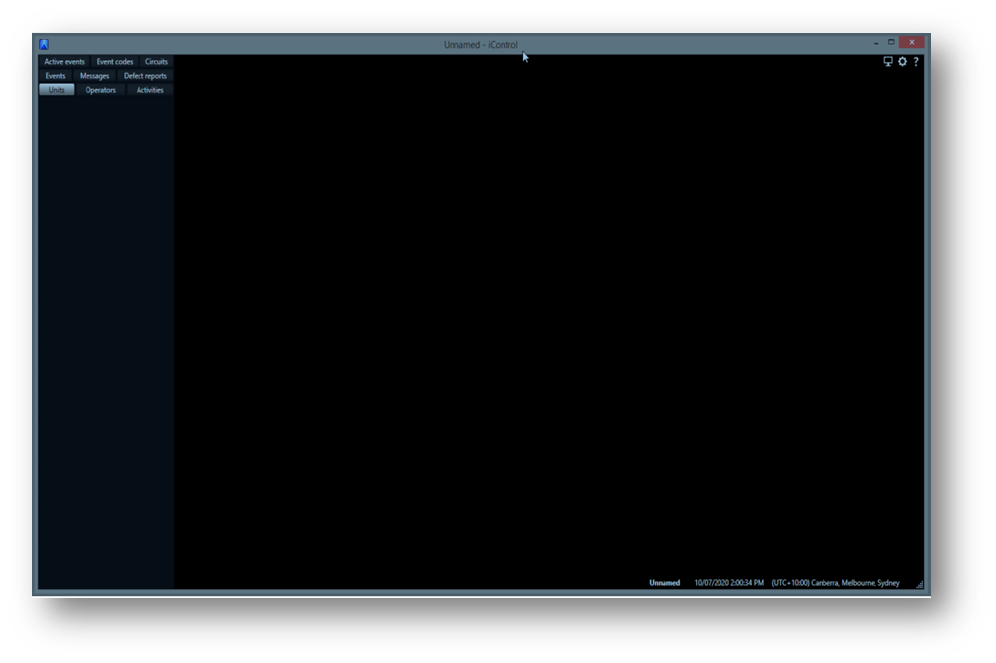
Open iControl
Note: On first start-up, iControl will have no site configuration and will default to the time zone of the user.
-
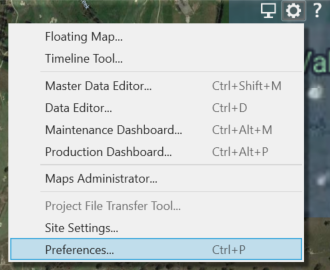
Go to:
Tools (or Cog) > Preferences
-
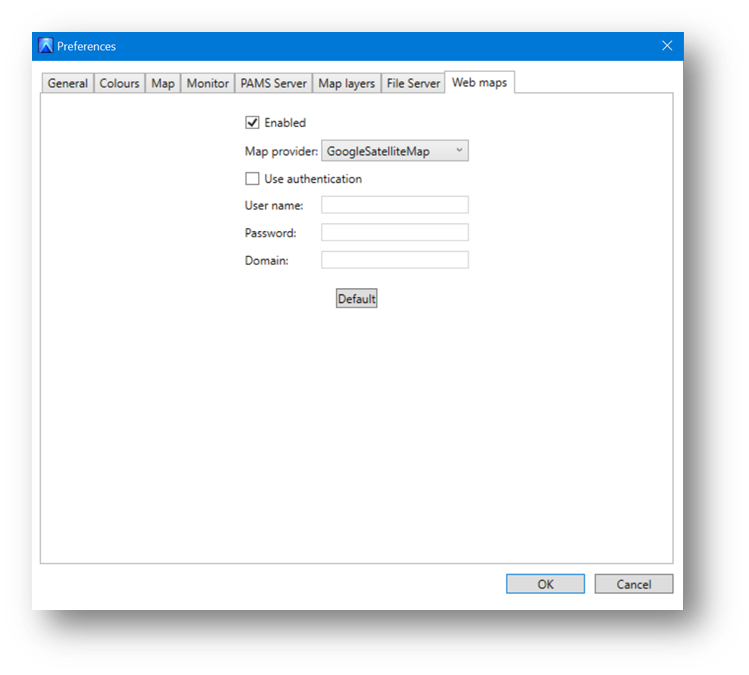
Go to Web Maps
-
Click Enabled
-
Choose Map provider (Google Hybrid Maps)
-
Click OK
Now install the ICS file for your site: How to load an ICS file