-
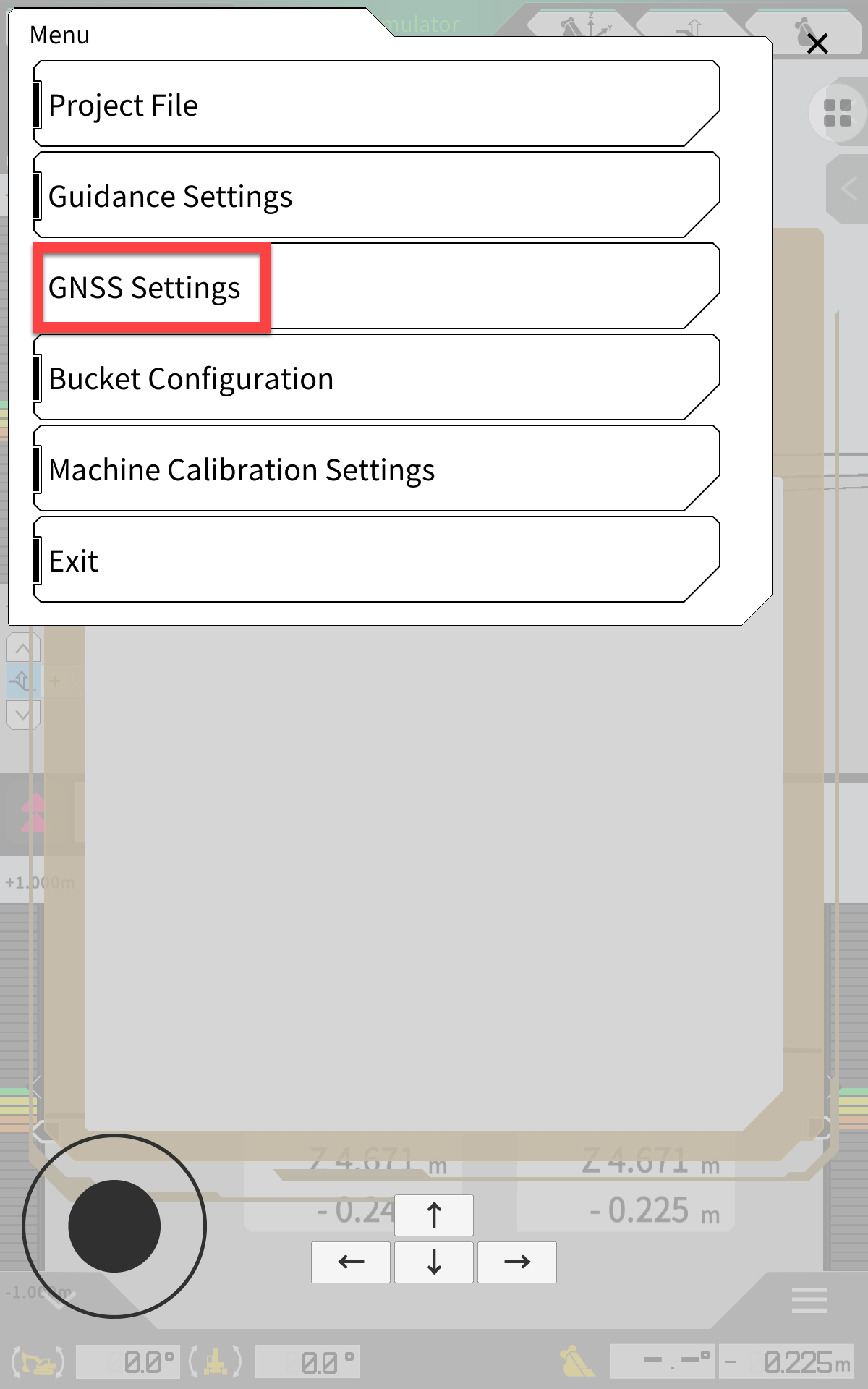
Open the menu (cog in the top left corner)
-
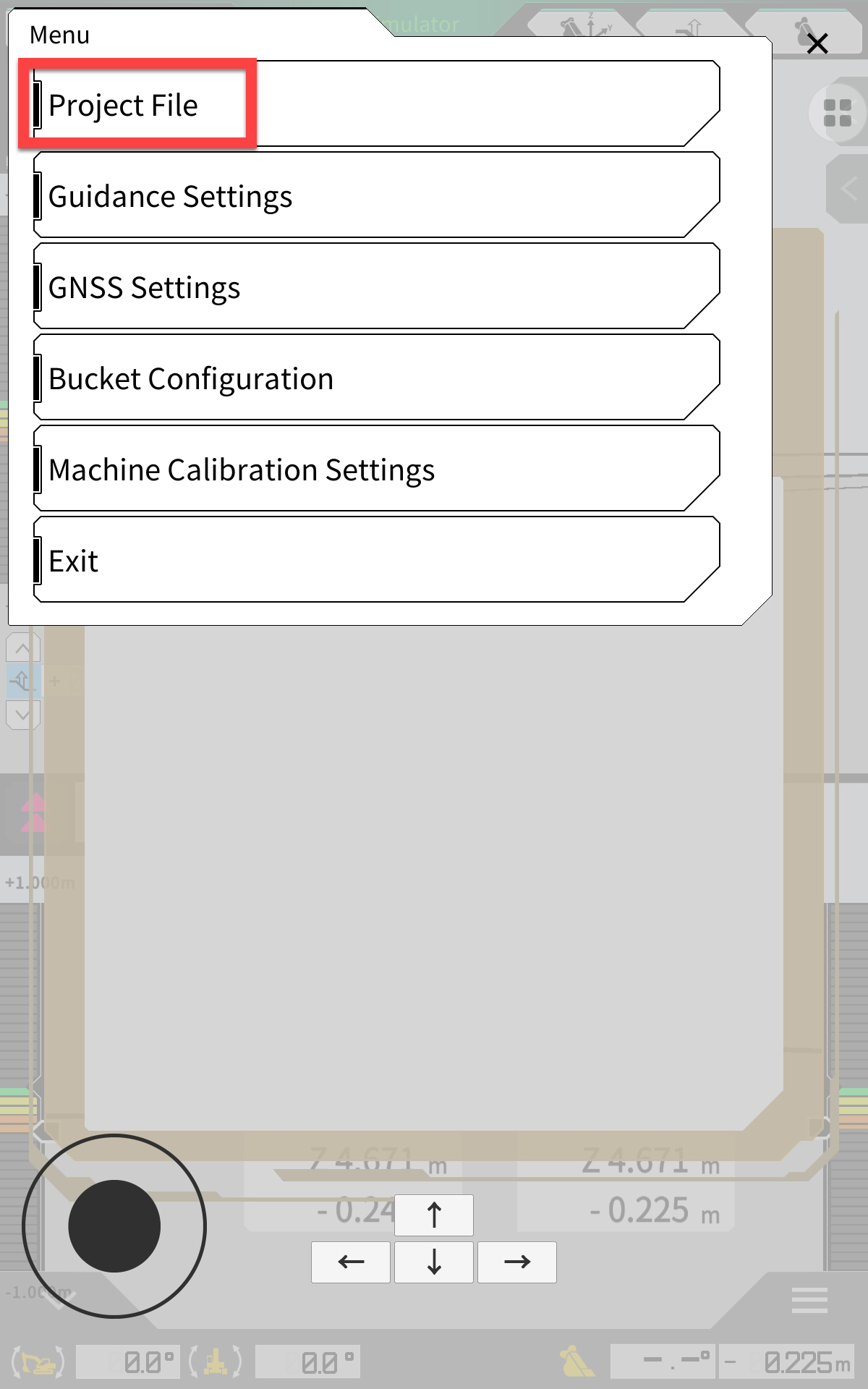
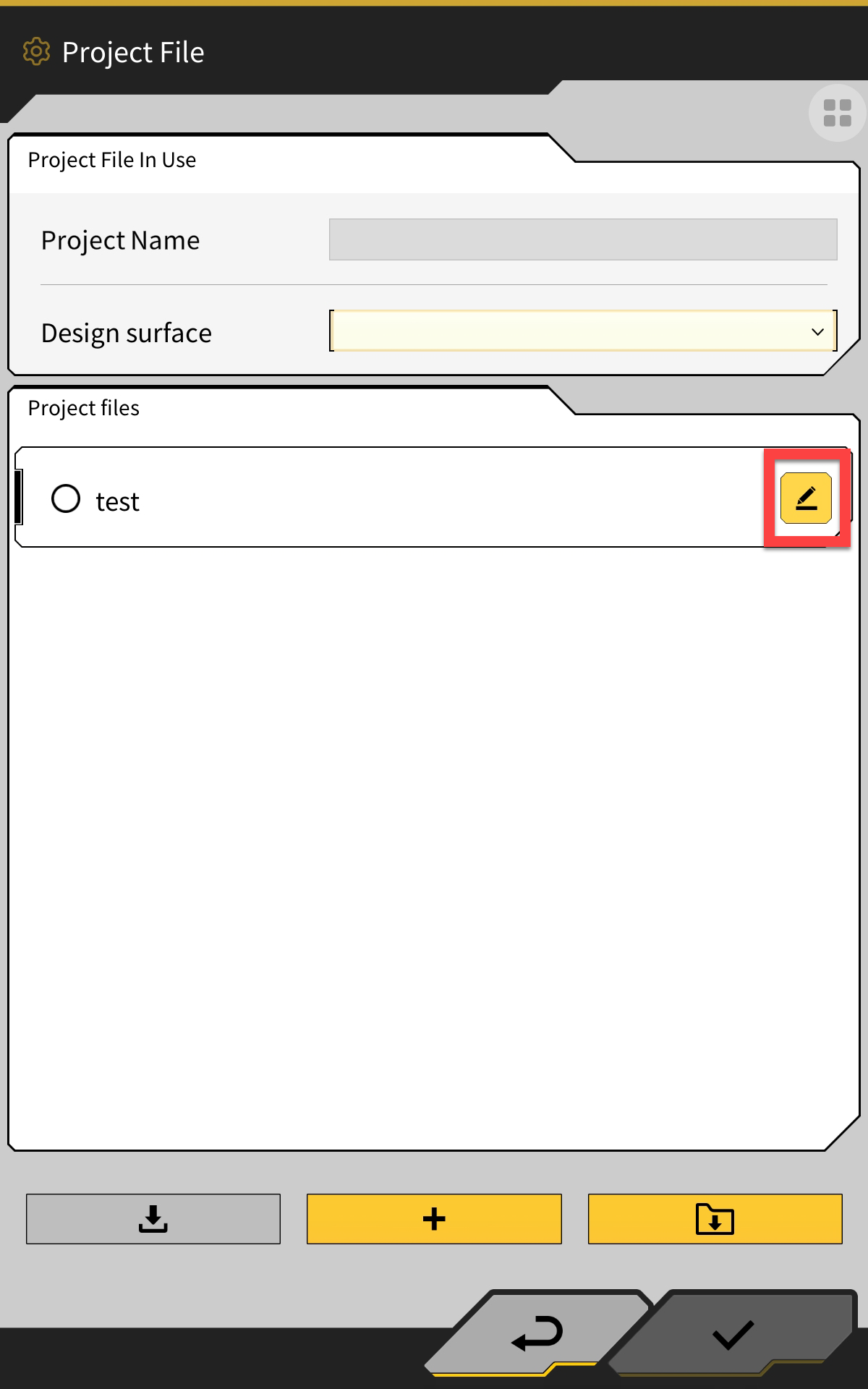
Select Project file
-
Click the edit button next to the project file you want to edit
-
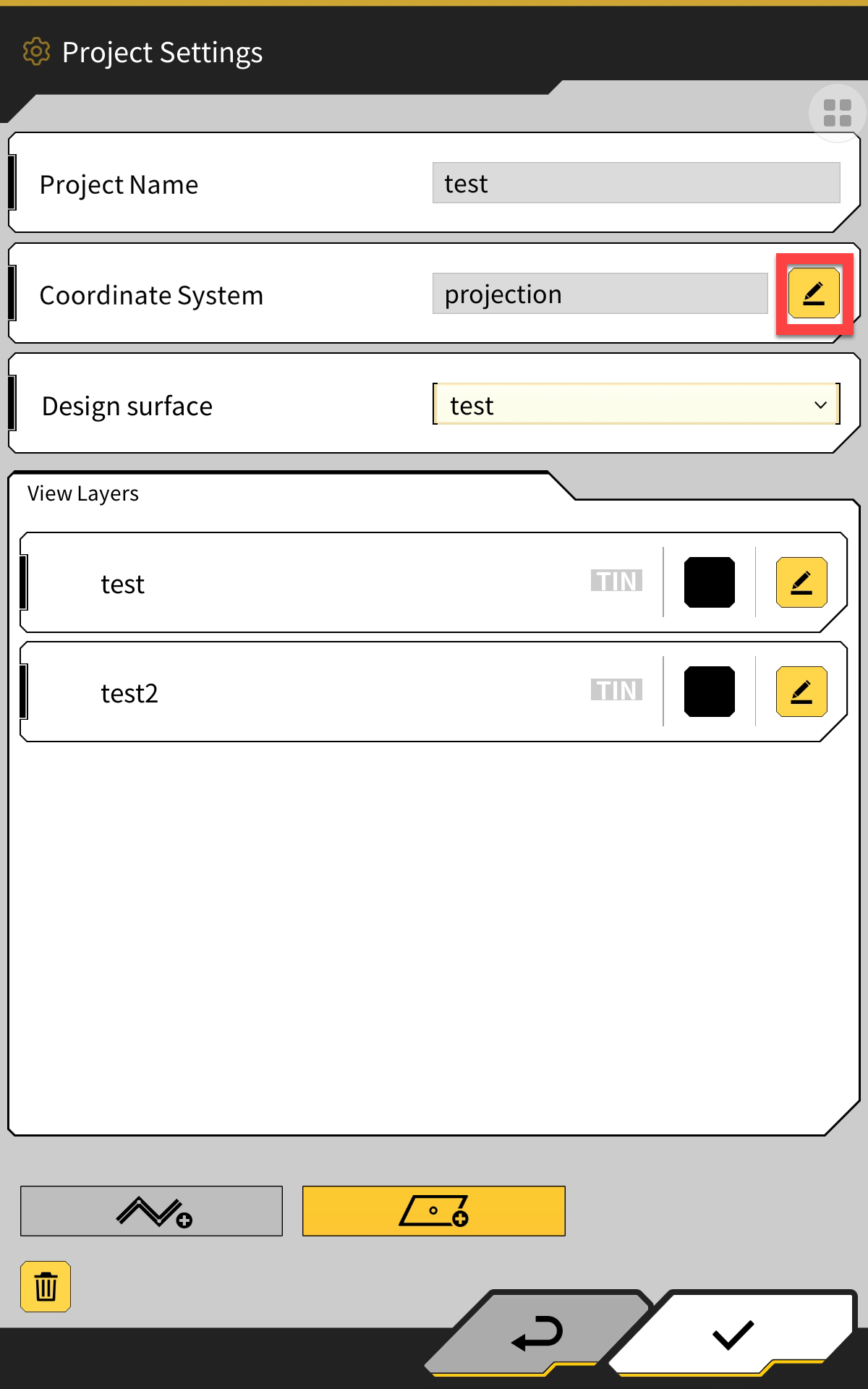
Select the edit button next to Coordinate system - Projection
-
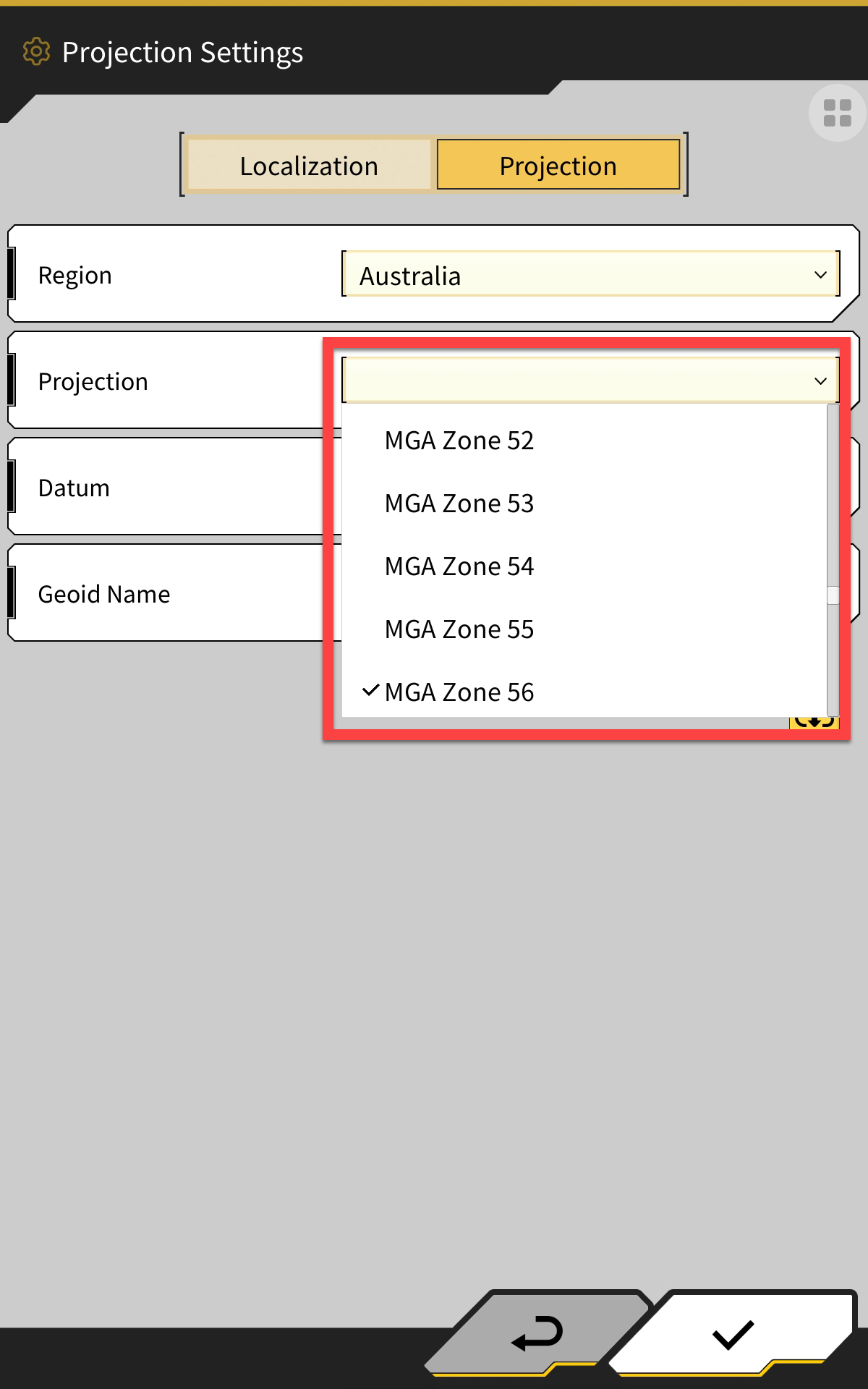
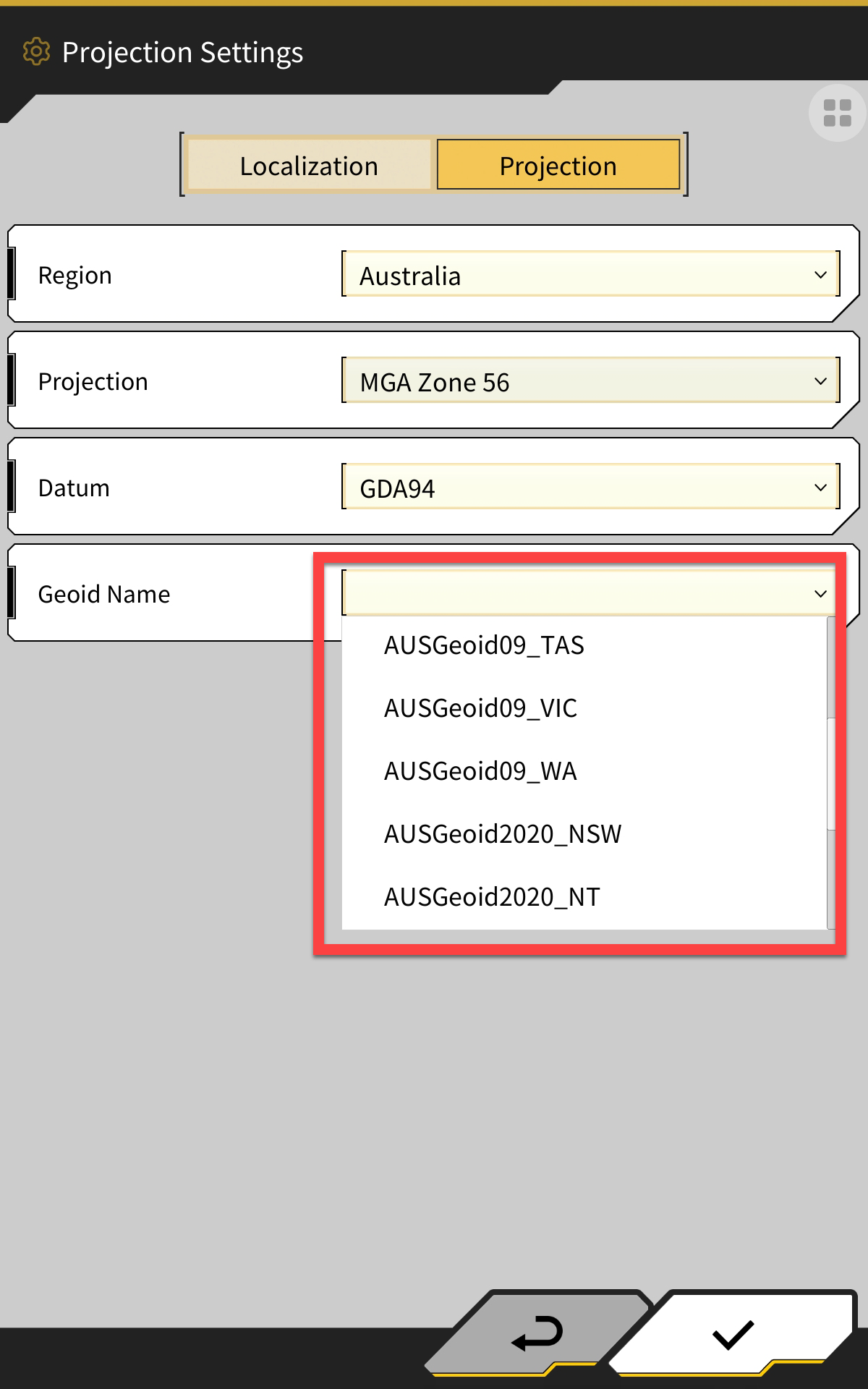
Here you can change the Projection zone, Datum and Geoid
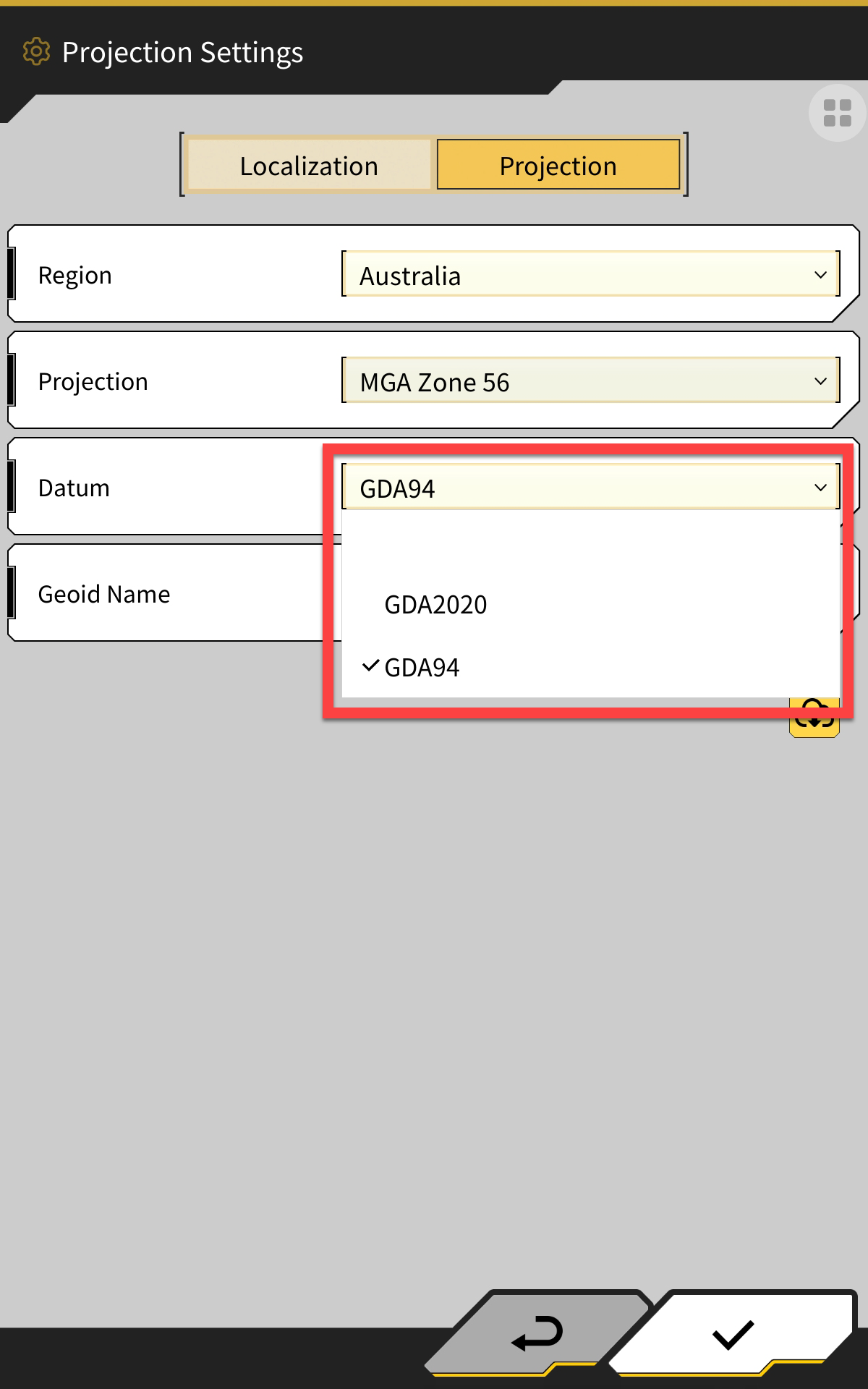
If you want to change from GDA 94 to 2020 or vice versa, only change the following:
Datum - step 6
Geoid - step 7
6. Change the Datum - GDA 94 or GDA 2020
-
Change the Geoid
In most* cases, Ausgeoid09 is used in conjunction with GDA 94 and Ausgeoid2020 is used in conjunction with GDA2020.
*some projects will not follow the above - check with your surveyor if you are not sure.
-
Select the tick in the bottom right corner to set the new projection details.
If using Network for GPS corrections, you will also need to change the Ntrip settings to match the new projection.
-
Open the menu
-
Select GNSS Settings
-
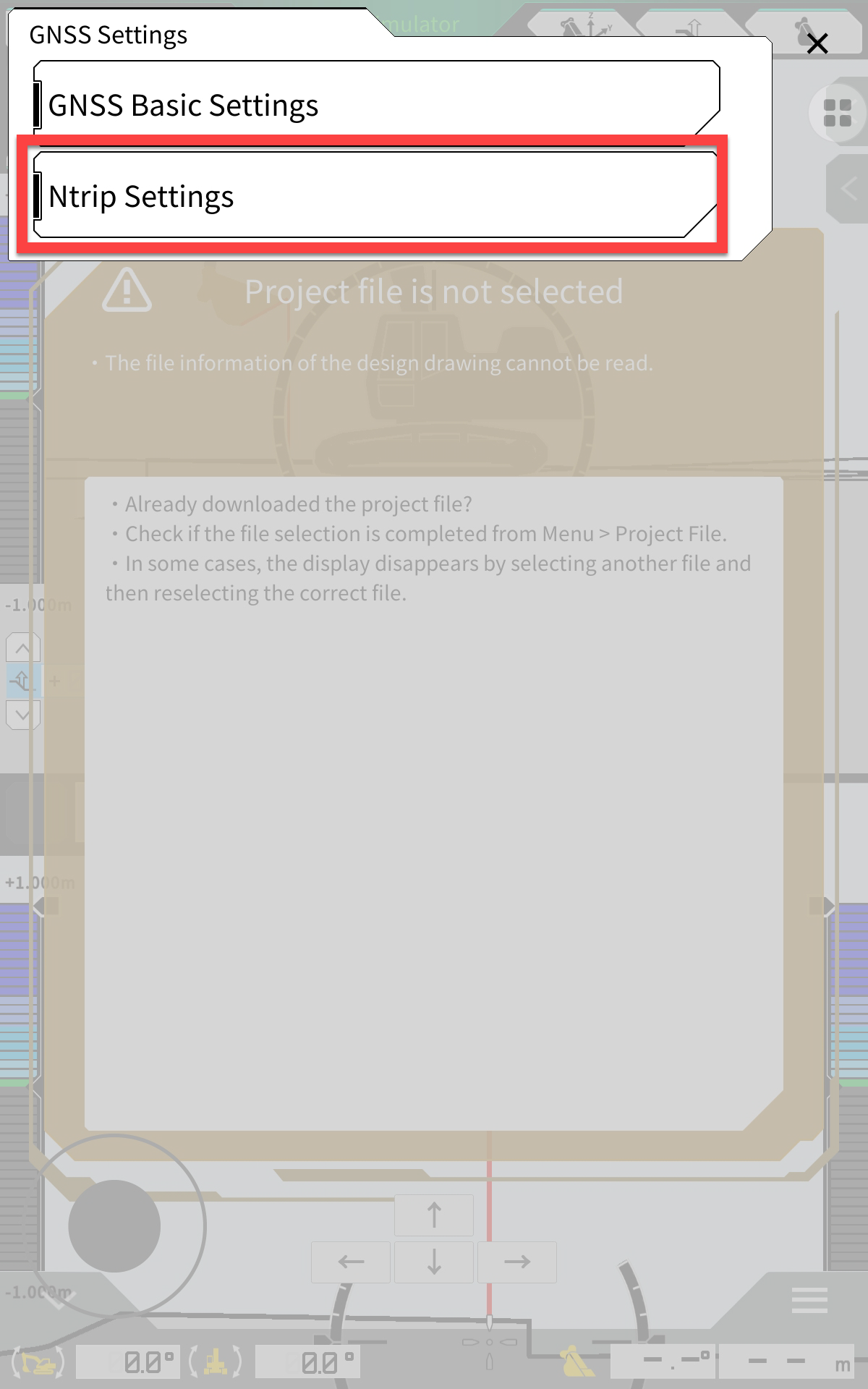
Select Ntrip Settings
-
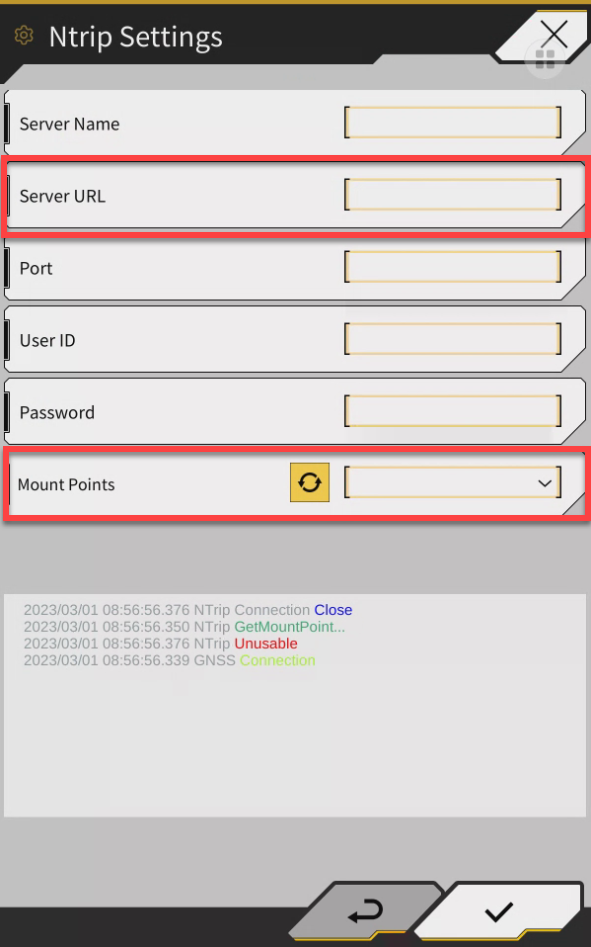
Depending on which network provider you are using, either change the server URL or Mount Point:
-
All Day RTK = Change the server URL
-
state.alldayrtk.com.au = GDA 94 (eg; nsw.alldayrtk.com.au)
-
state2020.alldayrtk.com.au = GDA2020 (eg; qld2020.alldayrtk.com.au)
-
-
VRS Now or Smartnet = Change the mount point
-
GDA 94 mount points have “94” in the mount point name
-
GDA 2020 mount points just have the mount point name (absence of 94)
-
-
-
Click the tick on the bottom right corner to save the settings
-
The network may drop out for a minute then reconnect to the new server or mount point