Tap the menu button
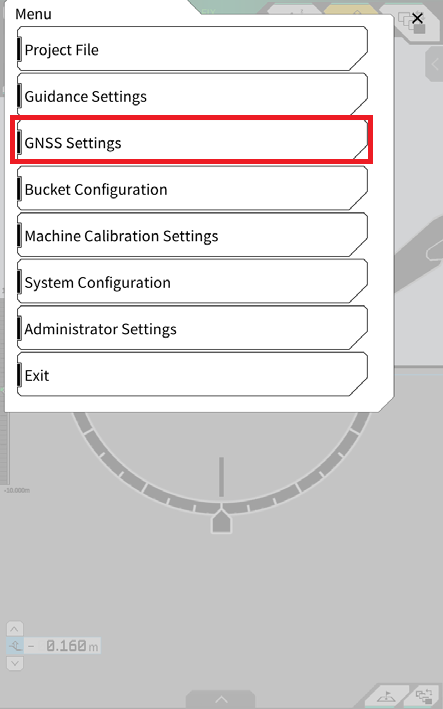
Tap GNSS Settings
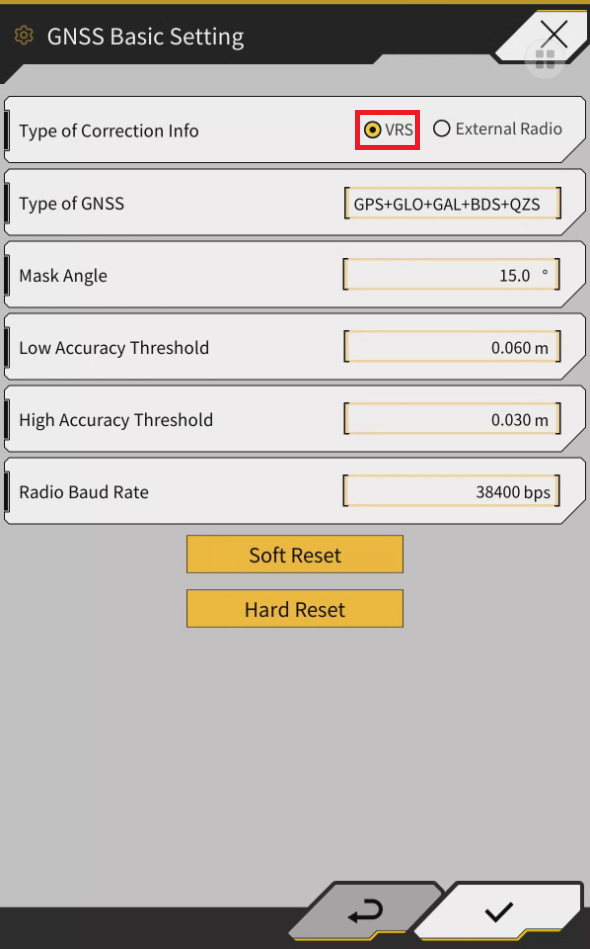
Tap GNSS Basic Settings
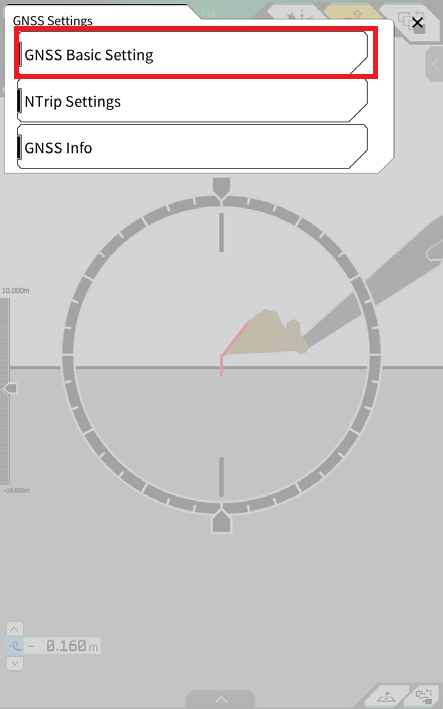
Select “VRS” for Type of Correction Info
tap ✓ to apply the setting change
Tap the munu button
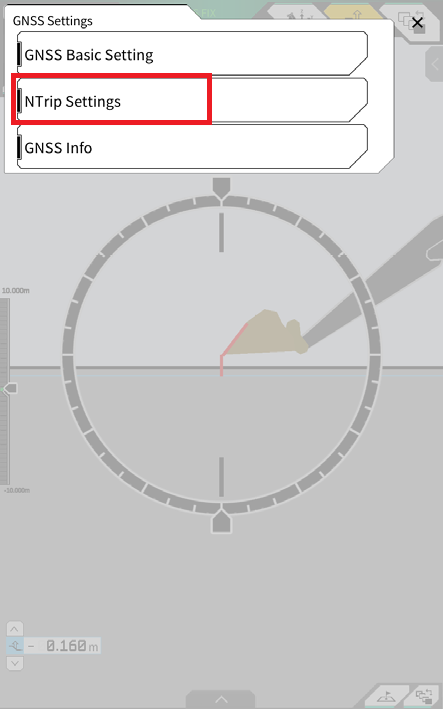
Tap GNSS Settings
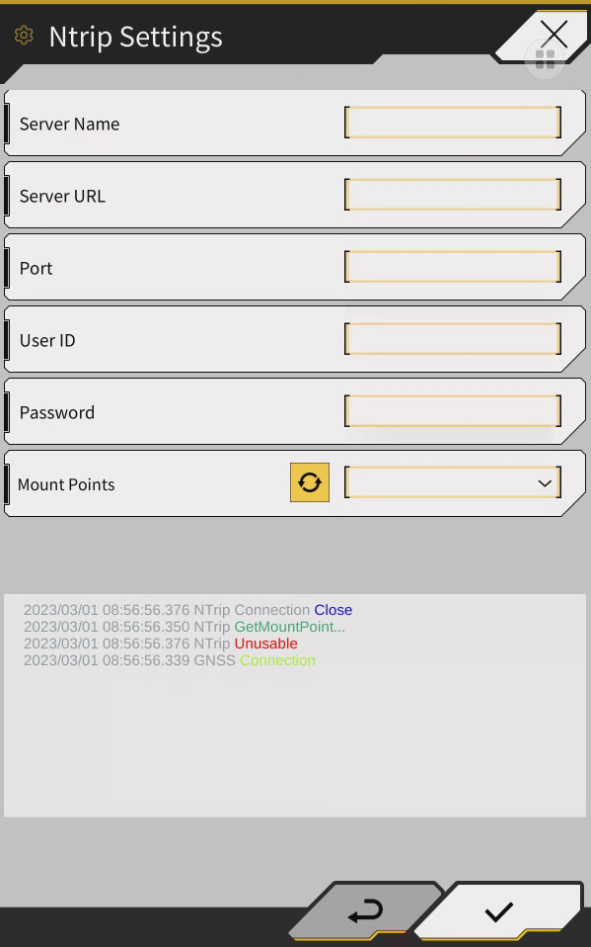
Tap NTrip Settings
Configure all fields are per Network NTrip setting provided from correction supplier
To load mount points, click the refresh symbol

Note: Mount points can only be loaded once all other settings are configured.