-
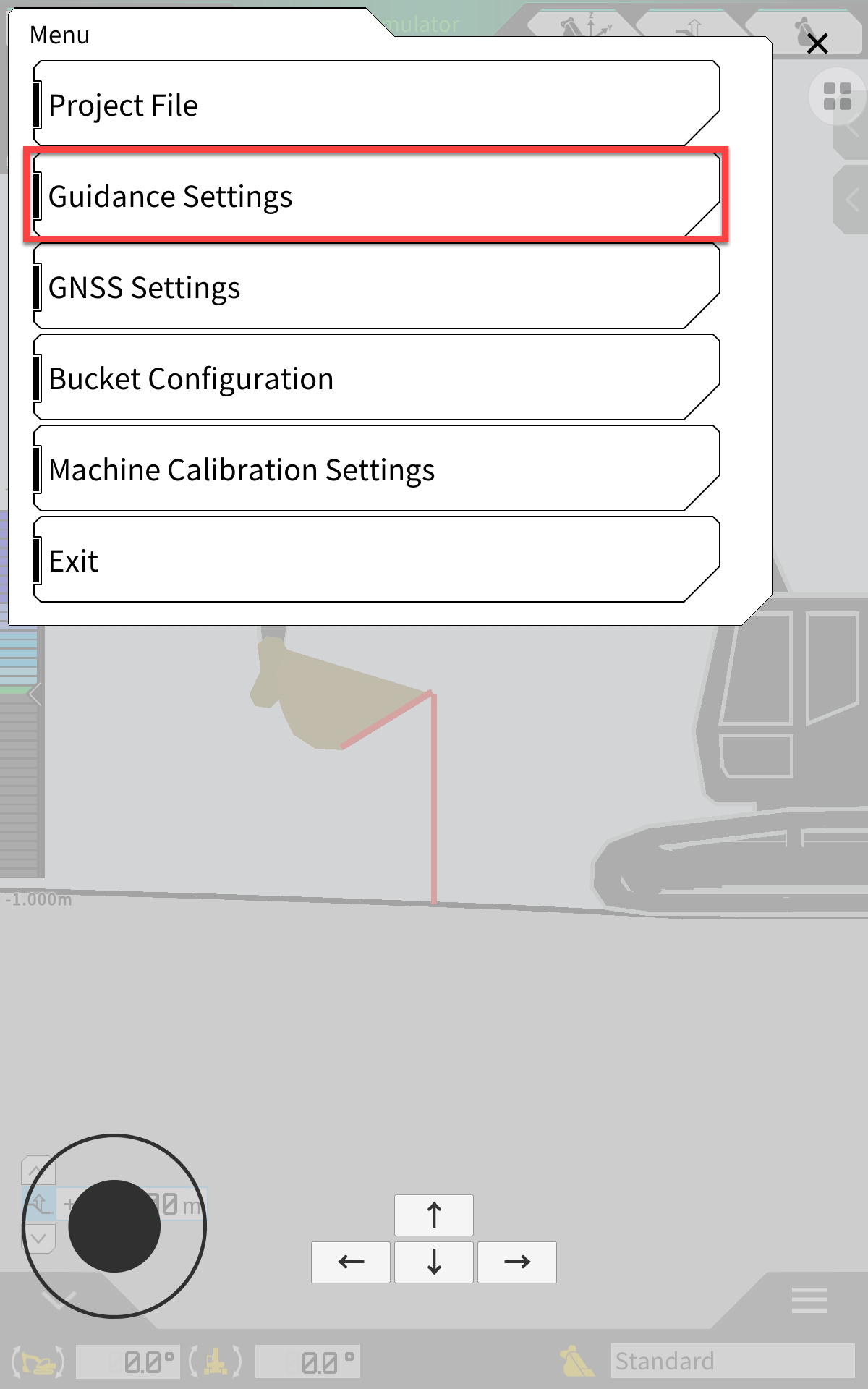
Open Menu
-
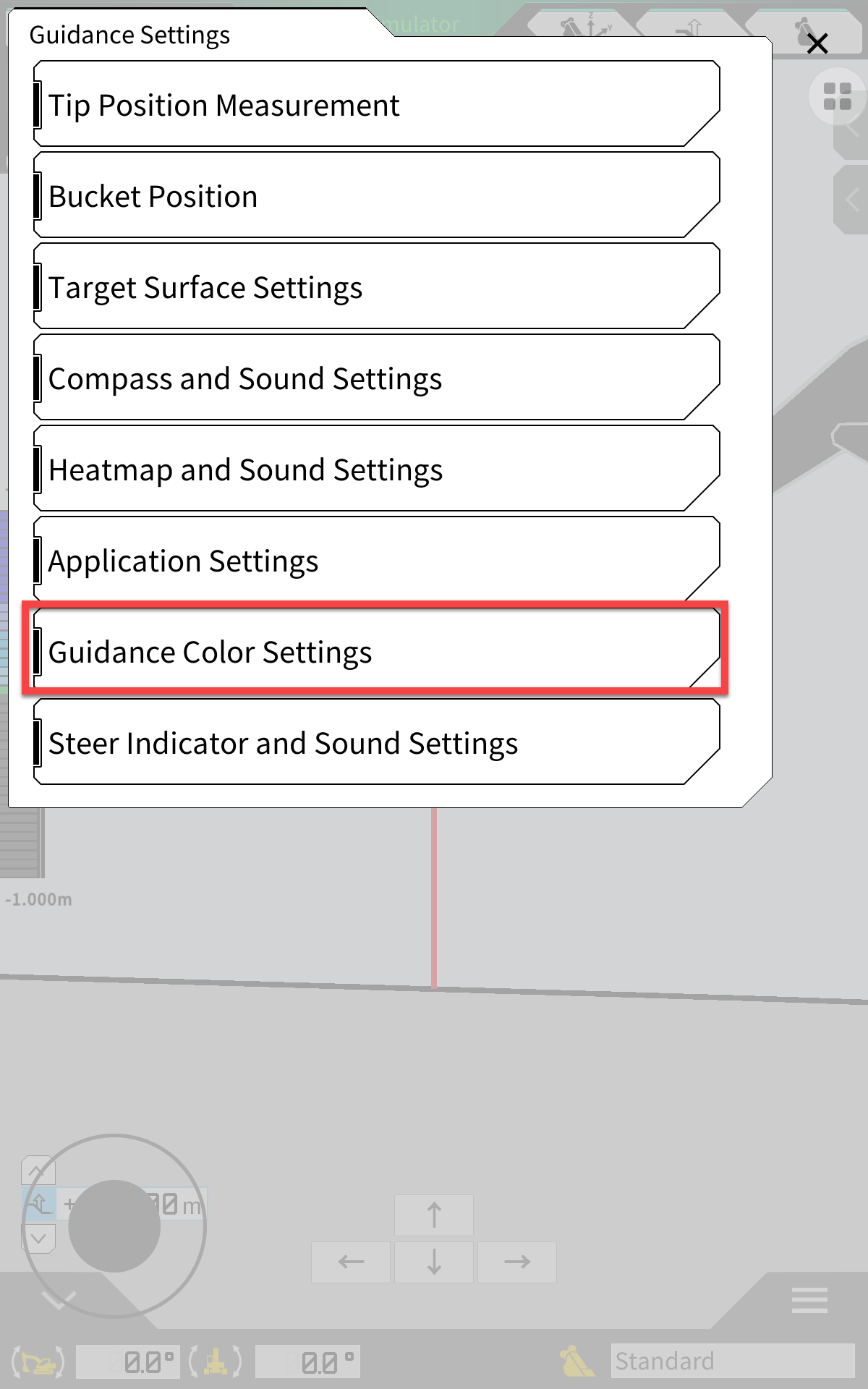
Guidance Settings
-
Guidance Colour Settings
-
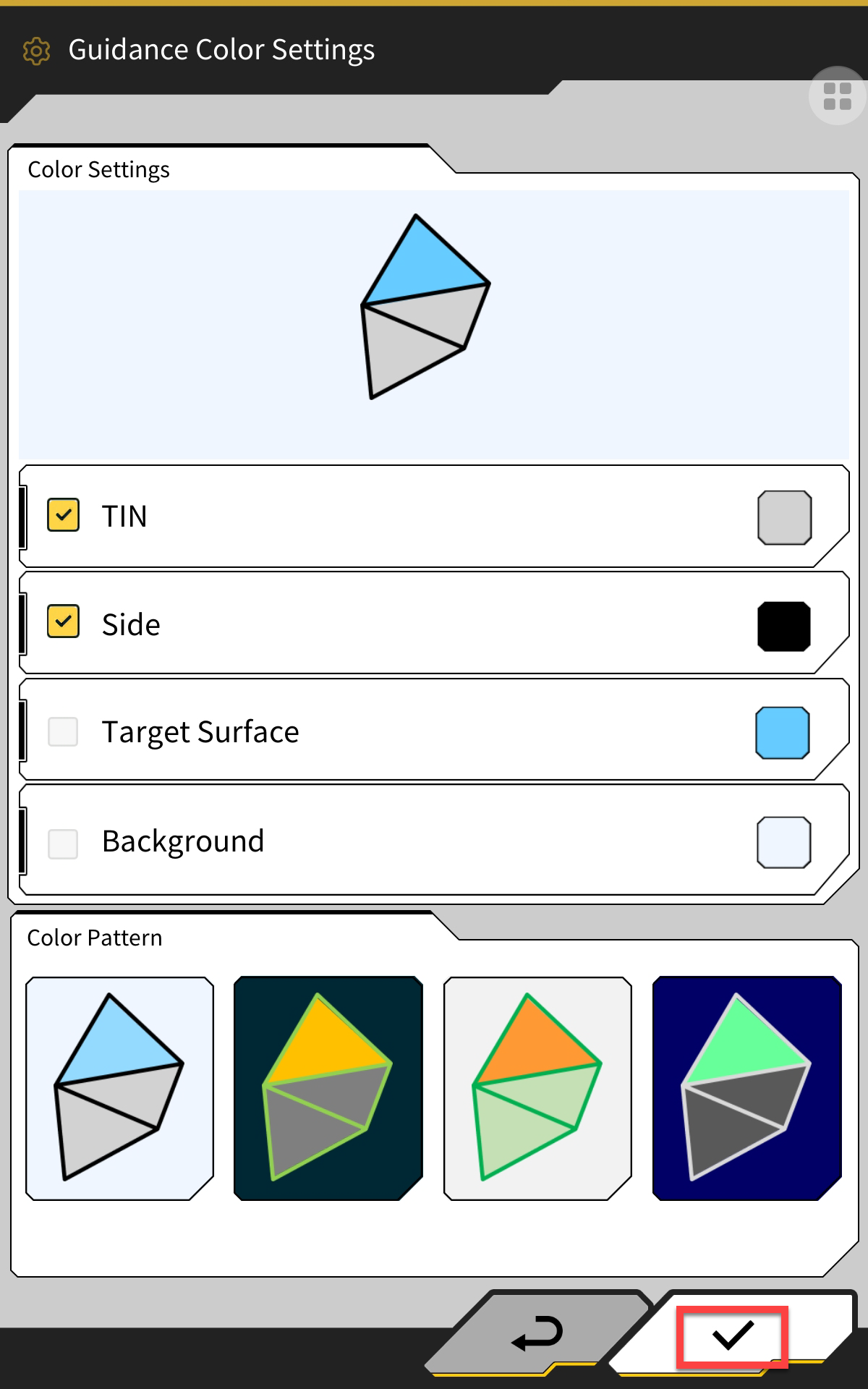
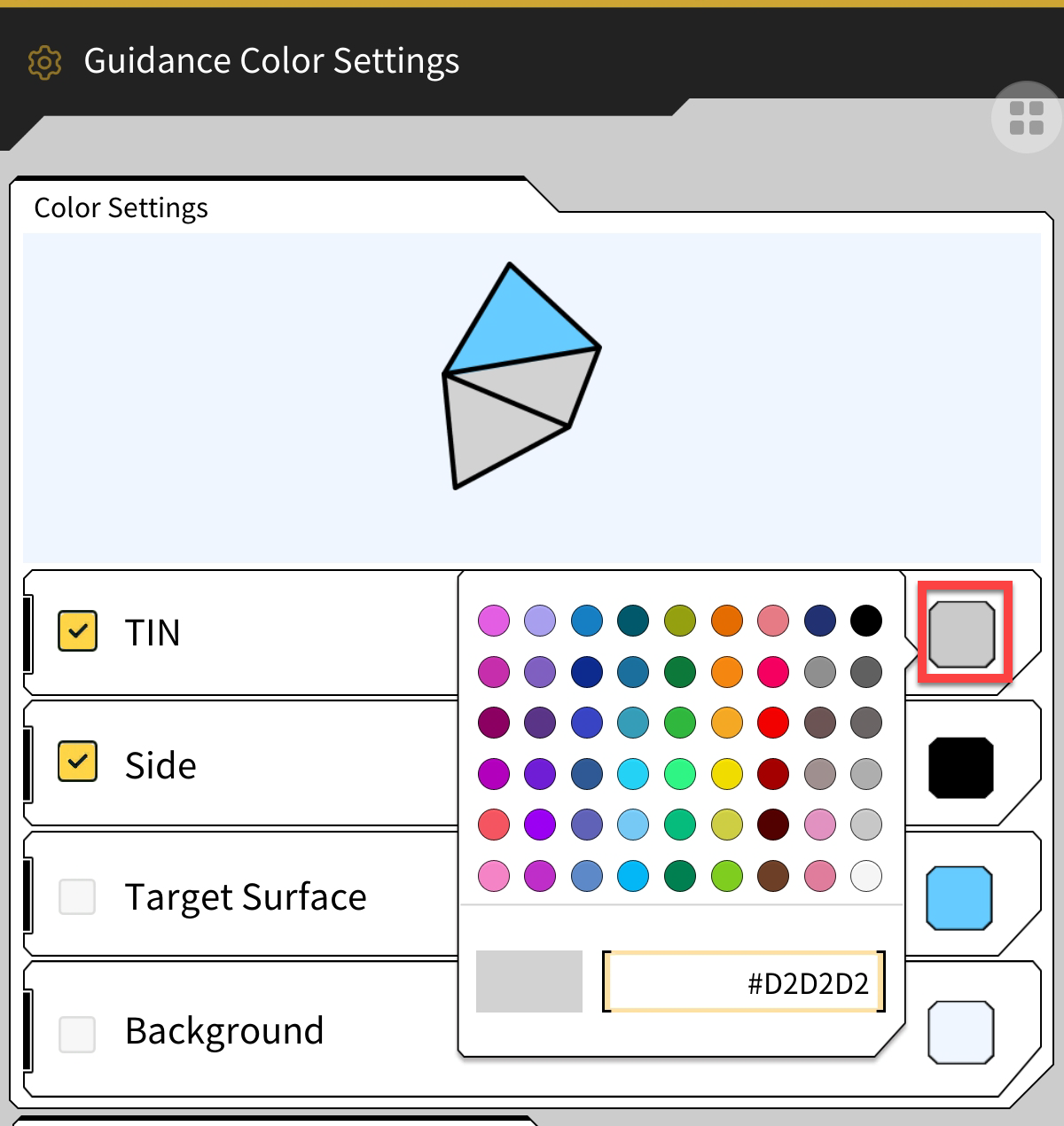
Here you have options to:
-
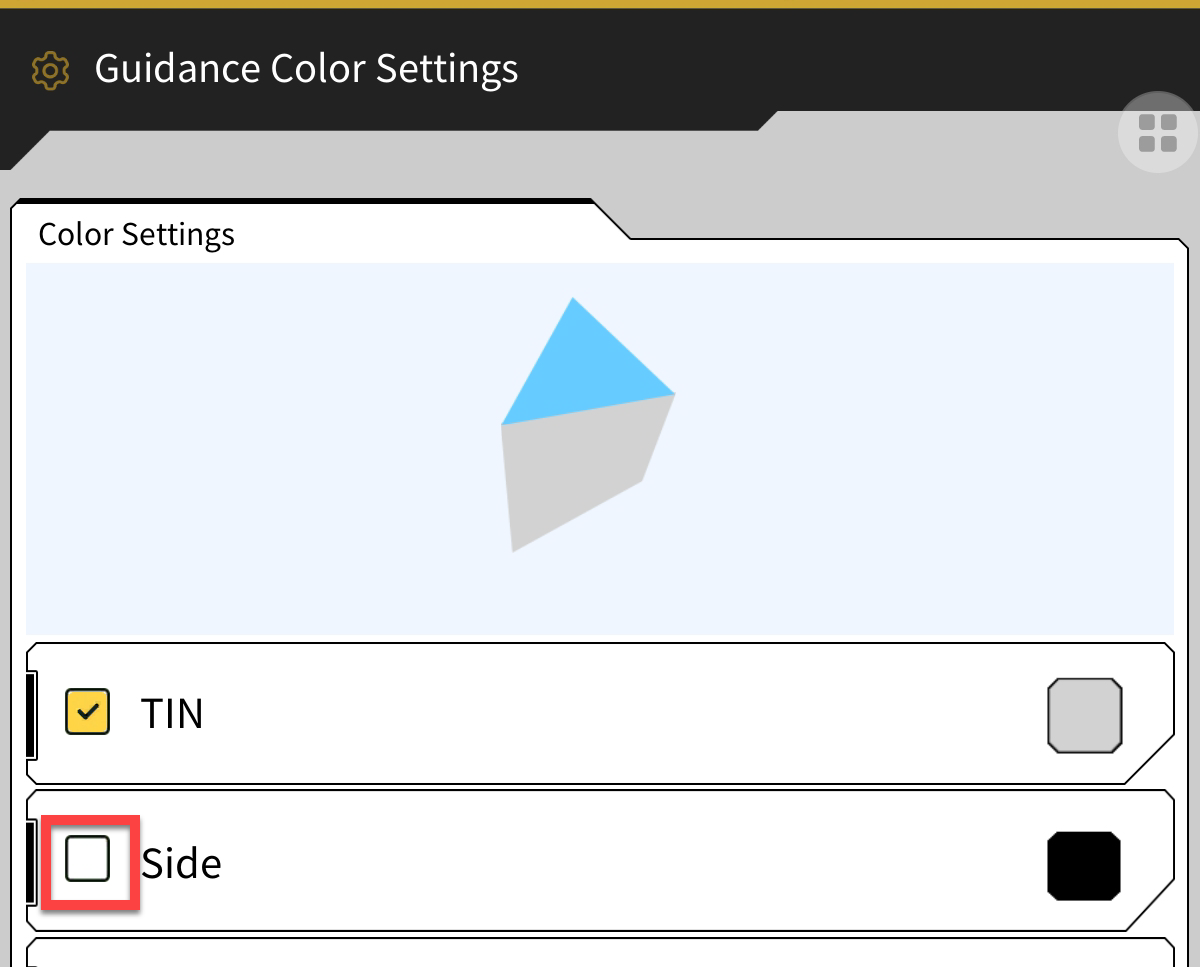
Change the colour of the TIN surface, Side (grid lines), Target Surface or Background
-
Turn the Side (Grid Lines) or TIN Surface on or off
-
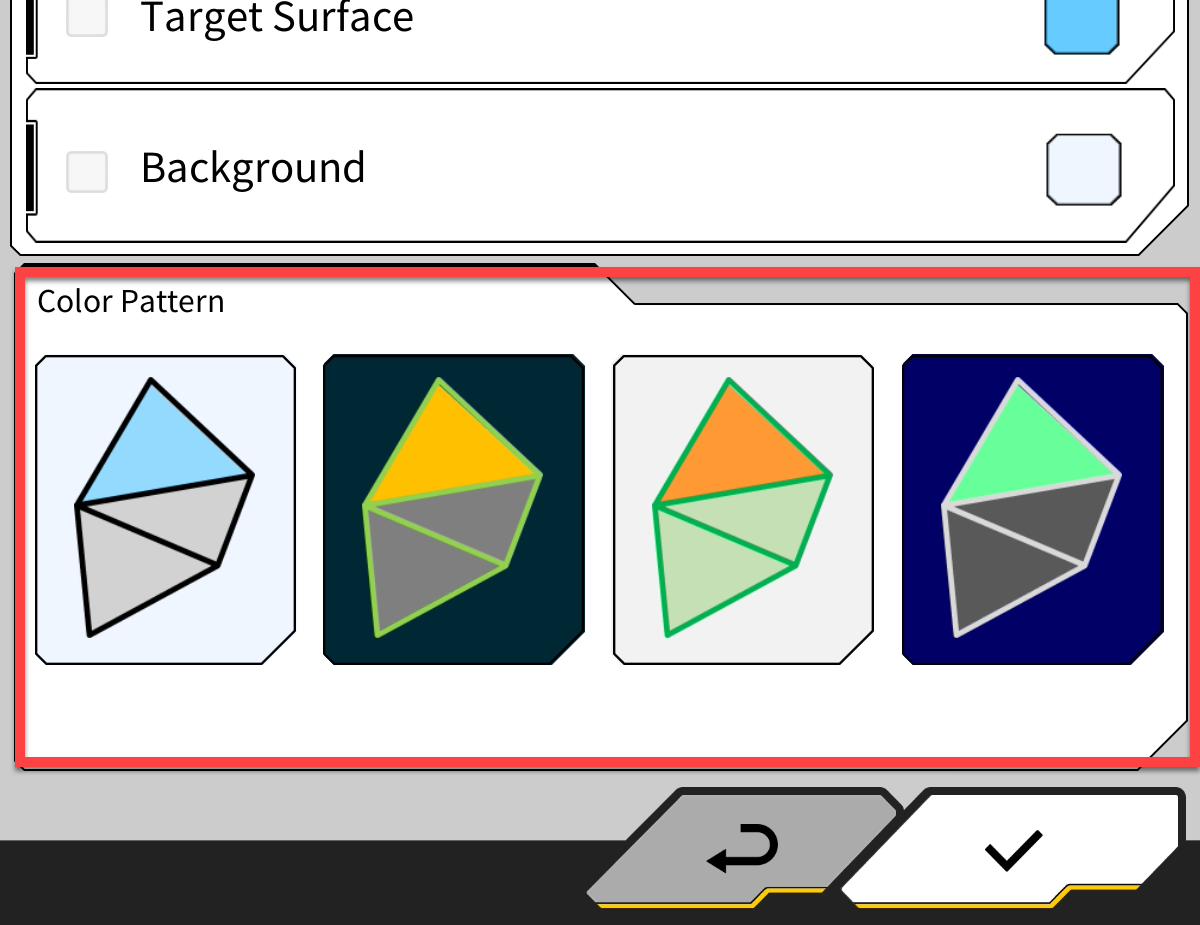
Select a pre-set to completely change the look of the surface and background
-
-
Click the tick in the bottom RH corner of the page to save changes