-
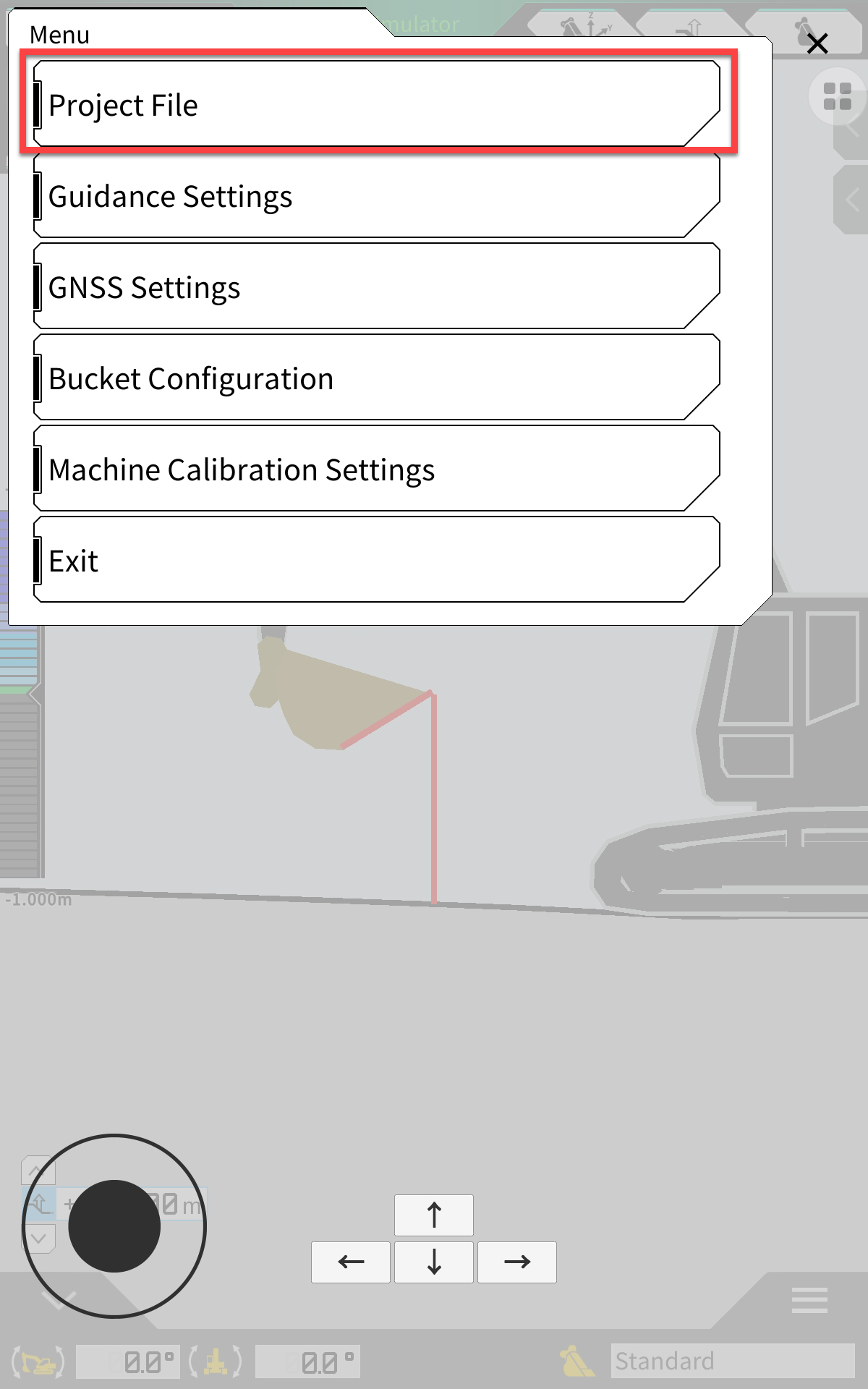
Open the Menu
-
Select Project File
-
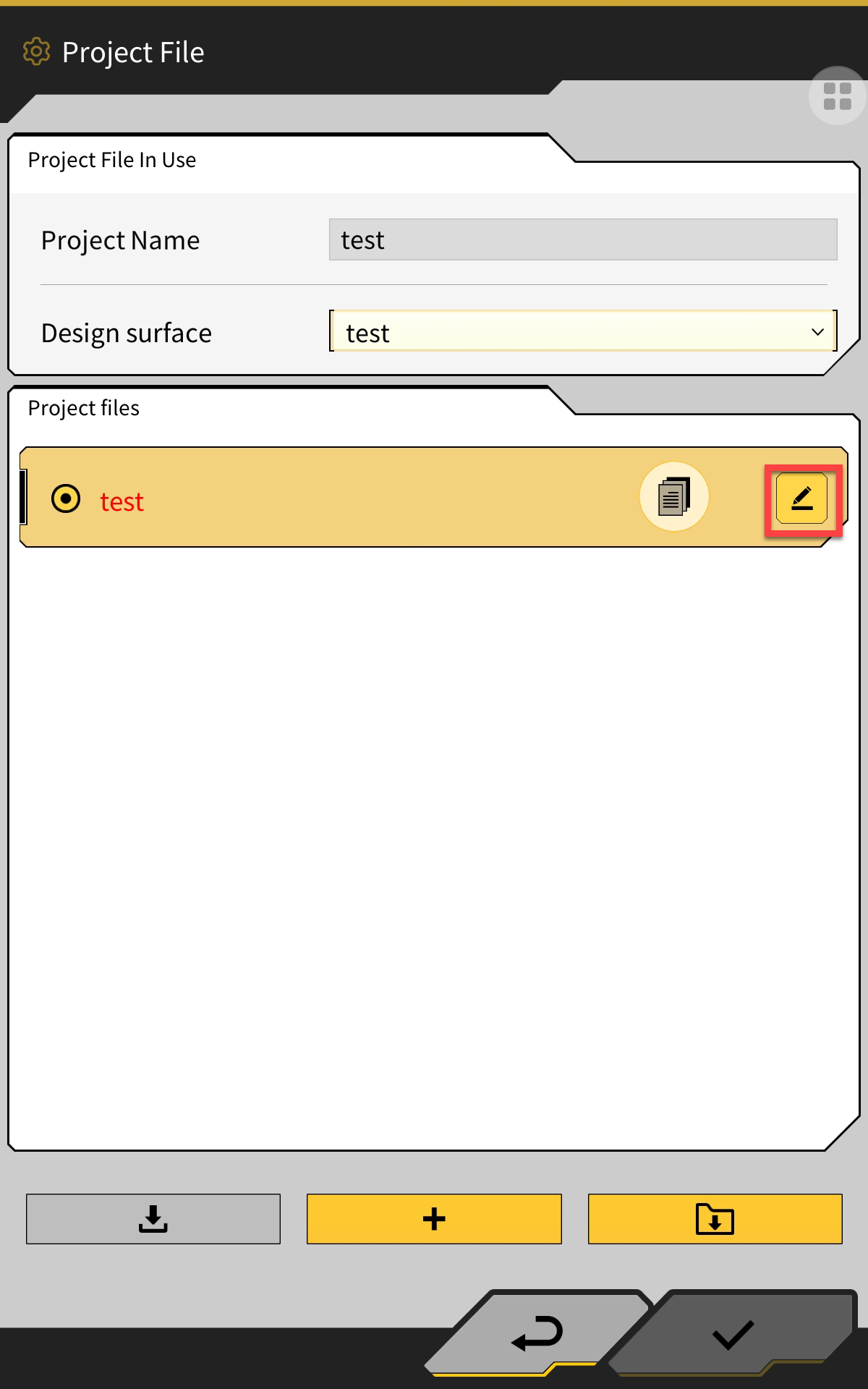
Select the Edit icon next to the project file name you want to alter
-
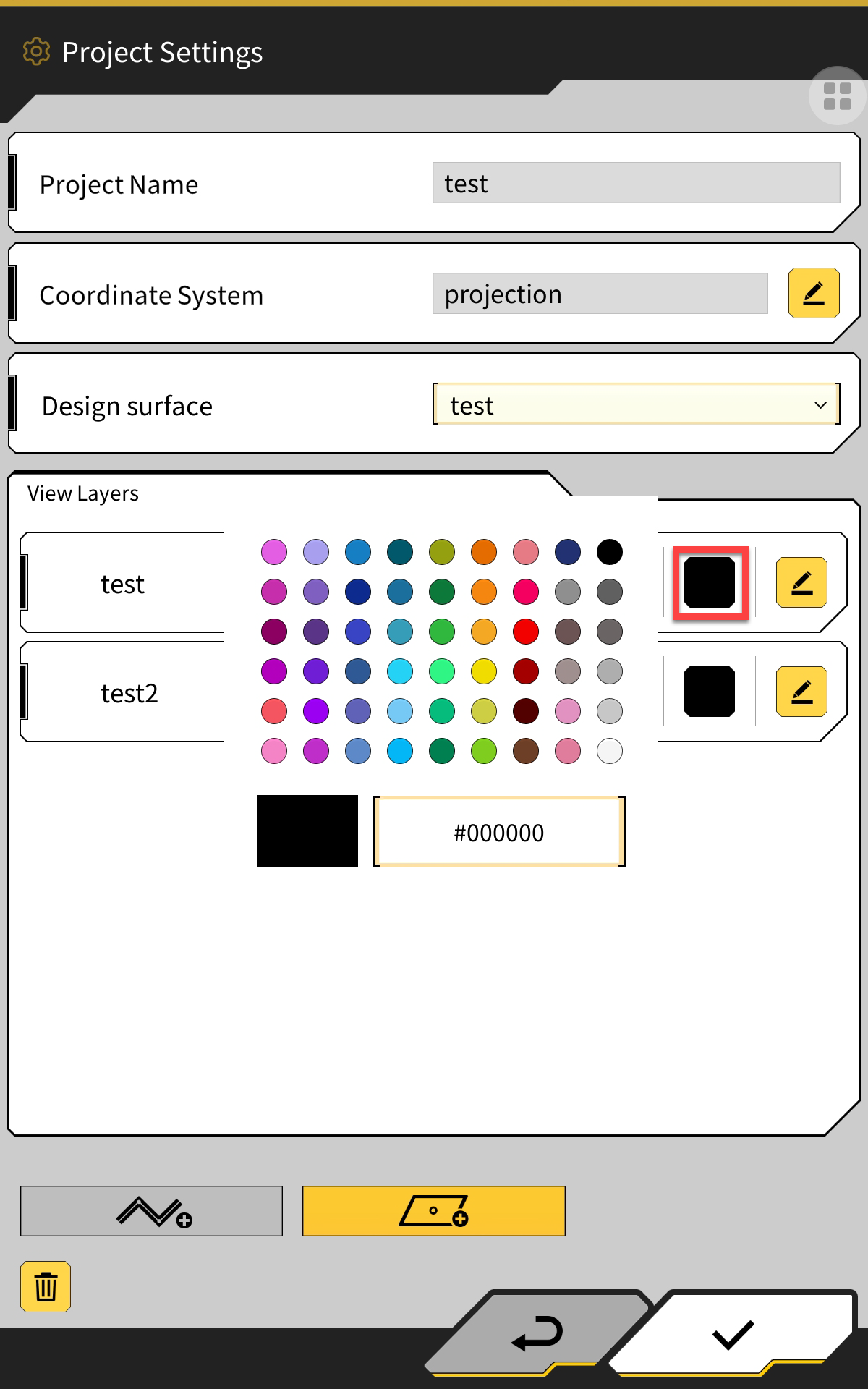
Select the coloured box in the linework layer you want to change
-
Select a colour from the chart
-
Select the tick in the bottom RH corner of the page to save changes