
1. Log into the Smar Construction Portal
2. Select Jobsite Settings
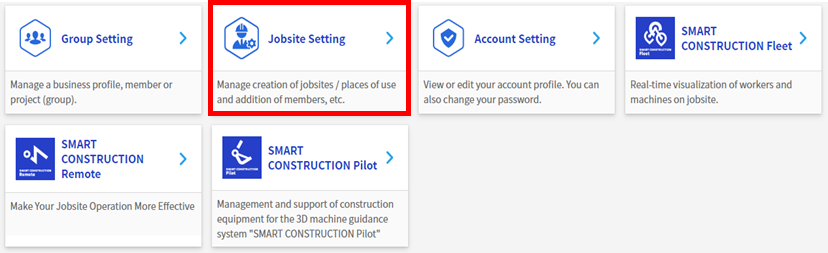
3. Select New Registration

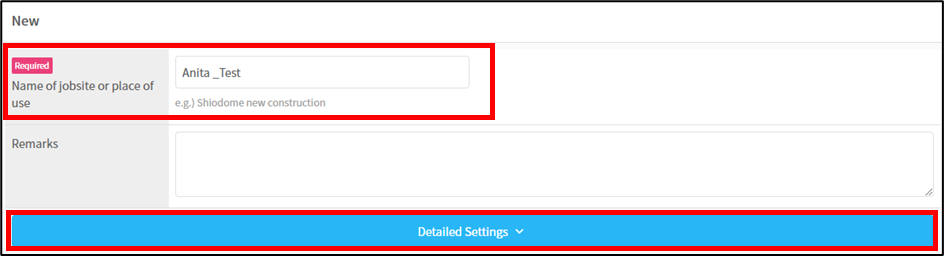
4. Name the jobsite and click on the Detailed Settings banner to expand it.
Recommended Naming convention: STATE_customer name_Suburb
5. Find the location of the jobsite by typing in the address
Note: you can generally get this from Insite along with the GPS coordinates, however, just confirm with the customer that the machine is positioned onsite when you do this. Otherwise contact the customer to obtain the jobsite address.

6. Scroll down and check the details in the required fields are prefilled correctly. Units of measure should be in Metric units.
Note: Currency defaults to EUR, so change this to either AUD or NZD
7. Click Register
Next Step: