-
Log in to SC Portal - Smart Construction
-
Open SC Remote
-
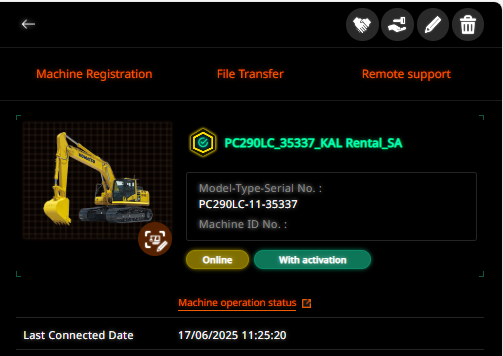
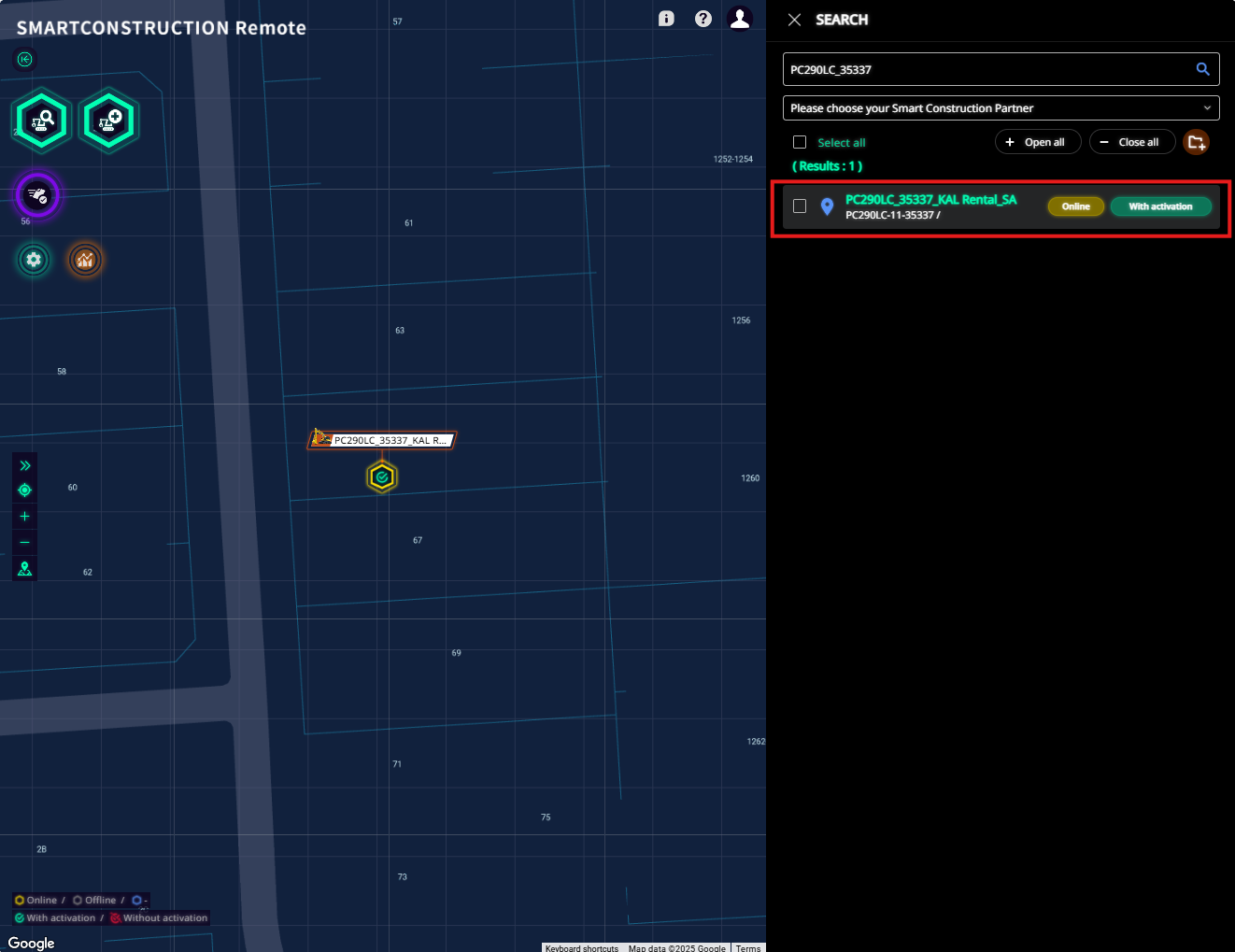
Click on the machine you would like to access
-
It must be showing as “Online” and “With Activation” to remote into the machine
-
It does not need to be “Online” if sending a file to the machine - it will load once the machine is next online
-
-
To remote into a machine
-
Click on “Remote Support”
-
Choose Remote Control or Remote View
-
This will load a pop-up screen
-
The operator will need to grant access by tapping “Start Now” on the tablet (only on 3DMG machines)
-
-
To send files (rpz for 3DMG, tp3 for IMC)
-
Click on “File Transfer”
-
Click on Select a file, or drag and drop the file to the box
-
Click Start Transfer
-