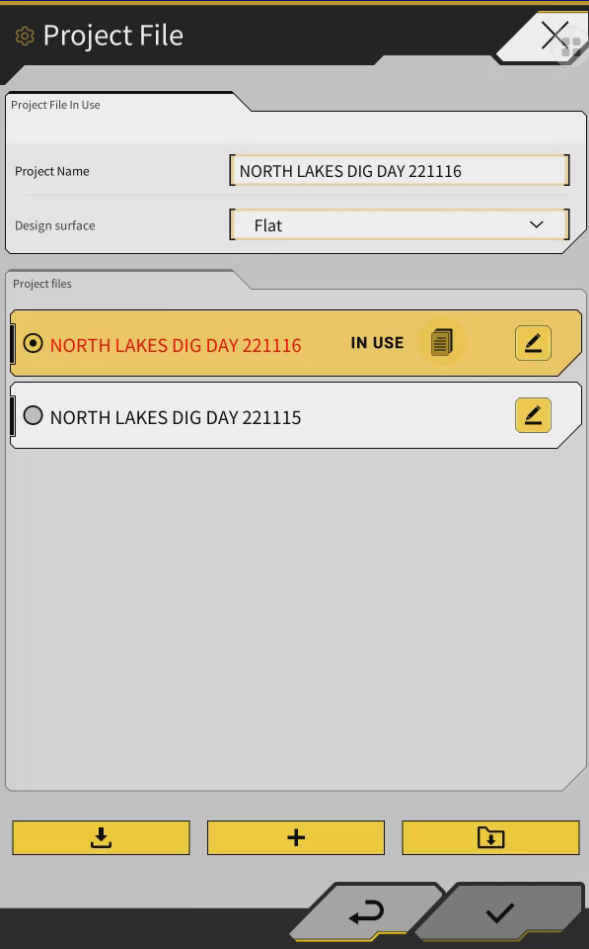
Machine needs to be assigned to the correct site in Smart construction Portal Pilot web application first
Tap the menu button
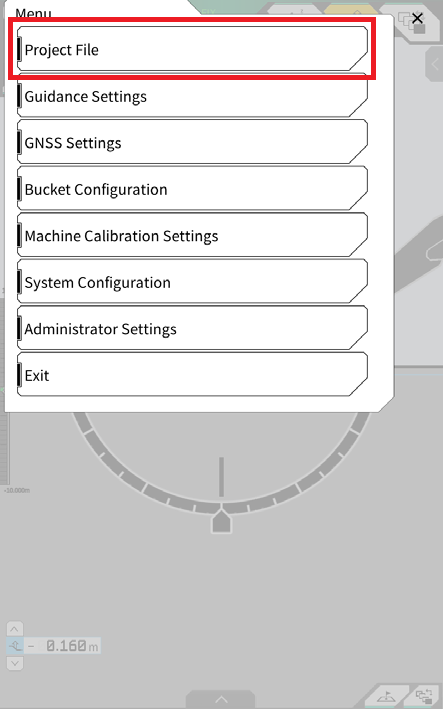
Tap “Project File”
Press the download button
Tap the download button of the target project file
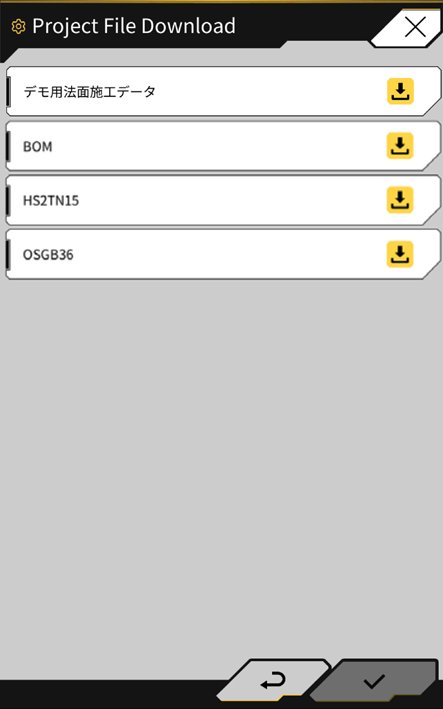
Tap ✓ to execute download.
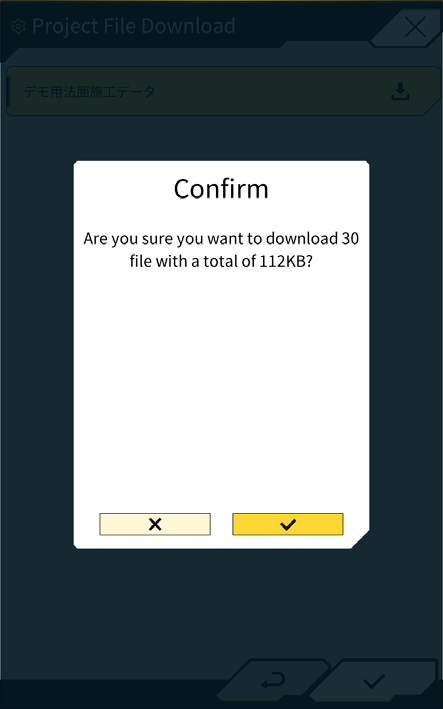
After downloading, tap ✓ to specify the target project file.
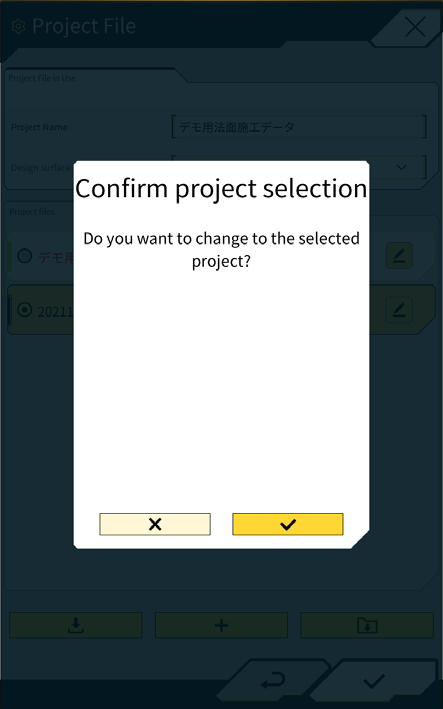
Project file is now selected and showing as “in Use”
Press the back button
Press the x to close the menu