Below are the documents directly from the operation and maintenance manual that outline the process of completing the calibration of all tilting and non-tilting attachments for IMC 2.0 excavators.
Auto tilt bucket calibration for 2.0.pdfConventional bucket calibration for 1.0 and 2.0 excavator.pdf
Please ensure that the preparation is completed before the calibration process is completed.
Important note: DO NOT Edit the bucket file, which is currently selected for use by the software, any other file may be selected for this purpose, then set it for use (Recommended: Conventional- Standard bucket)
Follow instructions in PDF above to copy/create new bucket file, Then select the file you have created and then select ‘EDIT’
Following this process will prevent corruption of the file.
Preparation
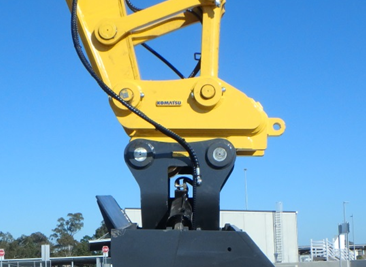
✔️ Ensure bucket that is getting calibrated is attached to Quick Hitch of machine
-
Quick hitch is considered as a part of bucket profile
✔️ Carry out Daily Calibration
-
Check IMU Calibration of body
-
Move all work equipment to stroke sensor end until indication icon on Komatsu monitor has switched off
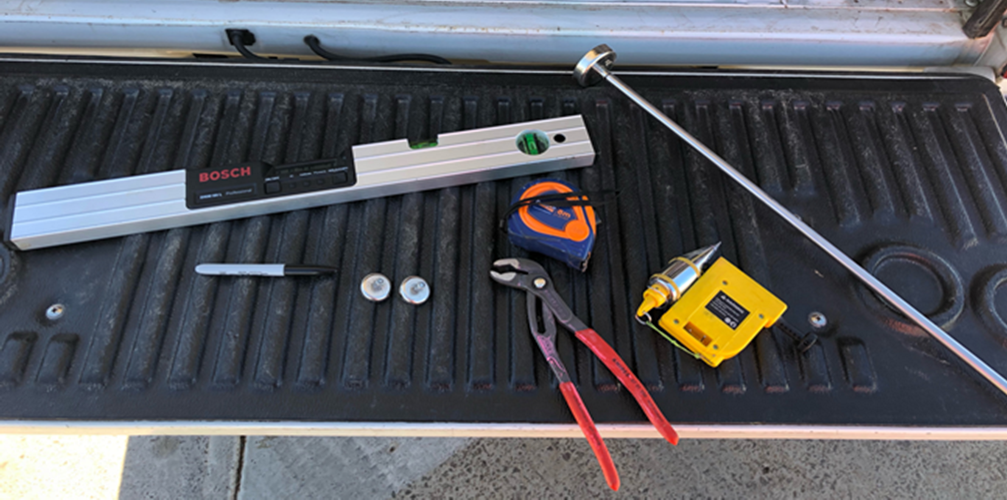
✔️ Prepare tools
-
Digital level
-
Rod with magnetic base
-
Plumb bob
-
Tape measure
-
Marking pen/crayon
-
2 small magnets
-
Pliers
Body IMU Diagnosis and Calibration
Inertial Measurement Unit
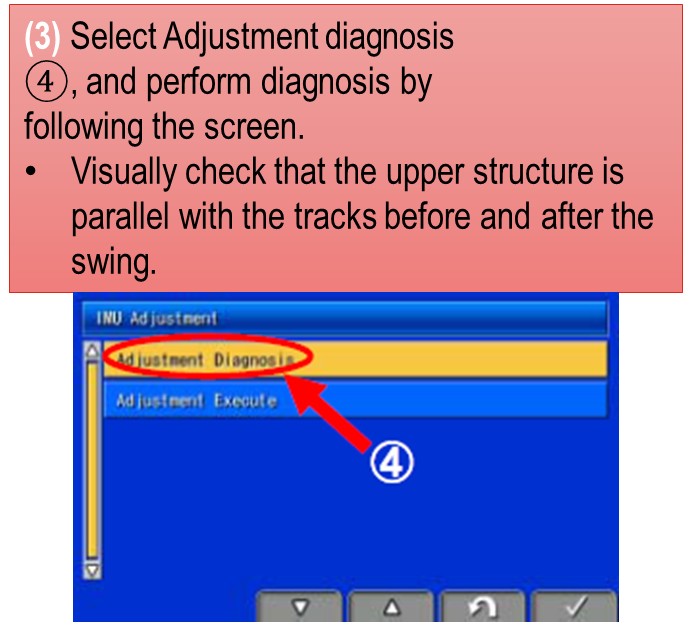
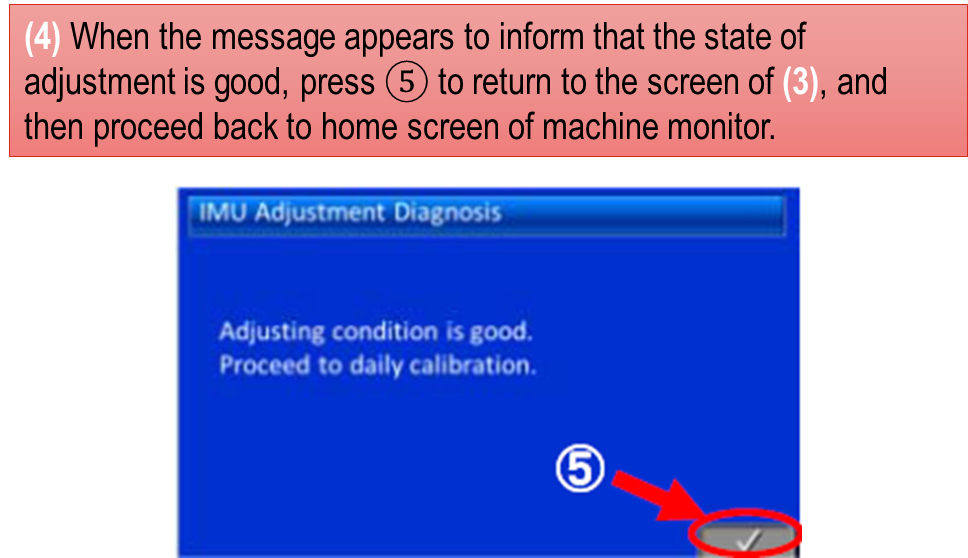
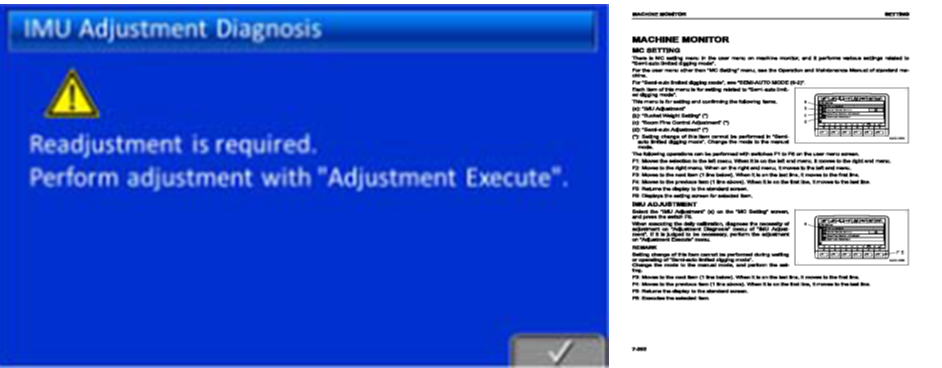
Accuracy diagnosis of body IMU needs to be checked and classed as ‘GOOD’ before continuing with bucket calibration.
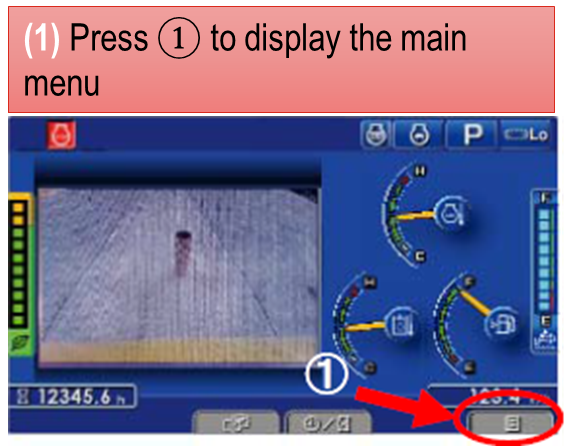
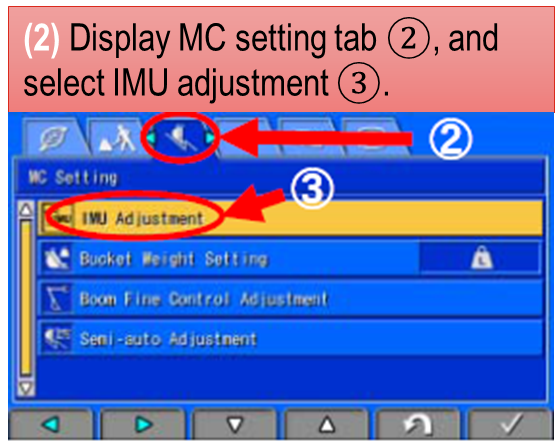
The following menus are available on the Komatsu Machine Monitor
-
Be sure to perform diagnosis with the machine placed on a stable surface, which does not cause shaking when the upper structure is swung