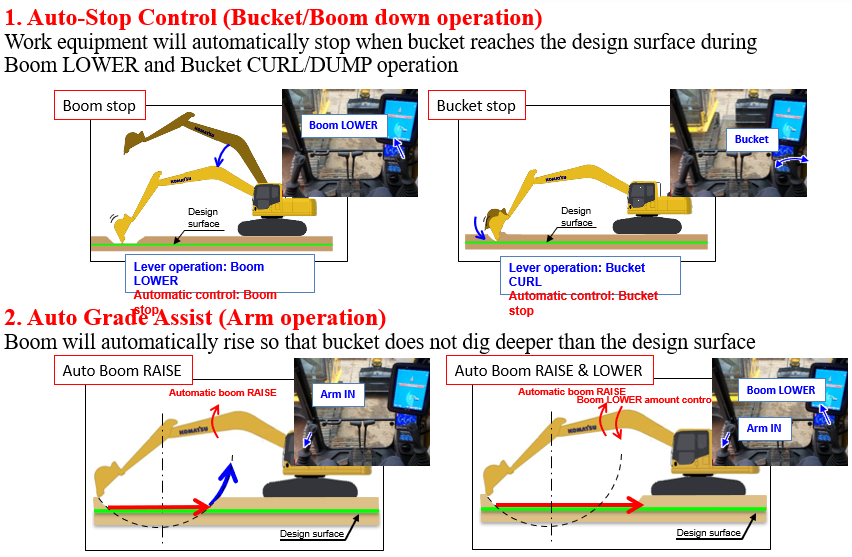
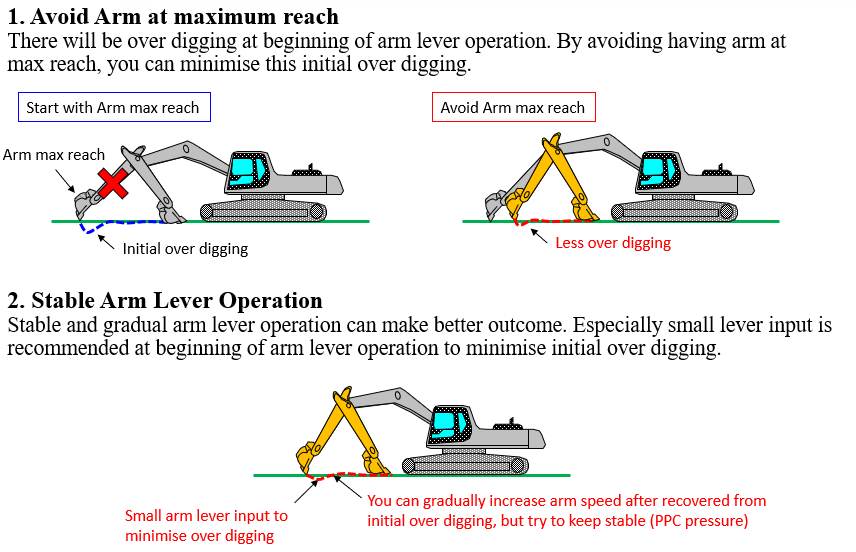
Auto Grade Assist - Boom raised automatically along design surface while arm is operated.
Auto Stop Control - Boom/Bucket operated, will stop automatically on design surface.
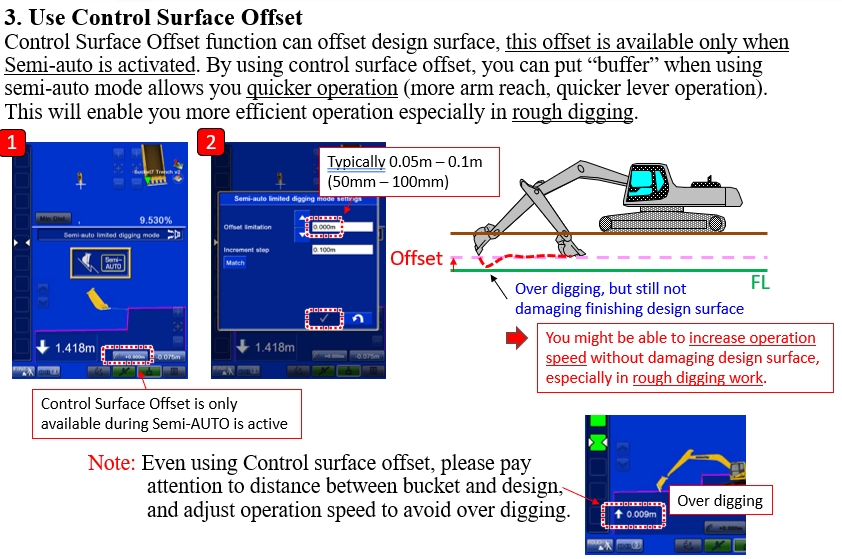
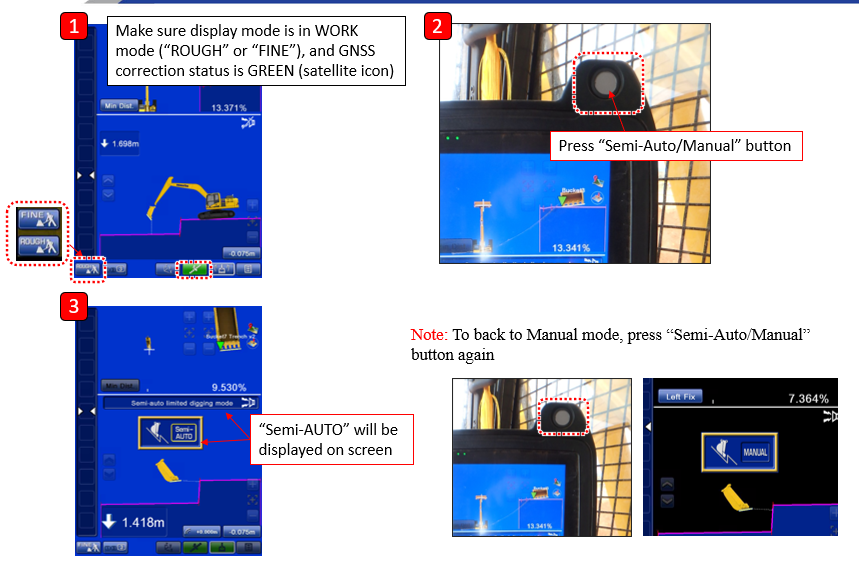
To engage Semi Auto Mode:
-
Ensure the design has an active surface
-
Ensure machine is receiving corrections (GNSS status is green)
-
Machine is in either FINE or ROUGH mode
-
Press Semi Auto button (either 4 or 5 below, depending on the machine)
-
Machine will now be in Semi Auto Mode. To exit out of this mode, press the Semi Auto button again
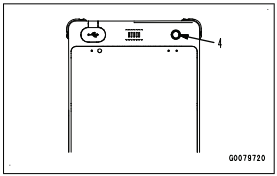
Semi auto button on control box
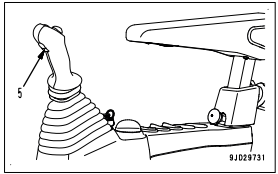
Semi auto button on RHS joystick
Tips for using Semi Auto
-
Run engine at HIGH idle to maintain precision of control
-
Construction accuracy can become poor with:
-
Hard soil
-
Large bucket loads
-
Poor GNSS communication
-
-
Working mode should be one of:
-
P
-
E
-
ATT/P
-
ATT/E
-