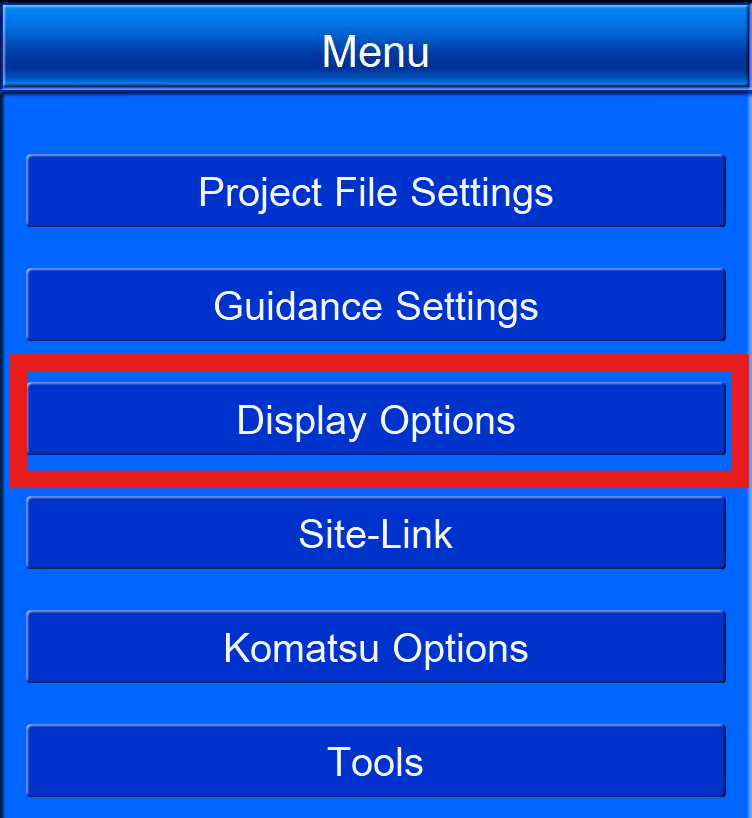
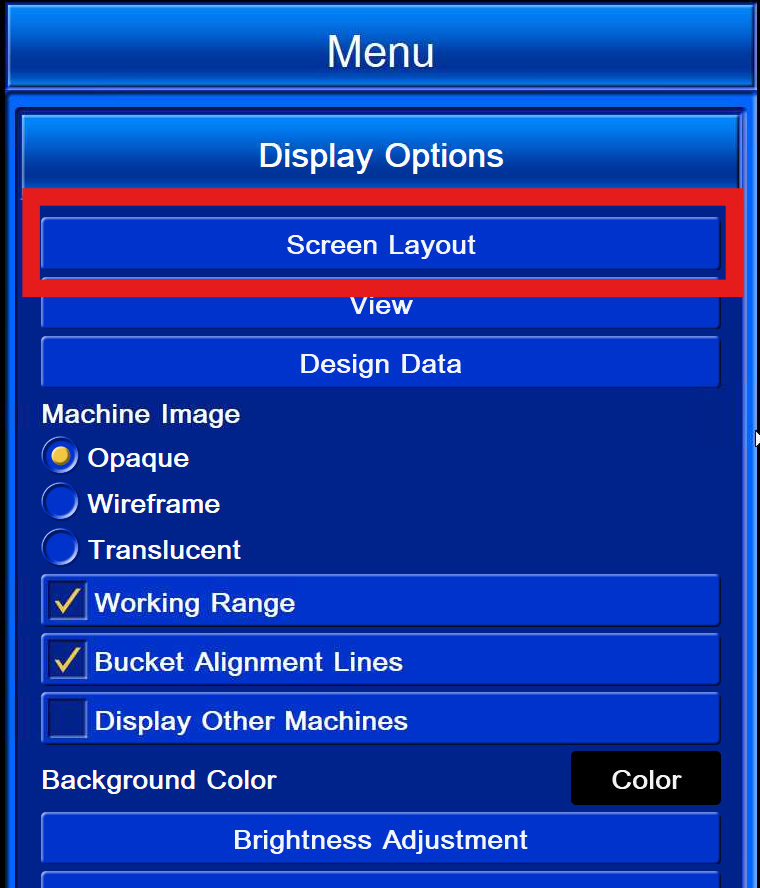
Navigate to the hamburger icon bottom right of the main screen to access Menu → Display Options
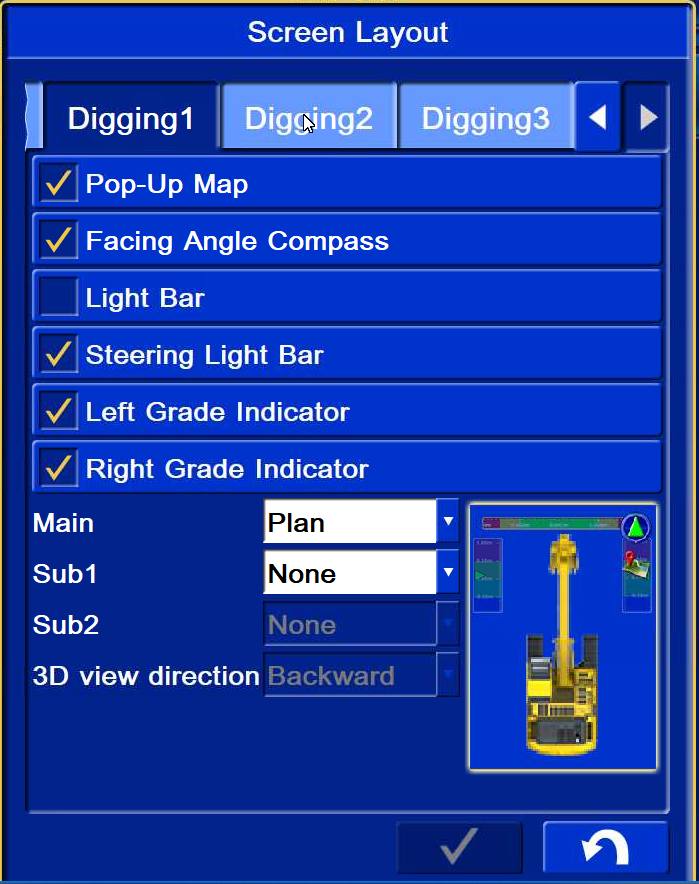
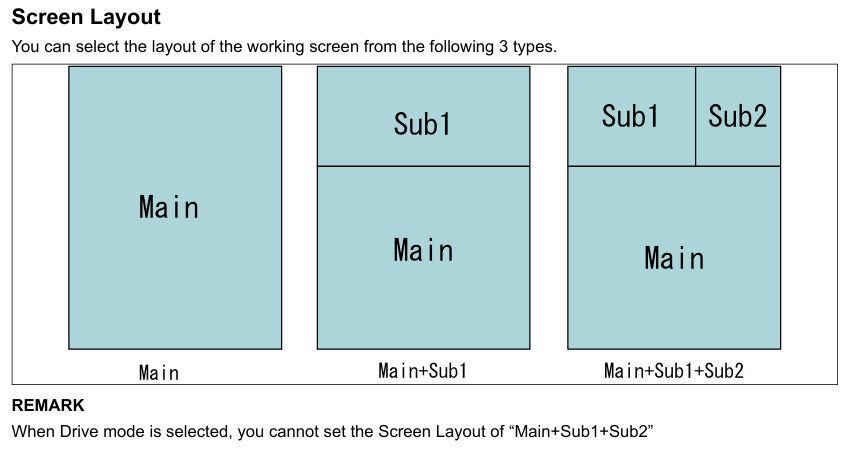
The main screen layouts are organized by “Driving” and “Digging” modes
In Driving mode, you will not be able to turn on Semi-auto Mode
Digging 1, Digging 2 & Digging 3 are the three view options customisable for normal digging operation: