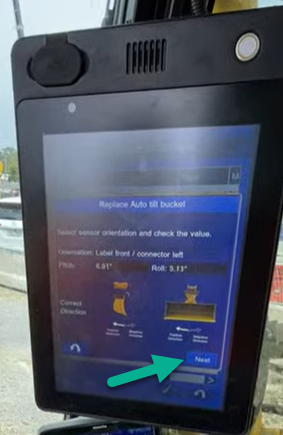
To allow the bucket to be selected the following bucket sequence needs to be followed
Video with instructions
-
Select the IMU tilt bucket from the bucket selection screen
It will request moving the bucket to ensure sensor is reading correctly before you can select the Next button.
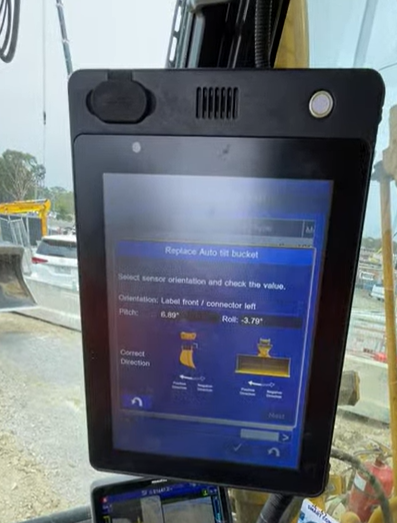
-
Press and hold the front button on the right joystick
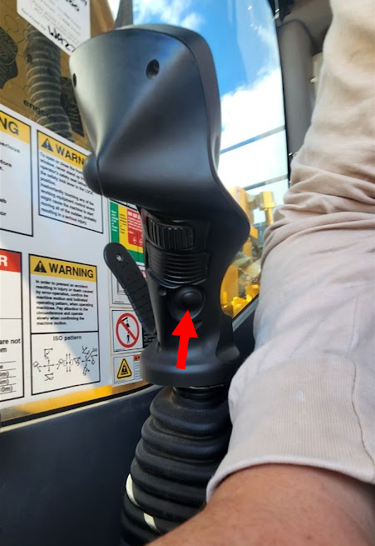
-
While holding the button at the front of the right joystick .
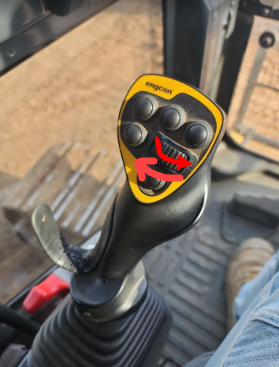
-
Without holding any additional buttons, Tilt the hitch by scrolling to the right then scrolling to the left using the left lever thumb control - The hitch will only tilt one way (to the right
-
Release all buttons
-
Tilt bucket both Right and Left by scrolling using the right lever thumb control
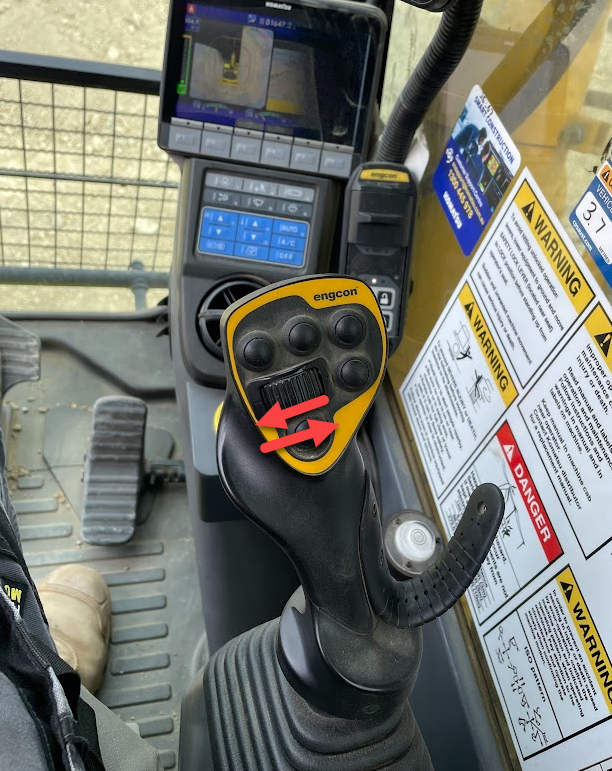
-
After this sequence is satisfied, the ‘Next’ button will appear.