
New Features
Steer Indicator
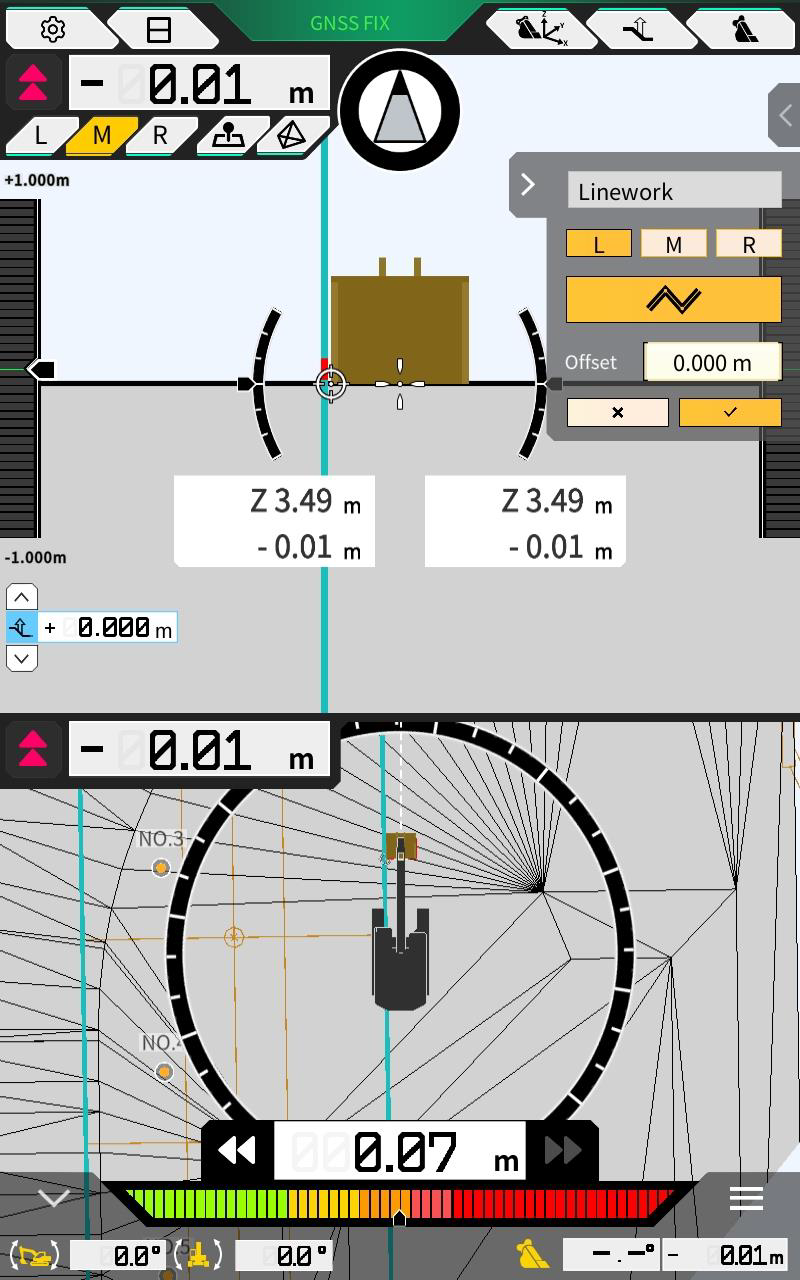
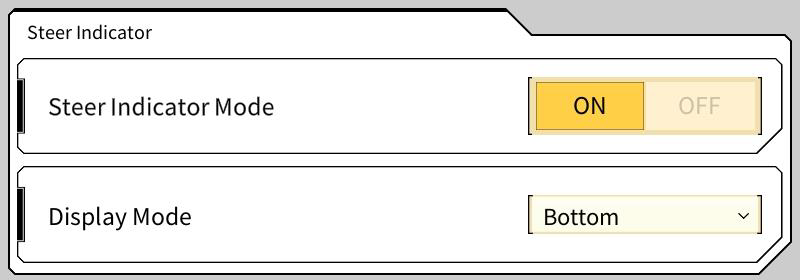
Users can now select polylines for horizontal guidance. This can be to either the lines by design or to an offset line. See main user article Steer Indicator for more details.
3DMG Basic
Not available in Oceania yet.
Adjust Linework Thickness
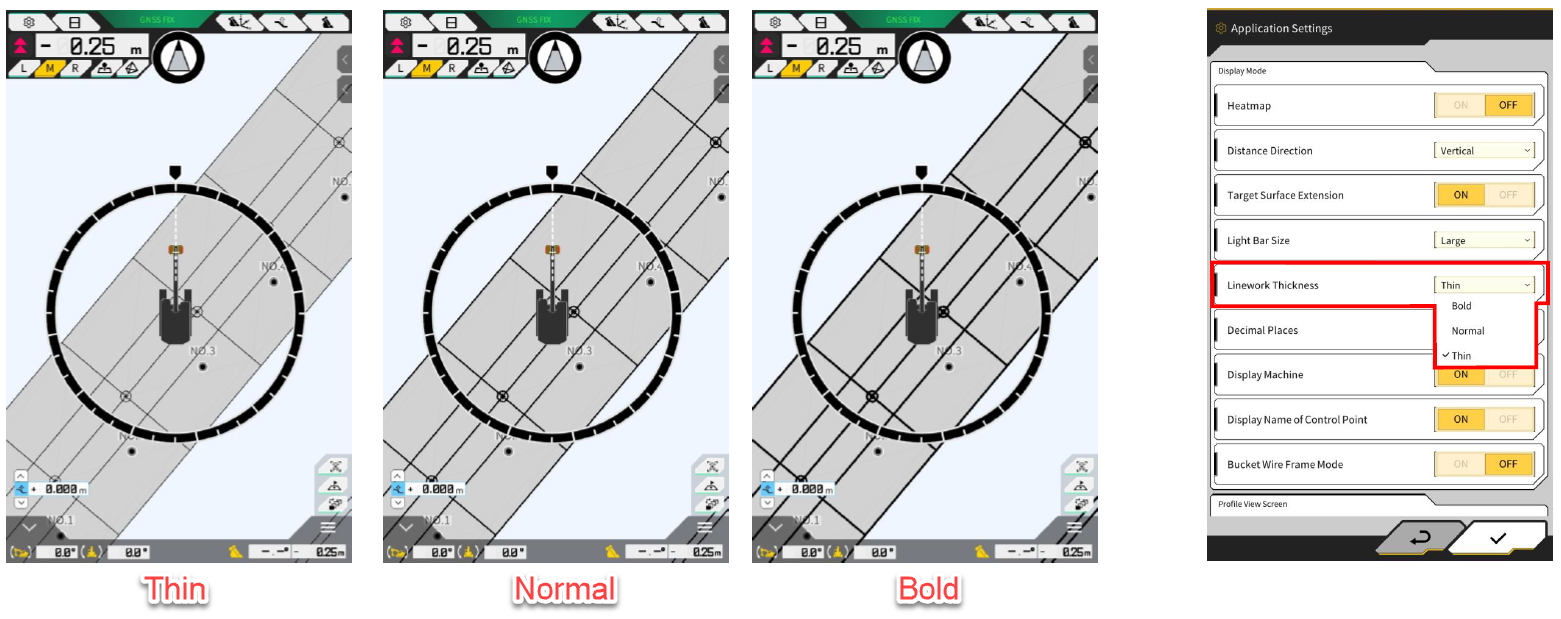
Users are now able to adjust the thickness of the linework on the main display between 3 settings “Bold” “Normal” and “Thin”. The default for Oceania region is “Normal”.
Misc/Bug Fixes
-
Improved the interface for selecting lines. This applies to both “create surface from line” and the new “Steer Indicator” features.
-
A zoom slider, directional arrows and crosshair have been added to improve usability
-
-
Pilot will now display a loading icon when it is taking time to load a large project file
-
Licensing and Copyright information can now be accessed from the common settings menu
-
Improved the overall performance of Pilot on certain devices when project contains alot of linework data
-
Fixed a bug where the cut fill indicator would intermittently snap between on grade and offset depth
-
Fixed and issue where red line on bottom of bucket profile view was not being displayed correctly