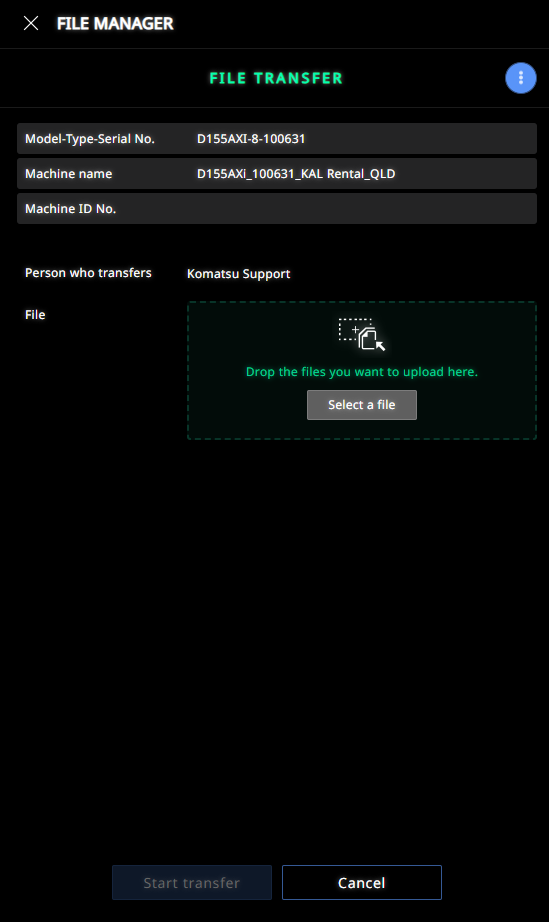
SC Remote has a offline file trasnfer feature that allows files to be retreived by the machine withn 96 hours of adding it with this process if machine is Offline
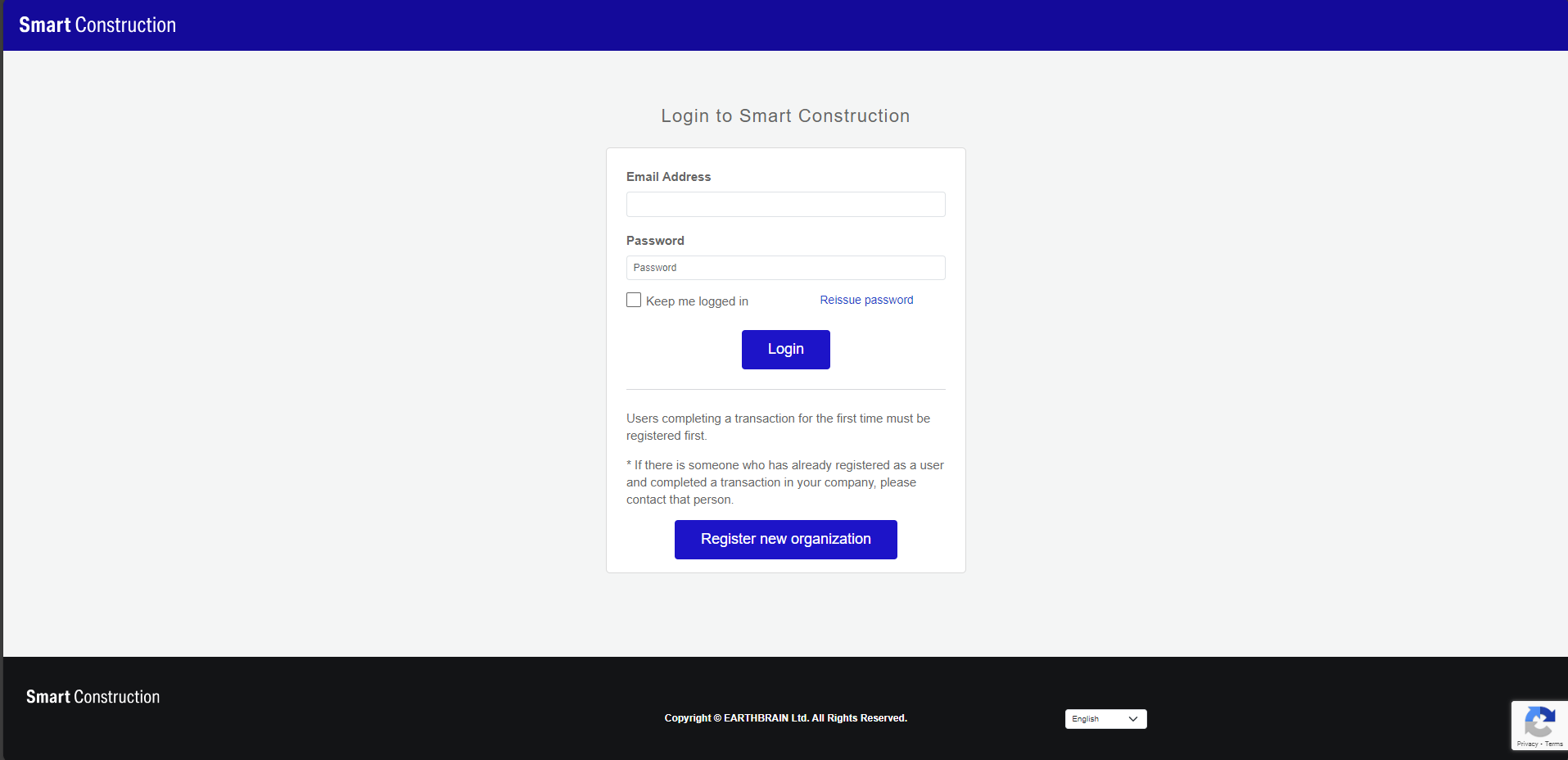
1. Log into SC Portal
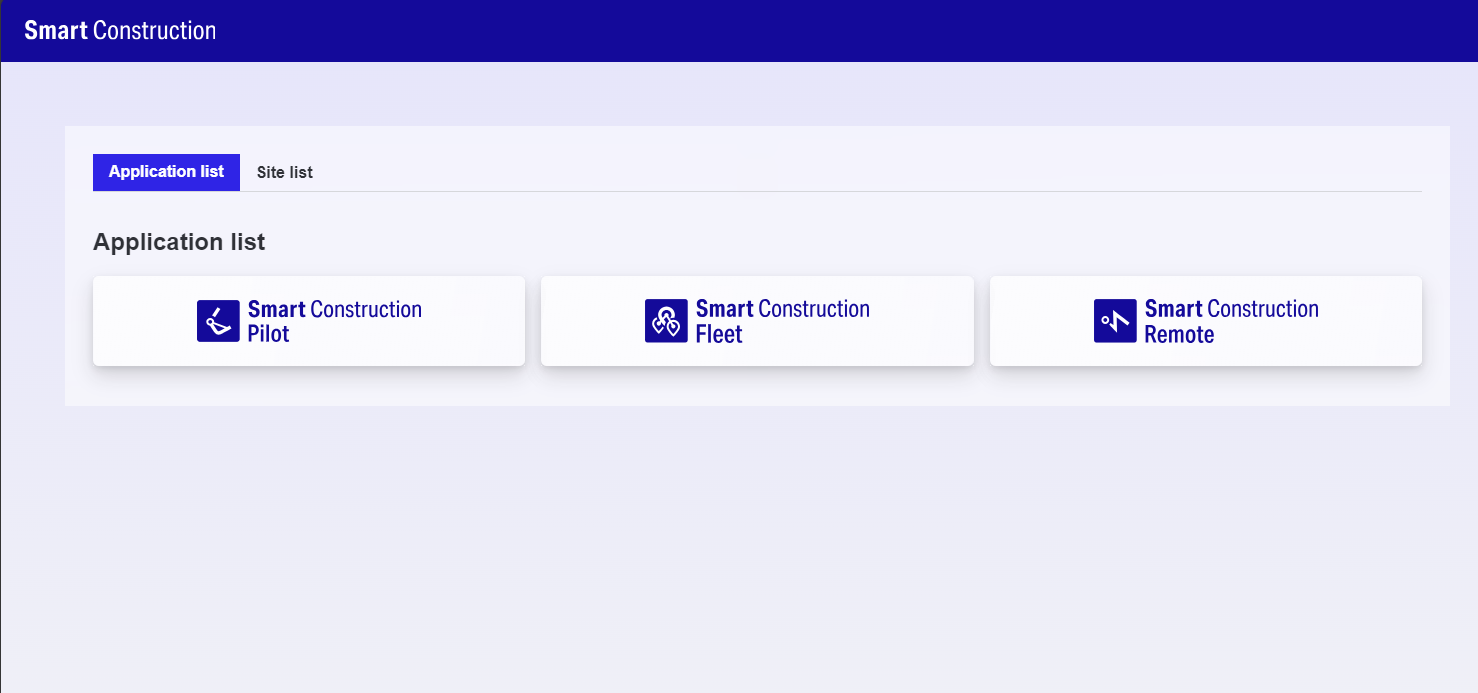
2. Go to SC Remote
3. Search for the machine
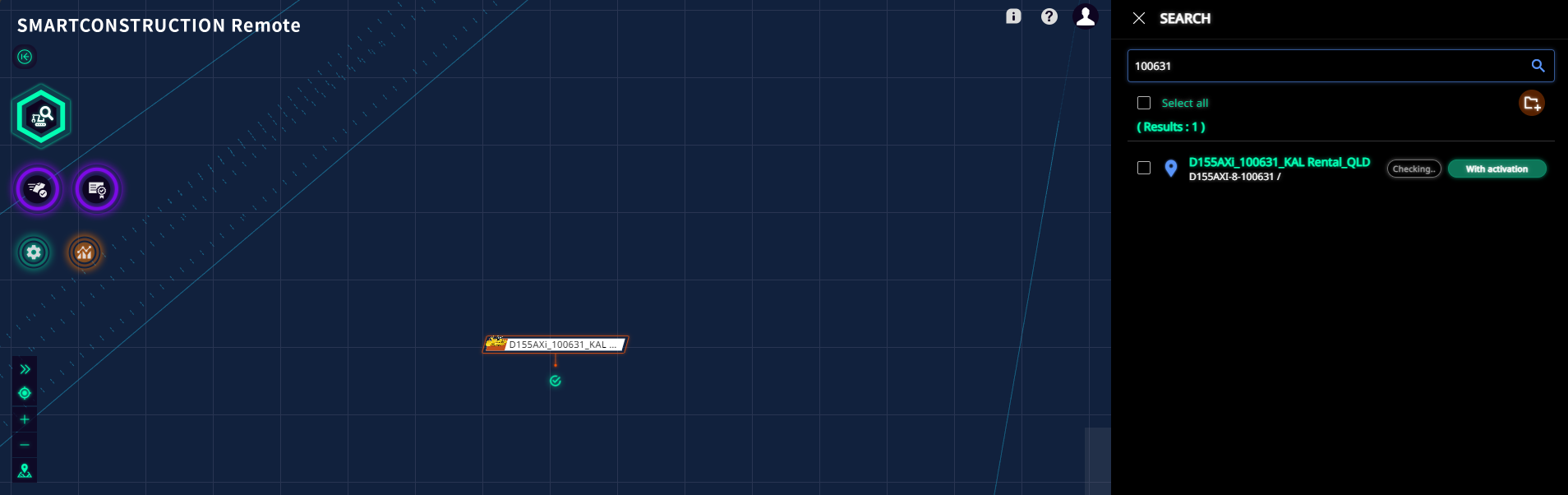
4. Click on the machine to open machine card
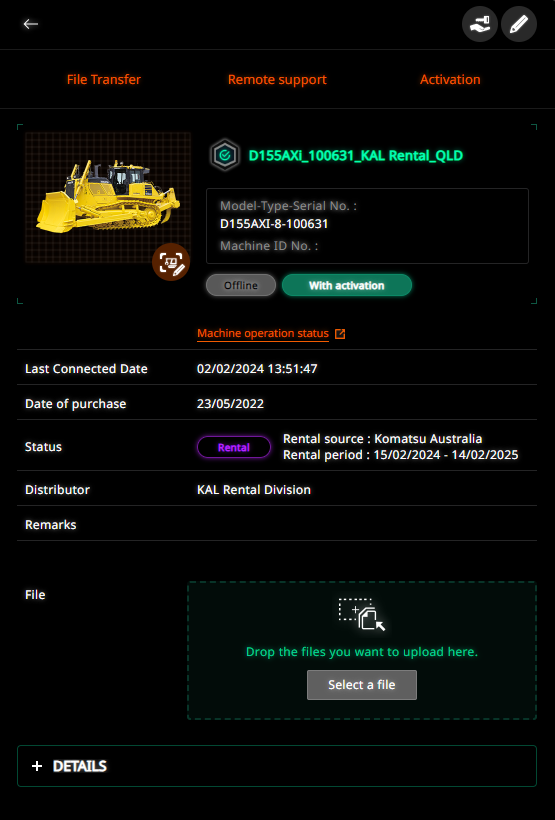
5. Click File Tranfer or drag and drop your file into the file section
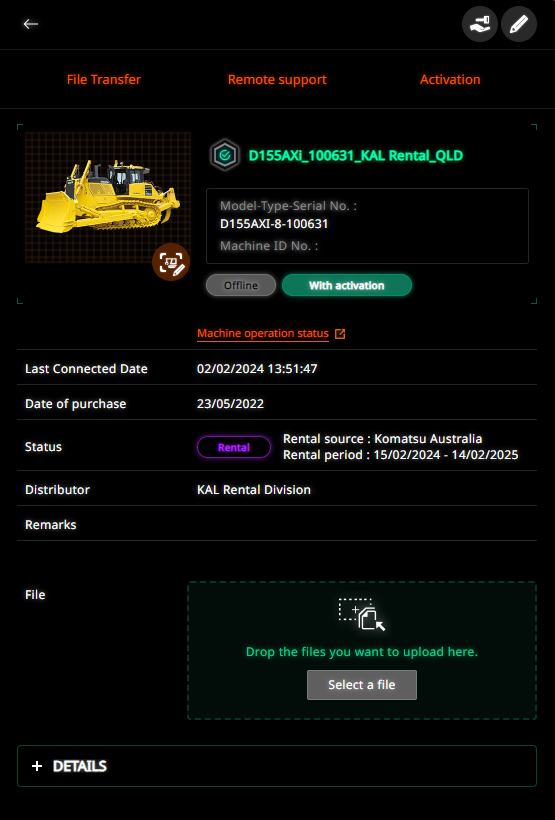
6. Add files by Drag and drop or select Browse
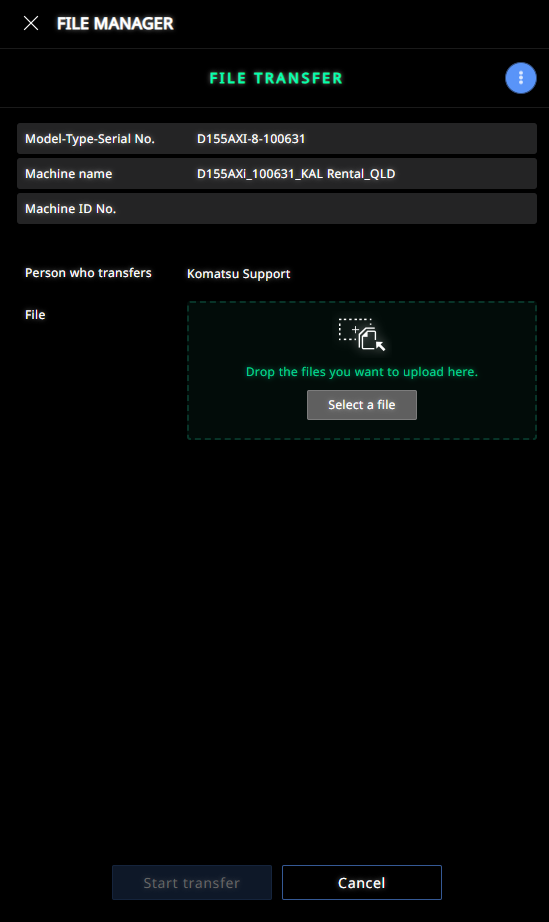
7. Click Start Transfer