On Android 15 devices, users experience a black screen when attempting to input a password during remote support sessions using SC Remote. This affects apps such as the Pilot App and Pilot Updater App and prevents remote operators from seeing the screen when sensitive input fields (e.g., password) appear on the tablet.
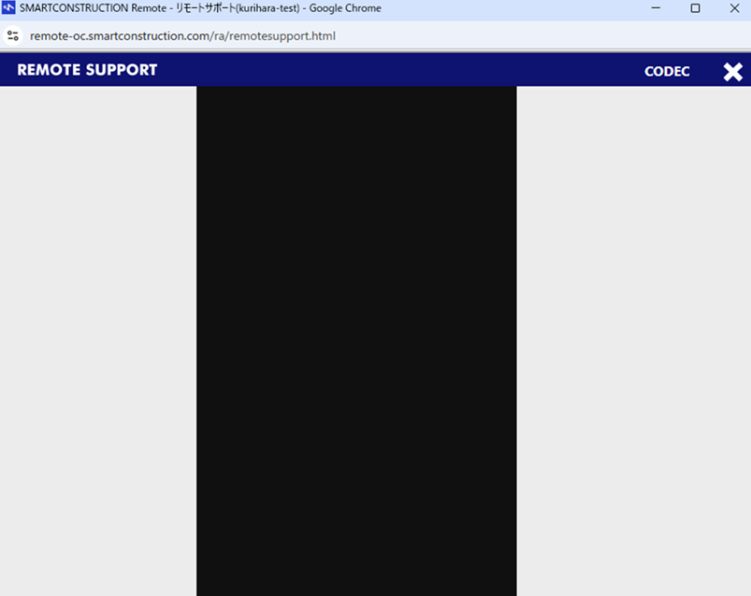
This is by design and due to Android 15's enhanced security features:
-
Ensures sensitive information (e.g., PINs, passwords) is hidden during:
-
Remote support
-
Screen recording or sharing
-
⚠️ Not recommended for general users. Security risk.
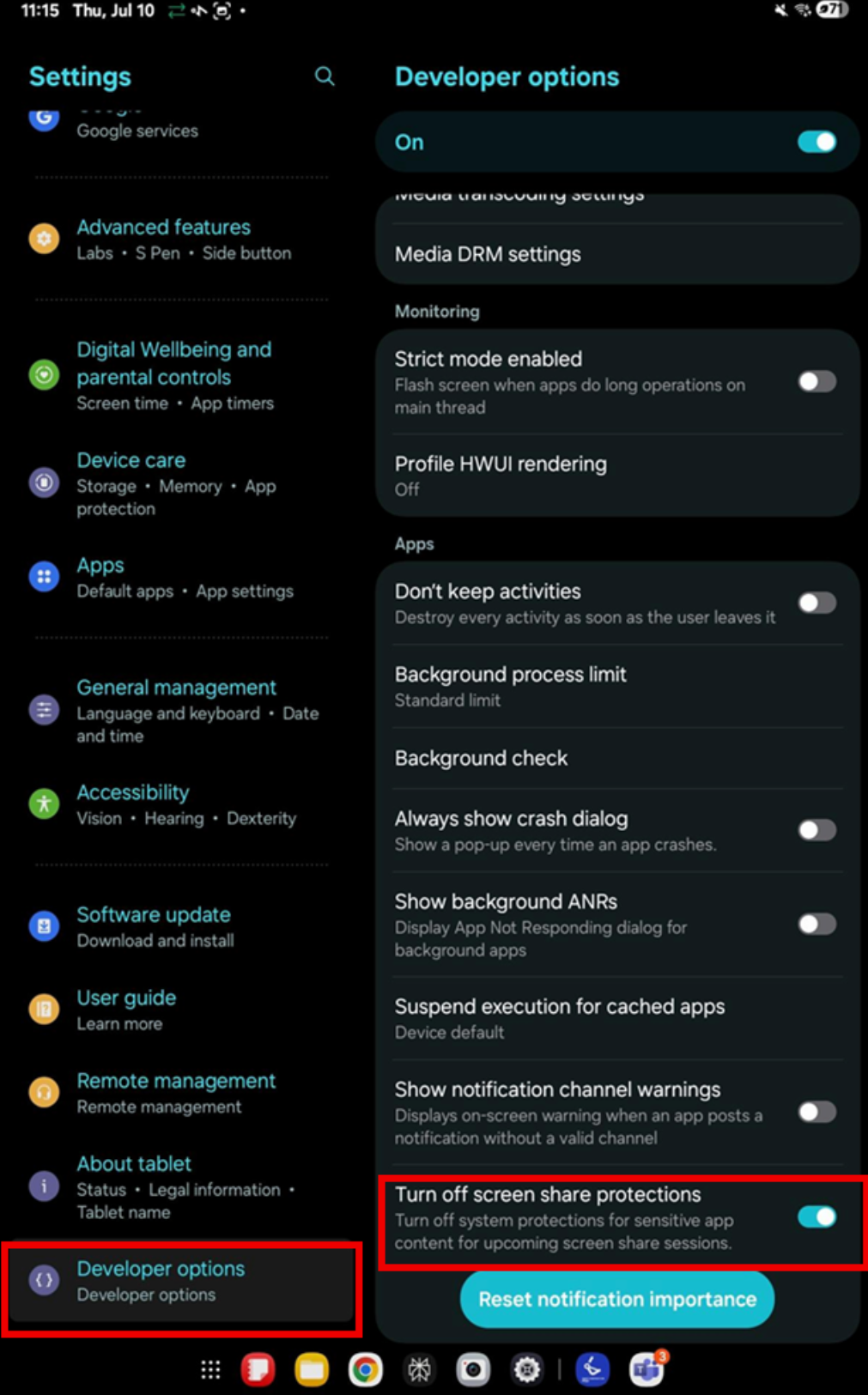
You may manually disable screen protection by enabling a developer setting:
-
Enable Developer Options on the tablet, to enter Developer options, Select ‘about tablet’- ‘software information’- then tap the build number 7 times
-
Find the option: "Turn off screen share protections" (wording may vary by device).
Toggle it ON to allow screen sharing of sensitive areas.
🔒 Use this workaround only if absolutely necessary and after internal approval, as it reduces system security.