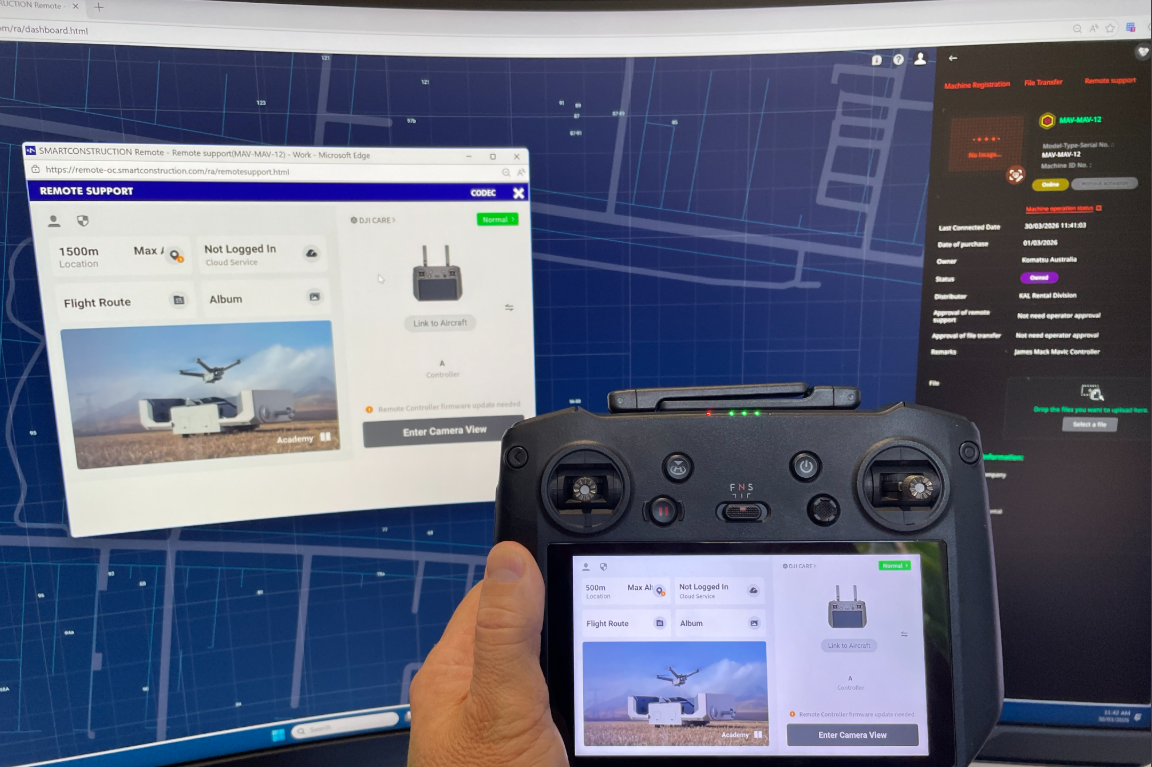
SC Remote on DJI Controller

Compatible with - DJI Mavic 3 E

  1. Download latest SC Remote for Android from the Link: Download Site

  2. Copy both files onto a USB-C

  3. Copy both files onto the drone controller into a Folder, Recommend “Downloads”

  4. Install the Extension

  5. Install SC Remote

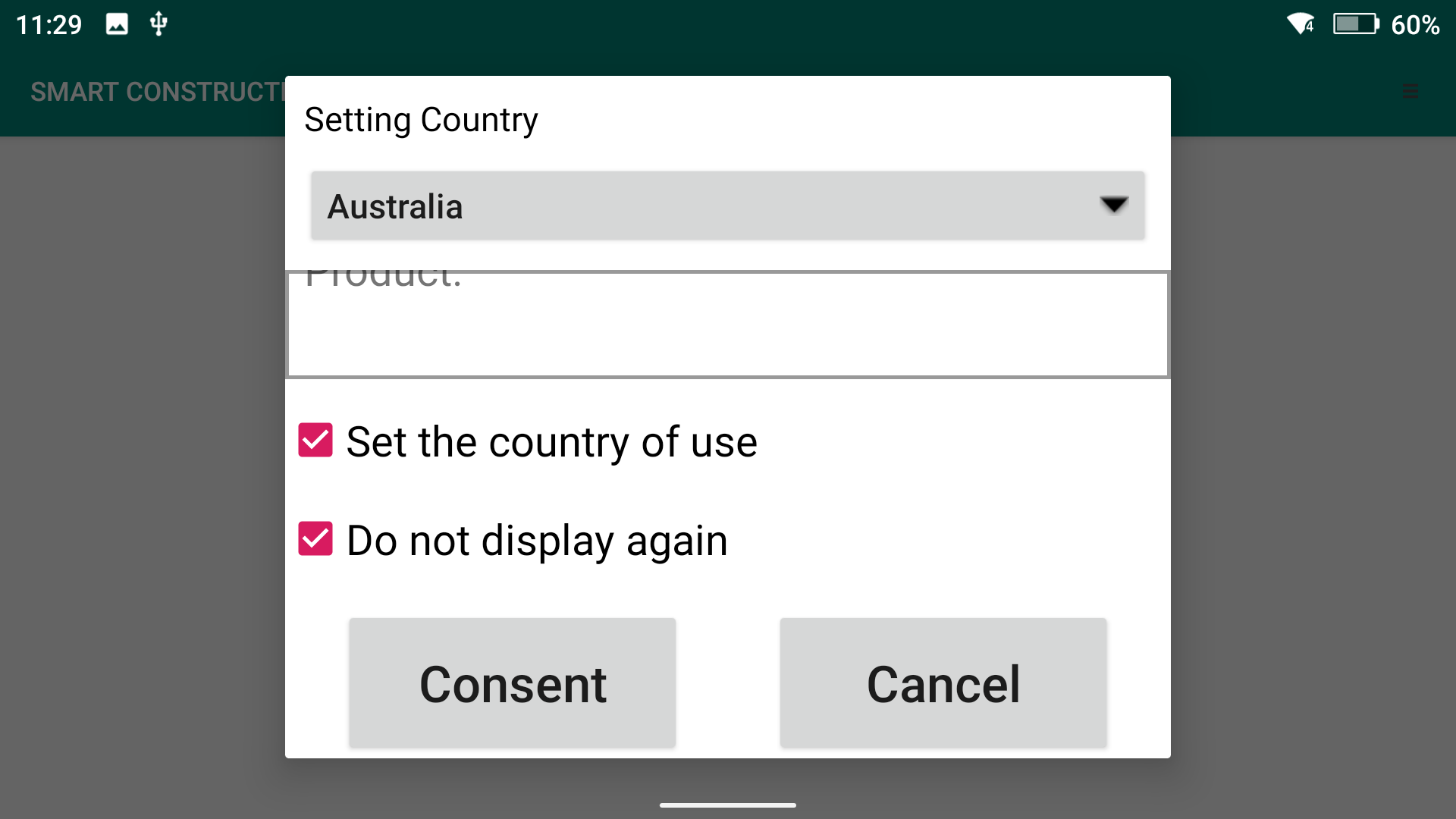
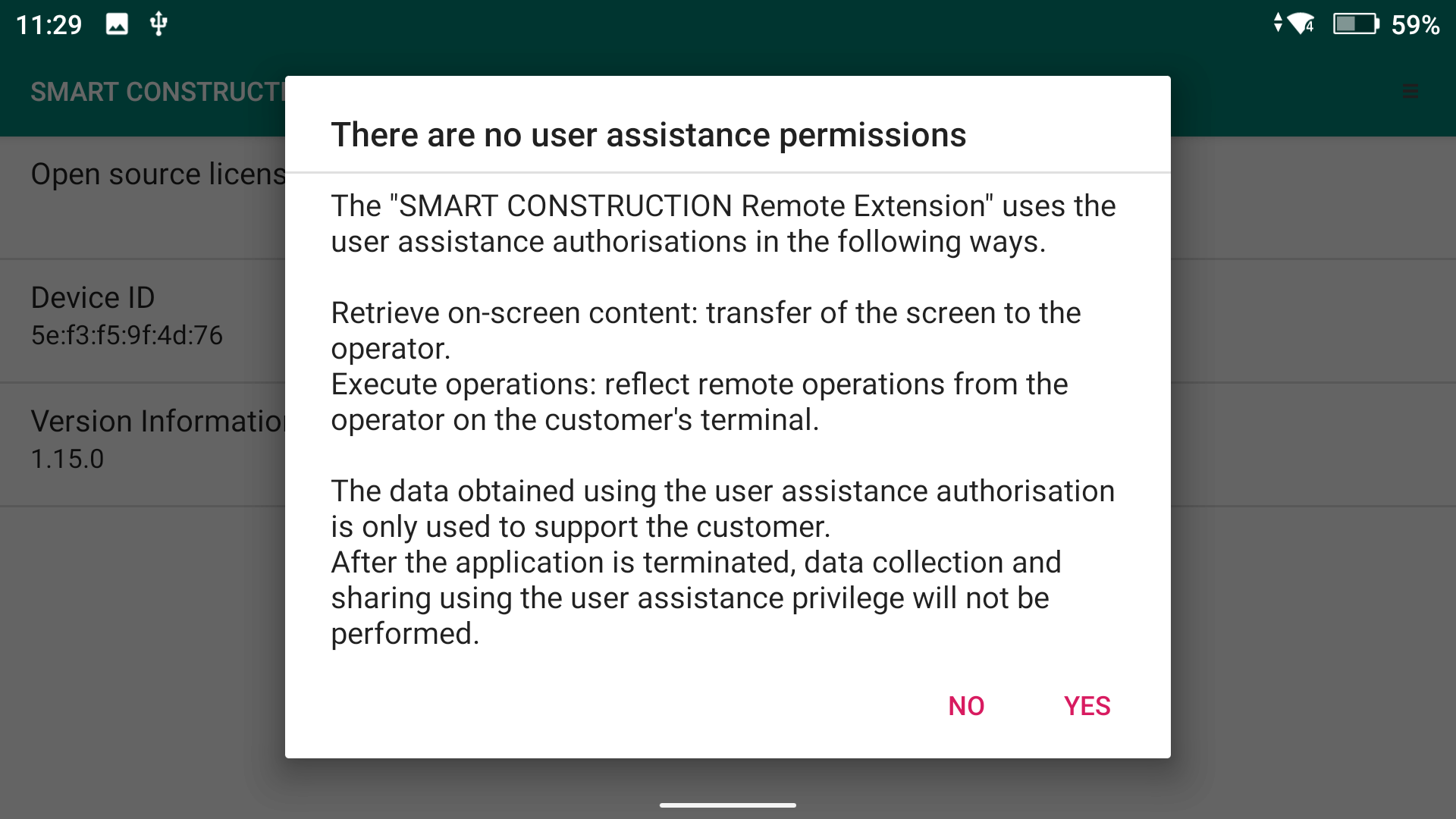
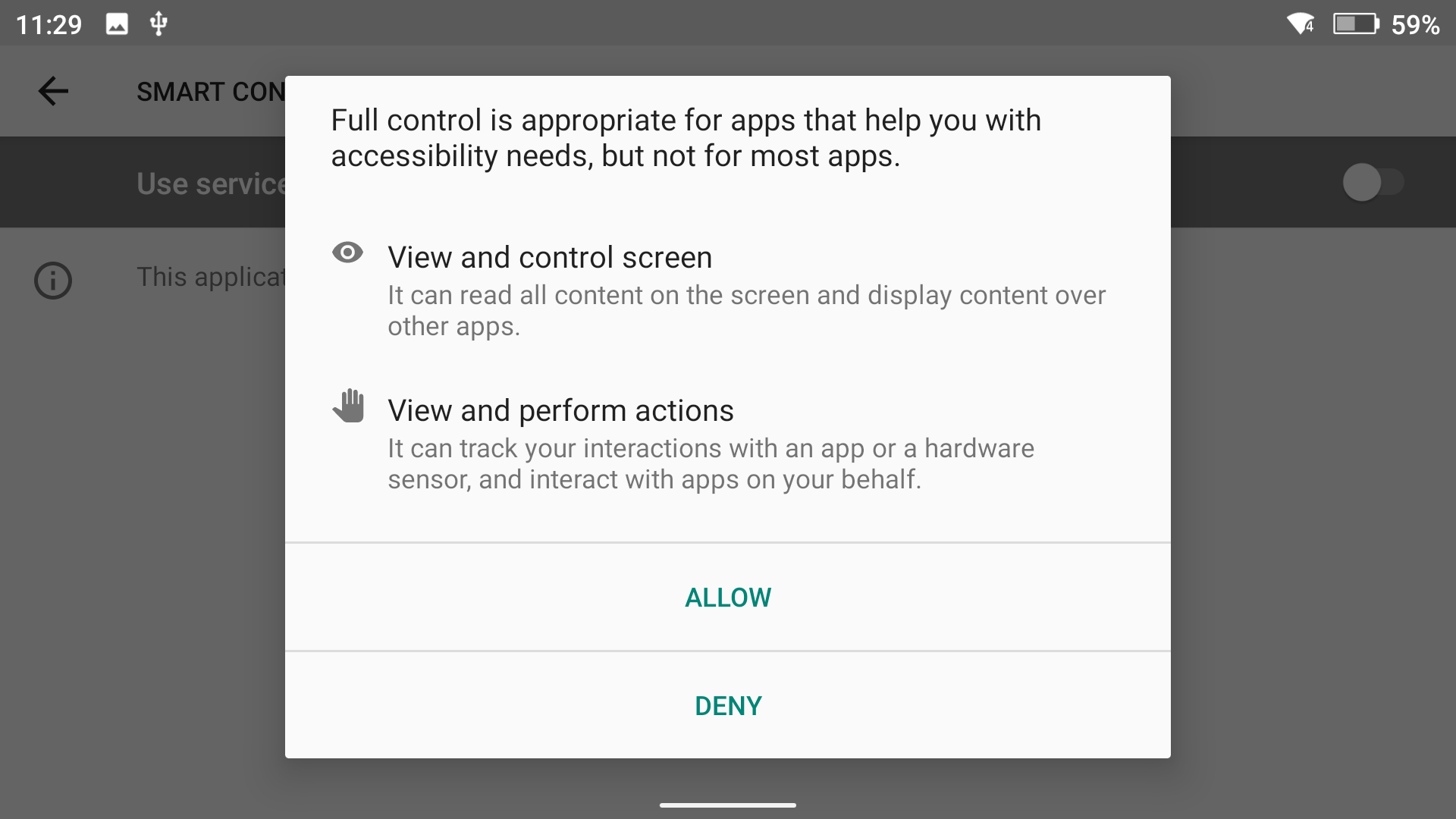
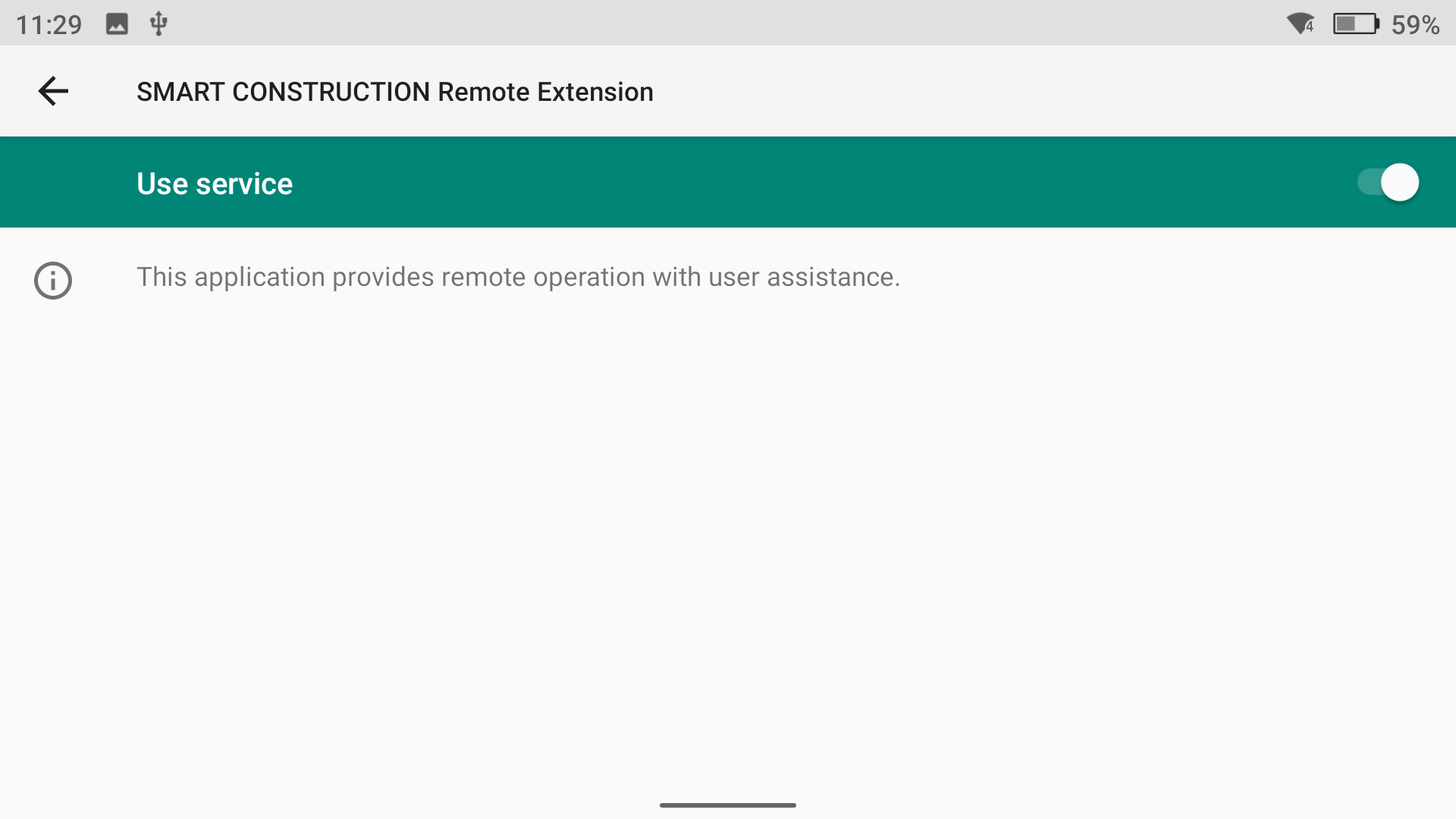
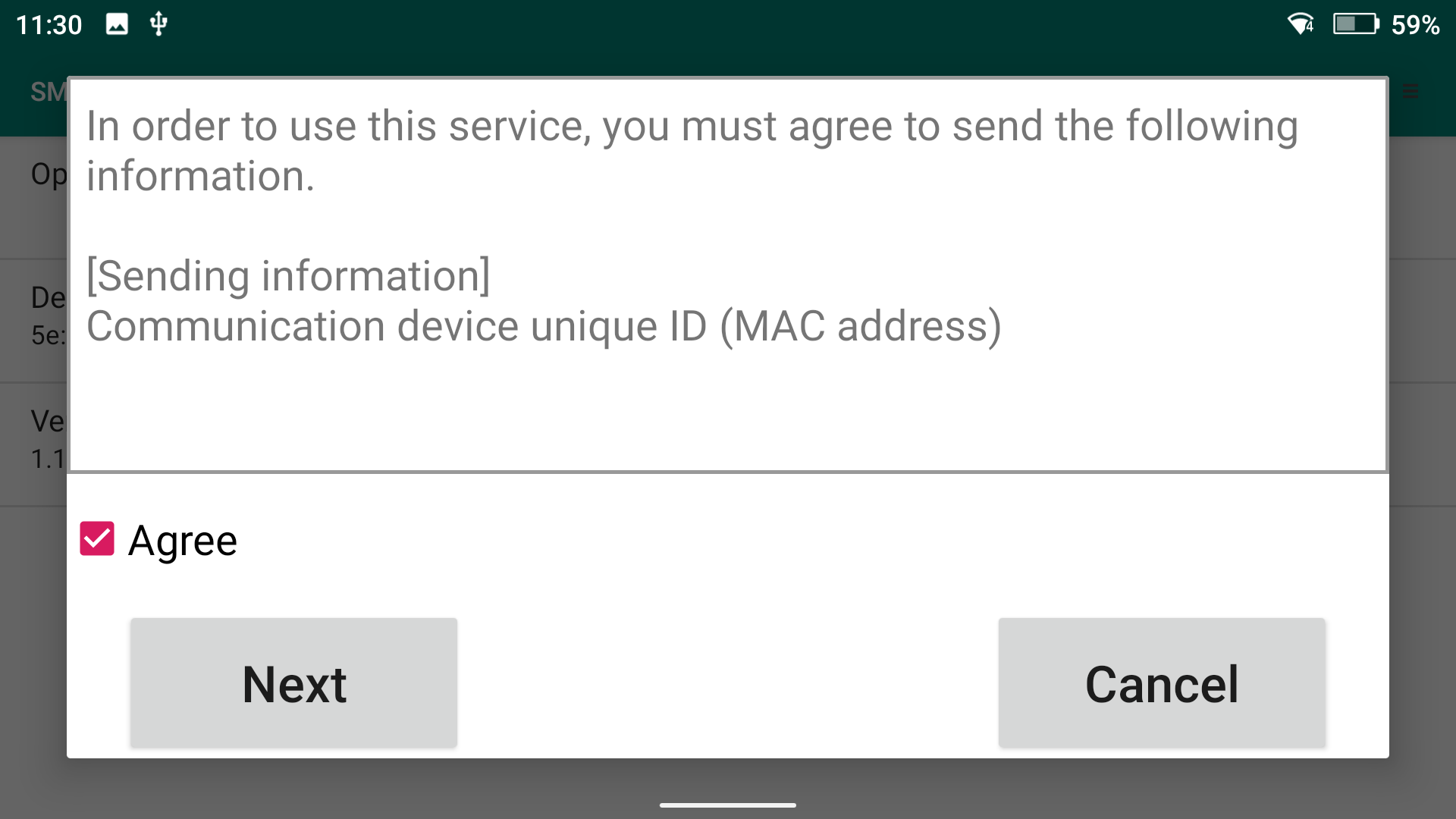
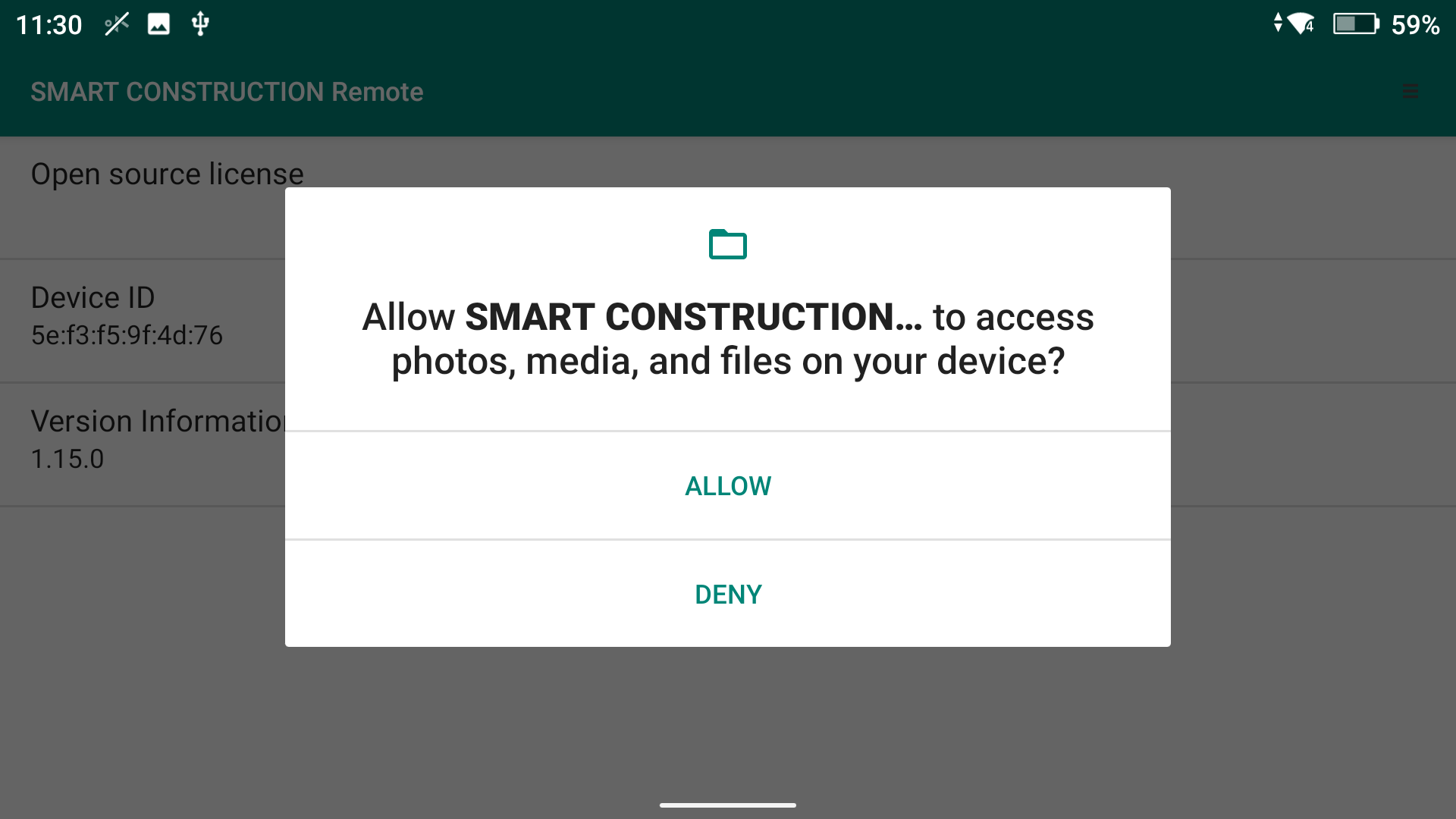
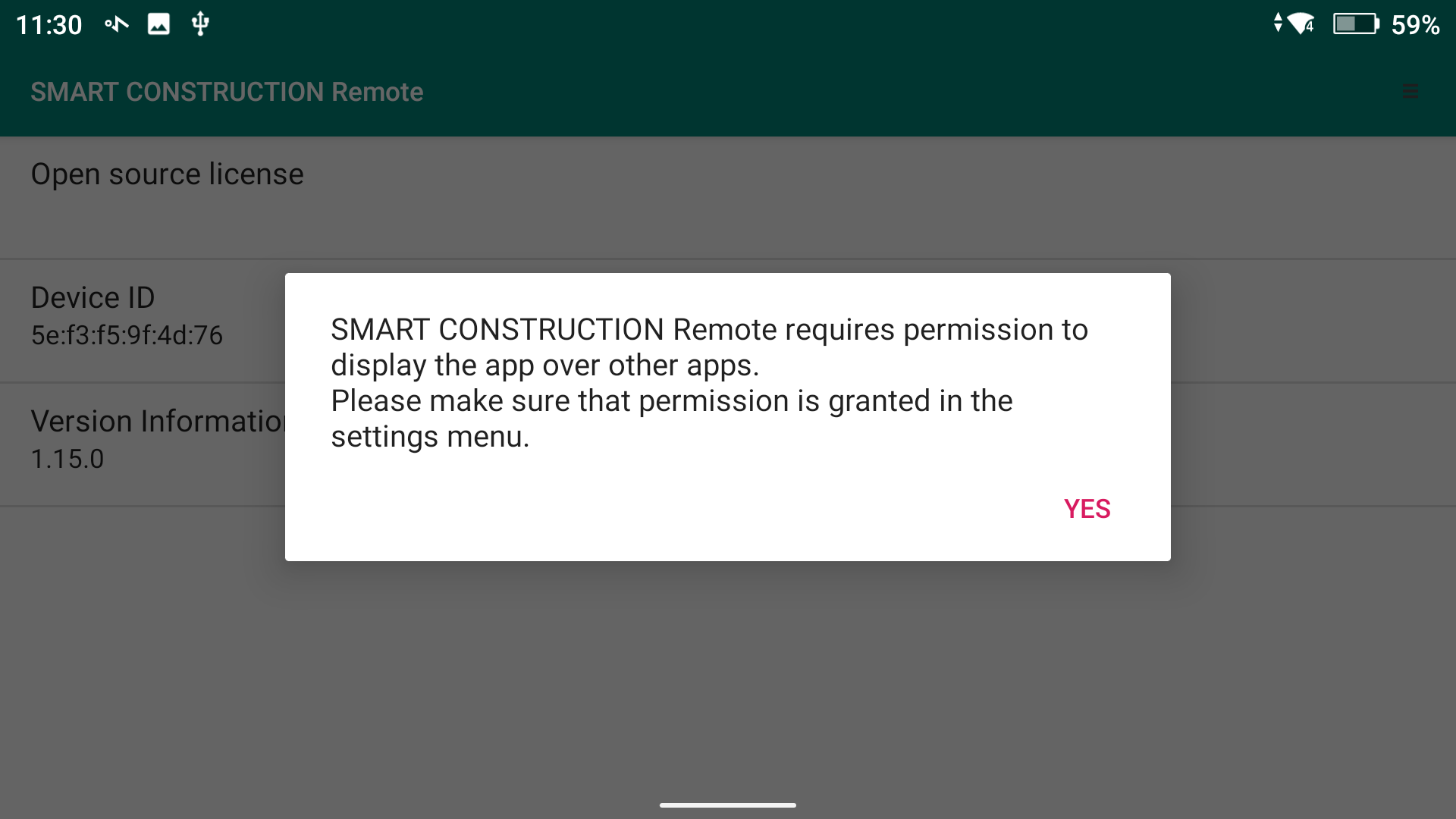
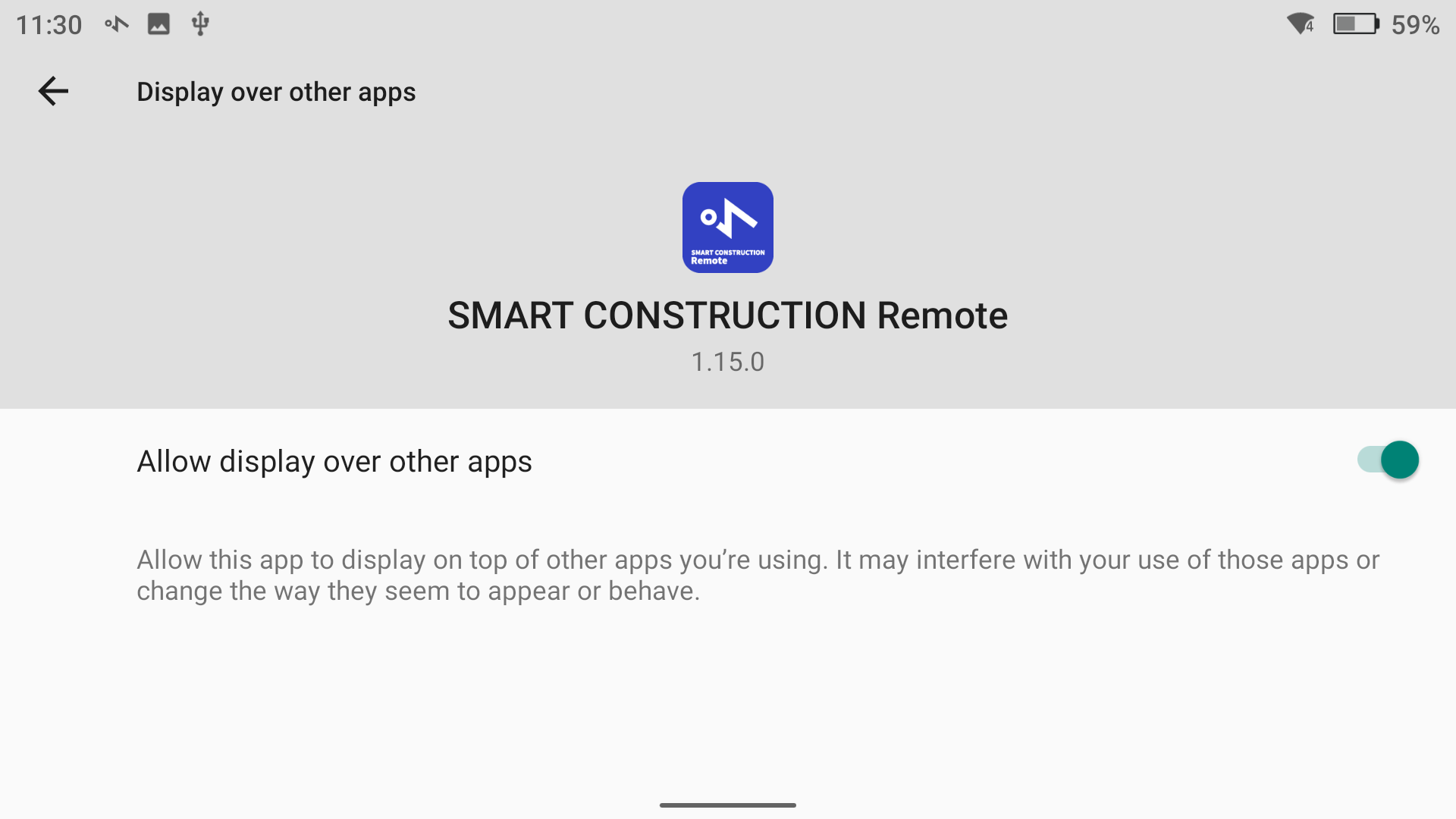
  6. Set Country & Allow Permissions

    Screenshot_20260330-112923-20260330-200626.png
    Scroll to the Bottom to Consent
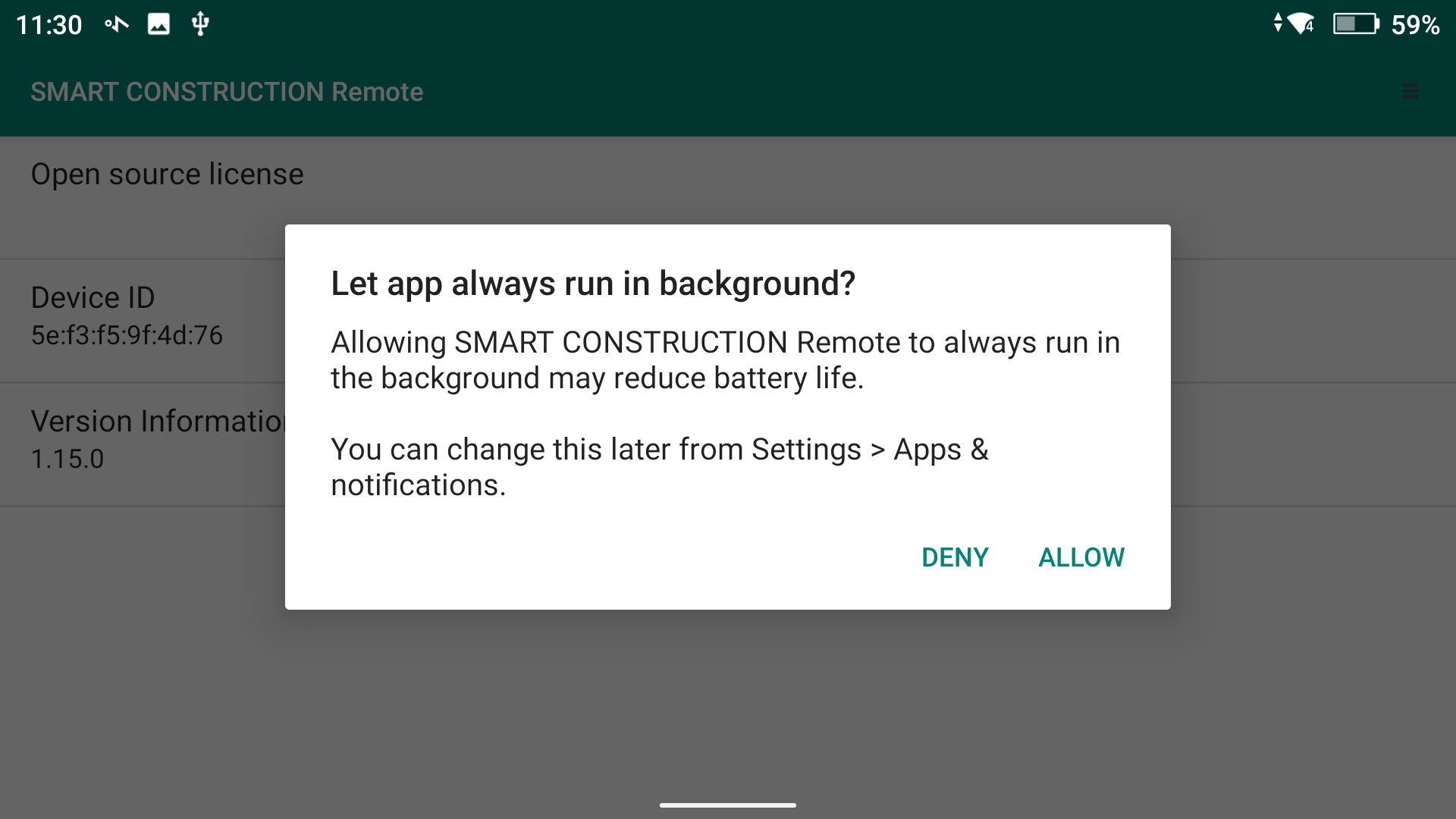
Screenshot_20260330-112932-20260330-200626.png
Screenshot_20260330-112945-20260330-200626.png
Allow
Screenshot_20260330-112951-20260330-200626.png
Screenshot_20260330-113013-20260330-200626.png
Screenshot_20260330-113027-20260330-200626.png
Screenshot_20260330-113033-20260330-200626.png
Allow
Screenshot_20260330-113039-20260330-200626.png
Allow
Screenshot_20260330-113044-20260330-200626.png
Screenshot_20260330-113052-20260330-200624.png


  1. Give the Device “Controller” a Unique Identifiable Name Example: JMack Mavic, SN# Mav 12

  2. Input the email address to receive the .json file
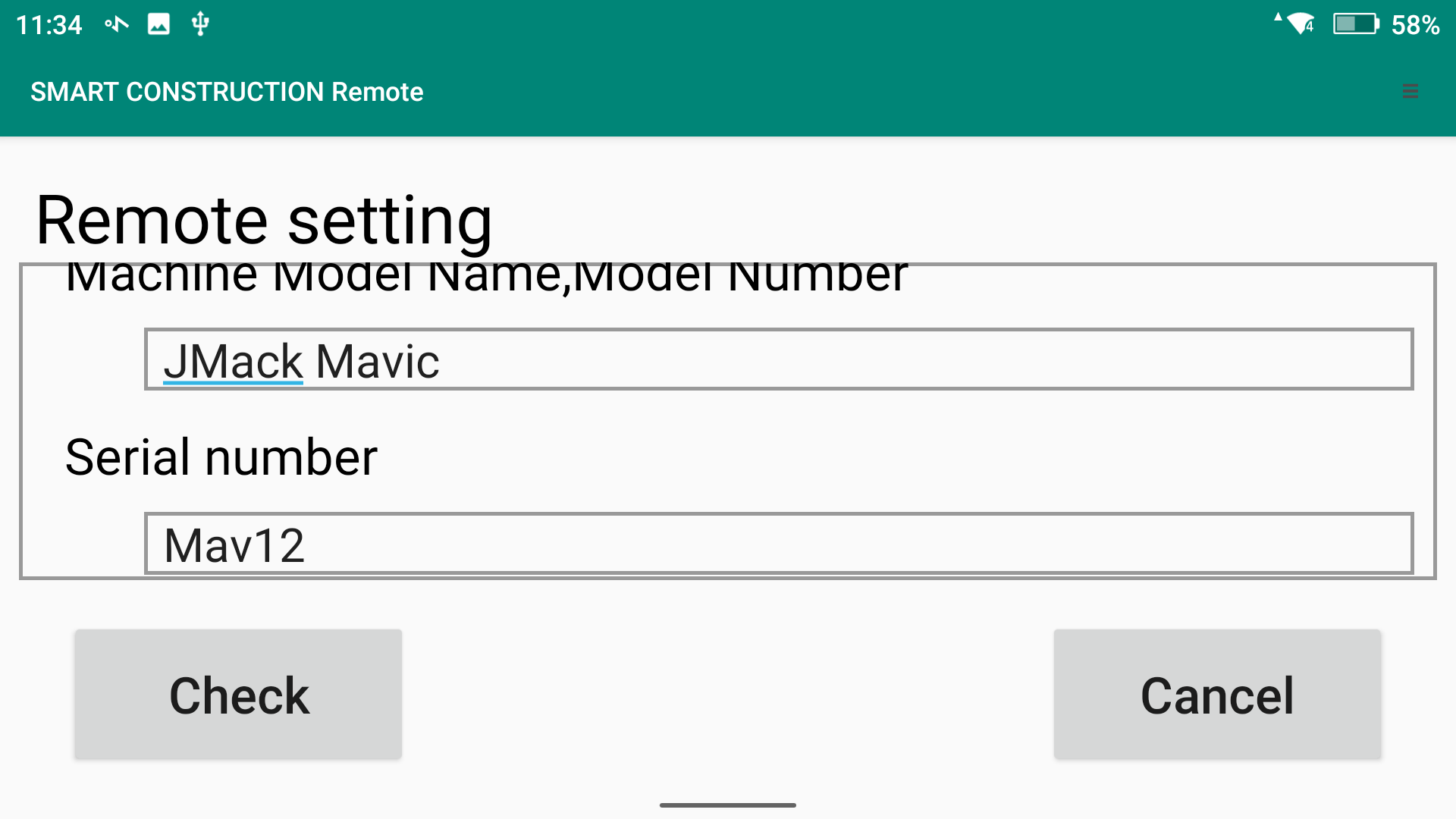
    Screenshot_20260330-113404-20260330-200622.png
    Input email to receive .json file

.json file is required to setup on SC Remote

  1. Create a Device on SC Remote

  2. Add the .json file

  3. Remote setup complete.

image-20260330-202540.png