
-
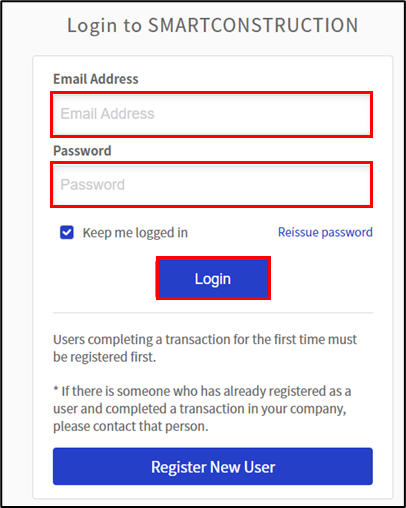
Log into your customer protal
-
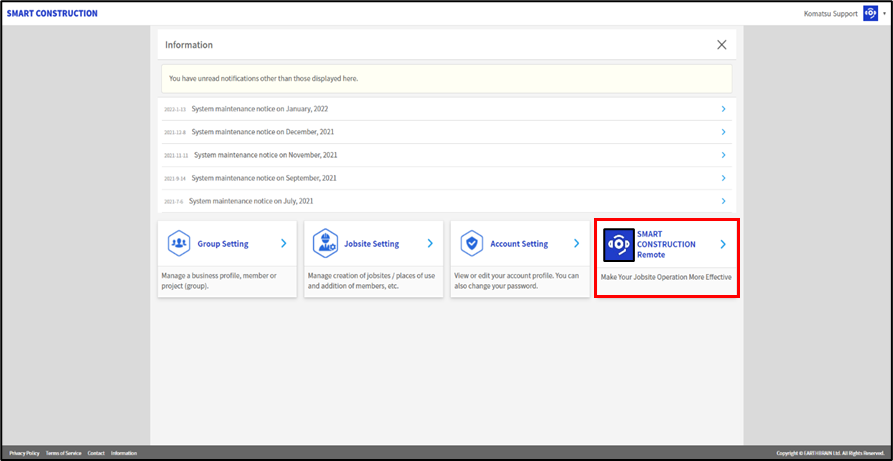
Click on
SMART CONSTRUCTION Remote application
-
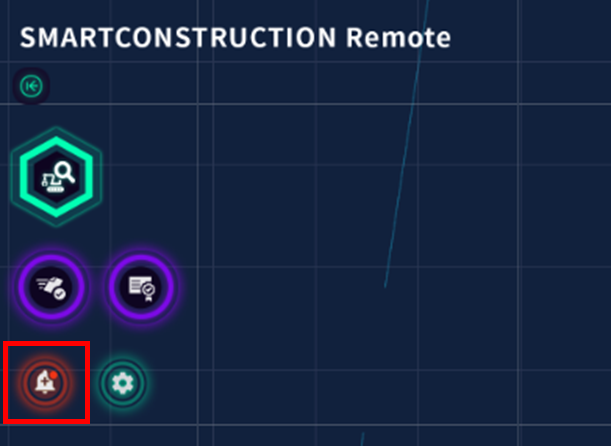
Press the
Red (alert) bell on the left side of the screen which opens the activation screen.
Press Apply next to the relevant machine.
-
Accept the Machine share reservation