-
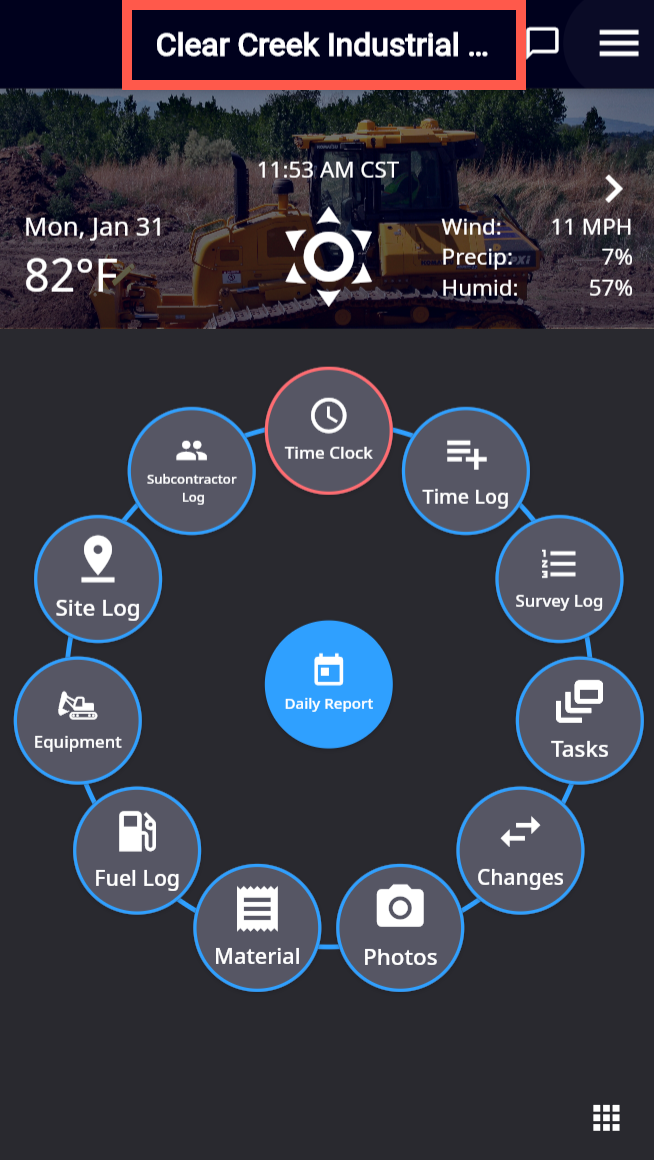
Tap the
-
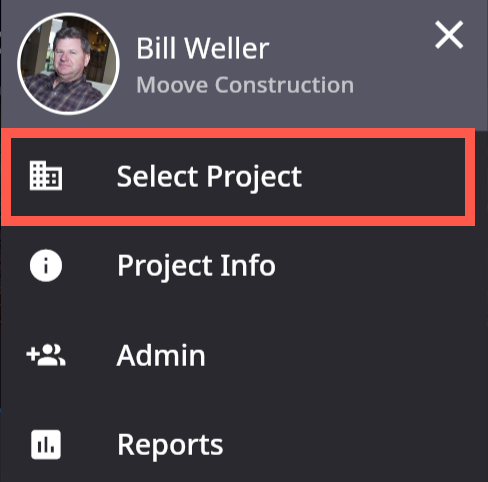
The menu opens. Tap the Select Project option.
-
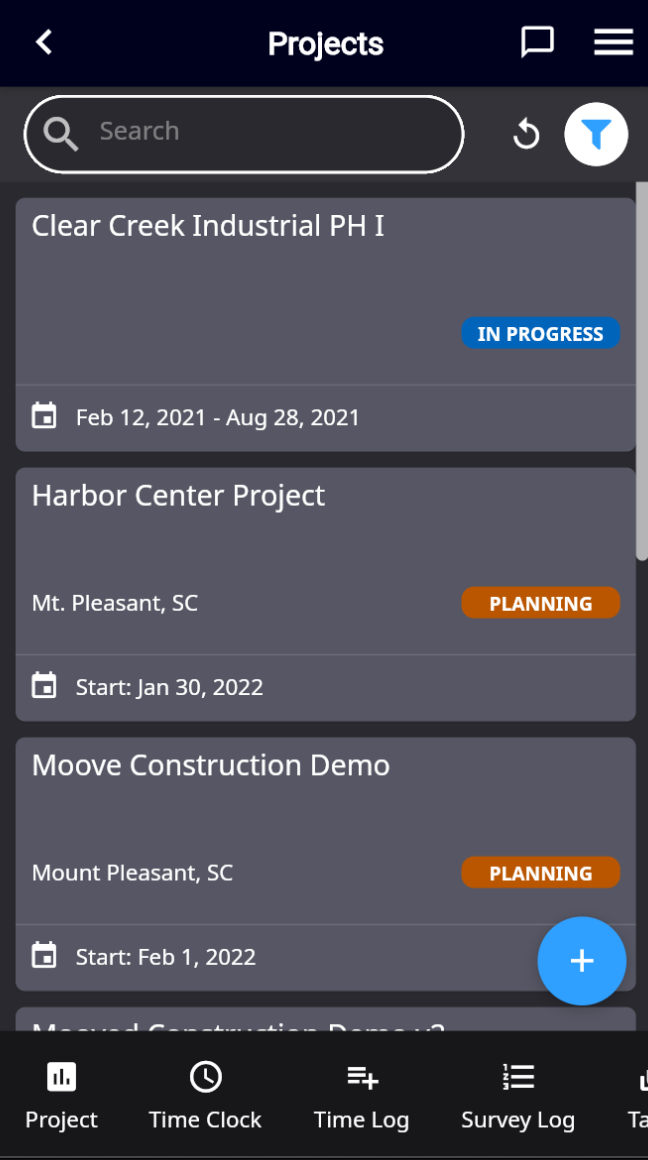
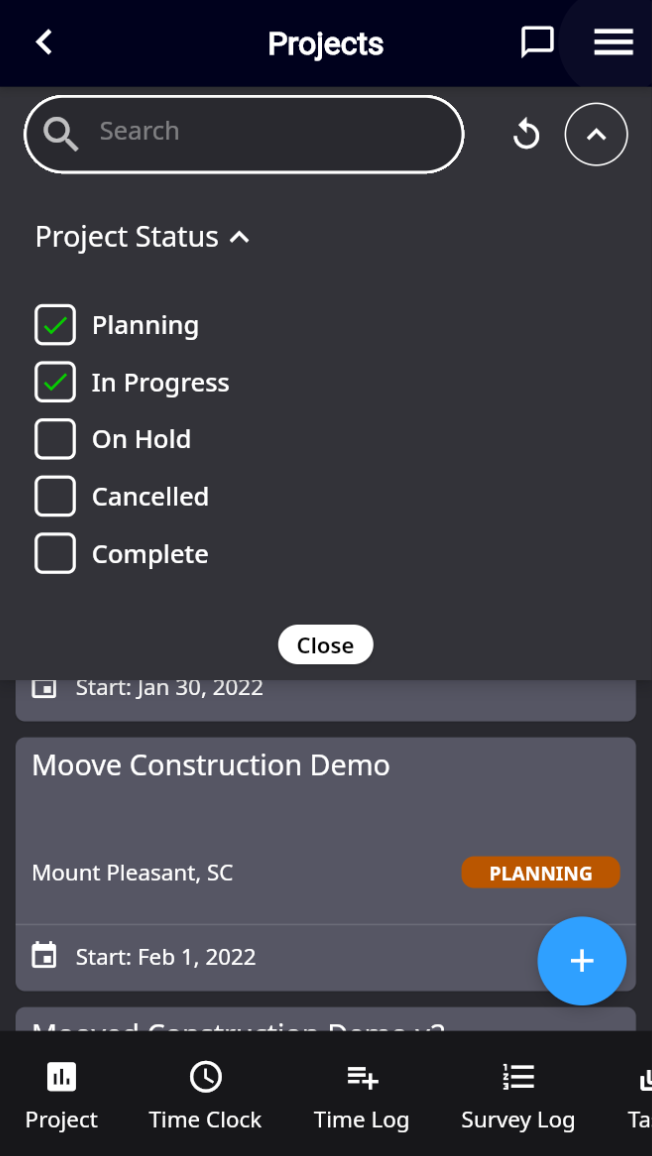
The Projects view opens showing all of the projects that have been assigned to you, their status, location (if one is designated) and start/end dates.
-
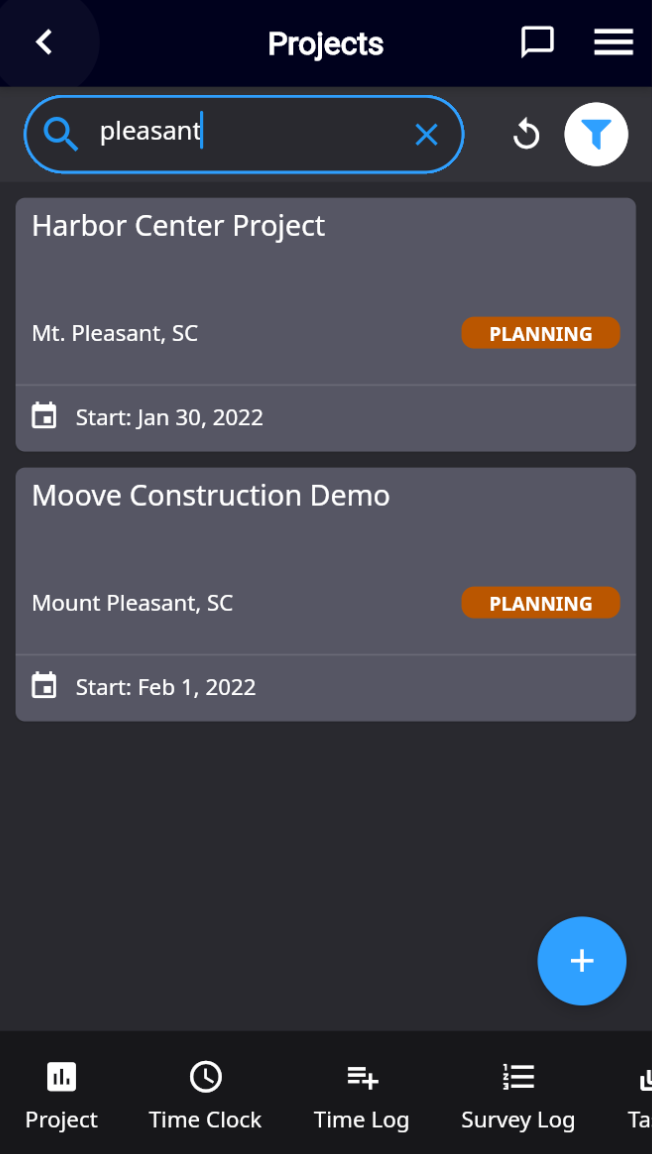
Scroll through available projects, use the filter to limit the status of projects being viewed, or enter a specific project into the Search field.
-
To open a project, tap on its tile. You will be returned to the Homescreen for the project you have chosen—note the change to the project name at the top of the screen.