
-
From the Homescreen, tap the Time Log button.
From any other screen in the app, tap the 
-
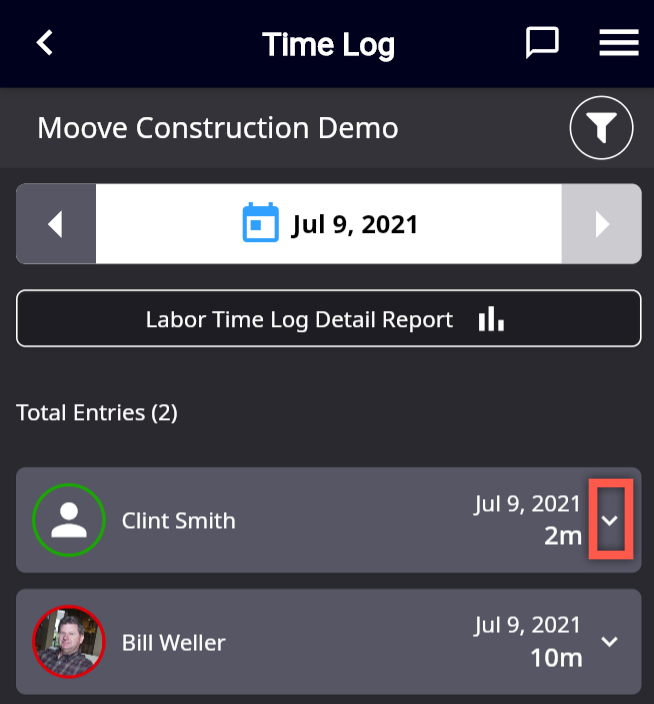
Tap the down arrow in the right hand side of the entry for the user you will be clocking out. (You must have rights to view the Time Log to be able to access or edit this entry).
-
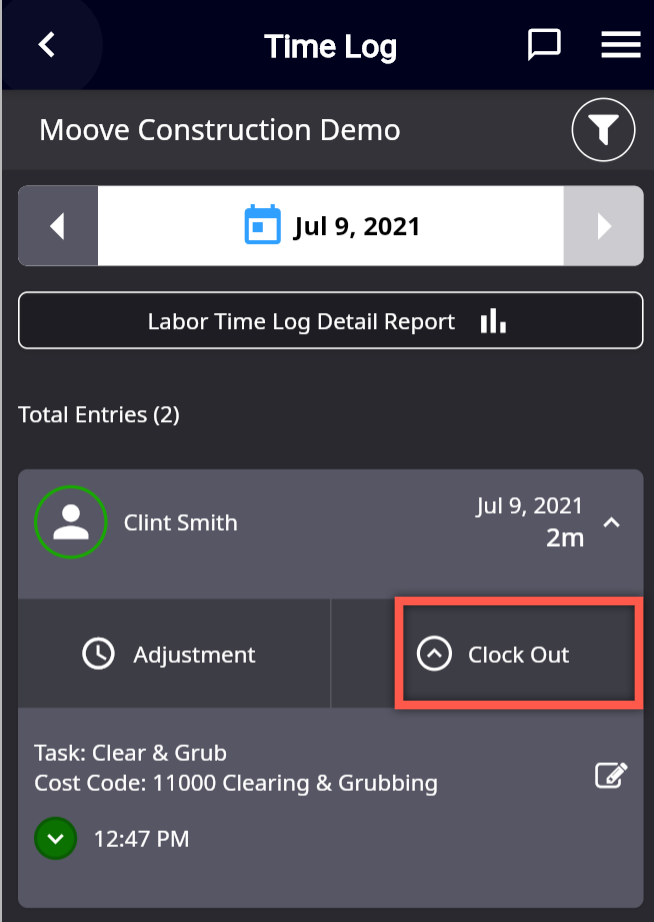
The entry expands. Tap Clock Out to continue.
-
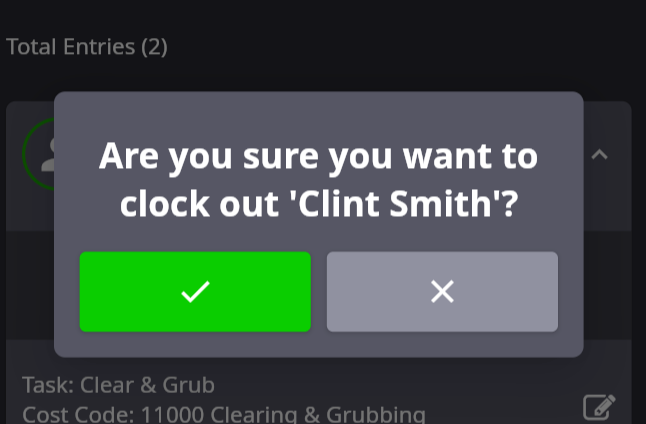
You'll be asked to confirm the clock out. Tap the Checkmark button to continue or the "X" button to cancel.
-
If you've proceeded, the Successful Clock Out banner displays.