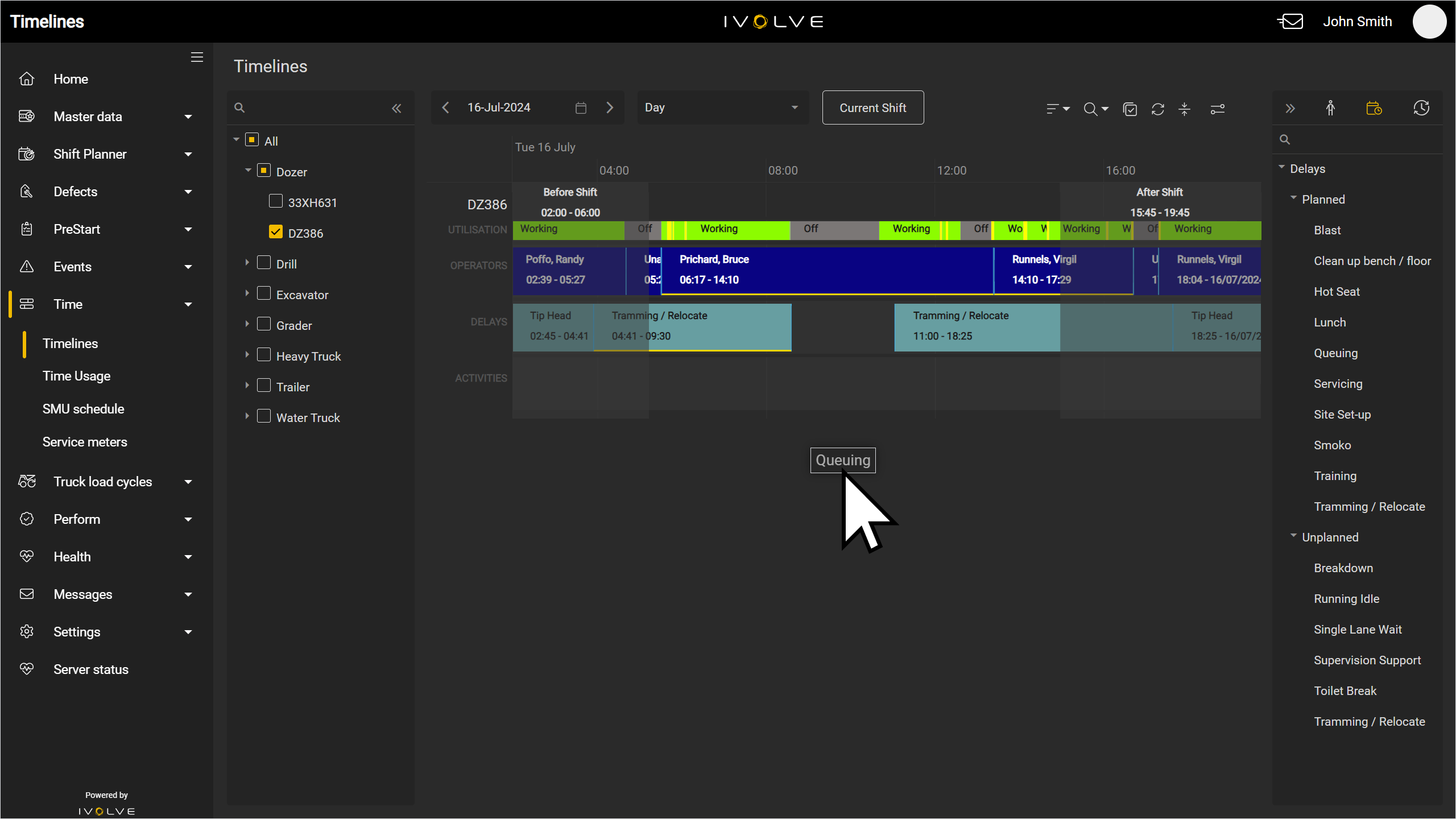
You can add operators, activities, and delays to a vehicle's timeline for any time and date.
To add these:
-
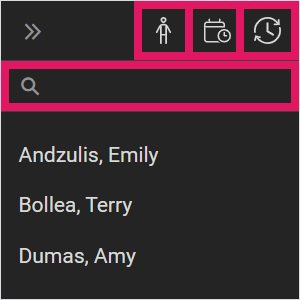
Select the Operators, Delays, or Activities option from the menu on the right-hand side of the timeline.
You can also filter for a specific entry with the Search field above the list of entries.
-
Click and drag an entry from the list into an open area on the timeline.
Dragging a delay onto an existing delay will replace the existing delay with the new delay. The new delay will have the exact same start and end times as the existing delay.
Any new entries added to the timeline will cover two hours by default; however, if an entry is added between two existing entries with less than two hours between them (for example, if one entry finishes at 12pm and the next entry starts at 1pm), the entry will fill the available space instead.