METHOD FOR IMPORTING DESIGN DATA TO PROJECT FILE
To Use DXF you must first convert to a DWG Coverting AutoCAD DXF and DWG files when not showing any data in 3D Office.
-
Create a new project file and define the coordinate system.
-
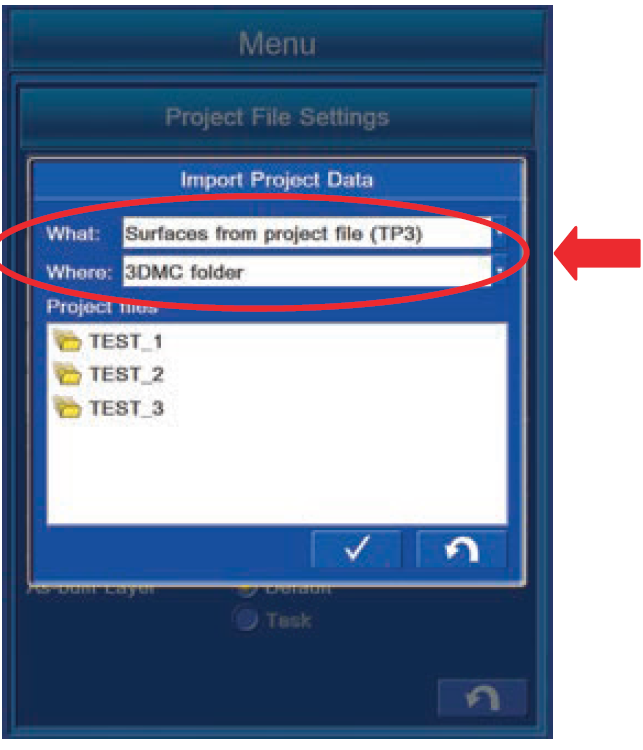
Select surfaces> Import
-
With "What:", select
"Surfaces from Autocad file (DWG)" -
With "Where:", select "USB F:".
-
Select the target file and press the tick
-
The surface will then be imported to the TP3 as a TN3 file
REMARK
• Display of the drive name depends on the connecting
condition of USB flash drive.
• Save the DWG file directly to the USB flash drive
(root directory).
If it is saved in the folder made in the USB flash drive
(sub directory), the control box cannot recognize the
Project file.
• The USB flash drive with password function cannot be
used.