Question
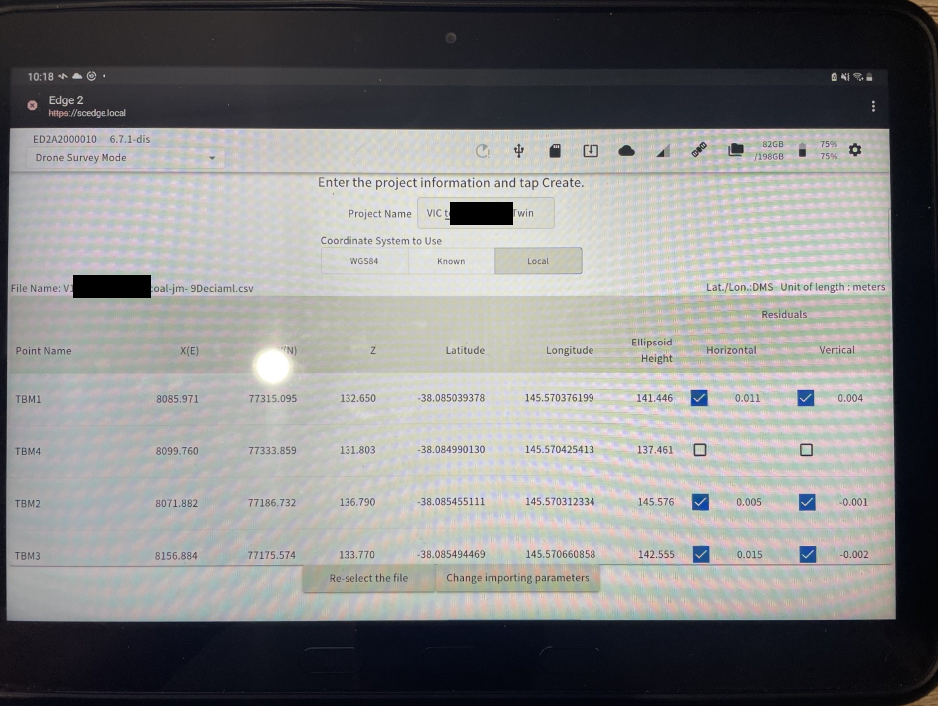
If your Localisation residuals are not the same on Edge2 as on your survey software
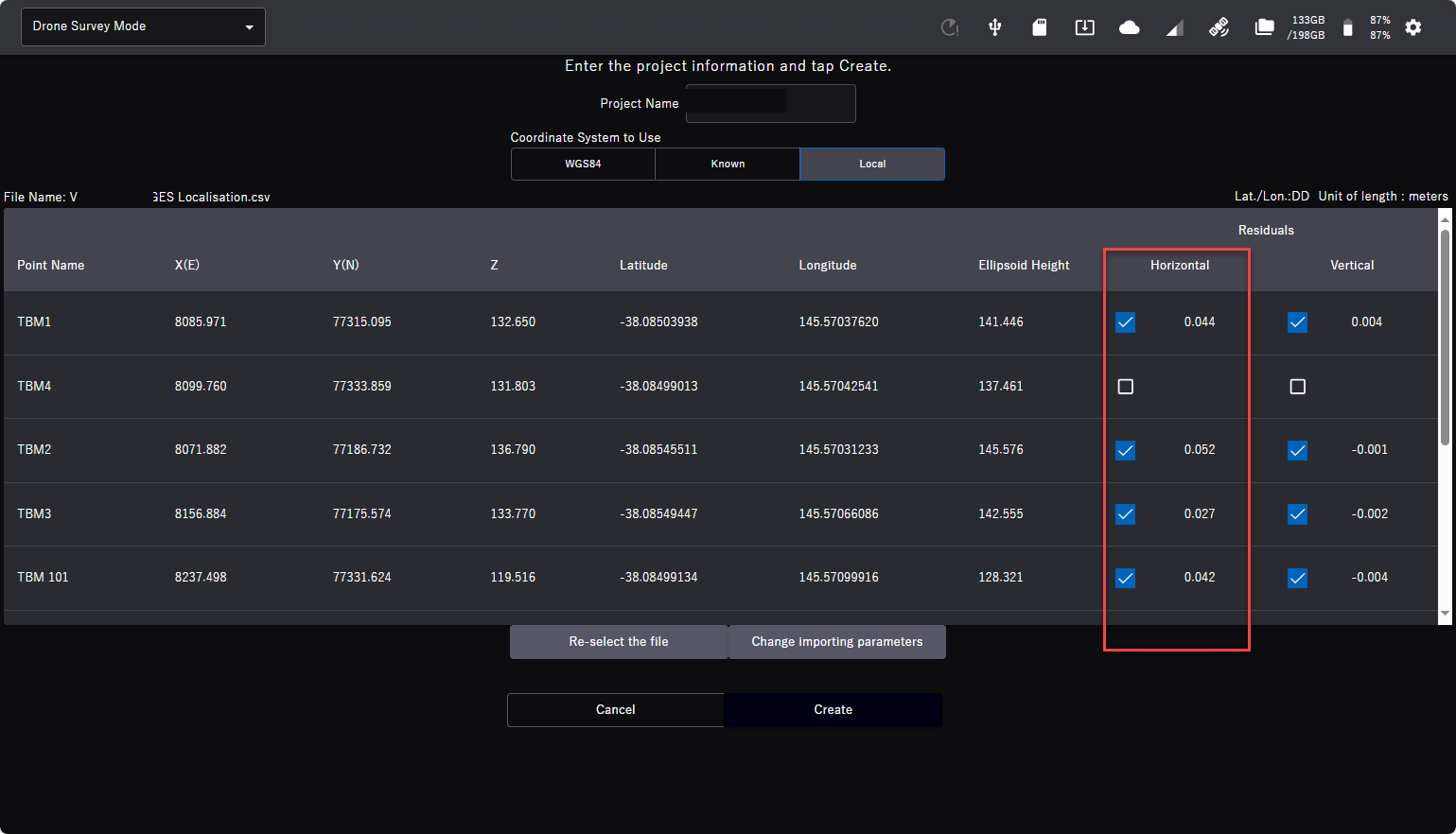
Possible reason
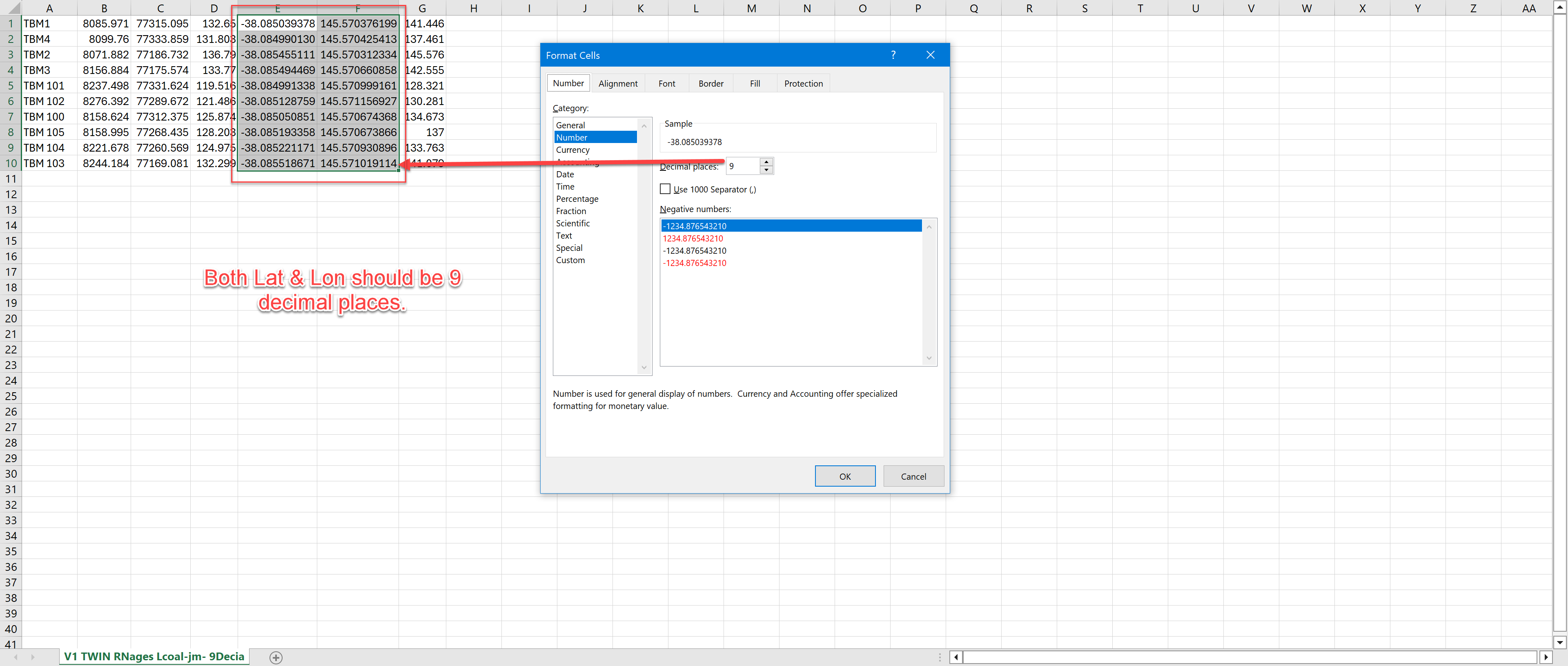
Your CSV file decimal places for Latitude & Longitude are not correct
Try the following
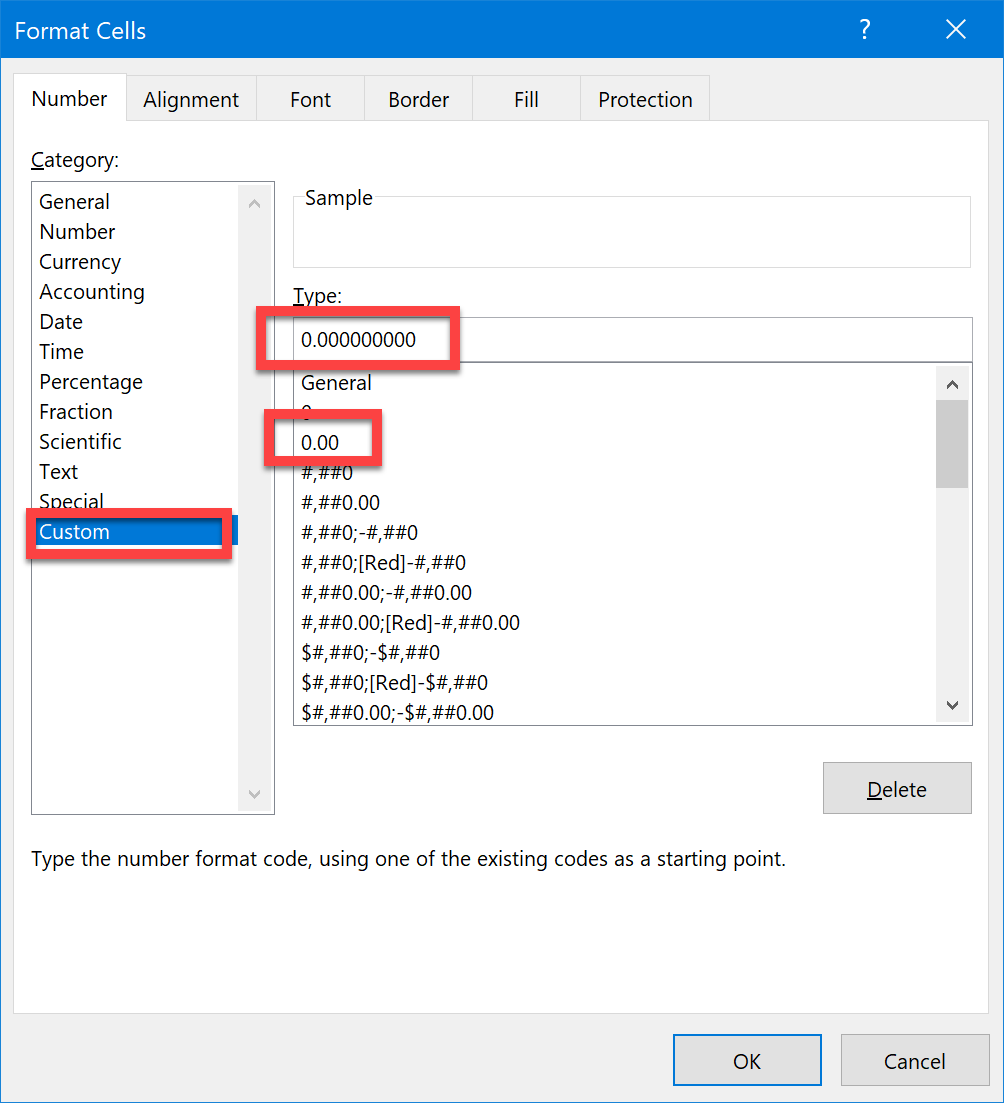
Open the CSV file in Excel again and change the Cell Format by rigth clicking in on the cell and selecting “Format Cell”. Select “Custom”, Select 0.00, In the “Type” window add Zeros to have 9 Zeros after the decimal place as below (0.000000000)
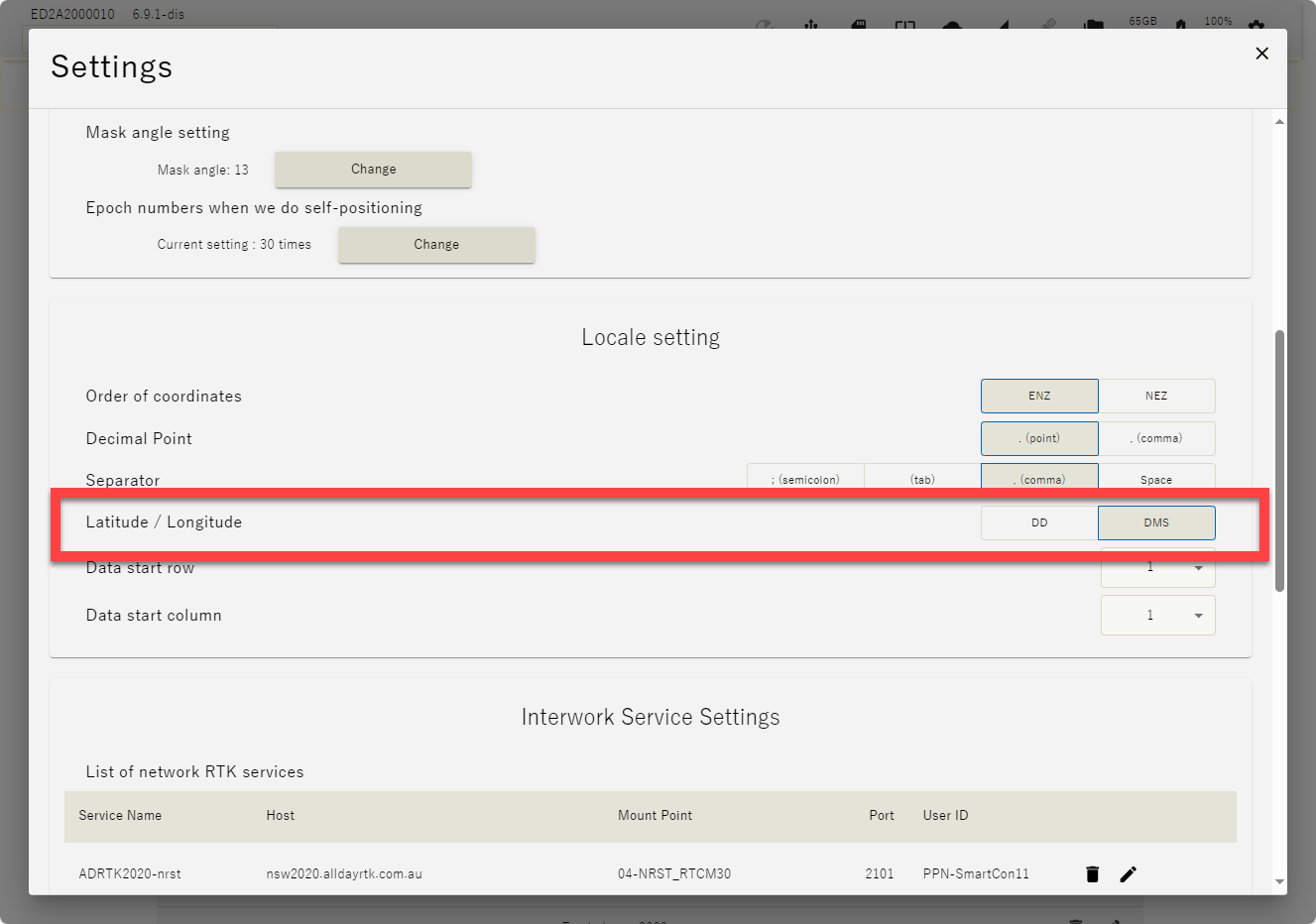
OR change the WGS format in settings
DD to DMS
or DMS to DD