
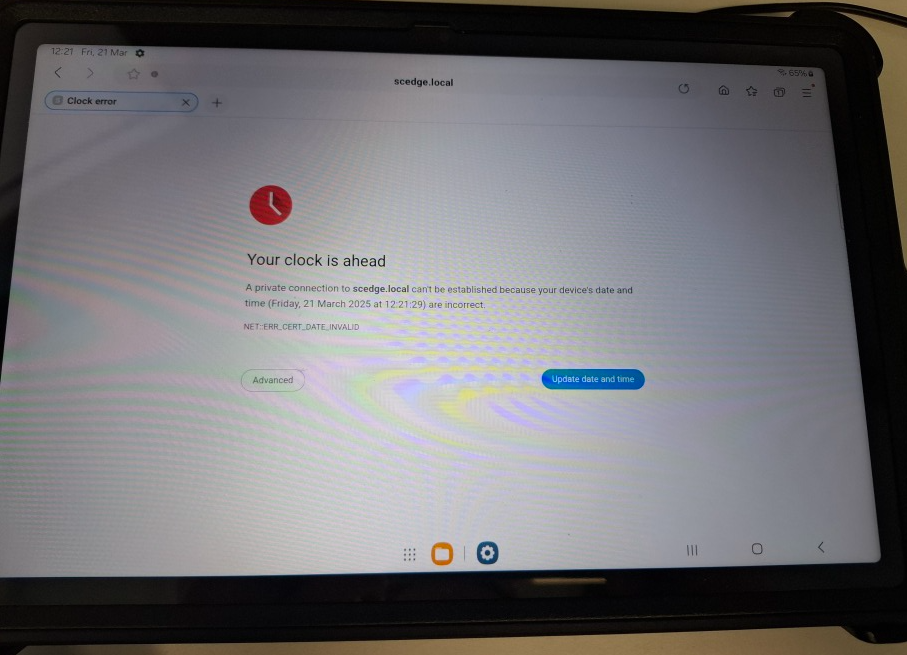
On the Samsung tablet “Your clock is ahead” are displayed and you cnao not access Edge2
Resolution:
-
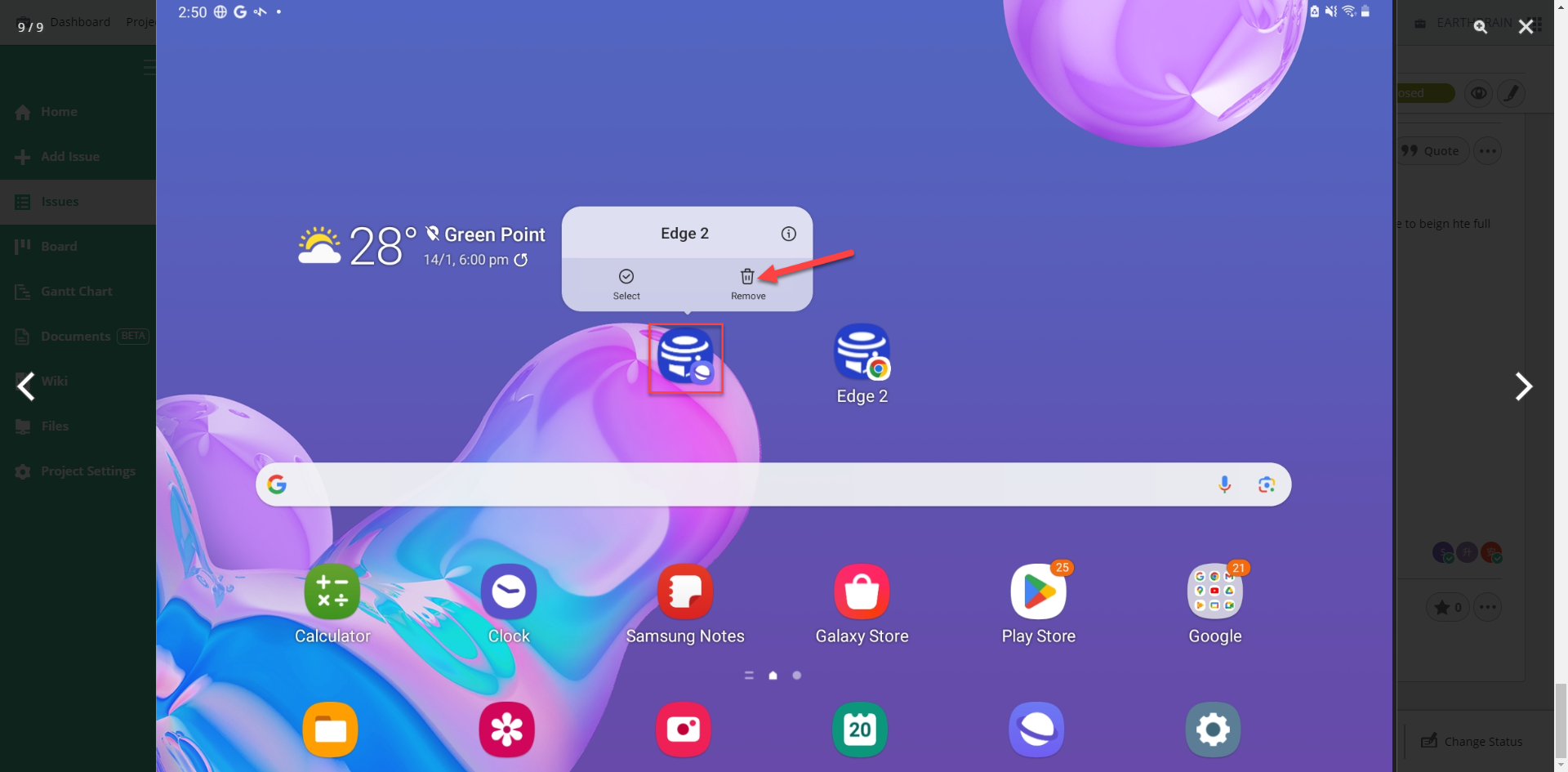
Remove the Edge2 “Samsung Browser Shortcut”
-
Re setup with the Edge 2 URL: https://scedge.local.