
Streaming RTK Corrections via UHF
Review UHF Radio Compliance Guide
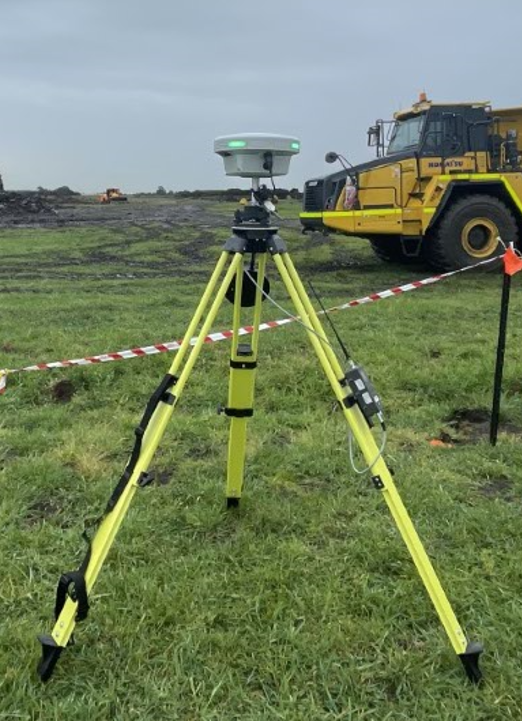
Do not connect the “Serial Cable” before powering On if you need to configure the Radio.
If the radio is Stuck in “Programming” mode.
-
Power off the Radio.
-
Disconnect the serial cable from the radio.
-
Power back On.
On Edge 2 (Base Mode)
-
Select Project and the Control point to start Edge 2 on.
-
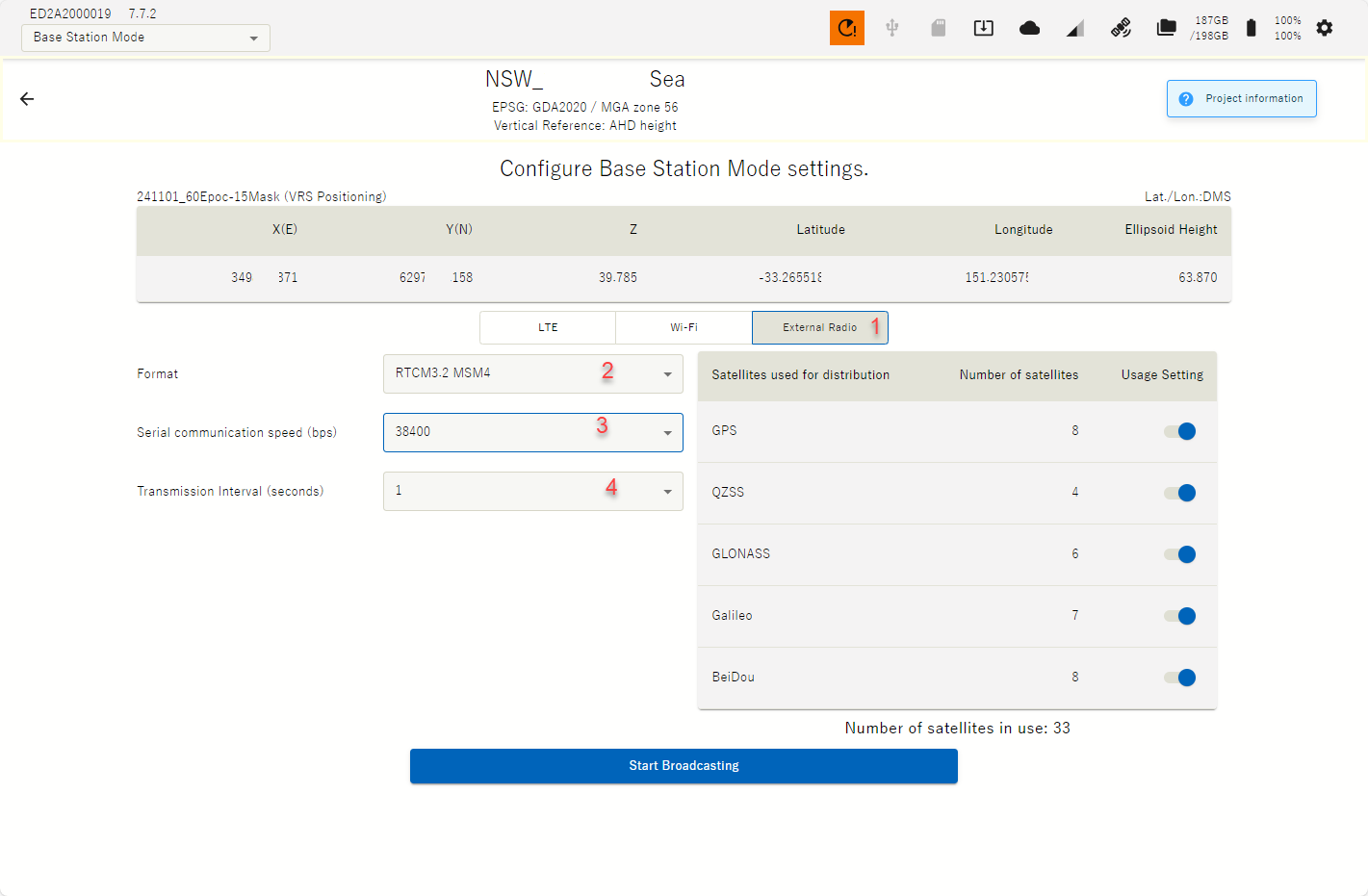
With the USB serial cable plugged into Edge & the UHF Radio configure Edge 2 & Satel Radio as required by following these proposed settings.
-
1. Select “External Radio”
-
2. Select compatible Format:
-
RTCM3.2 MSM4 for Multi-satellite constellation or
-
RTCM3.0 for GPS & Glonass only
-
-
3. Set Serial communication speed (bps): 38400
-
4. Set Transmision interval (seconds): 1
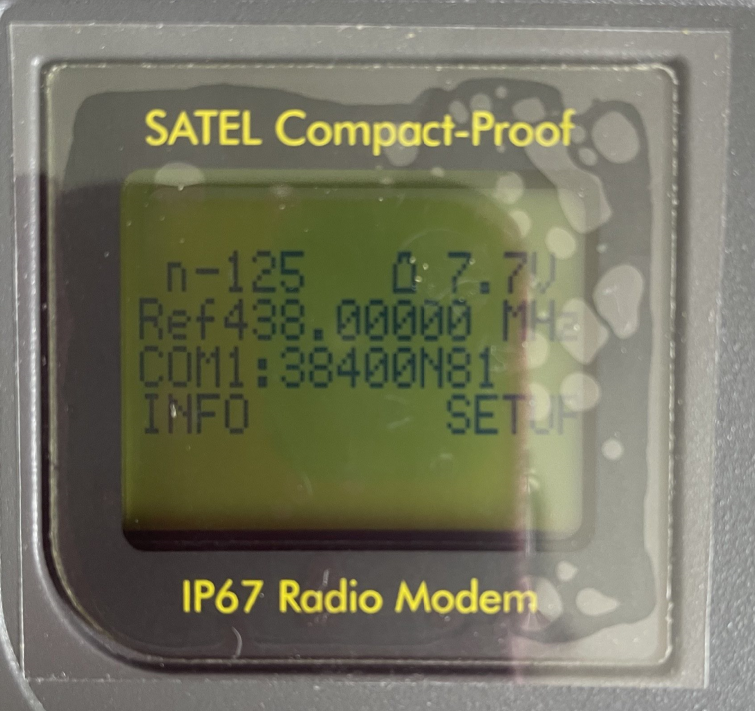
On Satel Compact Proof
-
Set Baud Rate: COM1 = 38400
-
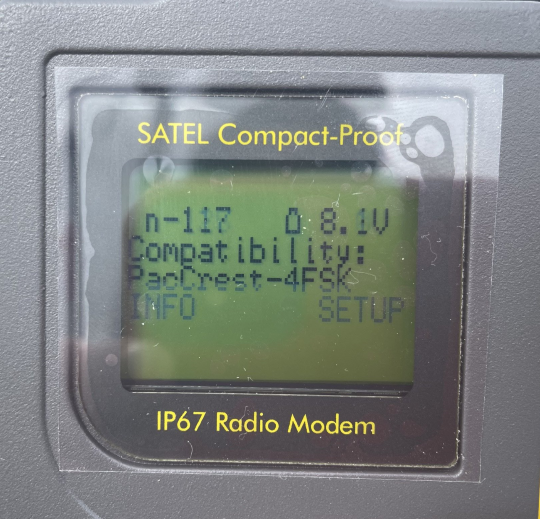
For Komatsu iMC, 3DMG & Topcon
-
Compatibility: PacCrest-4FSK
-
Frequency as per customers ACMA license with appropriate channel spacing i.e 12.5kHz, 25kHz
-
-
For Komatsu iMC, 3DMG, Topcon & Trimble
-
Protocal: Trimtalk
-
Frequency as per customers ACMA license with appropriate channel spacing i.e 12.5kHz, 25kHz
-
Consider turning off one or two of the Satellite Constellations to improve Fix rate.
i.e. Turn off QZZ, & Galileo Constellations