It is recommended to use the Edge’s “Vertical Accuracy” feature
If the Edge feature can not be used you can also use “Cloud Compare” an open-source program to adjust the heigh.
Follow the steps below:
-
Cloud Compare : https://www.cloudcompare.org/release/
Check with your companies IT first if you are allowed to use this program.
-
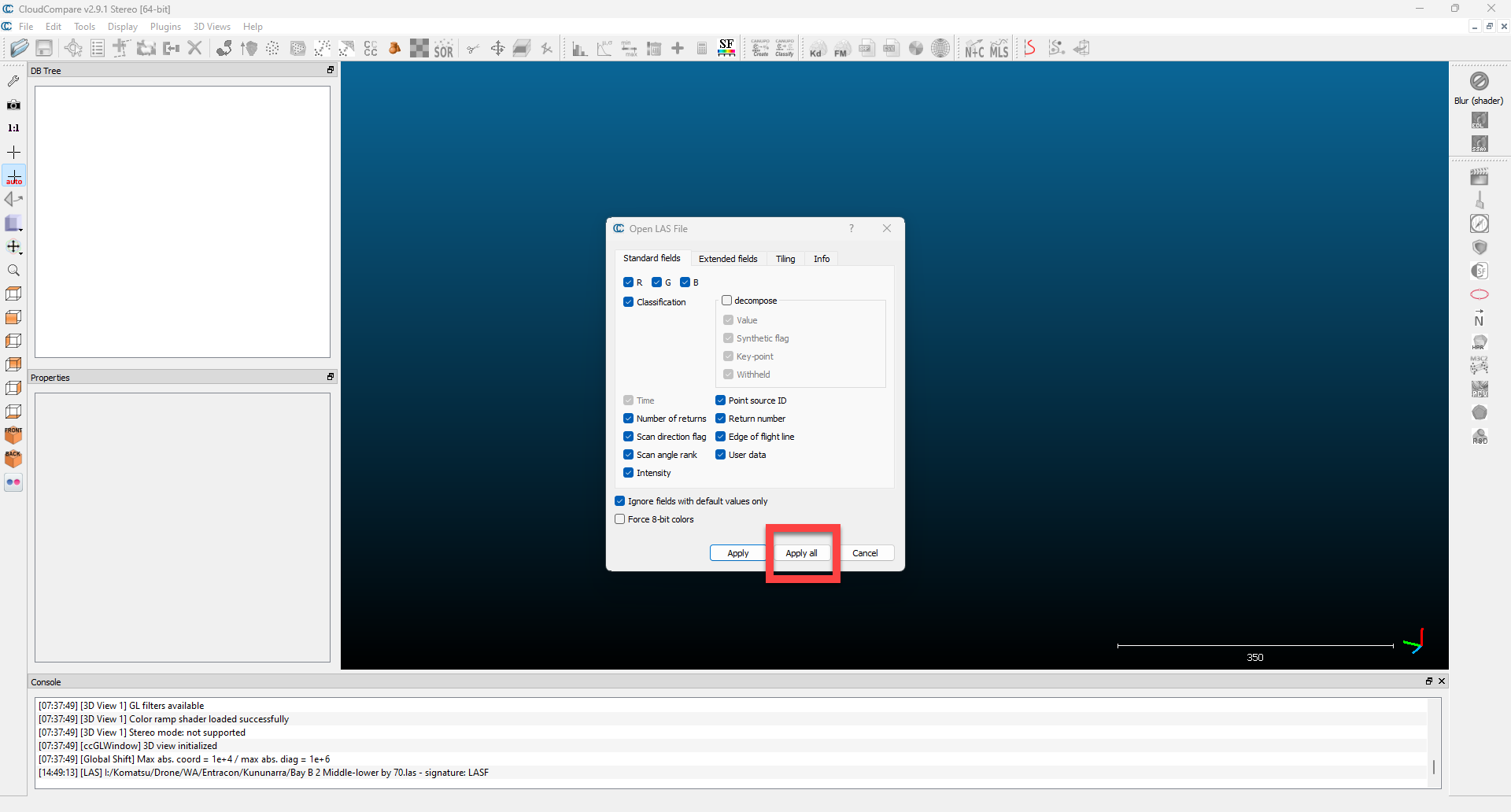
Drag & drop your .Las (or other compatible file) onto the screen and press “Apply All”
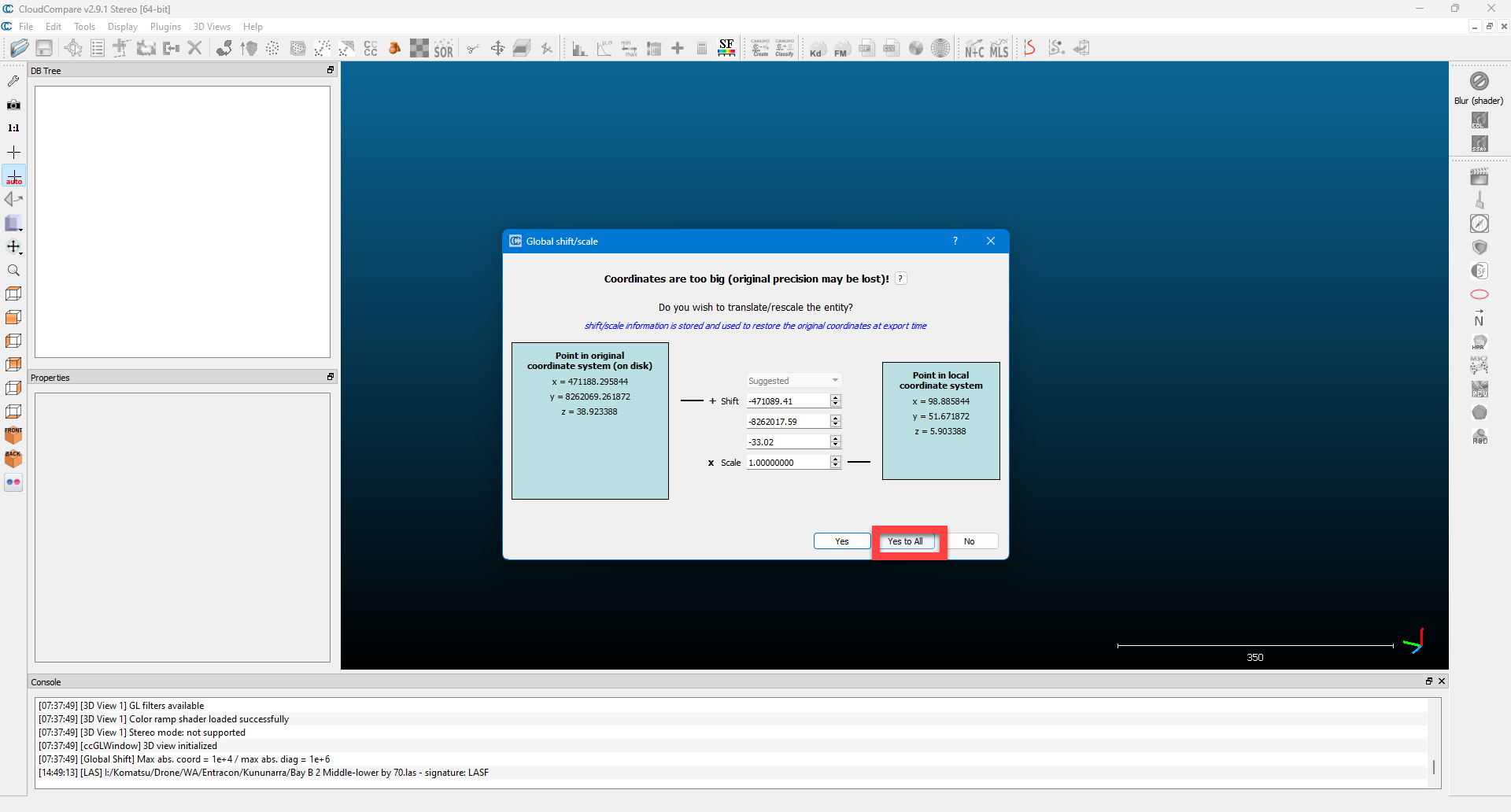
and “Yes To All”
-
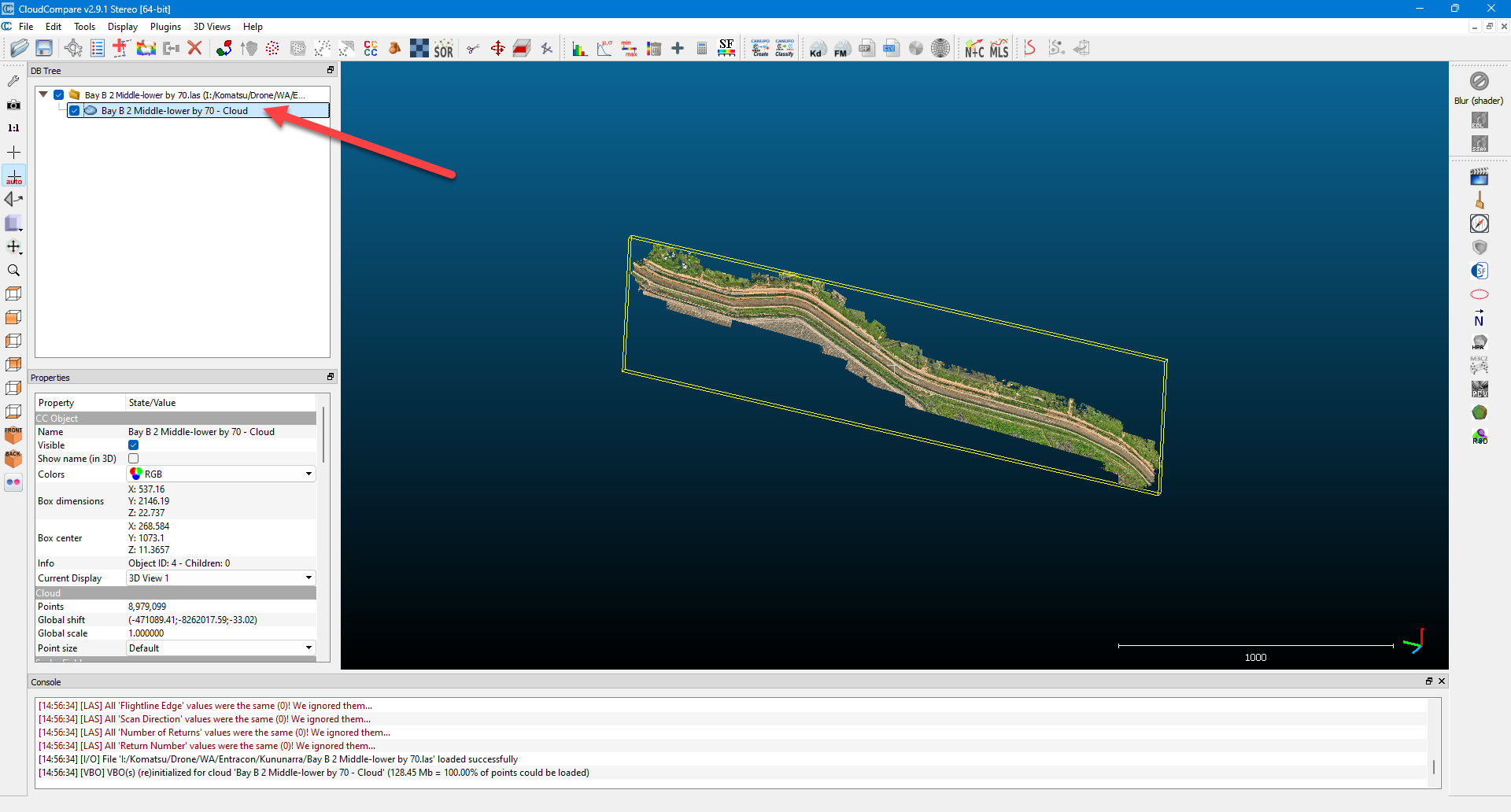
Highlight the point cloud
-
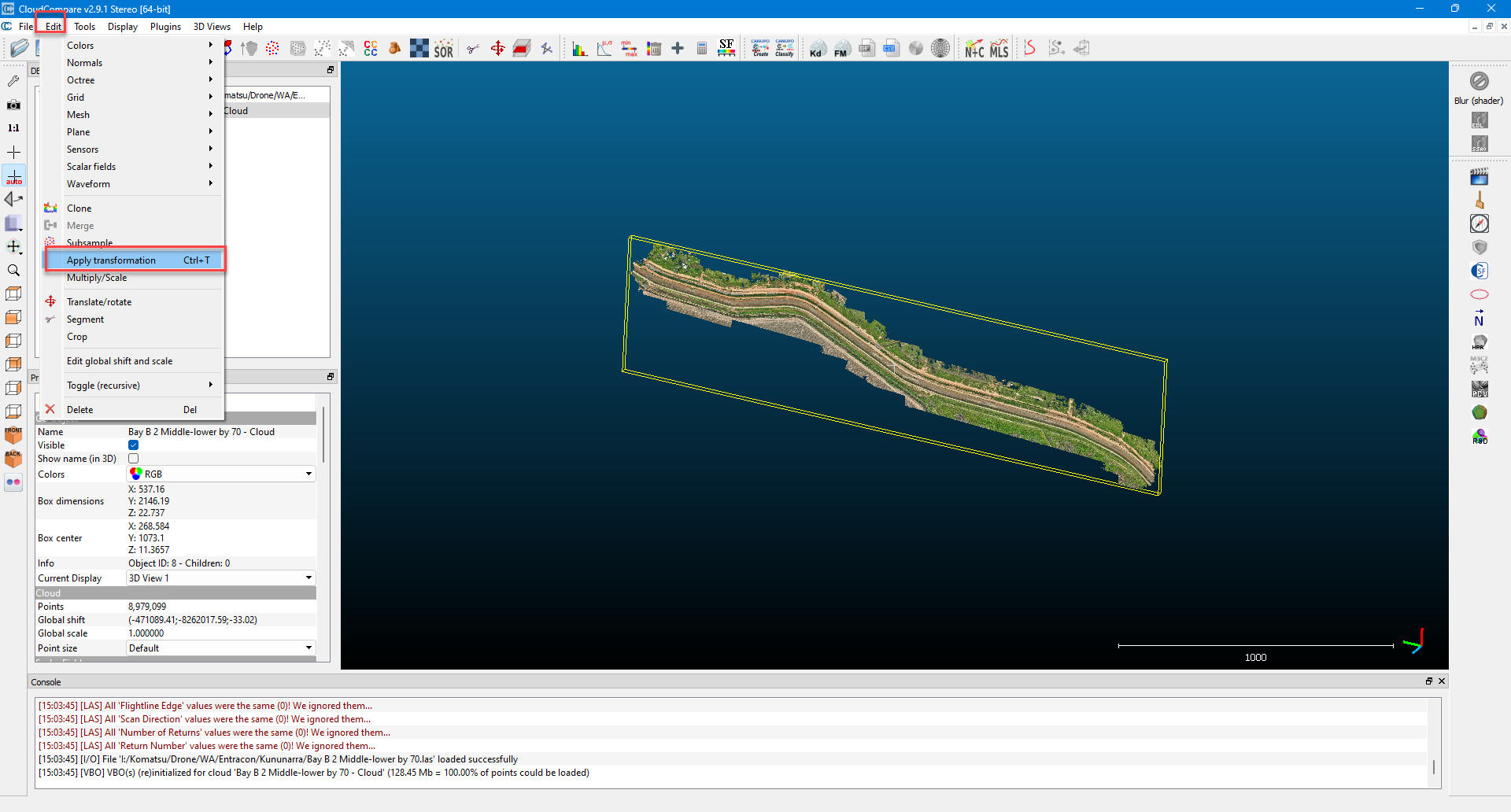
Select “Edit” then “Apply transformation”
-
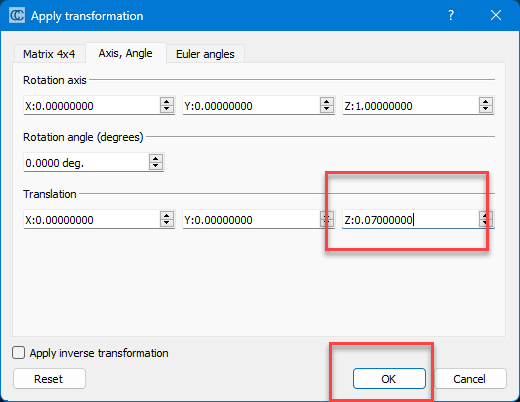
Select the Z value to adjust the point cloud by and press “OK”
-
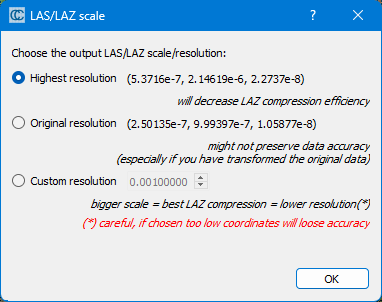
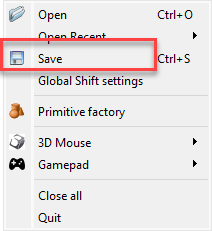
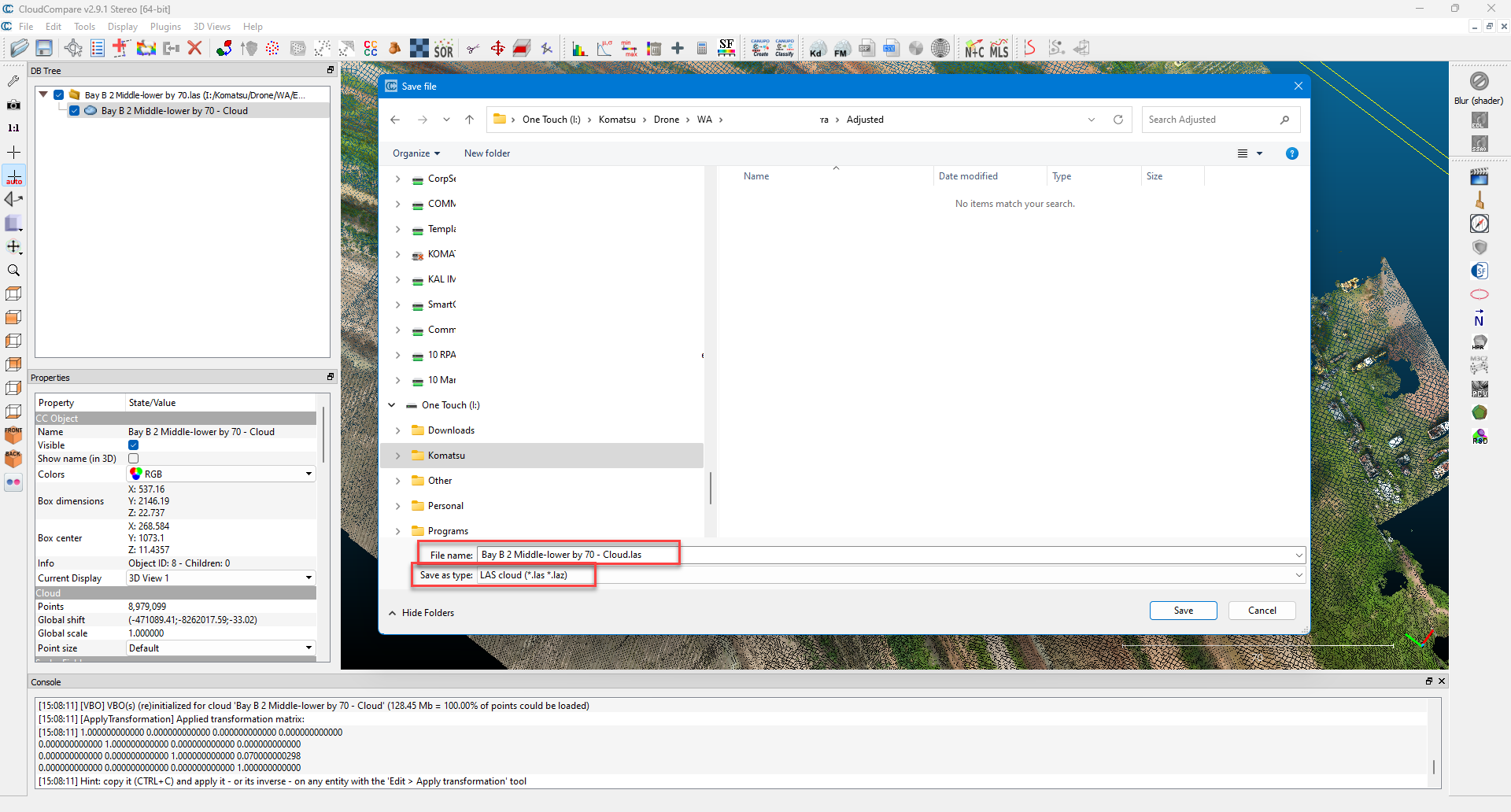
Once done press “File” then “Save” and select location and “.Las” format.
Highest recommended