NOTE: Frequency lists can only be created by authorised dealers.
Please contact your local dealer to get your frequency list customized to your FCC-licensed channels.
Frequency List Formats
Different radio types use different frequency files:
-
DUHF uses a .CCX file.
-
DUHF2 uses a .DCF file.
-
The SRL-35 uses a .MCF file
-
The HiPer HR uses a .DCLF file.
MCR-3
1.0
FC5000 / FC6000 Topcon
Uploading a Channel List
-
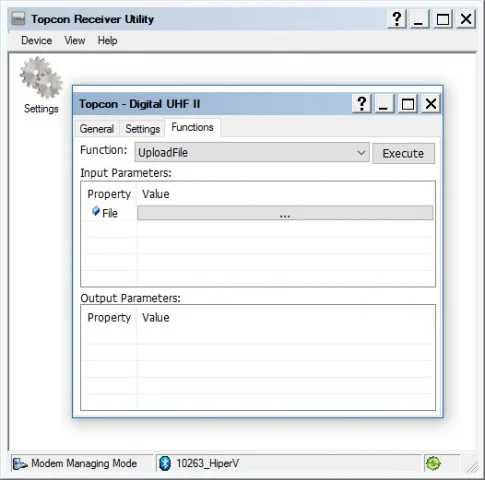
Connect your receiver or external radio to TRU > Modem Managing. TRU (Topcon Receiver Utility): MC-R3 Connection Parameters
-
Click on the Functions tab.
-
Change the function to UploadFile.
-
Select in the value box under Input Parameters.
-
Navigate to the channel list to be uploaded.
-
Select Execute.
-
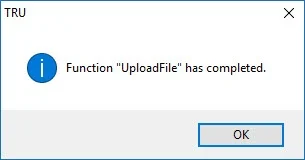
You will see a message 'Function "Upload File" has been completed.'