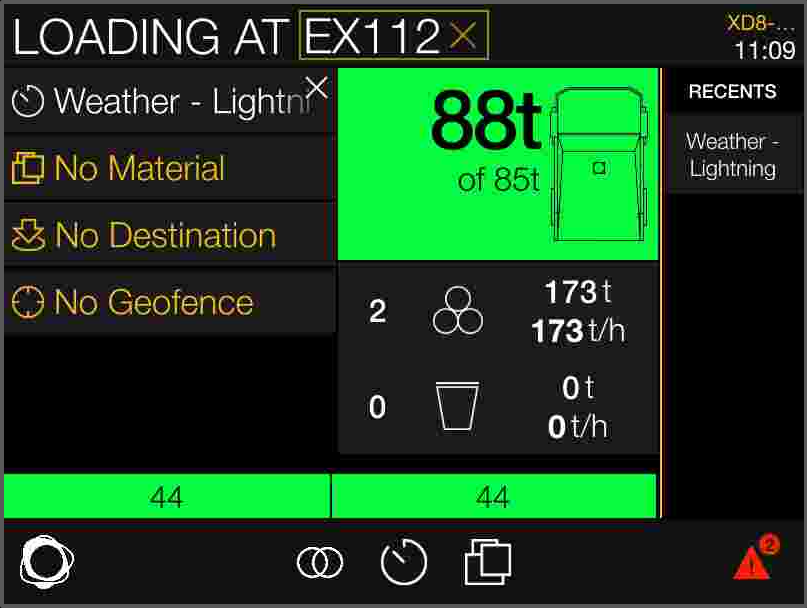
When logged in as an operator on a haul truck that has Manual Load enabled, you can manually enter load weight values on the iVolve display.
Enter manual load values while your vehicle is stationary at the loader.
Not only is this the safest time to enter load values, it ensures automatic pairing occurs with the loader, which means load data such as material and destination is exchanged between the loader and truck. It also ensures the time and location of the load are accurate.
To enter a payload weight manually, complete the following steps.
-
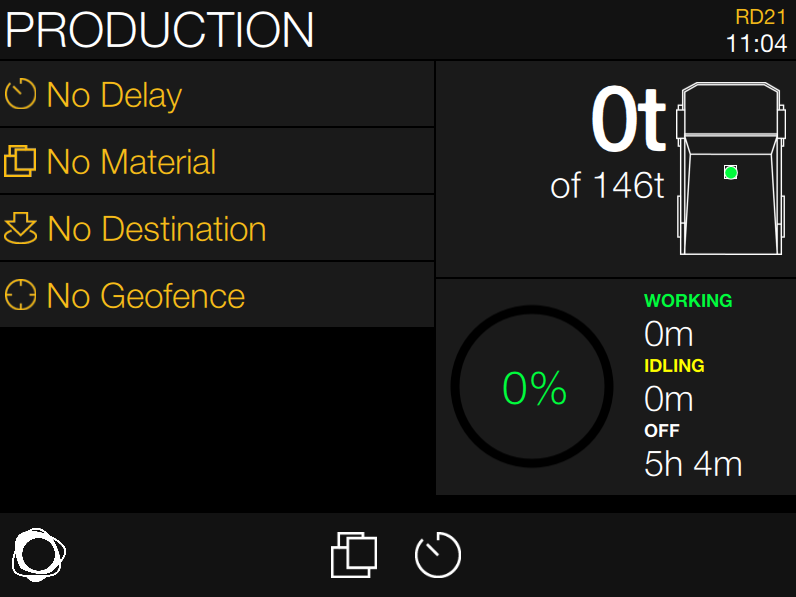
Tap the Total Load card on the iVolve display.
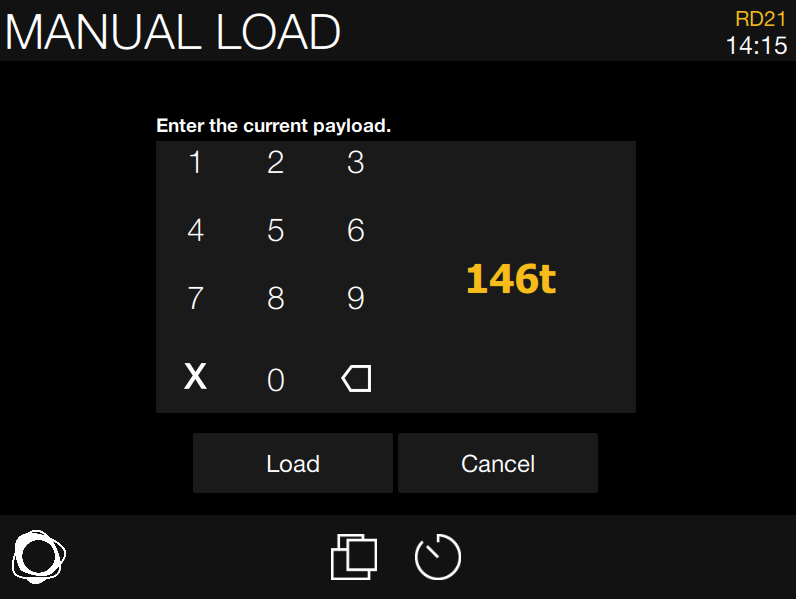
The Manual Load screen displays. The target tonnage of the truck is automatically entered.
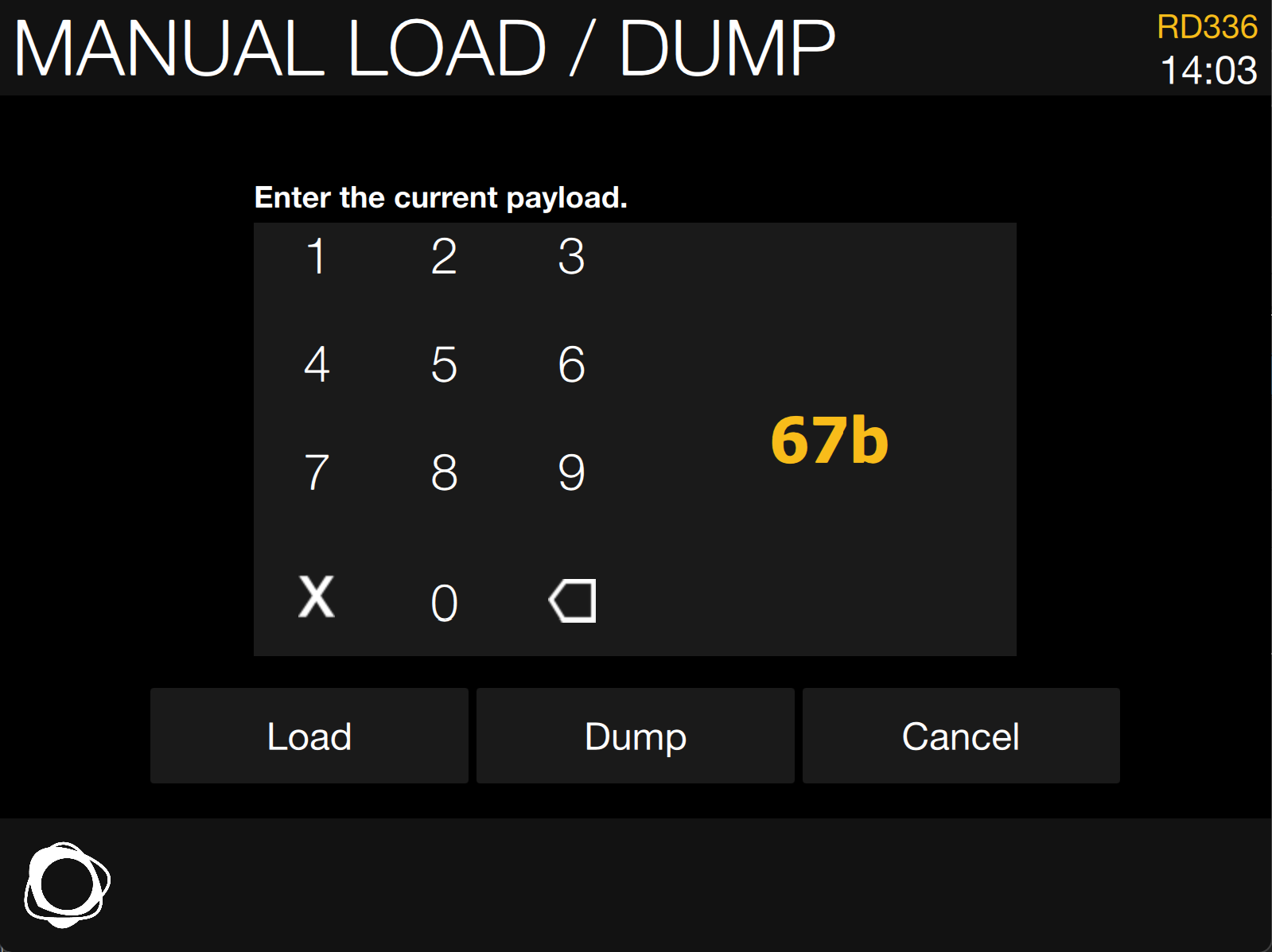
If both Manual Load and Manual Dump are enabled and the truck is loaded, a Dump button is also available.If both Manual Load and Manual Dump are enabled and the truck is not loaded, the Dump button is grayed out.
-
Use the keypad to manually enter a new weight value.
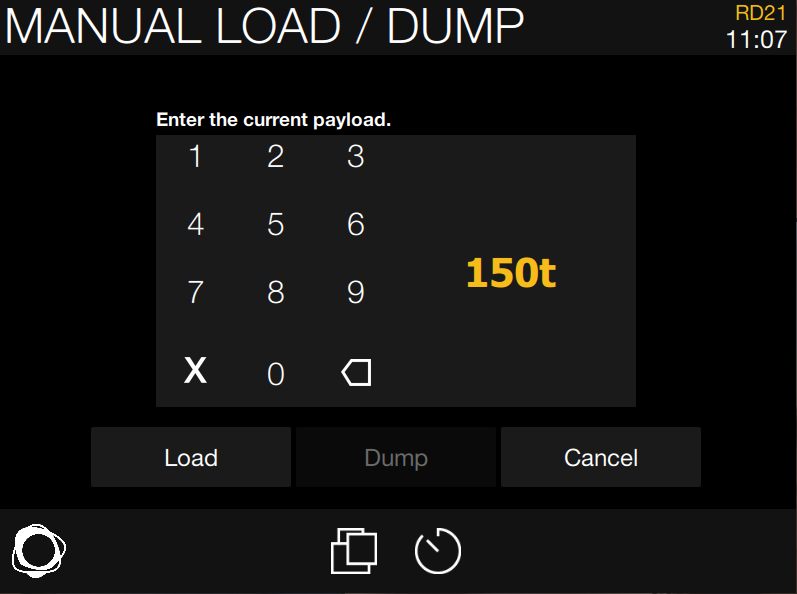
-
Tap Load. The display shows the updated weight value on the Total Load card and in the Load Bar.
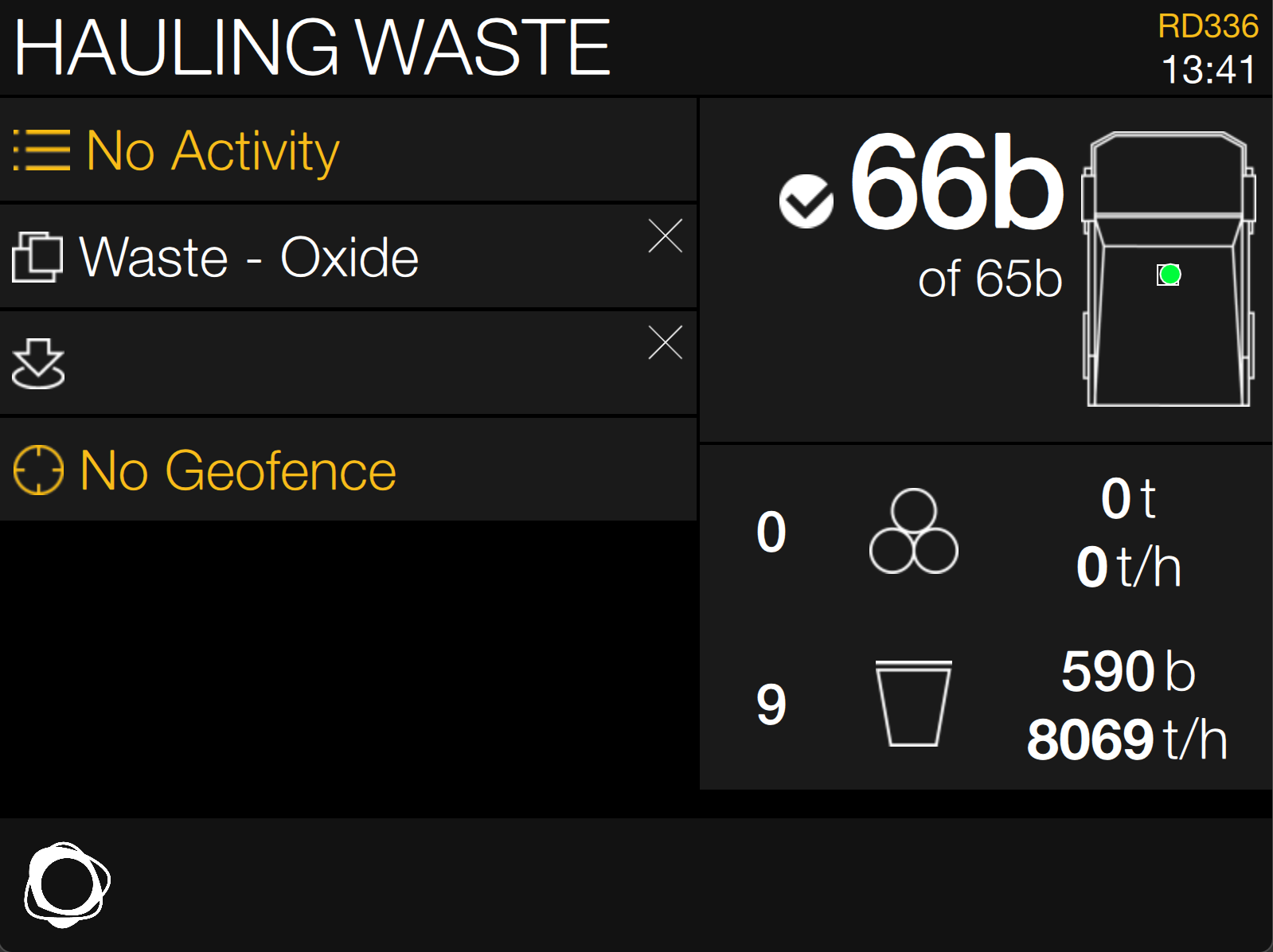
You can re-enter the load weight multiple times or in increments. If the weight increases by a large enough margin, it gets treated as multiple passes, which can improve the granularity and accuracy of the load data.
When you re-enter a weight, the weight you previously entered is shown. It does not revert back to the truck's target tonnage like the first load of each cycle.