-
Log in to Smart Construction Portal:
Smart Construction -
Click on Smart Construction Fleet
-
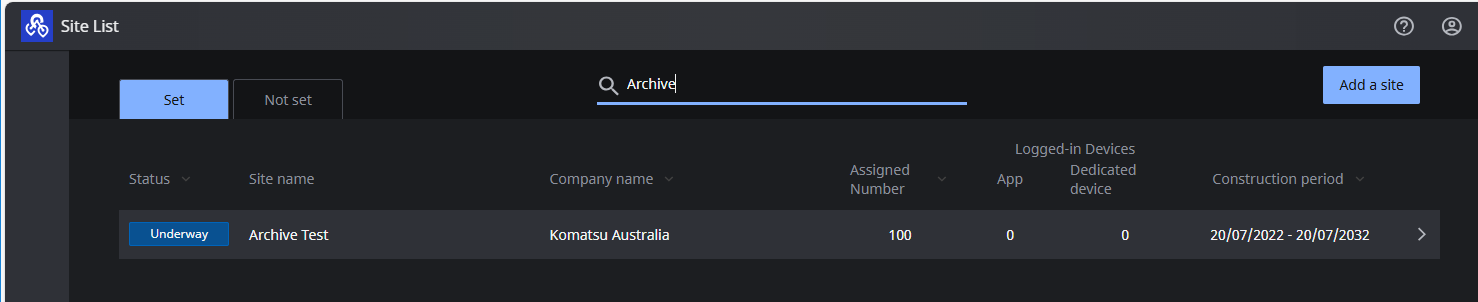
Select a site from the list
-
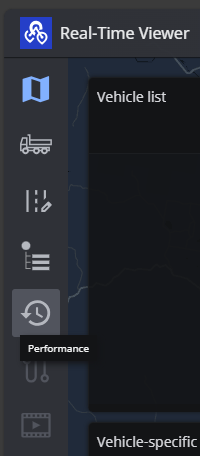
Select Performance along the LHS of the screen
-
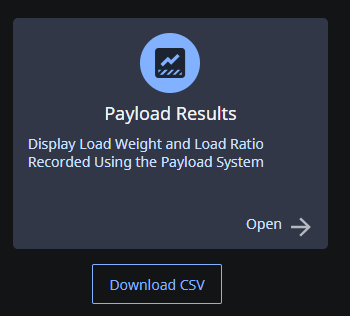
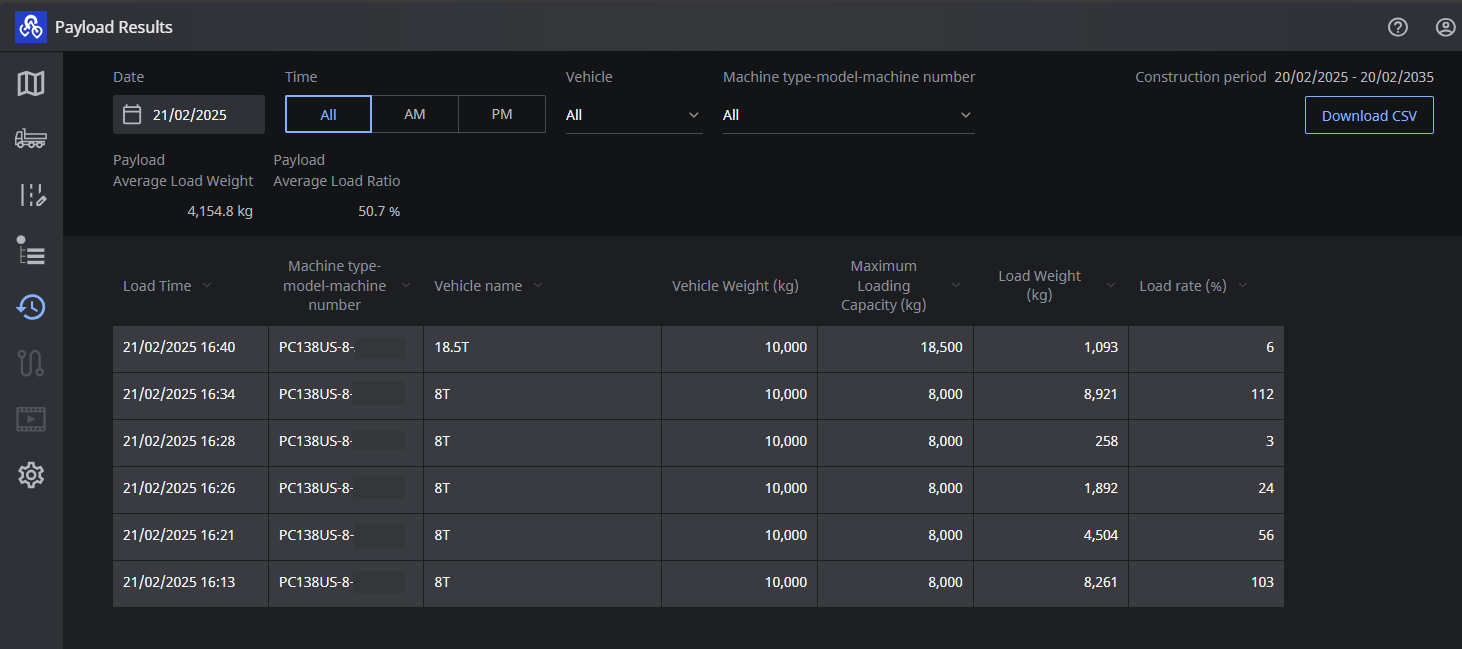
Select Payload Result
-
Here you can see the Payload results of the day
-
Filter by vehicle type or loading machine
-
Filter by time of day and date
-
Download a csv of the results
-