The User must be added to the customer portal as a member before completing this process. Please contact SC Support to add the member if this has not been completed:
1300 445 978
scsupport@komatsu.com.au
-
Sign into SC Portal
-
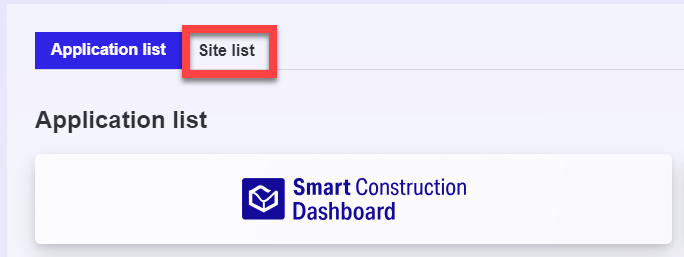
Select Site list
-
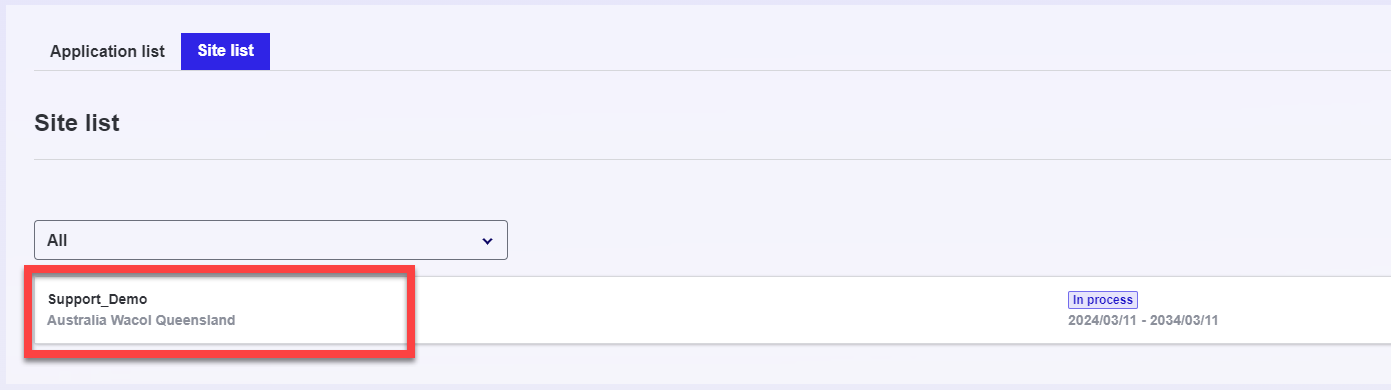
Select the Dashboard site
-
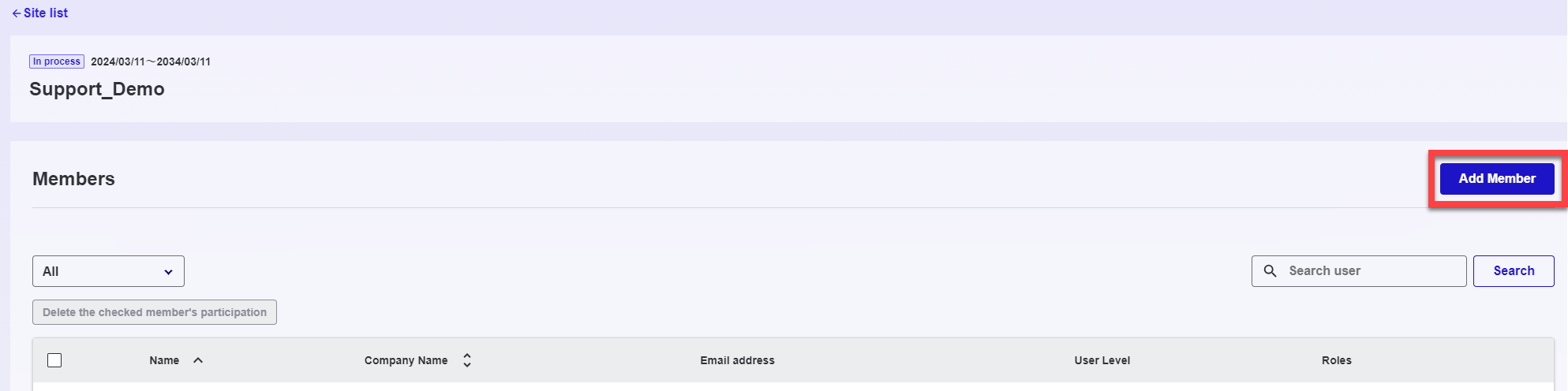
Click on “Add Member”
-
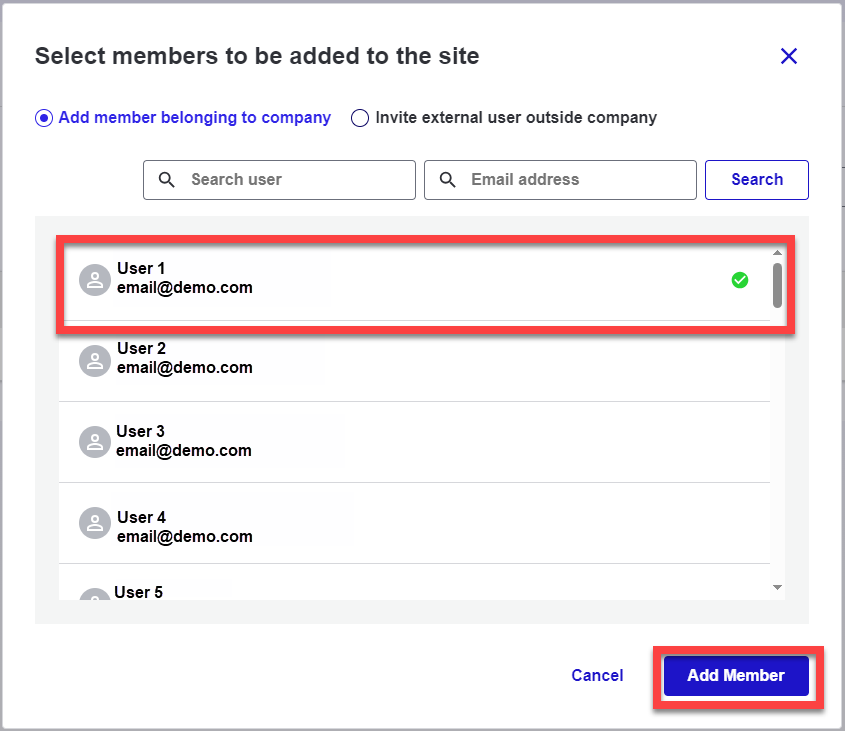
Select the User
-
Select Add Member
-
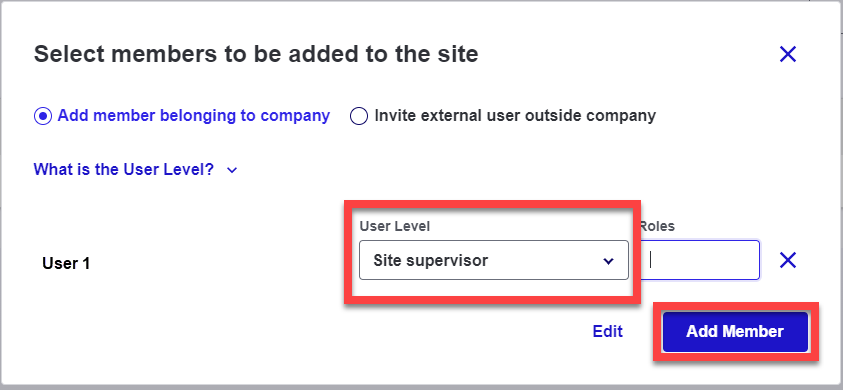
Select the User Level
-
Click Add Member
-
Open SC Dashboard
-
Open the project
-
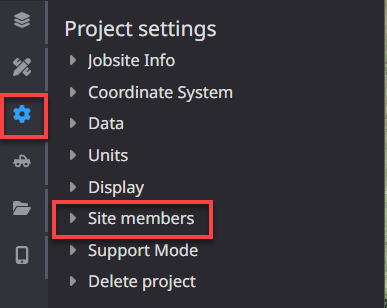
Select Settings
-
Drop down Site members
-
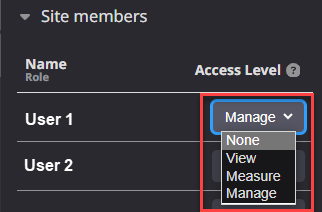
Change the user access level from none to View, Measure or Manage (Manage will give the user the most access and control over Dashboard).
-
The user will then be able to log in to their SC Portal > Open Dashboard > Select the Dashboard site