-
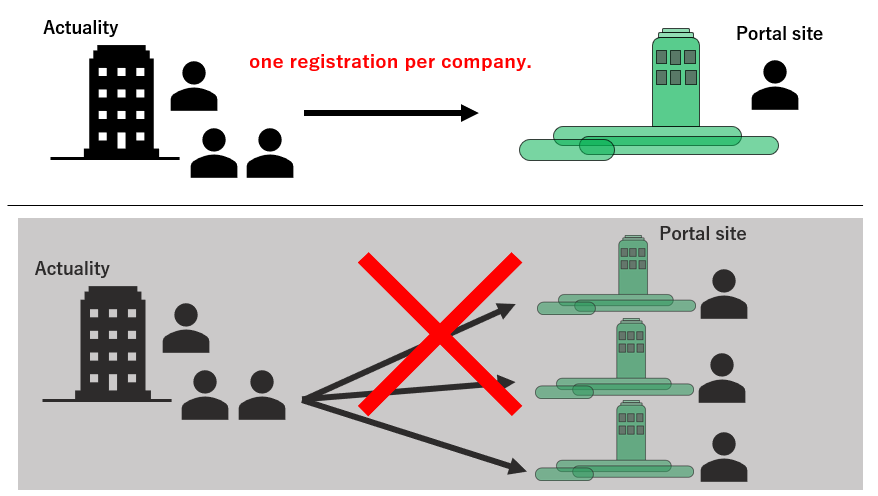
There should be one registration per company.
-
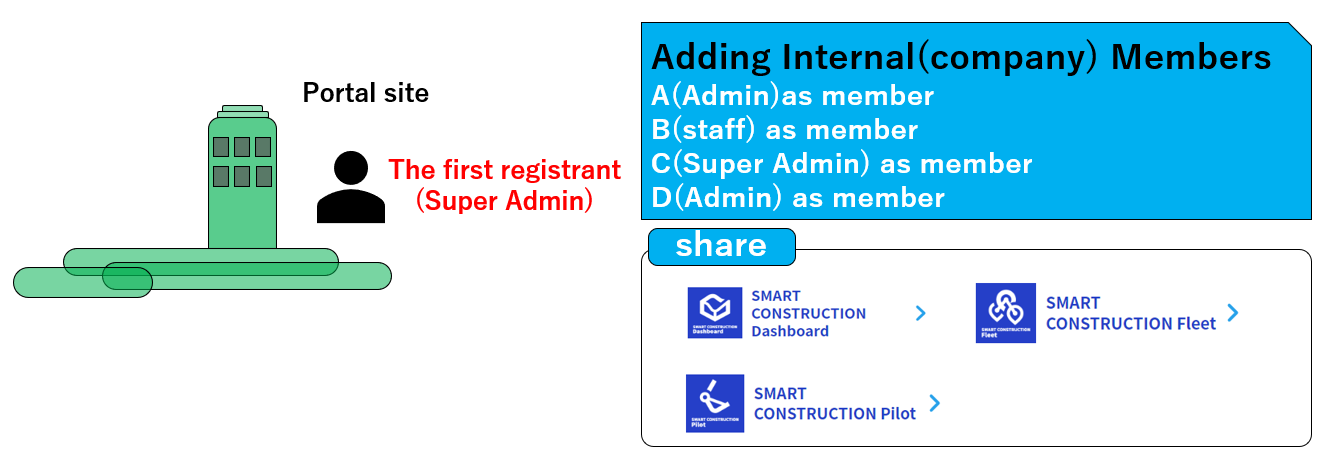
The first registrant adds his/her own employee members to the list.
Members can be added with Admin or higher privileges.
-
When add member,you can give member authority.
-
Added members can share apps purchased by the company.
-
Group settings include the ability to invite guests.
-
Guests can be added immediately from the Group list when creating a jobsite.
Apps purchased by the company cannot be shared with guests.
if registration has already been created by mistake, please contact Smart Construction Support at scsupport@komatsu.com.au if you would need it to be deleted
-
If any member needs to be deleted, Users with Admin or above can remove the member.
this is done in Group setting.