We are currently experiencing some outages and reduced functionality across some Smart Construction services. Check the service status page for more information - Product Service Status

Change language in SC Portal

  1. Log in to your SC Portal account

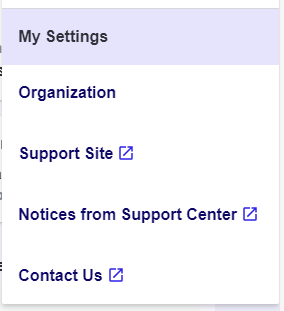
  2. In the top right-hand corner, click on the grey person logo

  3. Select “My Settings”

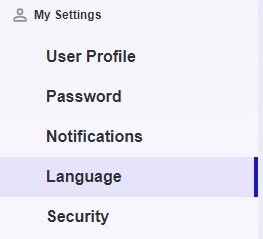
  4. In the menu on the left-hand side of the page, select “Language”

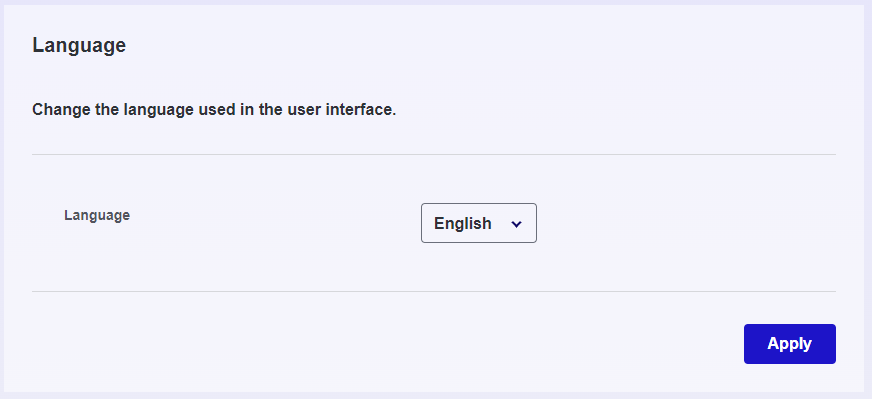
  5. Select the language from the drop down box, then click “Accept”


Tip: right click anywhere on the page and select “Translate to English” to assist if required:

image-20240108-010646.png
image-20240108-010211.png
image-20240108-010250.png
image-20240108-010822.png
image-20240108-010322.png