-
Log in to SC Portal Account
-
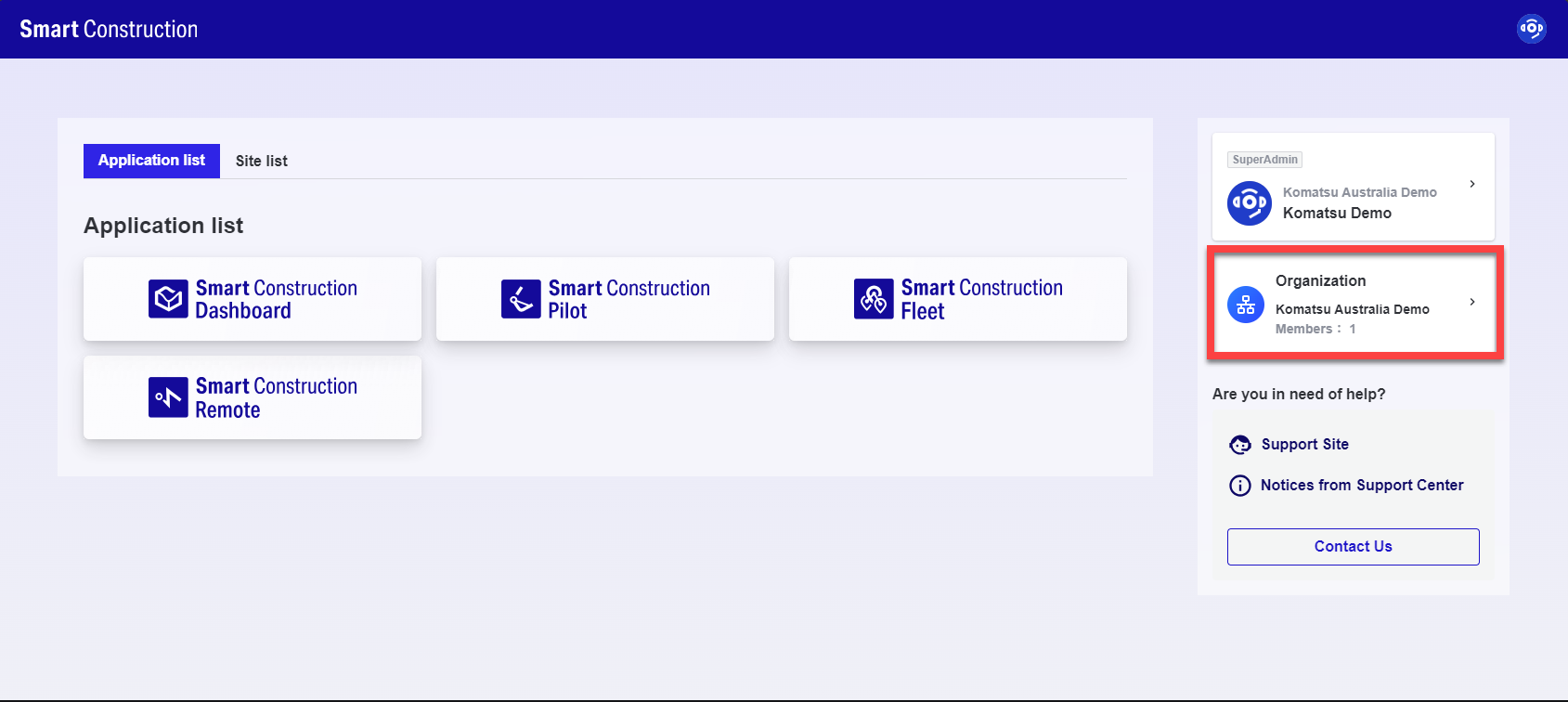
Select Organisation
-
Select “Add member belonging to company”
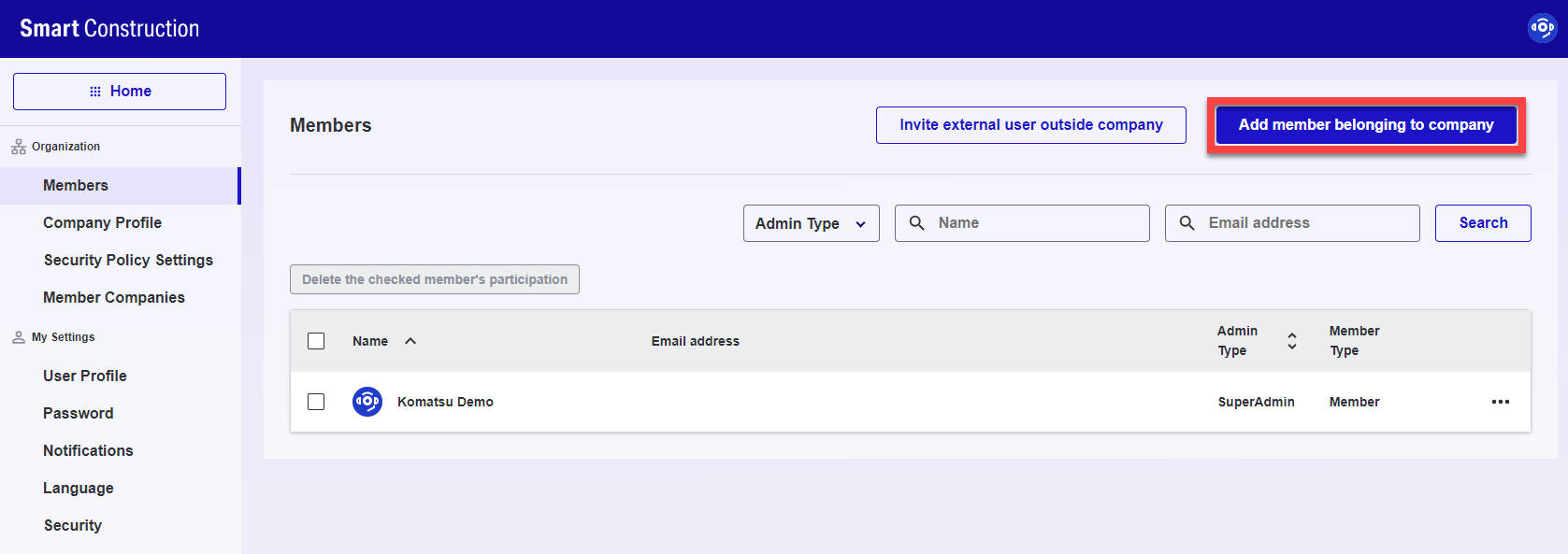
-
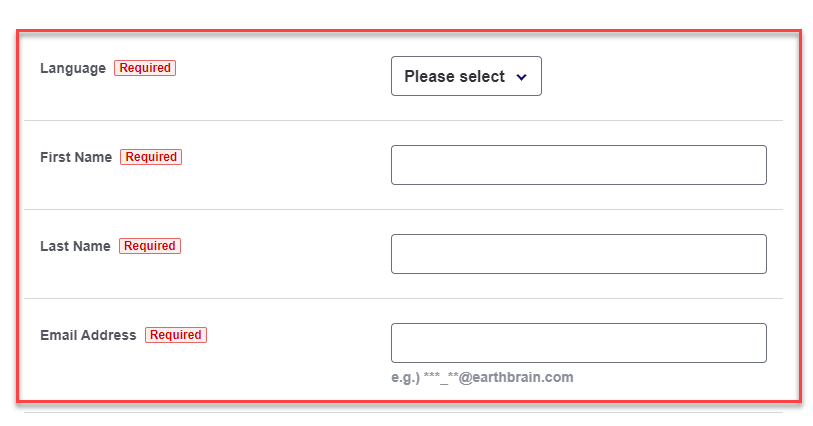
Fill out all of the “Required” fields
-
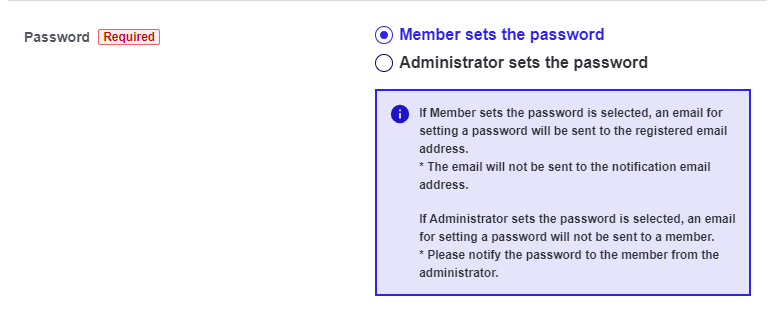
We recommend to select “Member sets the password”
-
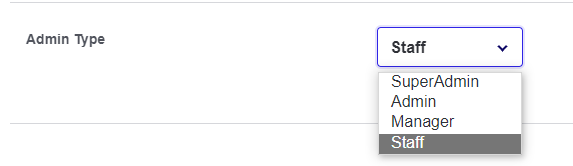
Select the appropriate admin type:
|
Admin Type |
Organisation Profile |
Member Management |
Guest Management |
|---|---|---|---|
|
Super Admin |
Read/Edit/Delete |
Add/Read/Edit/Delete |
Add/Read/Edit/Delete |
|
Admin |
Read |
Add/Read/Edit/Delete |
Add/Read/Edit/Delete |
|
Manager |
Read |
Read |
Read/Edit/Delete |
|
Staff |
Read |
Read |
Read |
-
Select Confirm
-
Select Update