
Do a machine pre-start inspection
-
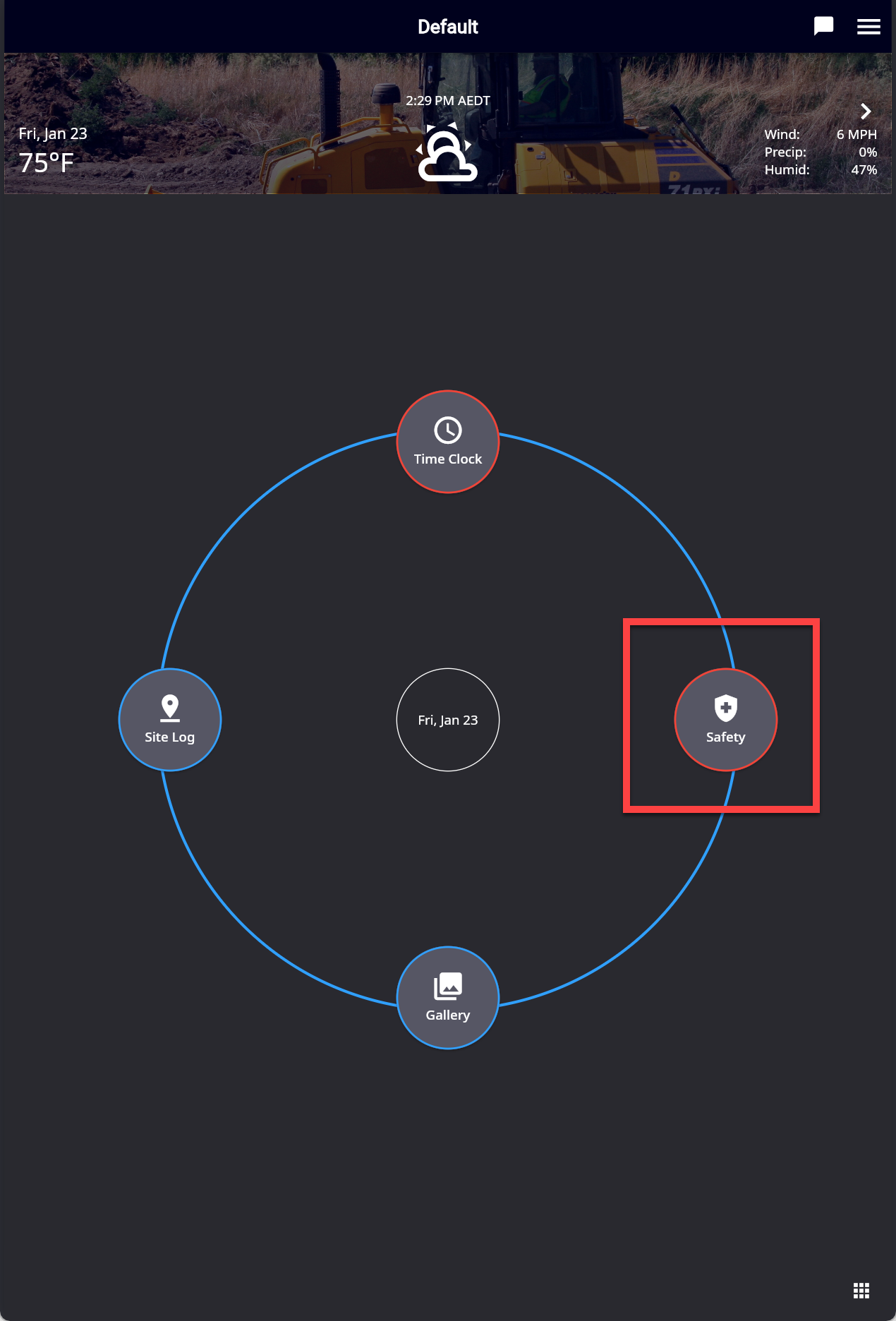
From the Home screen press “Safety”
-
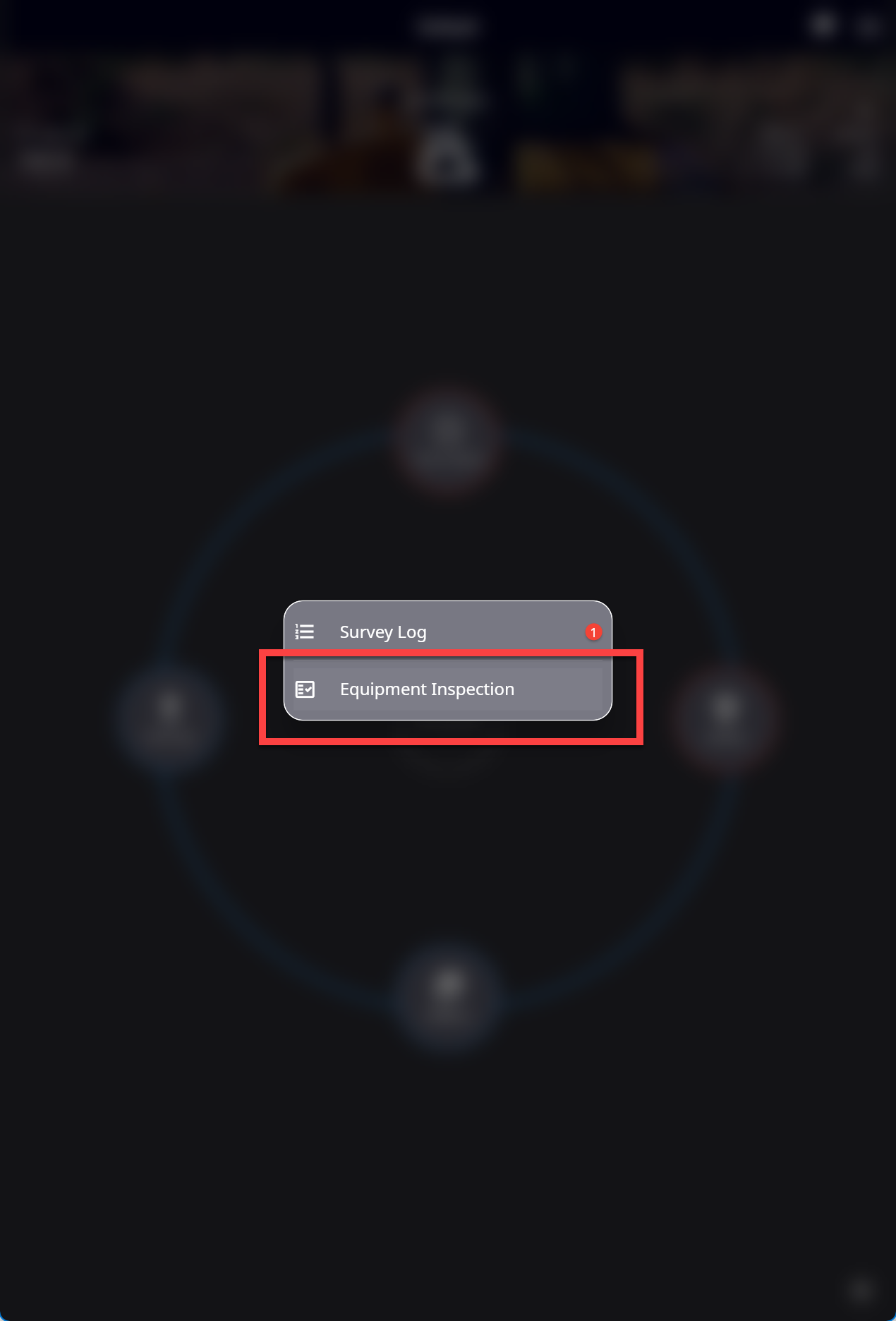
Select “Equipment Inspection”
-
Press the “Plus” icon
-
Press “Equipment” then Search for & Select your machine from the list.
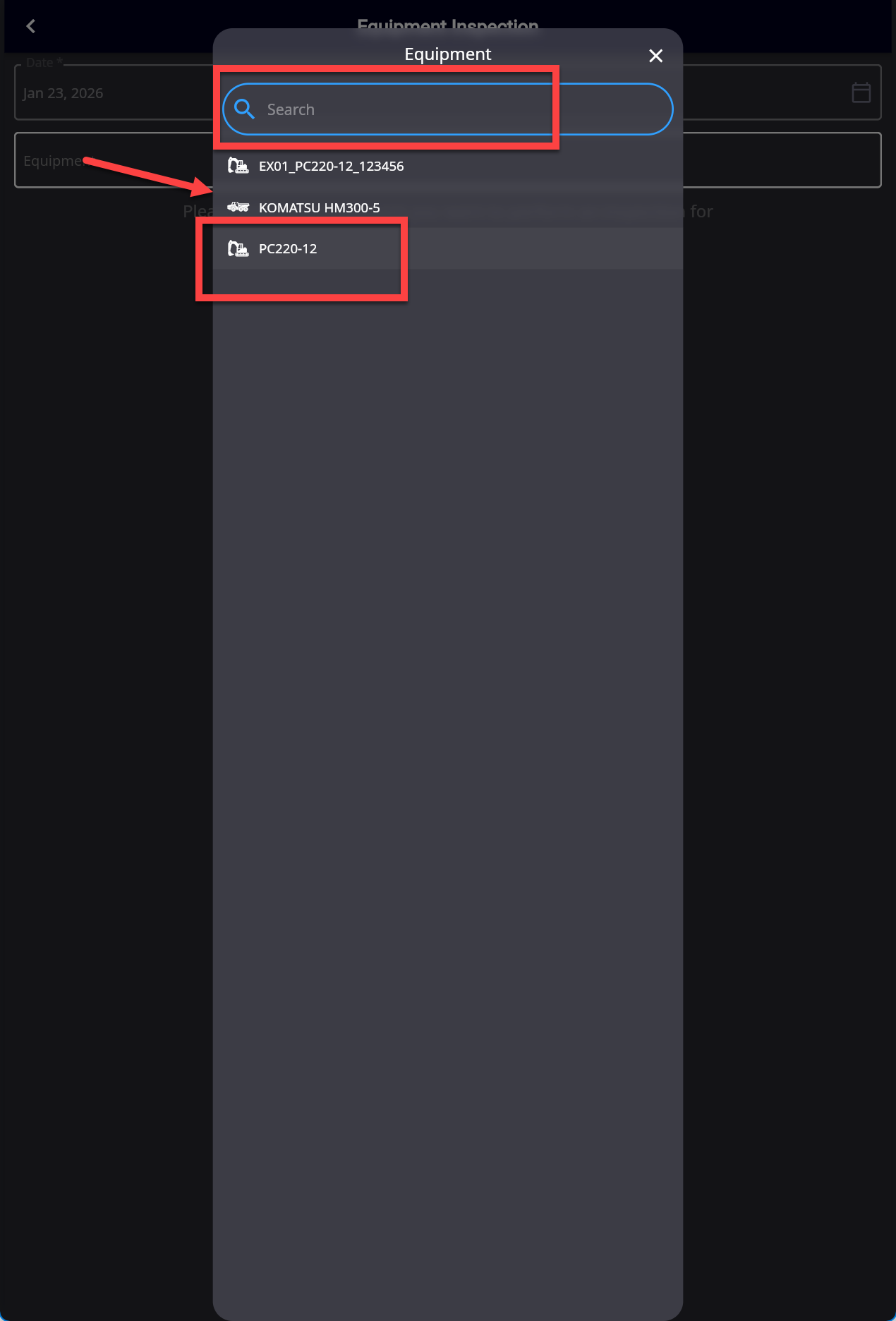
Machine “Names” are displayed.
-
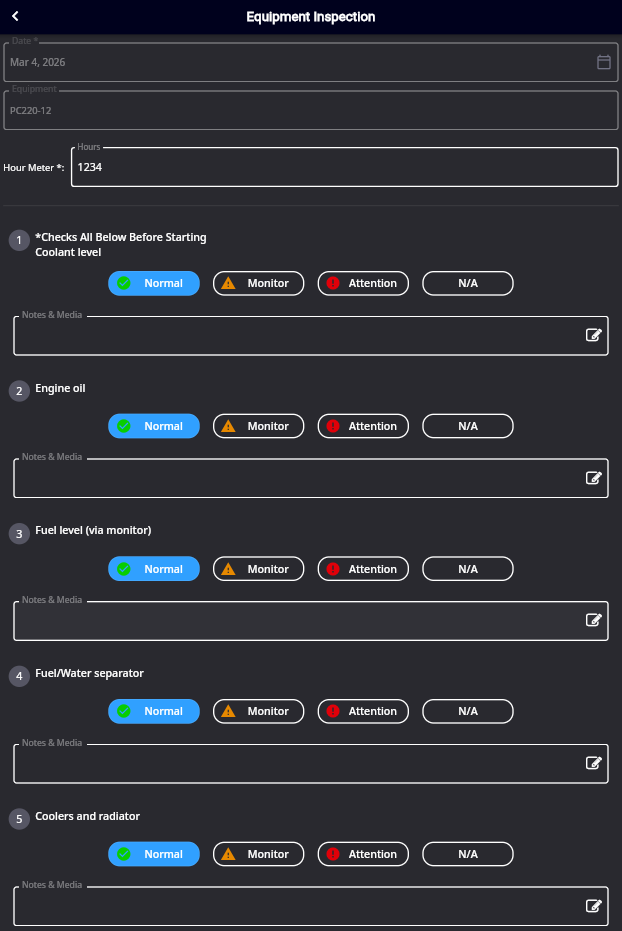
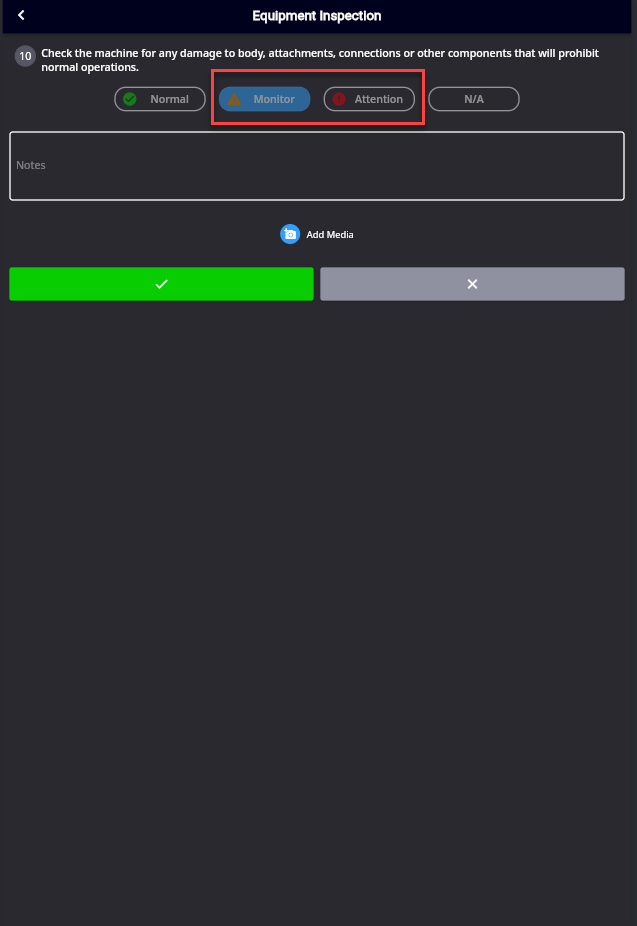
Fill in the Hour reading and go through the questions and tick the appropriate box. If you select “Monitor or Attention” you must provide detail to the issue & you may also take a photo for more detail.
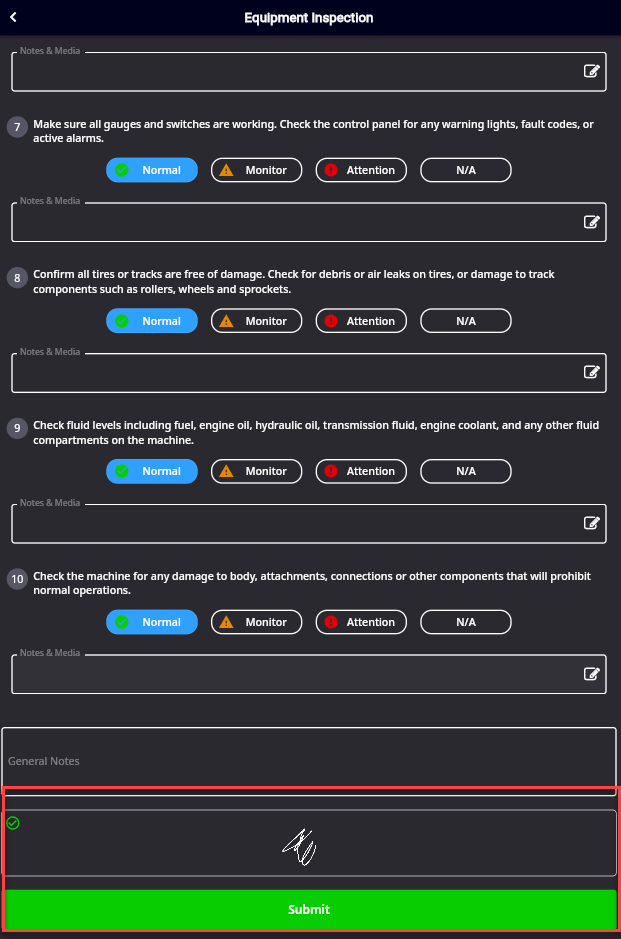
Sign & Submit
If Attention was selected, an email will be sent to the email address stated as the Fleet Manager in the Field application