Create Machine Pre Start
-
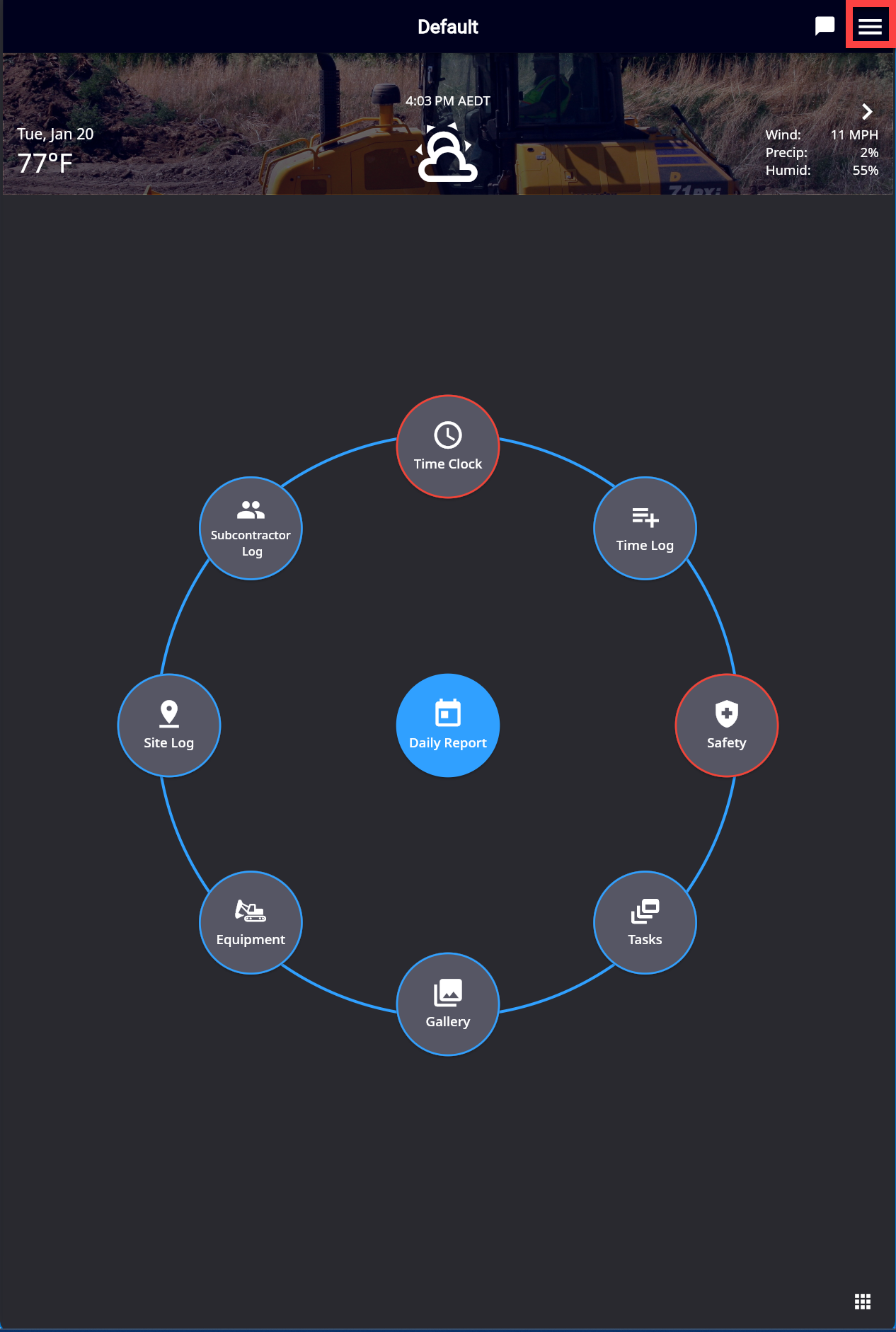
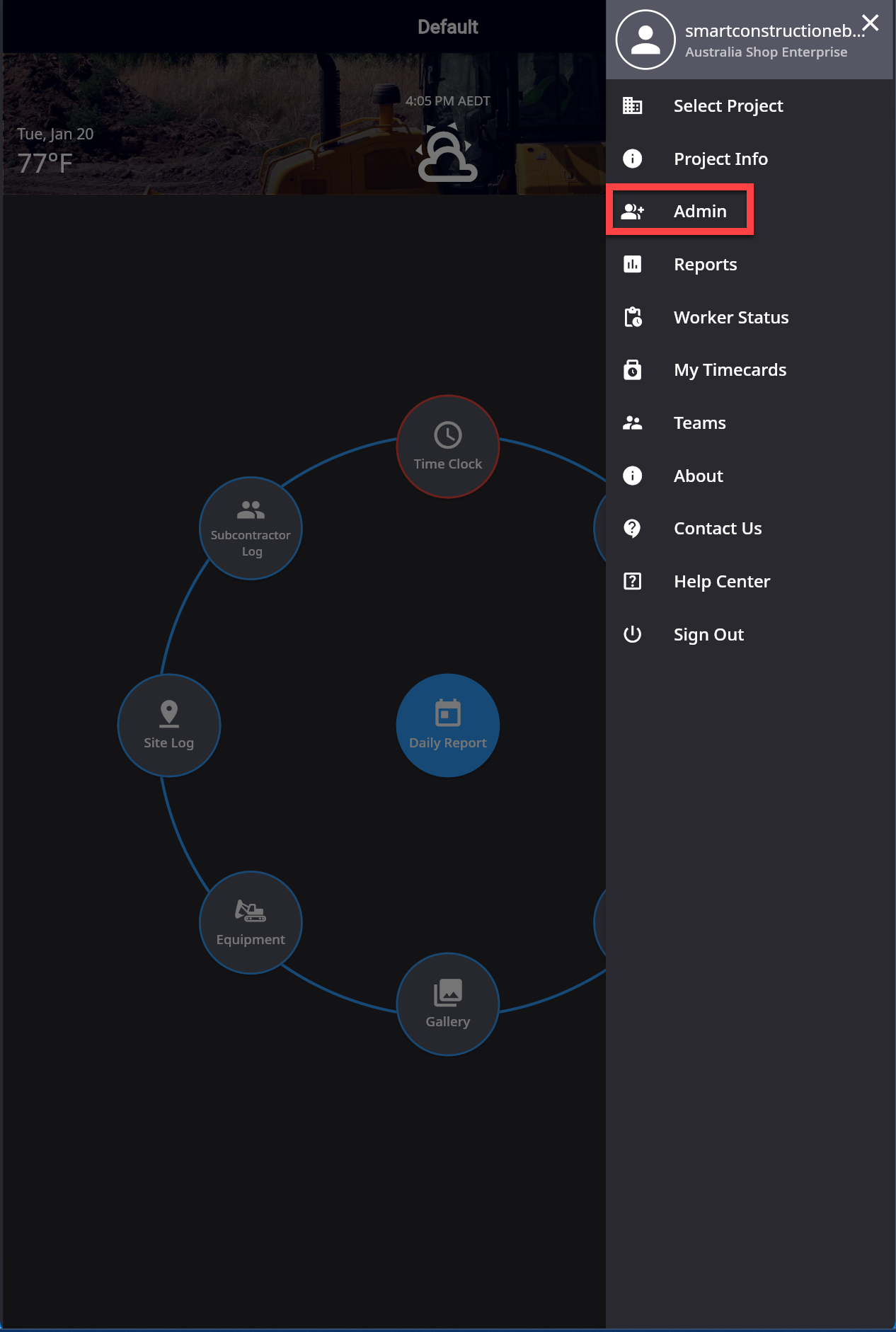
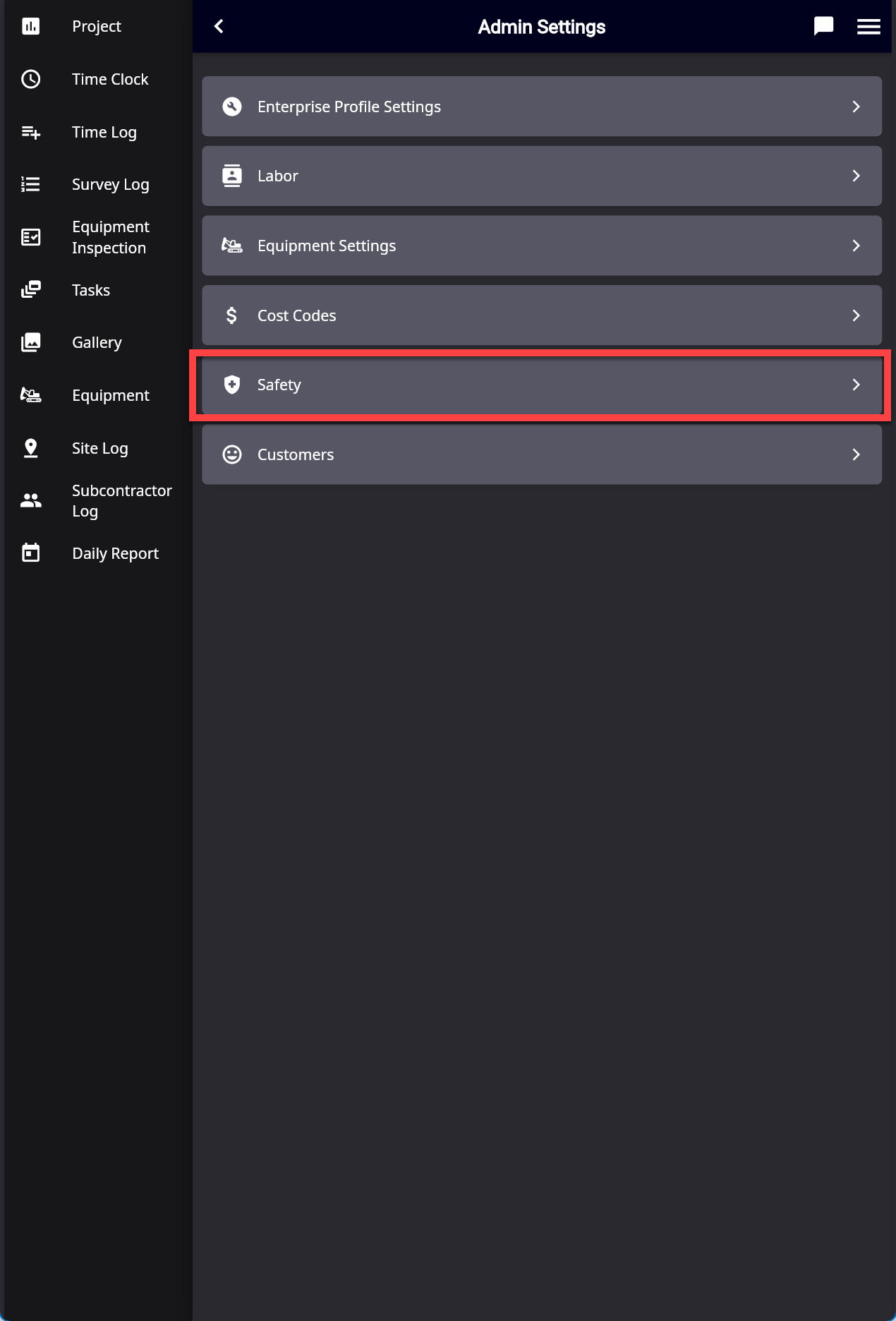
Click the Hamburger icon top right, then “Admin”
-
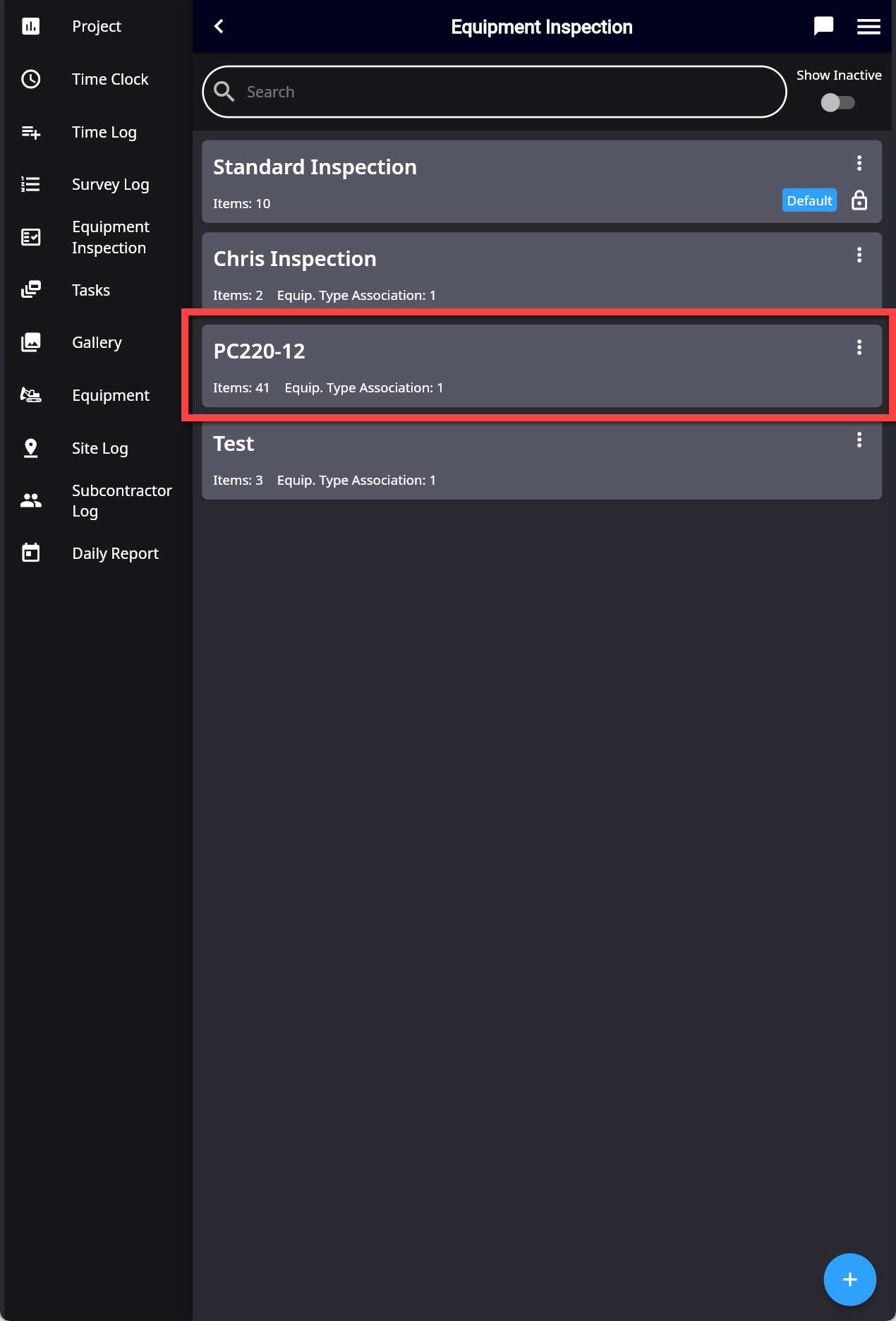
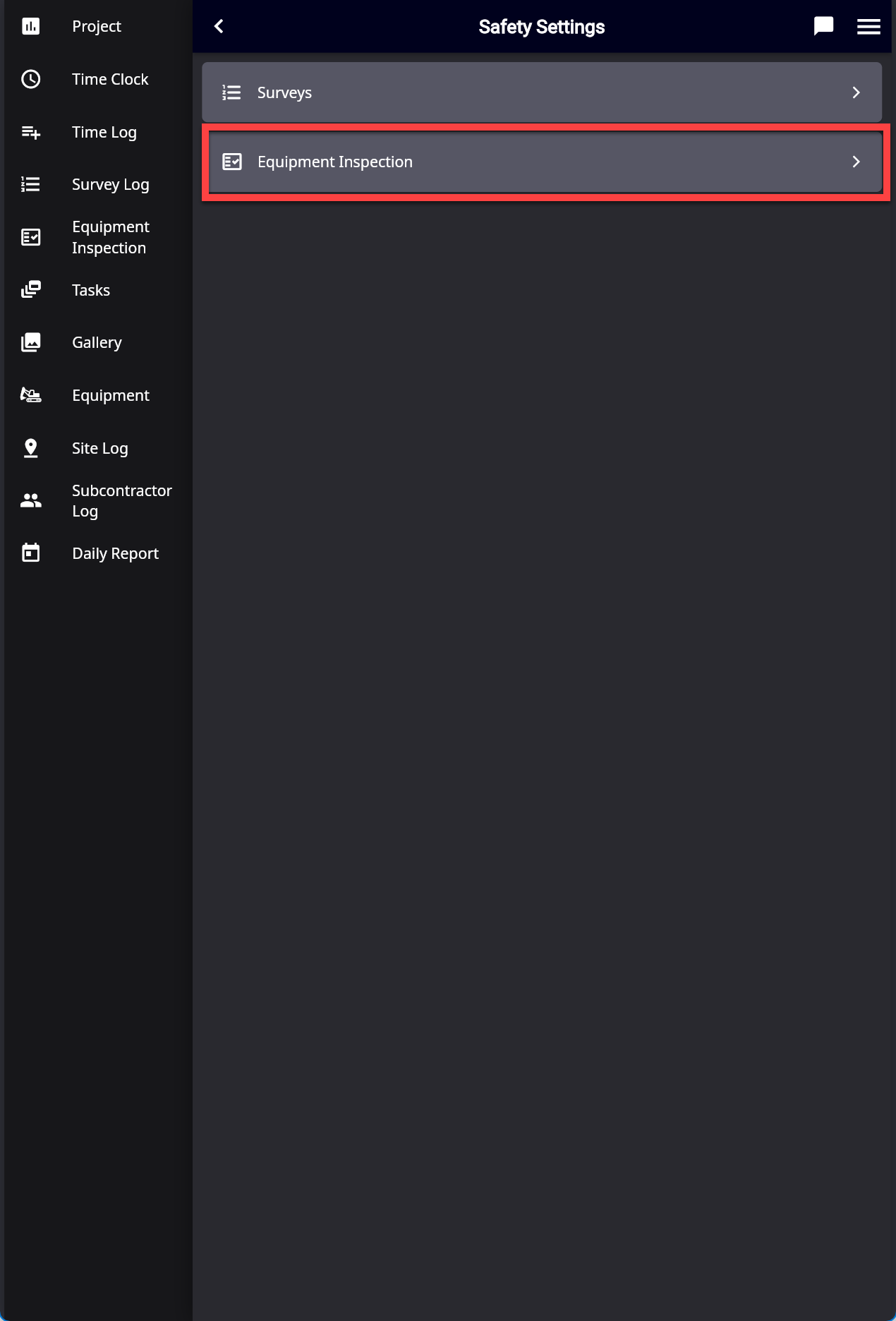
Click “Safety” then “Equipment Inspection”
-
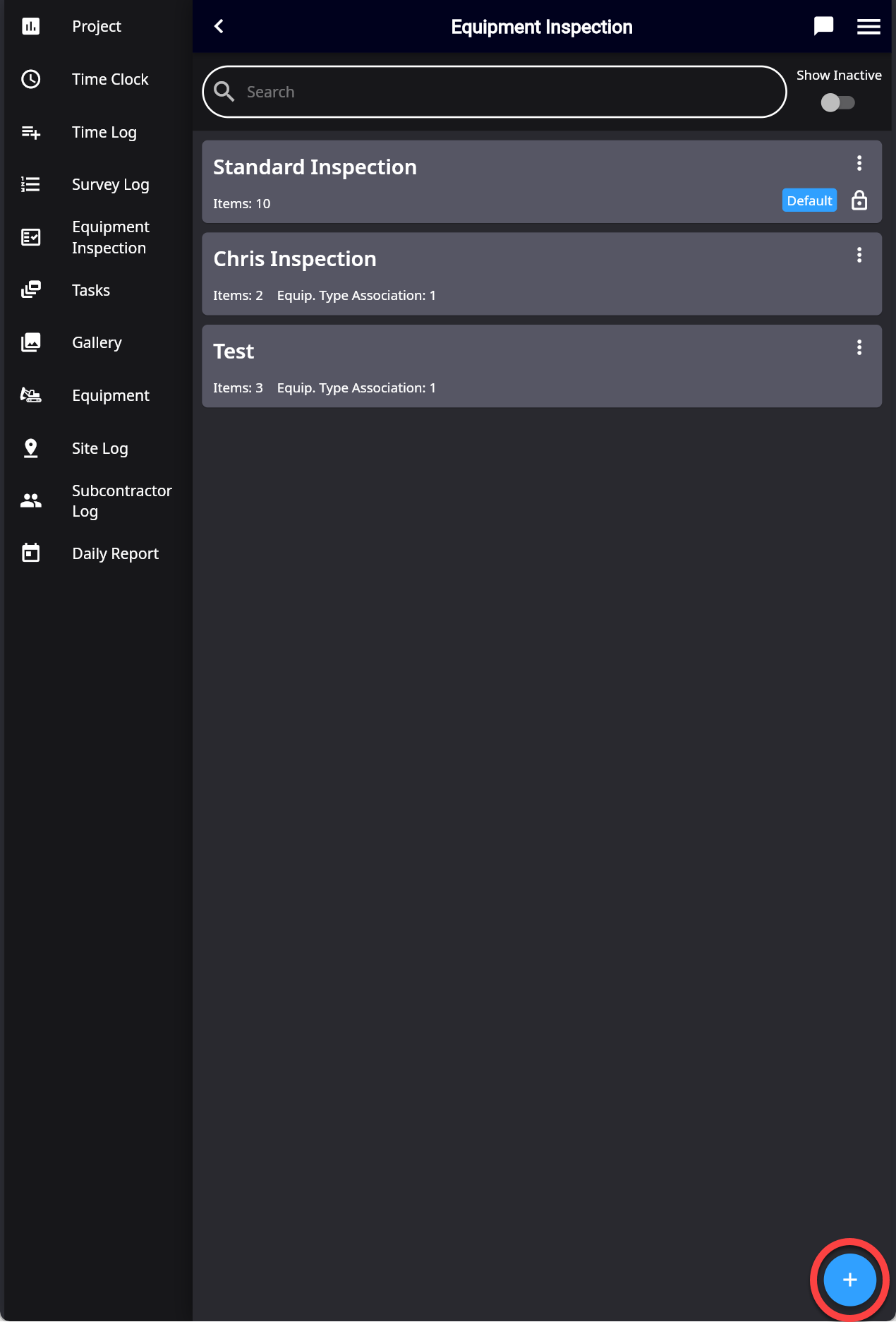
Select the “Plus” button bottom right to create a new pre-start
-
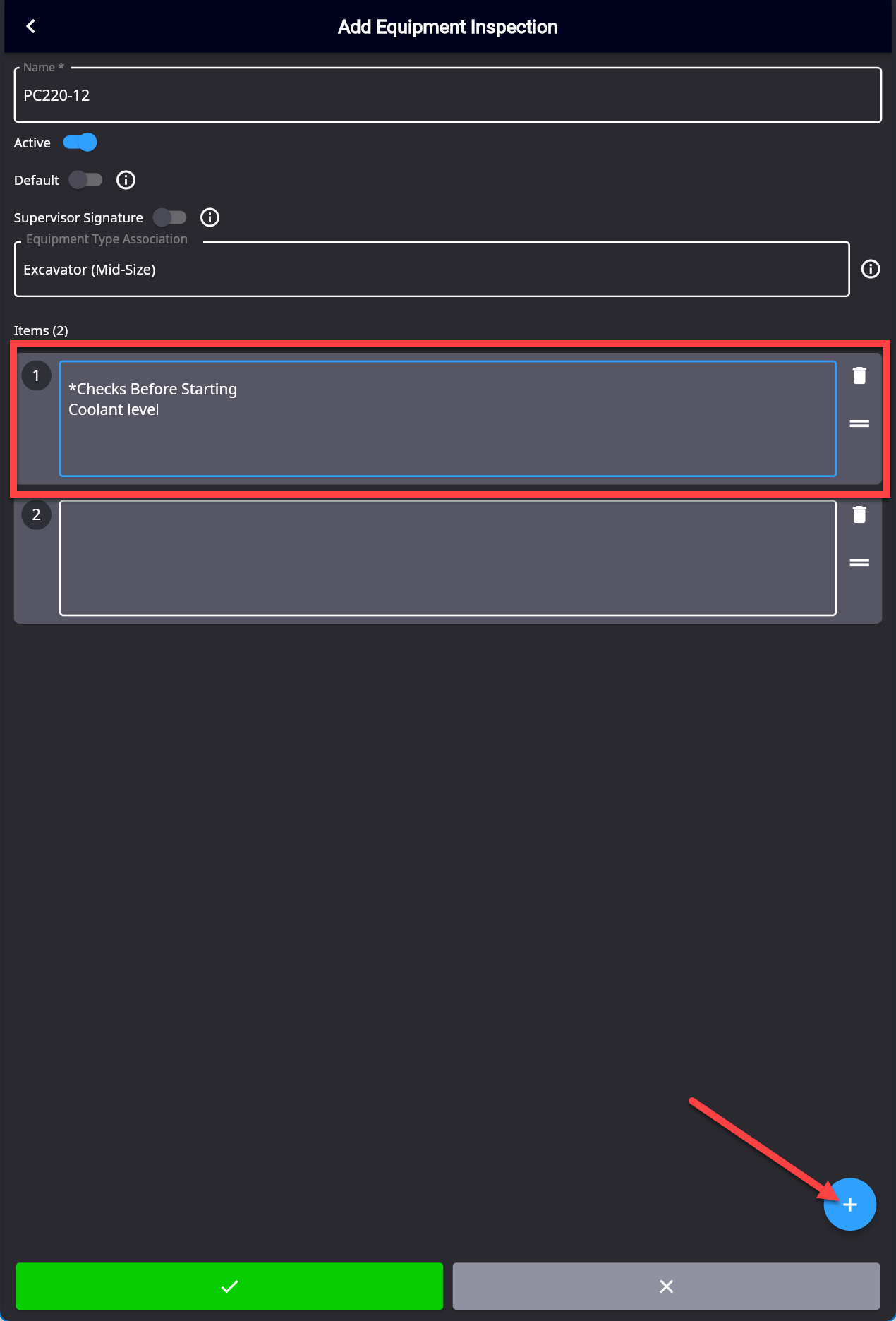
Fill in in the pre-start with its Name, Make it Active,Select Equipment Type
Press the Plus button to add a new item.
Press the green tick when finished to save.